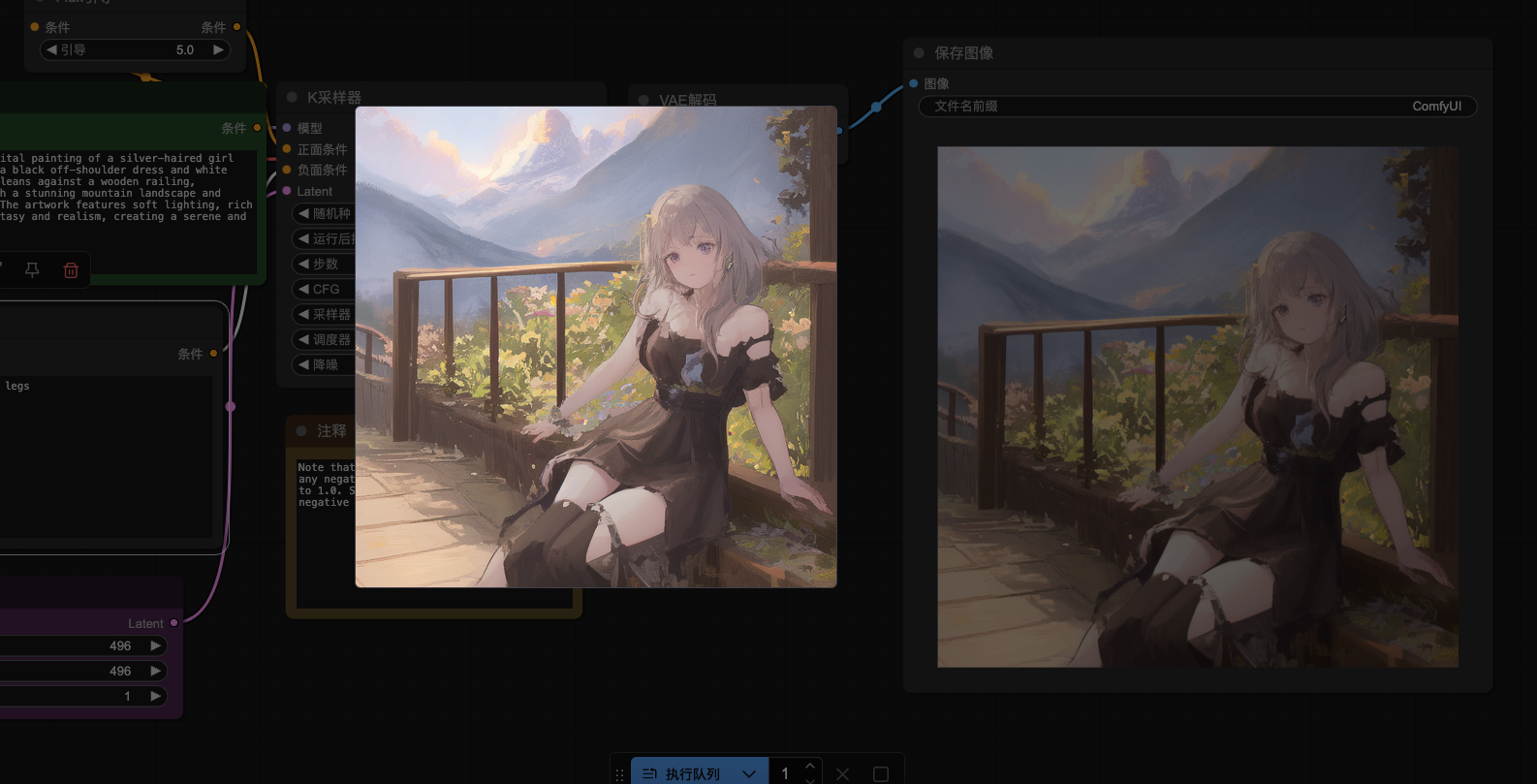
This article brings you a tutorial on installing the corresponding model of ComfyUI flux dev, and learn ComfyUI with Evo and get started quickly.
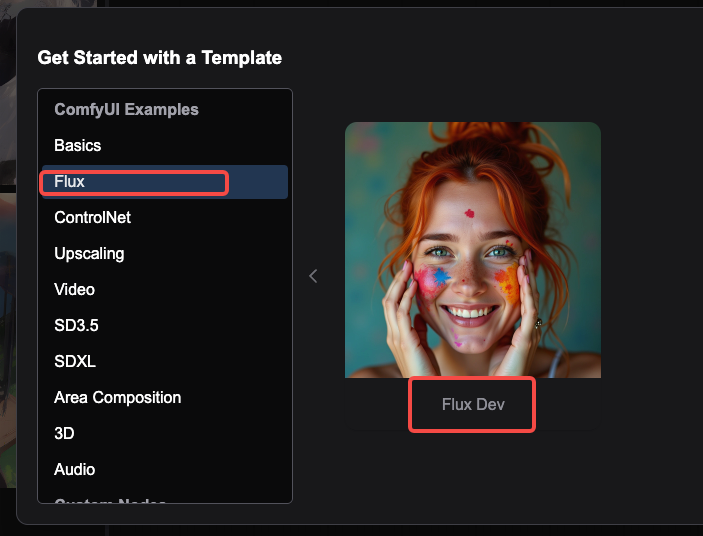
Step 1: Open ComfyUI and select workflow>Flux>Flux Dev
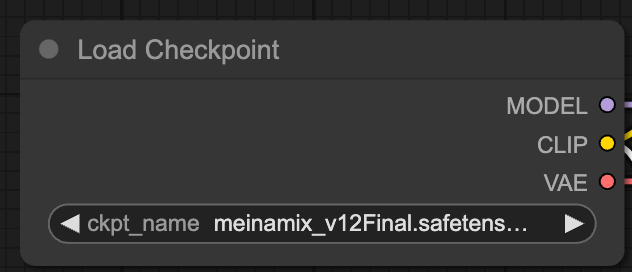
Step 2: Enter the Flux Dev interface. Here, Load Checkpoint needs to load the Flux model, which can be found in civitai.
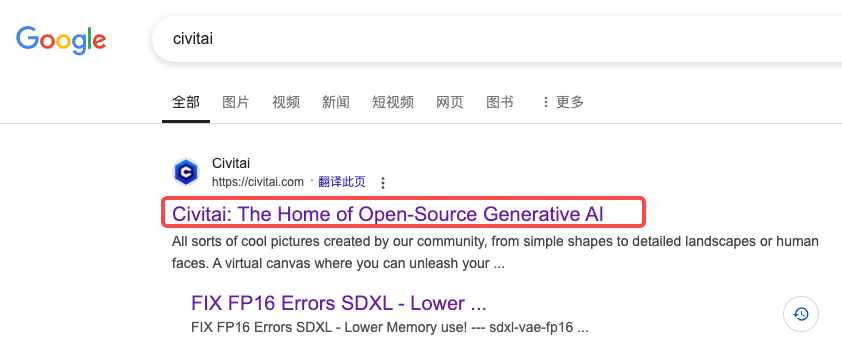
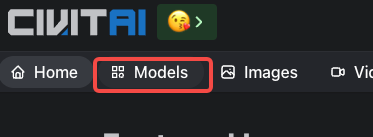
Search for civitai on Google, find the website below and click to enter
Click on Models in the upper left corner
Click Filters in the upper right corner

Filter out the models that meet the criteria
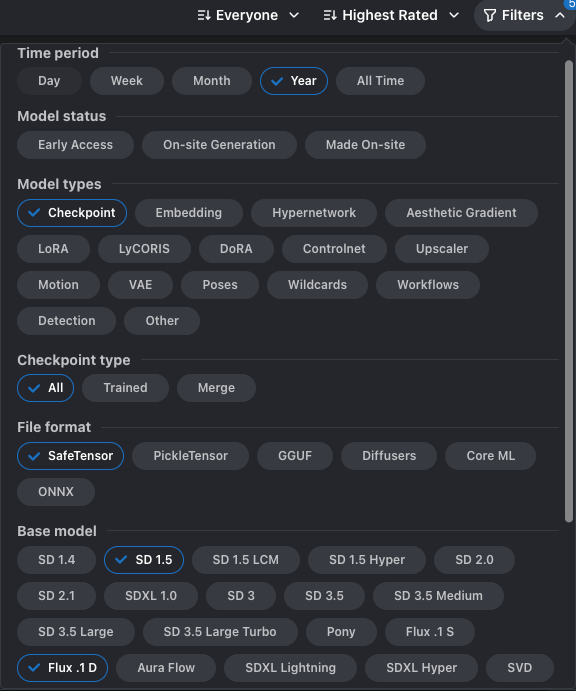
You can choose a model according to your preferences, and click to download after selecting the model.

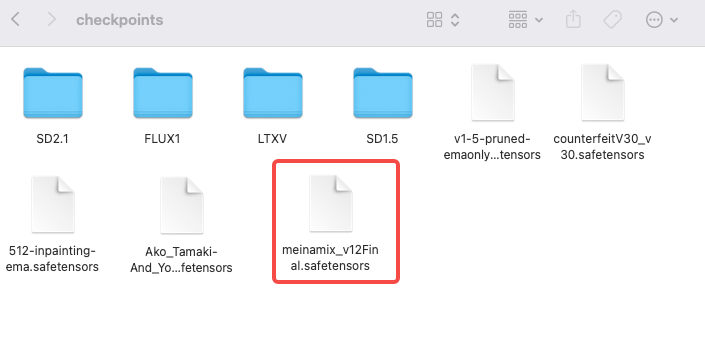
Downloaded, put the file package in ComfyUI>models>checkpoints
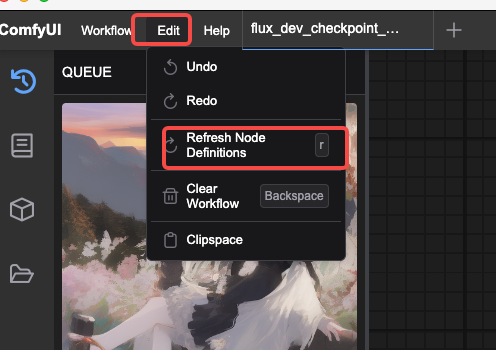
Then click ComfyU>Edit>Refredh Node Definitions to reset the workflow
Step 3: Enter the copy and negative copy you want to achieve
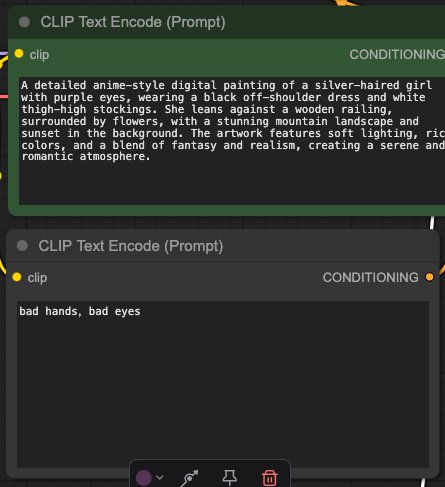
Case sharing
Text: A detailed anime-style digital painting of a silver-haired girl with purple eyes, wearing a black off-shoulder dress and white thigh-high stockings. She leans against a wooden railing, surrounded by flowers, with a stunning mountain landscape and sunset in the background. The artwork features soft lighting, rich colors, and a blend of fantasy and reality, creating a serene and romantic atmosphere.
Negative copywriting: low quality, worst quality, deformed, distorted, disfigured, motion smear, motion artifacts, fused fingers, bad anatomy, weird hand, ugly, bad hands, bad eyes, bad legs
Step 4: Set the picture size
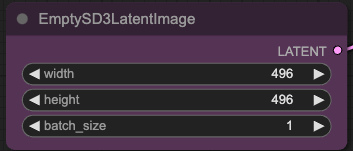
Note: Since it is a demonstration, the width and height are 496*496, you can adjust it according to your needs.
Step 5: Other settings are default, click Queue to generate, wait for a few minutes to generate the effect picture