ebyte e32 ui
vision 0.5.0: CDev GPIO instead of SYS

EBYTE E32命令线接口 +最小GUI。
使用具有可配置的销钉分配的EBYTE-E32 LORA模块。 3 GPIO通过Linux CDEV控制,串行端口由正常/dev/ttyXXX字符设备控制。
使用EBYTE-E32-Rs作为驱动器,以及来自嵌入式HAL的某些特征及其来自Linux嵌入的HAL的实现。
对于CLI,使用鼓掌。
对于GUI,在拍手之上,使用Klask。
可与Config.toml配置在与二进制的同一目录中(或设置选项config ):
 serial_path = " /dev/ttyAMA0 "
baudrate = 9600
parity = " None "
data_bits = 8
stop_bits = 1
gpiochip_path = " /dev/gpiochip0 "
aux_pin = 18
m0_pin = 23
m1_pin = 24| EBYTE PIN | Raspberry Pi Pin(BCM PIN编号) |
|---|---|
| VCC | 3v3 |
| gnd | gnd |
| 辅助 | 18 |
| M0 | 23 |
| M1 | 24 |
| TX | 15(RX) |
| Rx | 14(TX) |
在这些示例中,如果您在项目根目录中,则可以将ebyte-e32-cli替换为cargo run --bin ebyte-e32-cli 。该目录还包含一个示例Config.toml 。
读取模型数据或参数(良好的第一个测试):
ebyte-e32-cli {read-model-data|read-parameters}
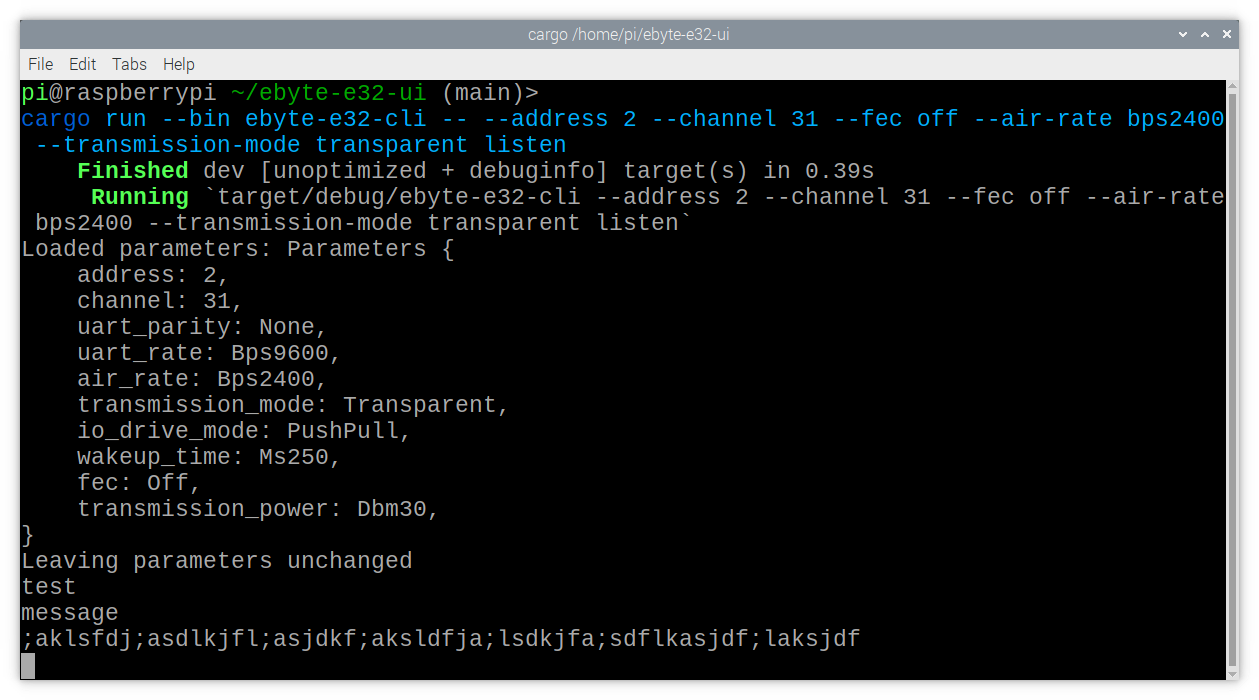
听传输:
ebyte-e32-cli listen
地址1,频道16的配置,没有正向错误校正,永久持久性:
ebyte-e32-cli configure --address 1 --channel 16 --fec off --persistence permanent
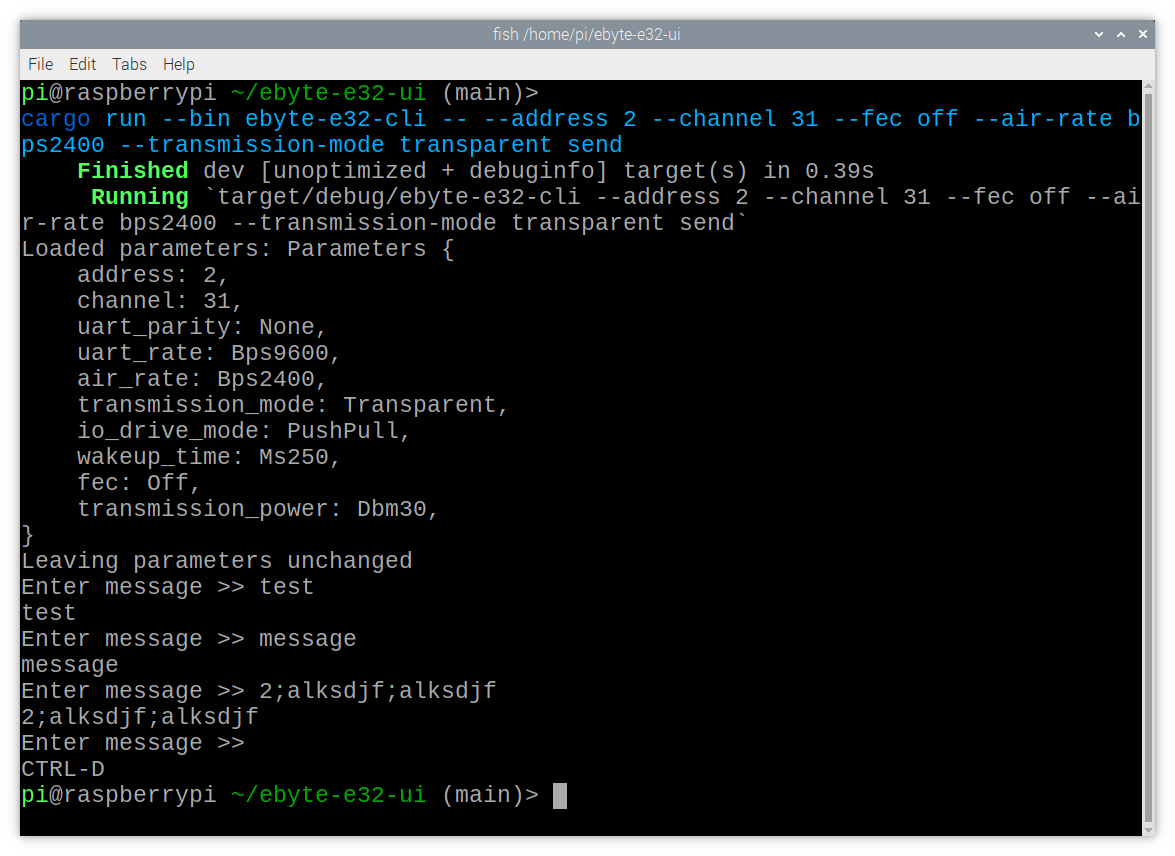
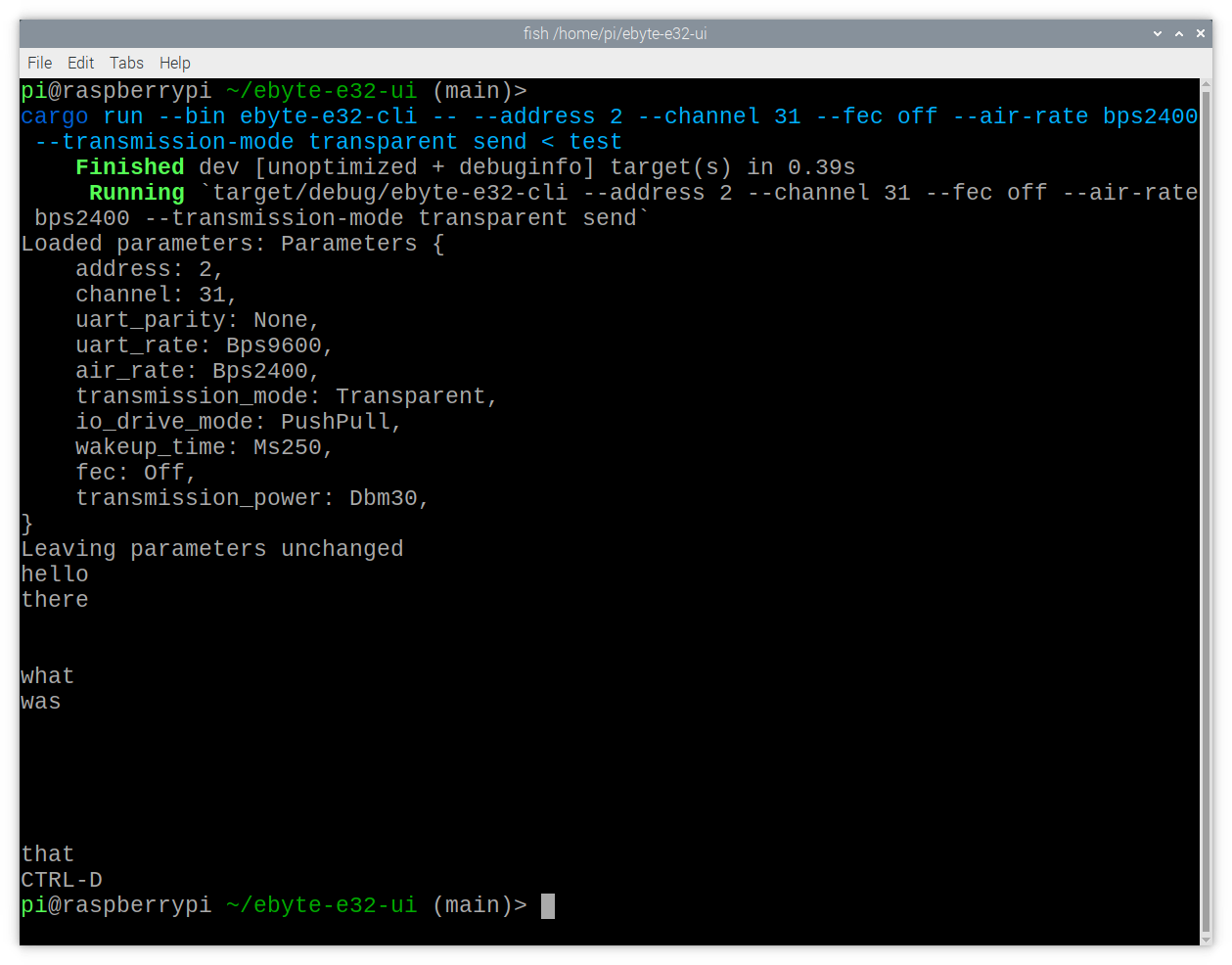
对于send模式,请在提示中输入您的消息,或通过stdin输入它们。
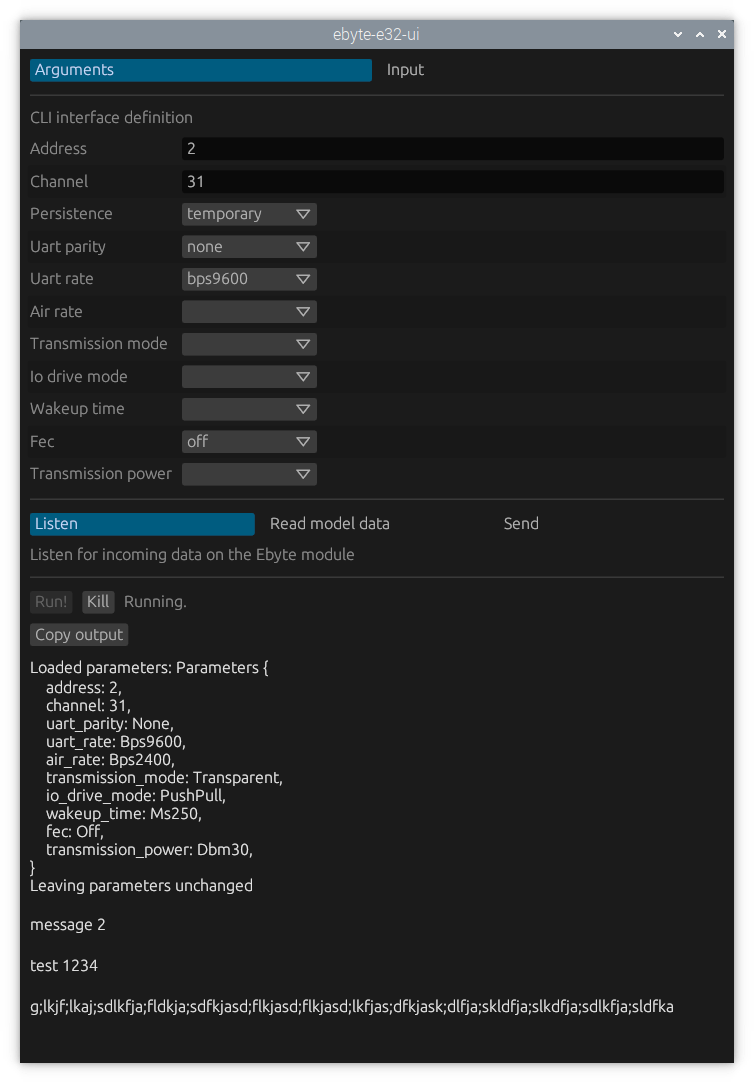
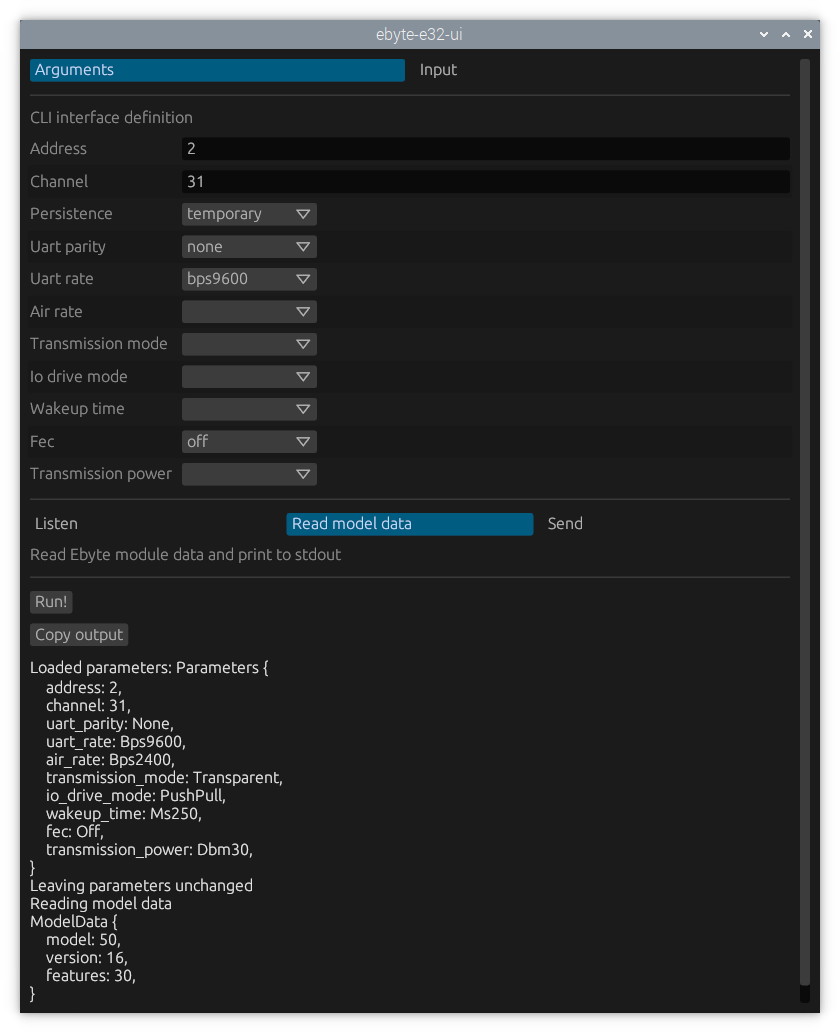
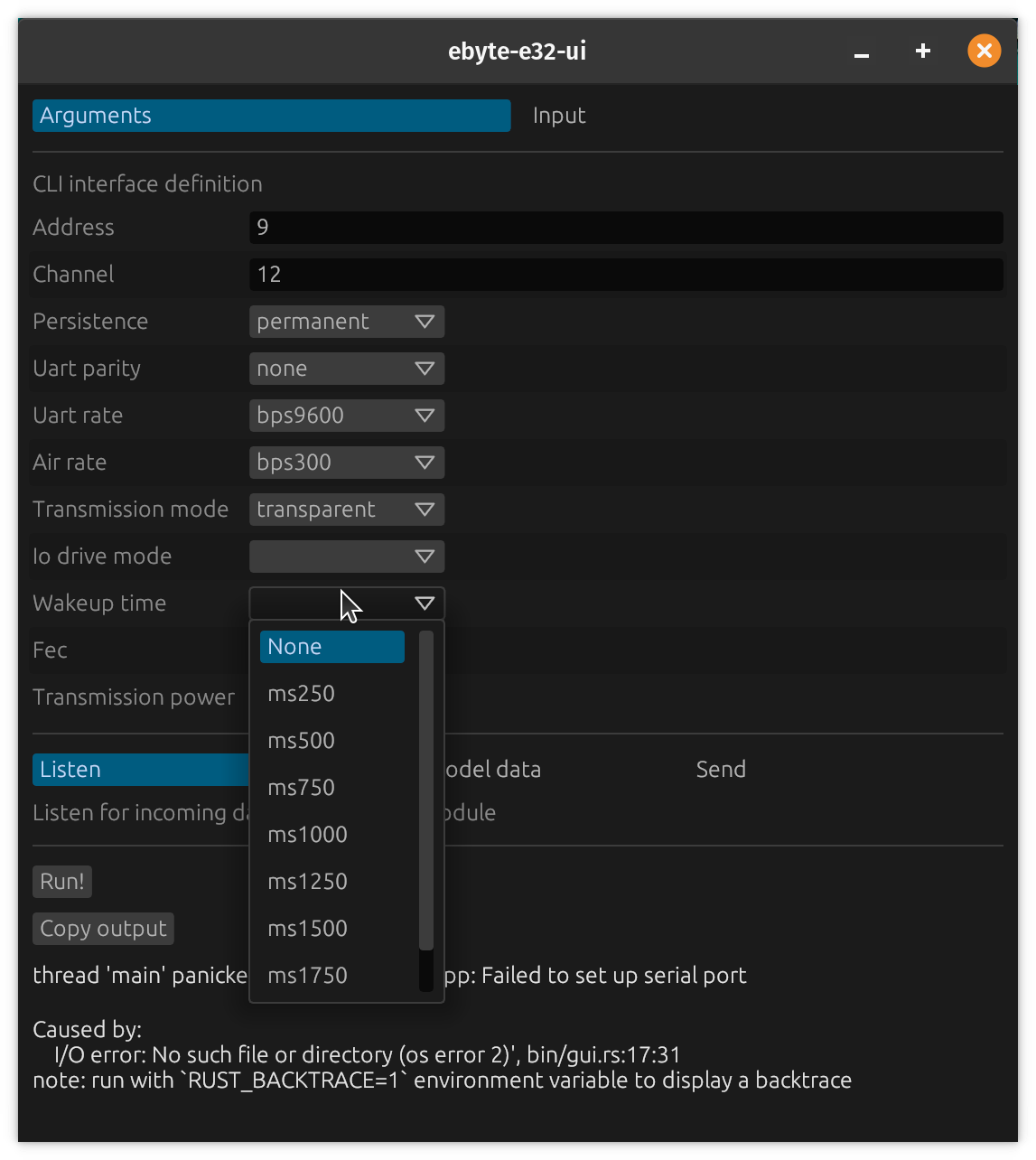
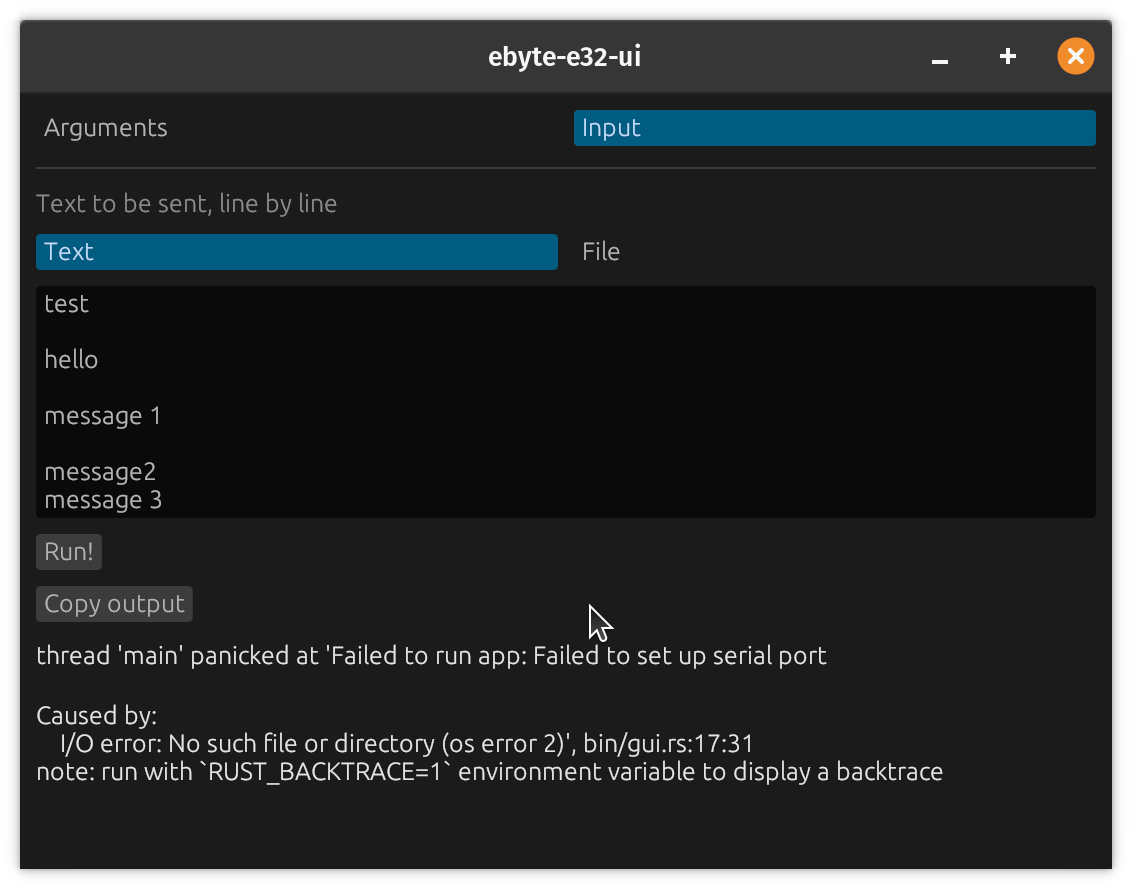
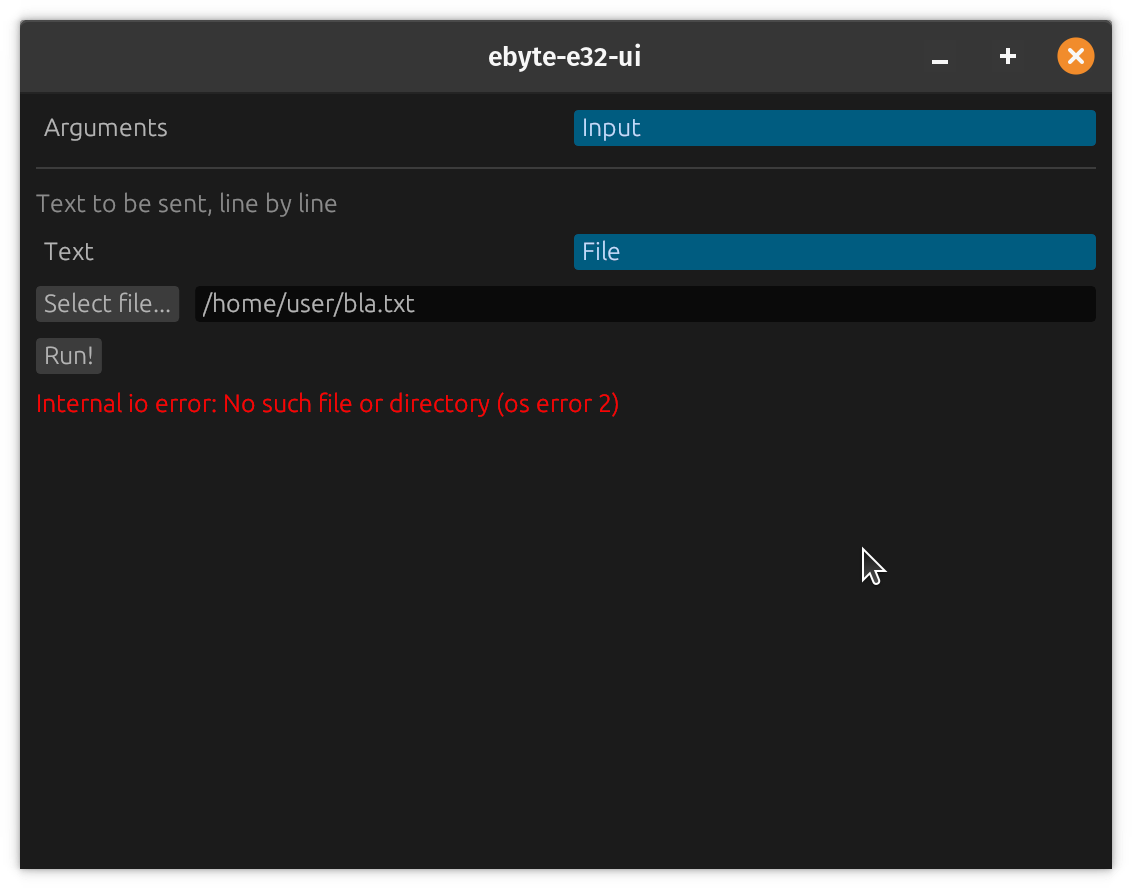
GUI是默认目标,这意味着您可以使用cargo run来启动它。对于发送数据,使用Input选项卡中提供的数据(您还可以选择一个文件以读取输入的文件)。
使用Configuration子命令,可以调整模块参数。请注意,您的模块设置必须匹配另一个模块的设置,以使任何传输成功。
使用Configuration子命令的persistence选项,可以保存设置( temporary或permanent )。在permanent模式下,设置将持续到模块上。
您可以在普通操作系统上运行GUI进行测试。
这些屏幕截图略有过时,但显示了GUI和CLI的功能:
底层驱动程序(EBYTE-E32-RS)是平台 - 敏锐的(不需要Linux,仅仅是embedded-hal的实现)。
该程序需要Linux字符设备和3个CDEV GPIO线。
对于字符设备,应作为/dev/ttyABC提供。请注意,(取决于您的分布),您可能必须将用户添加到某些组中才能使用串行端口,例如dialout 。
对于GPIO行,在/sys/class/gpio/gpiochipXXX中找到董事会gpiochipXXX ,然后找到要连接的行并在Config.toml中输入信息。
AUX线必须支持输入线,M0和M1线必须支持输出线。
顶级帮助:
 ebyte-e32-ui 0.5.0
CLI + GUI for interacting with EByte E32 LoRa modules

USAGE:
    ebyte-e32-cli [OPTIONS] <SUBCOMMAND>

OPTIONS:
        --config <CONFIG>    Configuration file [default: Config.toml]
    -h, --help               Print help information
    -V, --version            Print version information

SUBCOMMANDS:
    configure          Write Ebyte module parameters
    help               Print this message or the help of the given subcommand(s)
    listen             Listen for incoming data on the Ebyte module
    read-model-data    Read Ebyte module data and print to stdout
    read-parameters    Read Ebyte module parameters and print to stdout
    send               Send data from stdin over the Ebyte module
配置子命令帮助( ebyte-e32-cli help configure ):
 ebyte-e32-cli-configure
Write Ebyte module parameters

USAGE:
    ebyte-e32-cli configure [OPTIONS] --address <ADDRESS> --channel <CHANNEL>

OPTIONS:
    -a, --address <ADDRESS>
            Module Address (16 Bit)

        --air-rate <AIR_RATE>
            Air Baudrate [default: bps2400] [possible values: bps300, bps1200, bps2400, bps4800,
            bps9600, bps19200]

    -c, --channel <CHANNEL>
            Channel (8 Bit)

        --fec <FEC>
            Forward Error Correction Mode [default: on] [possible values: on, off]

    -h, --help
            Print help information

        --io-drive-mode <IO_DRIVE_MODE>
            IO drive Mode for AUX pin [default: push-pull] [possible values: push-pull,
            open-collector]

        --persistence <PERSISTENCE>
            Whether settings should be saved persistently on the module [default: temporary]
            [possible values: temporary, permanent]

        --transmission-mode <TRANSMISSION_MODE>
            Transmission Mode [default: transparent] [possible values: transparent, fixed]

        --transmission-power <TRANSMISSION_POWER>
            Transmission Power [default: dbm30] [possible values: dbm30, dbm27, dbm24, dbm21]

        --uart-parity <UART_PARITY>
            UART Parity [default: none] [possible values: none, odd, even]

        --uart-rate <UART_RATE>
            UART Baudrate [default: bps9600] [possible values: bps1200, bps2400, bps4800, bps9600,
            bps19200, bps38400, bps57600, bps115200]

        --wakeup-time <WAKEUP_TIME>
            Wireless Wakeup Time [default: ms250] [possible values: ms250, ms500, ms750, ms1000,
            ms1250, ms1500, ms1750, ms2000]
其他子命令没有其他选择。
必须启用串行端口硬件外围设备(但没有登录外壳)。








