MaterialDesignSymbol
2.8.6

Swift的图标字体库。目前支持GoogleMaterialDesignicons。 Objectivec版本在这里。
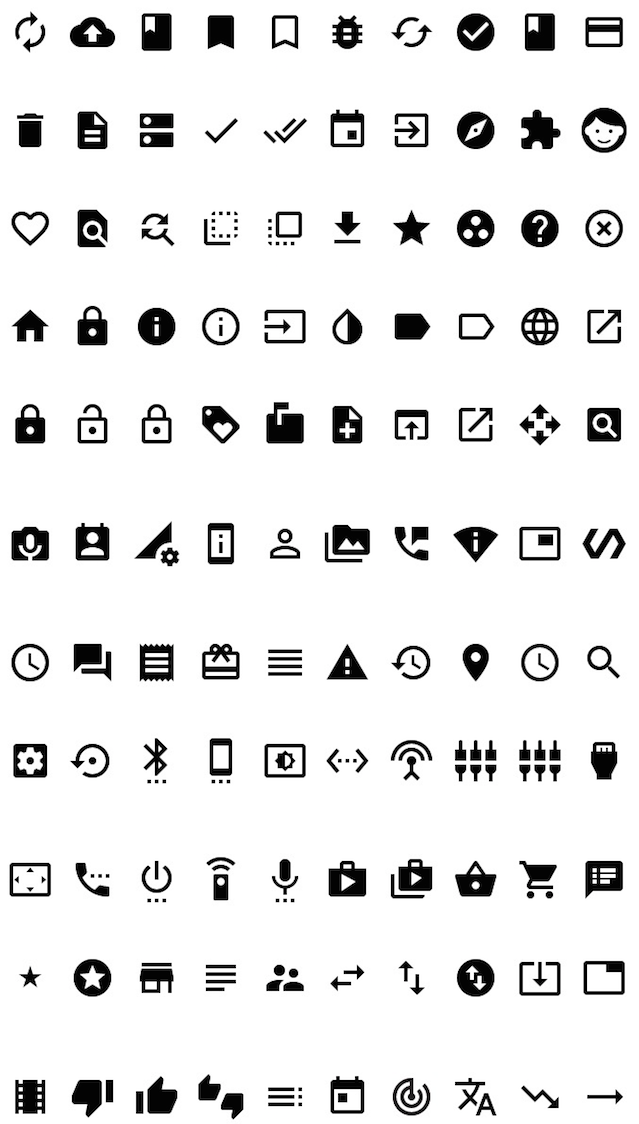
该项目使用的字体
该项目中使用的字体的作者:Google链接:https://github.com/google/material-design-icons
创意共享归因4.0国际(CC By 4.0)
import MaterialDesignSymbol

let symbol = MaterialDesignSymbol(text:MaterialDesignIcon.list48px, size:25)
symbol.addAttribute(attributeName: NSAttributedStringKey.foregroundColor, value: UIColor.red)
let iconImage = symbol.image(size: CGSize(width:25, height:25))
或者
 import MaterialDesignSymbol

let iconImage = MaterialDesignSymbol(icon: .viewHeadline48px, size: 30).image()
import MaterialDesignSymbol

titleLabel.font = MaterialDesignFont.fontOfSize(20)
titleLabel.text = MaterialDesignIcon.list48px对目标C的支持以2.3.2版本结束。如果您想从目标C打电话,请使用VER 2.3.2或更早。
@import MaterialDesignSymbol;


MaterialDesignSymbol *symbol = [[MaterialDesignSymbol alloc] initWithText:[MaterialDesignIcon home48px] size:30];
[symbol addAttributeWithAttributeName:NSForegroundColorAttributeName value:[UIColor blackColor]];
sampleImageView.image = [symbol imageWithSize:CGSizeMake(30, 30)];@import MaterialDesignSymbol;
sampleLabel.font = [MaterialDesignFont fontOfSize:20];
sampleLabel.text = [MaterialDesignIcon clear48px]; pod MaterialDesignSymbol








