MaterialDesignSymbol
2.8.6

Swift用のアイコンフォントライブラリ。現在、GoogleMaterialDesigniconsをサポートしています。 Objectivecバージョンはこちらです。
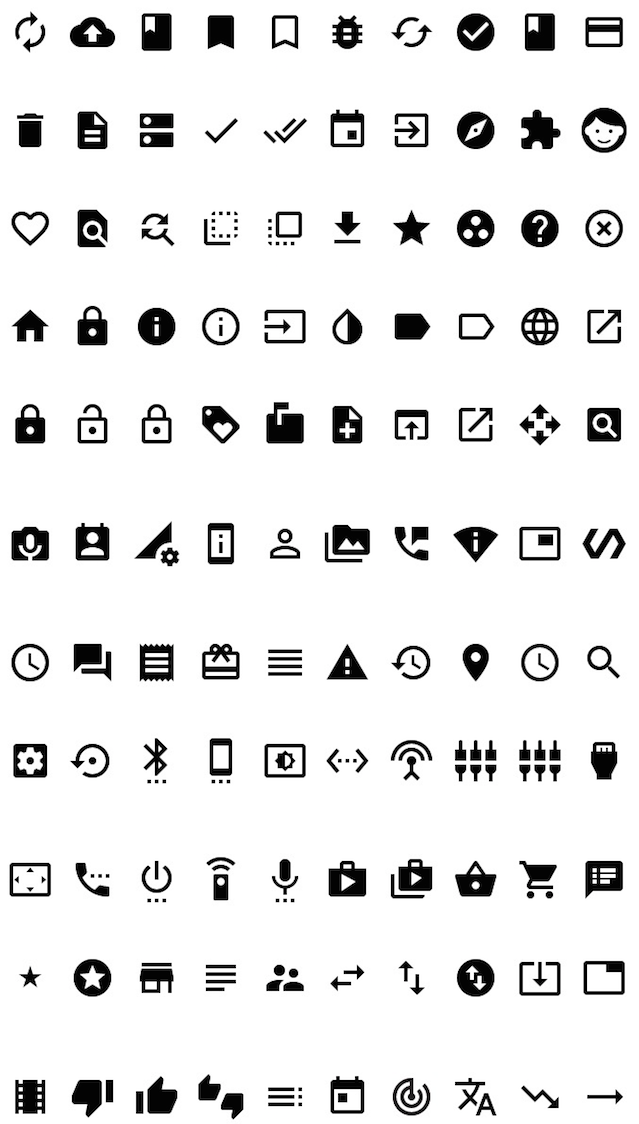
このプロジェクトで使用されるフォント
このプロジェクトで使用されているフォントの著者:Googleリンク:https://github.com/google/material-design-icons
Creative Commons Attribution 4.0 International(CC by 4.0)
import MaterialDesignSymbol

let symbol = MaterialDesignSymbol(text:MaterialDesignIcon.list48px, size:25)
symbol.addAttribute(attributeName: NSAttributedStringKey.foregroundColor, value: UIColor.red)
let iconImage = symbol.image(size: CGSize(width:25, height:25))
または
 import MaterialDesignSymbol

let iconImage = MaterialDesignSymbol(icon: .viewHeadline48px, size: 30).image()
import MaterialDesignSymbol

titleLabel.font = MaterialDesignFont.fontOfSize(20)
titleLabel.text = MaterialDesignIcon.list48px目的Cのサポートはバージョン2.3.2で終了しました。 Objective Cから電話したい場合は、Ver 2.3.2以前を使用してください。
@import MaterialDesignSymbol;


MaterialDesignSymbol *symbol = [[MaterialDesignSymbol alloc] initWithText:[MaterialDesignIcon home48px] size:30];
[symbol addAttributeWithAttributeName:NSForegroundColorAttributeName value:[UIColor blackColor]];
sampleImageView.image = [symbol imageWithSize:CGSizeMake(30, 30)];@import MaterialDesignSymbol;
sampleLabel.font = [MaterialDesignFont fontOfSize:20];
sampleLabel.text = [MaterialDesignIcon clear48px]; pod MaterialDesignSymbol








