MaterialDesignSymbol
2.8.6

신속한 아이콘 글꼴 라이브러리. 현재 GooglematerialDesignicons를 지원합니다. ObjectiveC 버전이 여기에 있습니다.
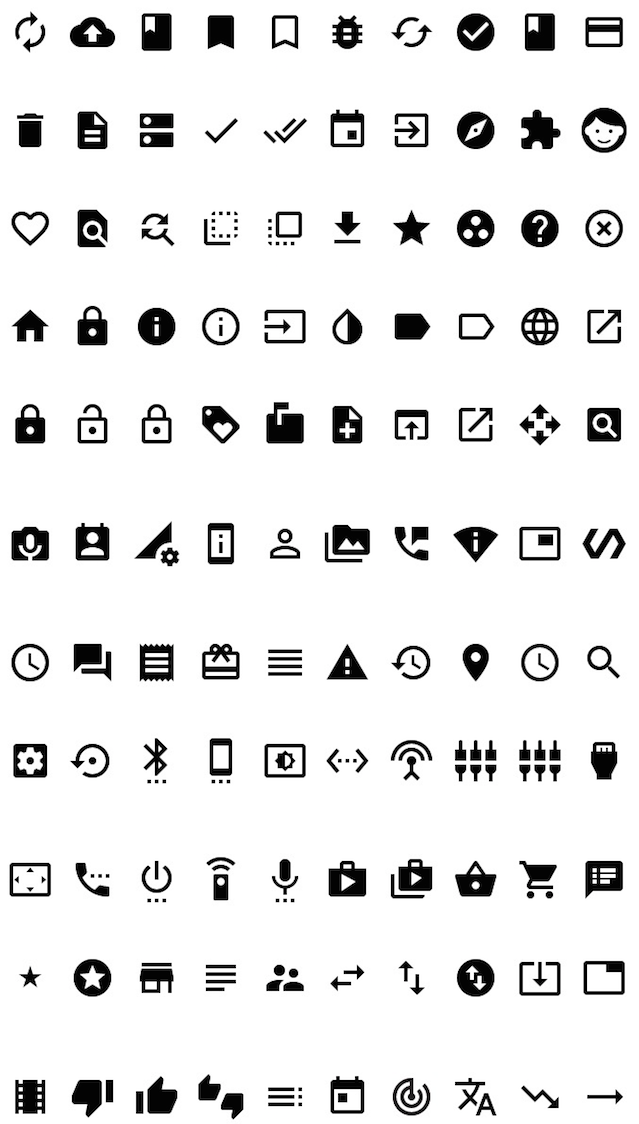
이 프로젝트에 사용 된 글꼴
이 프로젝트에 사용 된 글꼴의 저자 : Google 링크 : https://github.com/google/material-design-icons
Creative Commons Attribution 4.0 International (CC By 4.0)
import MaterialDesignSymbol

let symbol = MaterialDesignSymbol(text:MaterialDesignIcon.list48px, size:25)
symbol.addAttribute(attributeName: NSAttributedStringKey.foregroundColor, value: UIColor.red)
let iconImage = symbol.image(size: CGSize(width:25, height:25))
또는
 import MaterialDesignSymbol

let iconImage = MaterialDesignSymbol(icon: .viewHeadline48px, size: 30).image()
import MaterialDesignSymbol

titleLabel.font = MaterialDesignFont.fontOfSize(20)
titleLabel.text = MaterialDesignIcon.list48px목표 C에 대한 지원 C는 버전 2.3.2로 끝났습니다. Objective C에서 전화하려면 VER 2.3.2 이하를 사용하십시오.
@import MaterialDesignSymbol;


MaterialDesignSymbol *symbol = [[MaterialDesignSymbol alloc] initWithText:[MaterialDesignIcon home48px] size:30];
[symbol addAttributeWithAttributeName:NSForegroundColorAttributeName value:[UIColor blackColor]];
sampleImageView.image = [symbol imageWithSize:CGSizeMake(30, 30)];@import MaterialDesignSymbol;
sampleLabel.font = [MaterialDesignFont fontOfSize:20];
sampleLabel.text = [MaterialDesignIcon clear48px]; pod MaterialDesignSymbol








