bin graph
1.0.0

该程序提供了一种可视化二进制文件不同区域的简单方法。
这些是一些启发该项目的参考文献:
如果您对更专业的方法感兴趣,请查看以下链接:
该程序取决于libpng用于导出图像。从您的软件包管理器中安装它。
 # Arch-based distros
pacman -S libpng

# Gentoo
emerge media-libs/libpng
一旦安装了所有依赖项,请编译程序。
git clone https://github.com/8dcc/bin-graph
cd bin-graph
make
如果要在系统上安装它,请运行以下命令。
sudo make install有多种不同的图模式确定输入二进制于输出图像中的表示。可以使用程序的help命令找到及其描述的完整模式列表。
bin-graph --help
# Usage:
#   ./bin-graph [OPTION...] INPUT OUTPUT.png
#
# ...该项目还包括一个bin-graphSection.sh脚本。它使用readelf和grep来查找指定区域的偏移和大小,并将其用作bin-graph的--offset-*参数。该部分名称后的其他选项将传递给bin-graph 。
./bin-graph-section.sh SECTION [OPTION...] INPUT OUTPUT.png
# ...我试图使程序的每个部分尽可能地模块化和独立,以获得更大的可维护性和更容易的扩展。
这是从二进制生成图像的基本过程。
read_file函数从输入文件中读取数据。Image结构,该图像结构只是RGB Color结构及其尺寸的数组。程序模式(可能已被--mode参数覆盖)确定使用了哪些image_*函数。这些image_*函数在图像中定义。有关可用模式的更多信息,请参见使用和模式。Image结构通过image2png函数(在Image.C中定义)转换为PNG文件。./bin-graph --mode grayscale bin-graph examples/grayscale.png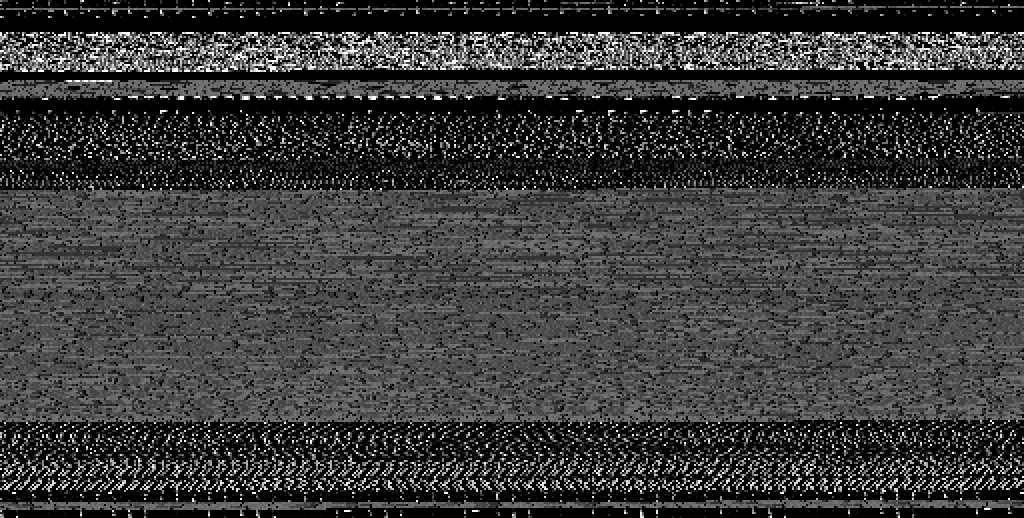
./bin-graph --mode ascii bin-graph examples/ascii.png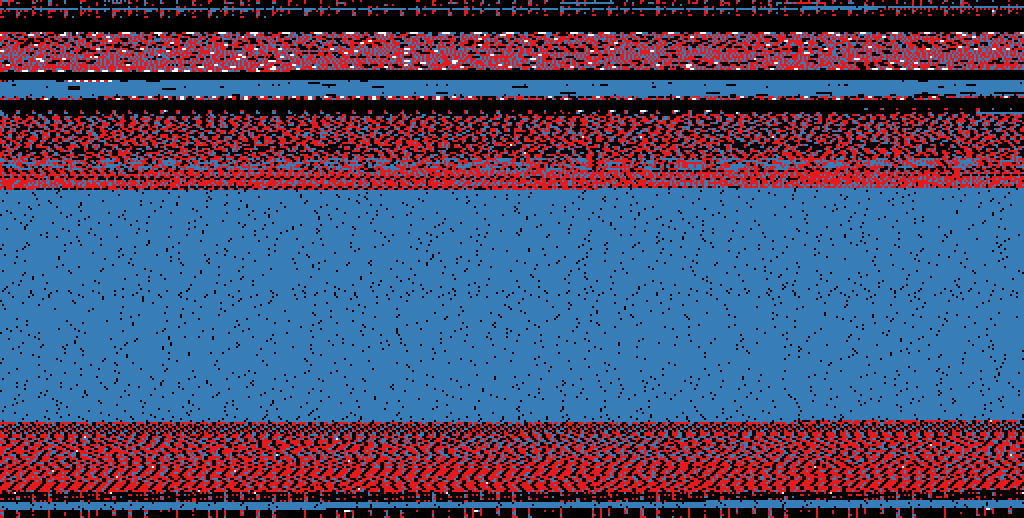
./bin-graph --mode entropy --transform-squares 16 bin-graph examples/entropy-squared.png
 # Only the .text section of the ELF file
./bin-graph-section.sh .text --mode histogram bin-graph examples/histogram.png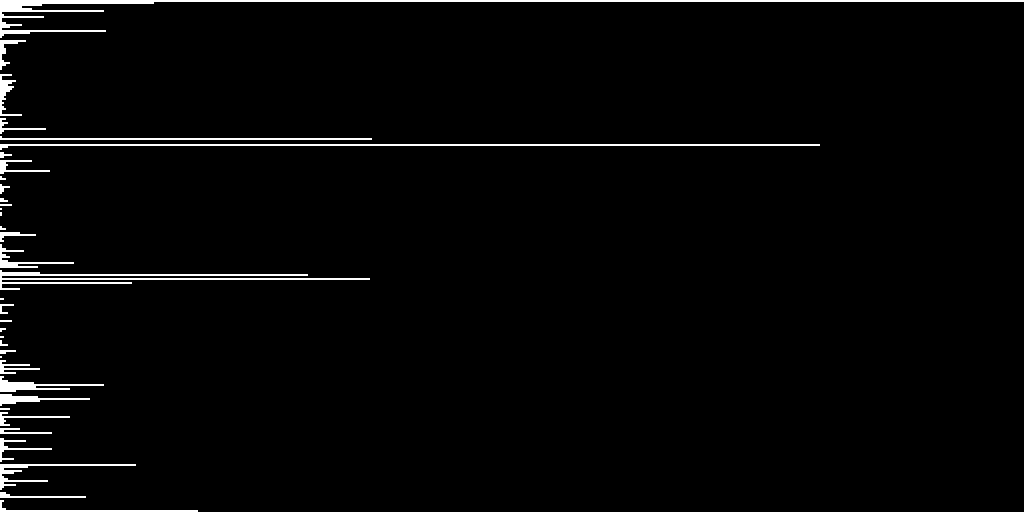
 # Only the .rodata section of the ELF file
./bin-graph-section.sh .rodata --mode bigrams bin-graph examples/rodata-bigrams.png
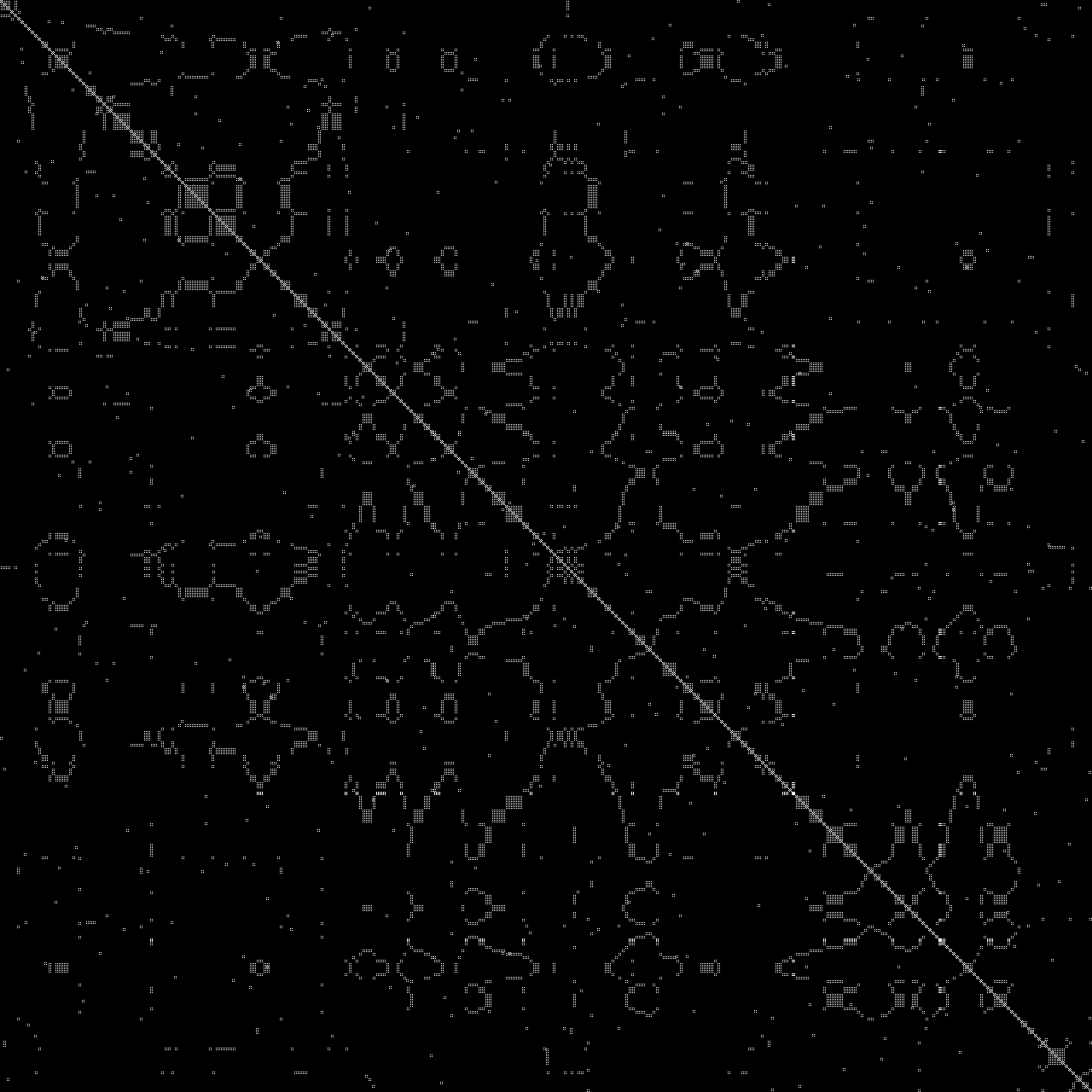
./bin-graph --mode dotplot --zoom 1 --offset-start 5000 --offset-end 5500 input.wav examples/dotplot.png