bin graph
1.0.0

This program provides a simple way of visualizing the different regions of a binary file.
These are some references that inspired this project:
If you are interested on more professional approaches, check out the following links:
The program depends on libpng for exporting the image. Install it from your
package manager.
# Arch-based distros
pacman -S libpng

# Gentoo
emerge media-libs/libpng
Once all the dependencies are installed, compile the program.
git clone https://github.com/8dcc/bin-graph
cd bin-graph
make
If you want to install it on your system, run the following command.
sudo make installThere are various different graph modes that determine how the input binary is
represented in the output image. The full mode list with their descriptions can
be found with the program’s help command.
bin-graph --help
# Usage:
#   ./bin-graph [OPTION...] INPUT OUTPUT.png
#
# ...
This project also includes a bin-graph-section.sh script. It uses readelf and
grep to find the offset and size of the specified region, and uses that as the
--offset-* arguments for bin-graph. Additional options after the section name
will be passed to bin-graph.
./bin-graph-section.sh SECTION [OPTION...] INPUT OUTPUT.png
# ...I tried to make each part of the program as modular and independent as possible, for more maintainability and for easier expansion.
This is the basic process for generating an image from a binary.
read_file
function, defined in read_file.c.Image structure, which is just an
array of RGB Color structures, along with its dimensions. The program mode
(which might have been overwritten with the --mode parameter) determines what
image_* function is used. These image_* functions are defined in image.c. For
more information on the available modes, see Usage and modes.Image structure is converted into a PNG file with the image2png function,
defined in image.c../bin-graph --mode grayscale bin-graph examples/grayscale.png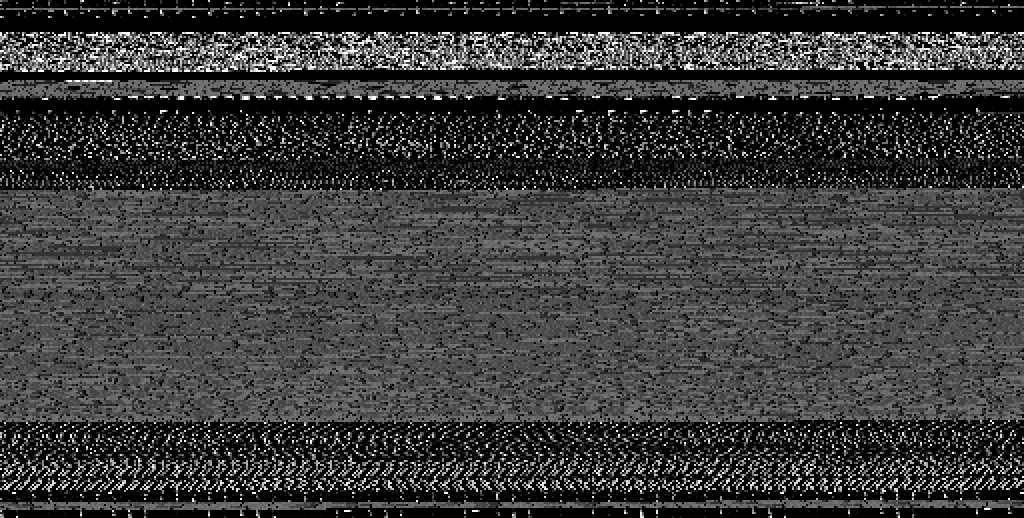
./bin-graph --mode ascii bin-graph examples/ascii.png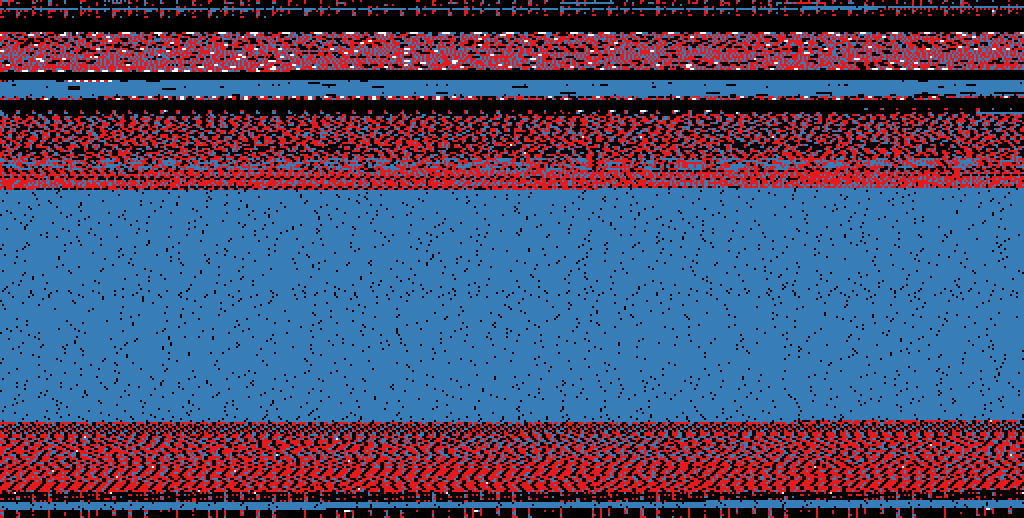
./bin-graph --mode entropy --transform-squares 16 bin-graph examples/entropy-squared.png
# Only the .text section of the ELF file
./bin-graph-section.sh .text --mode histogram bin-graph examples/histogram.png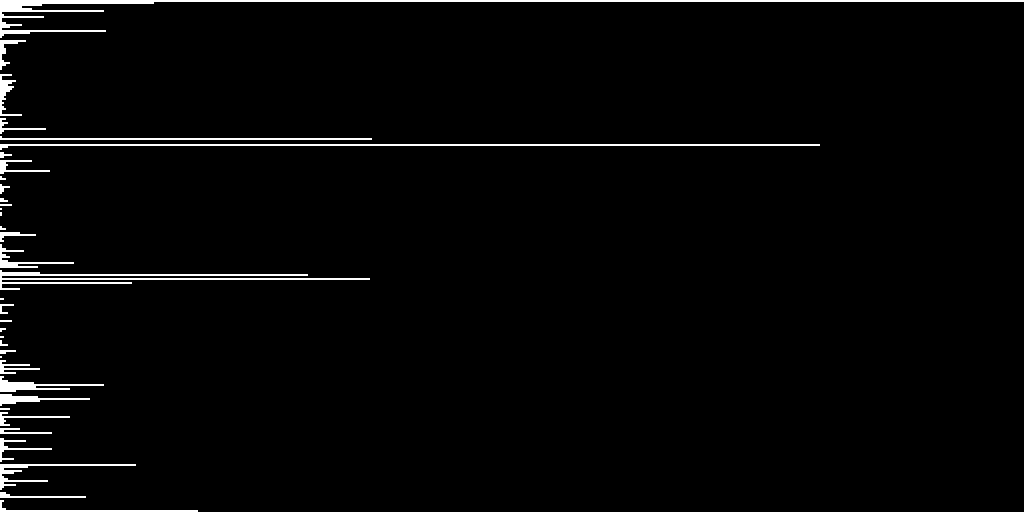
# Only the .rodata section of the ELF file
./bin-graph-section.sh .rodata --mode bigrams bin-graph examples/rodata-bigrams.png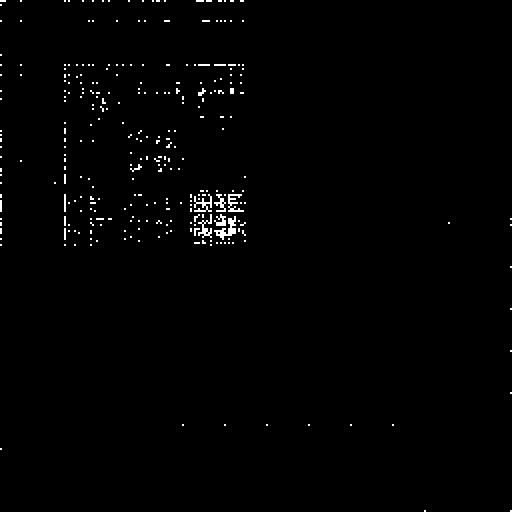
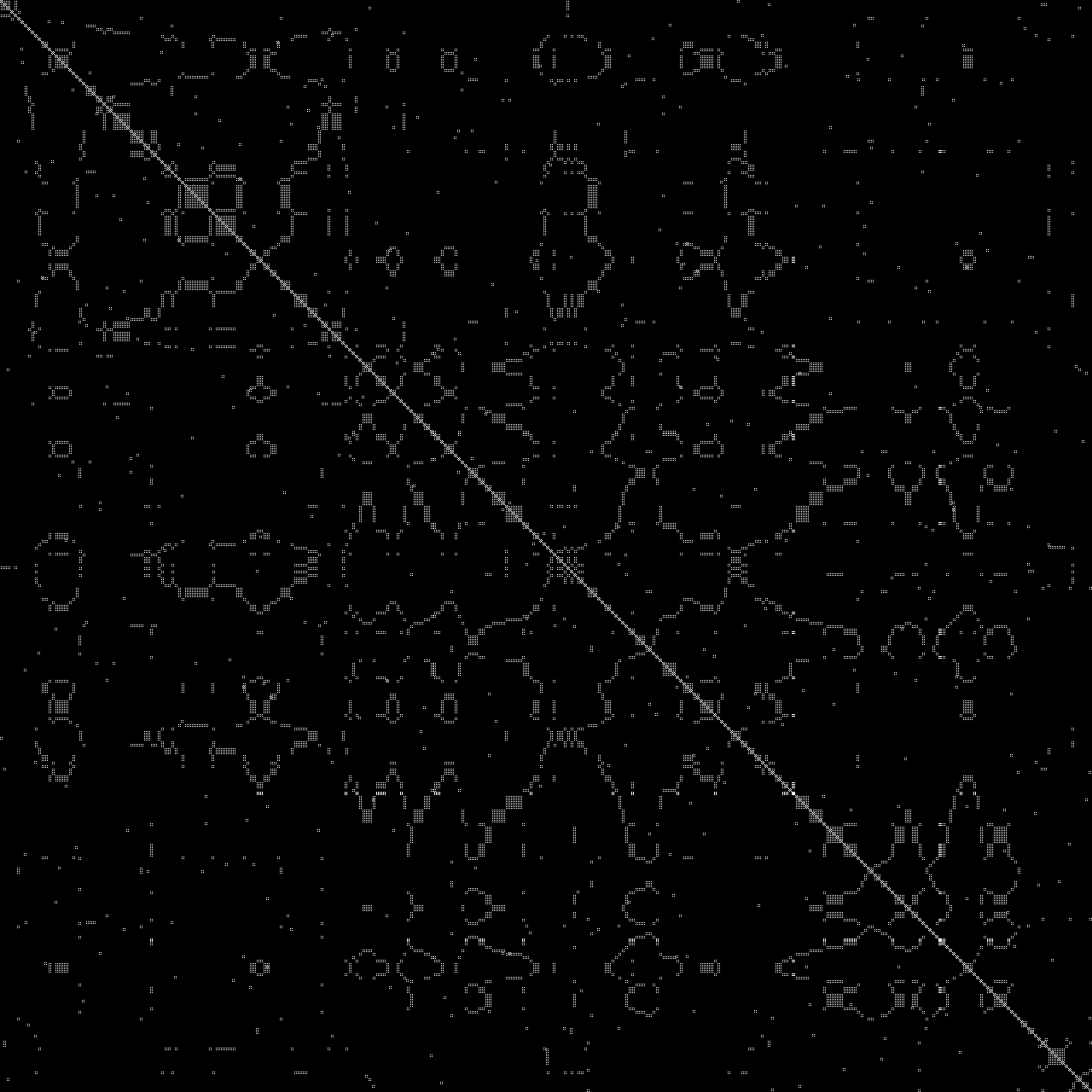
./bin-graph --mode dotplot --zoom 1 --offset-start 5000 --offset-end 5500 input.wav examples/dotplot.png