podlite desktop
0.4.0


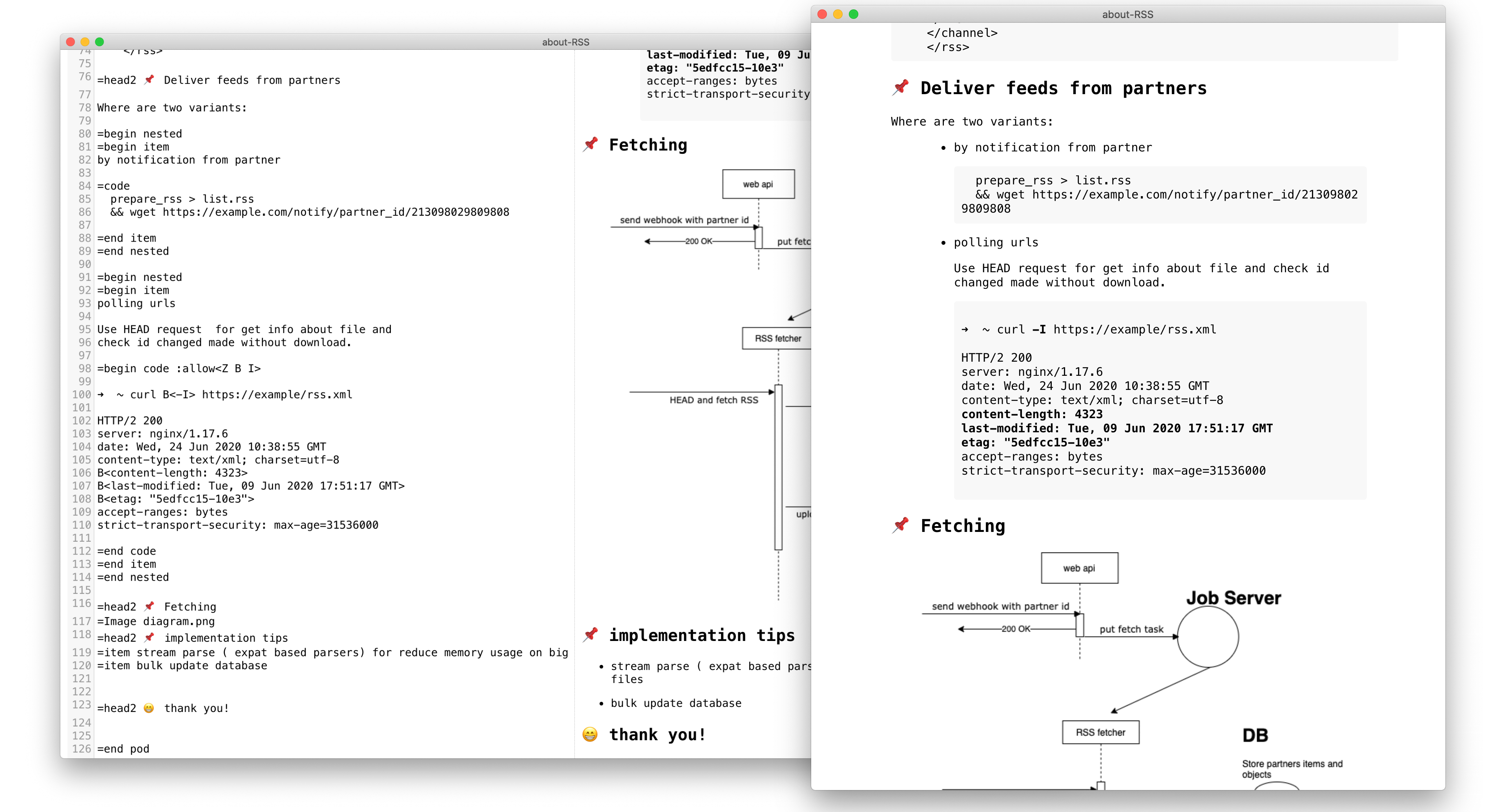
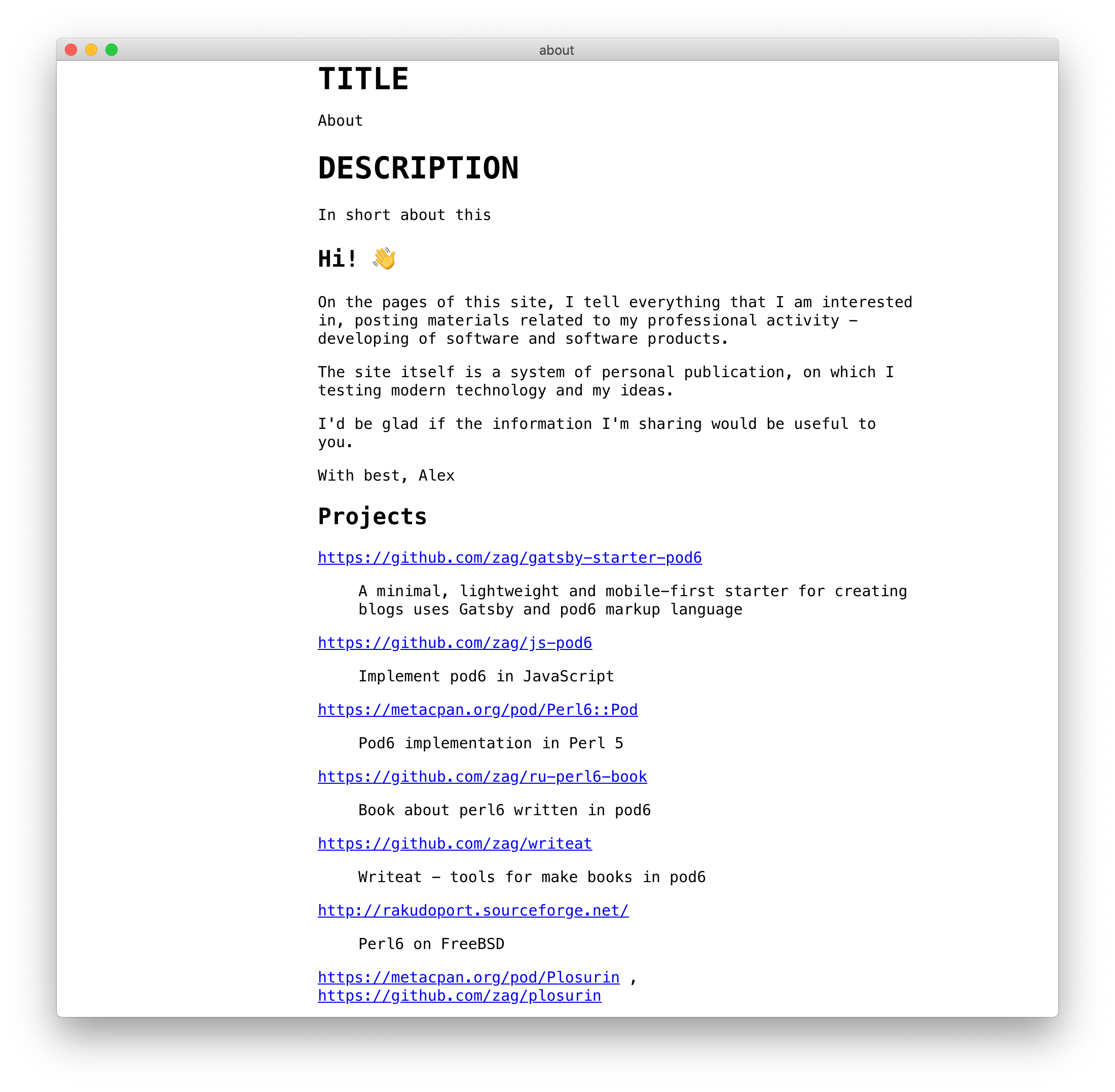
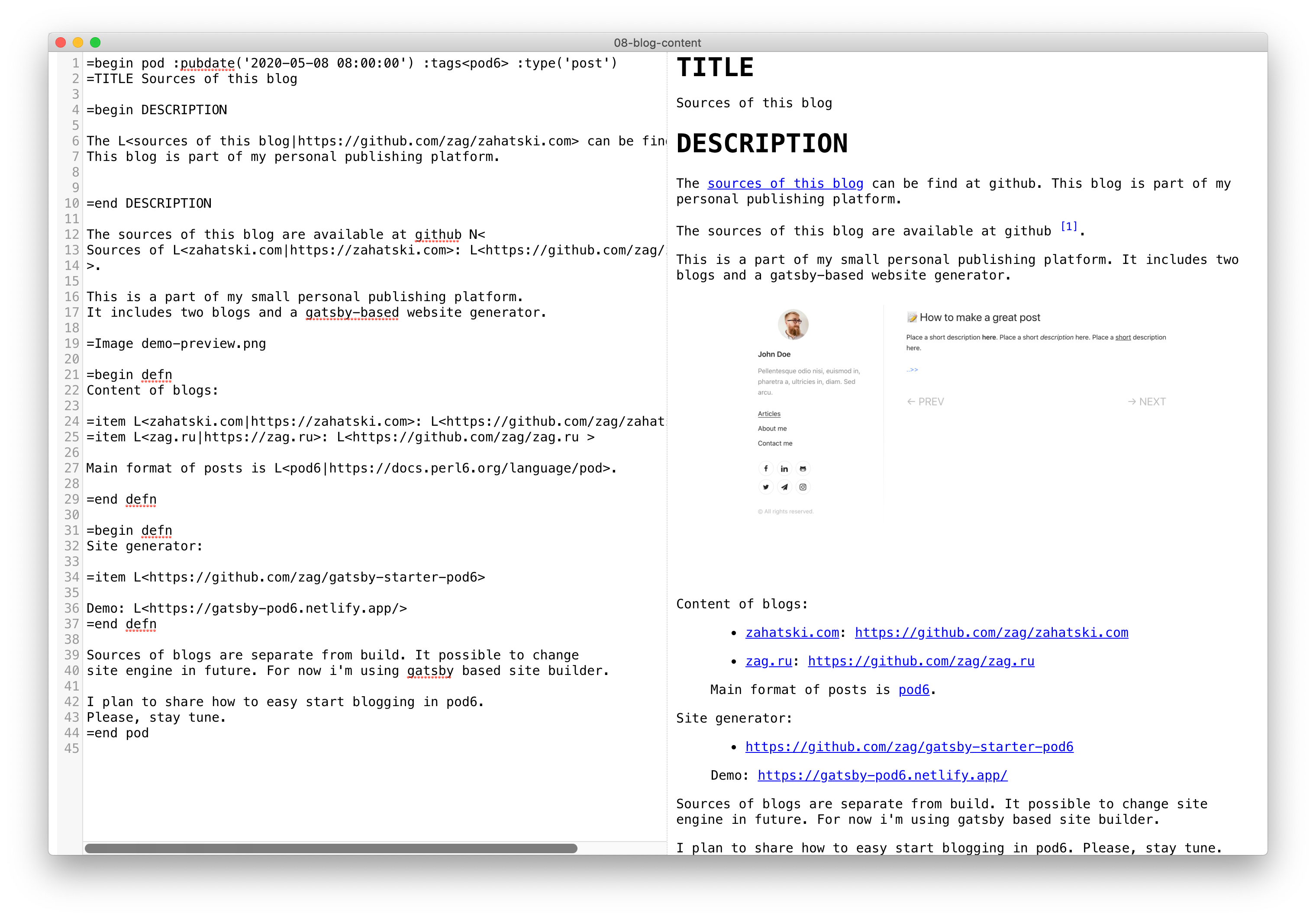
在此处下载Podlite编辑器的最新版本:
=markdown -Markdown Block您可以切换以编写github调味的降价(GFM)。
示例:
 =begin markdown

  # Cases

  *Write* the documentation with the markup you __love__!

  * item1
  * item2
  	 * ~~sub item1~~
     * sub item2

=end markdown
在pod6.in中打开此示例
=useReact , =React其他块,以支持“ podlite for Web”软件包有关更多信息,请阅读以下文章:使用Podlite for Web启动您自己的博客/网站
=toc添加目录示例:
=Toc head1, head2, head3
 =for Toc :title('Table of contents')
head1, head2, head3
=picture - 在帖子中使用图像或视频例子:
=picture gatsby-astronaut.png
=picture some-video.mp4
 =picture some-video.mp4
This is a caption!
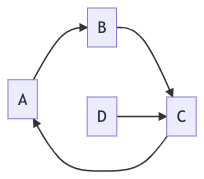
=Mermaid - 使用图表为了渲染美丽的图形,序列和甘特图和流程图,可以使用=Mermaid鱼块。
 =begin Mermaid
graph LR
        A-->B
        B-->C
        C-->A
        D-->C
=end Mermaid
在pod6.in中打开此示例
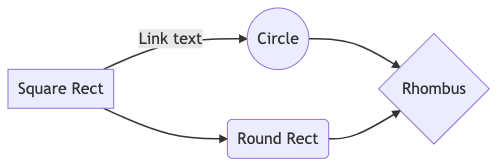
 =Mermaid
graph LR
    A[Square Rect] -- Link text --> B((Circle))
    A --> C(Round Rect)
    B --> D{Rhombus}
    C --> D
在pod6.in中打开此示例
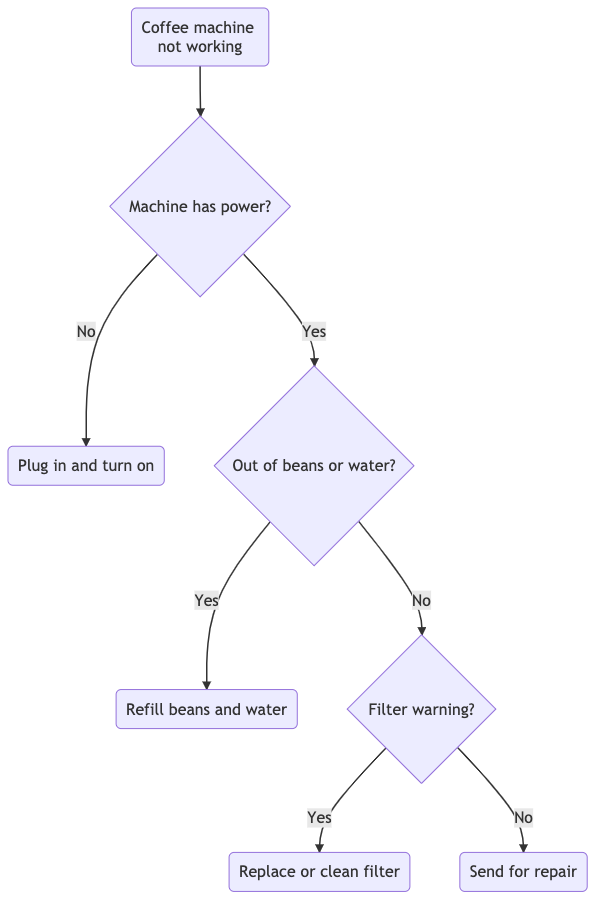
 =Mermaid
graph TD
   A(Coffee machine <br>not working) --> B{Machine has power?}
   B -->|No| H(Plug in and turn on)
   B -->|Yes| C{Out of beans or water?} -->|Yes| G(Refill beans and water)
   C -->|No| D{Filter warning?} -->|Yes| I(Replace or clean filter)
   D -->|No| F(Send for repair)
在pod6.in中打开此示例
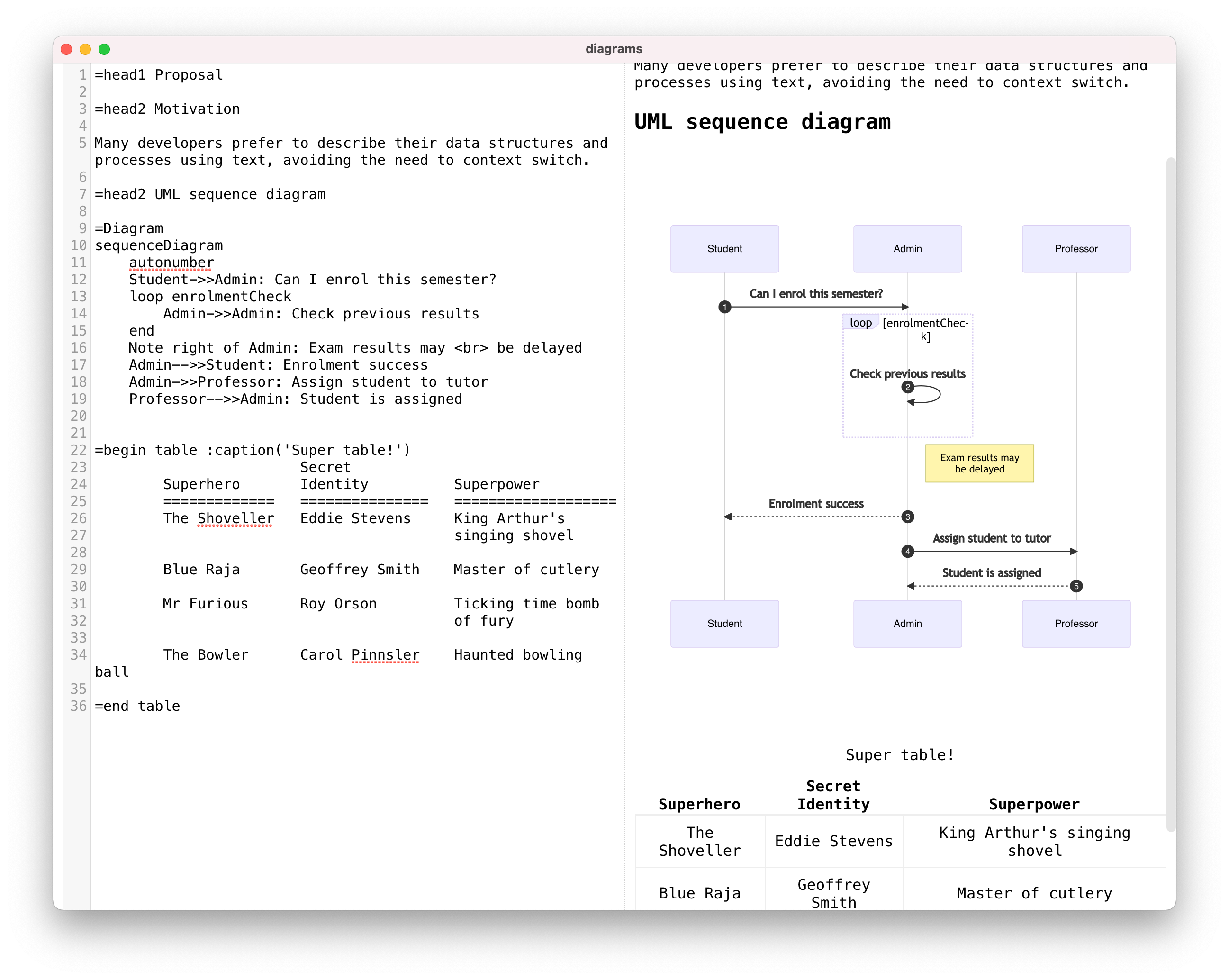
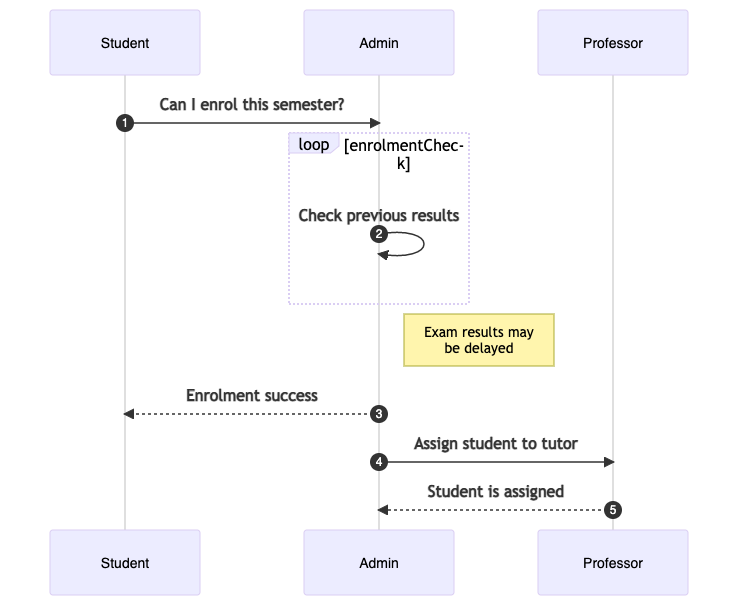
 =Mermaid
sequenceDiagram
    autonumber
    Student->>Admin: Can I enrol this semester?
    loop enrolmentCheck
        Admin->>Admin: Check previous results
    end
    Note right of Admin: Exam results may <br> be delayed
    Admin-->>Student: Enrolment success
    Admin->>Professor: Assign student to tutor
    Professor-->>Admin: Student is assigned
在pod6.in中打开此示例
 =Mermaid
classDiagram
   Person <|-- Student
   Person <|-- Professor
   Person : +String name
   Person : +String phoneNumber
   Person : +String emailAddress
   Person: +purchaseParkingPass()
   Address "1" <-- "0..1" Person:lives at
   class Student{
      +int studentNumber
      +int averageMark
      +isEligibleToEnrol()
      +getSeminarsTaken()
    }
    class Professor{
      +int salary
    }
    class Address{
      +String street
      +String city
      +String state
      +int postalCode
      +String country
      -validate()
      +outputAsLabel()
    }
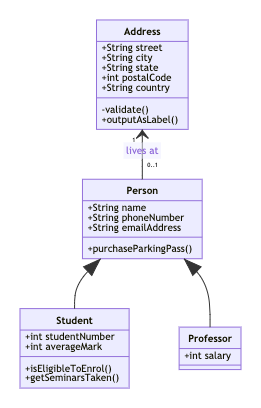
在pod6.in中打开此示例
 =Mermaid
 gantt
 title Example Gantt diagram
    dateFormat  YYYY-MM-DD
    section Team 1
    Research & requirements :done, a1, 2021-04-08, 2021-04-10
    Review & documentation : after a1, 20d
    section Team 2
    Implementation      :crit, active, 2021-04-25  , 20d
    Testing      :crit, 20d

在pod6.in中打开此示例
图是通过使用箭头连接器链接文本标签创建的。您可以选择不同的形状,将标签添加到连接器中,以及样式的连接器和形状。 =Diagram使用美人鱼图表和图表工具。完整语法的美人鱼文档
Podlite是一种基于轻量级的标记语言,旨在灵活性和易用性。
Podite的规范:podlite.org/specification
最小,轻巧的入门剂,用于使用NexJ和Podlite标记语言创建静态博客/站点
podlite在线编辑器:podlite在线:pod6.in
这是一个开源程序。随意分叉并做出贡献。
为了保持本文档与最后一个版本之间的匹配,请在专用的开发分支机构上贡献并提取请求。
版权(C)2020-2024 Alexandr Zahatski
根据MIT许可发布。





