spacecraft cli
Version 0.0.8 is out

一个简单的CLI解决了用打字稿制成的航天器问题
让我们一起建造火箭!
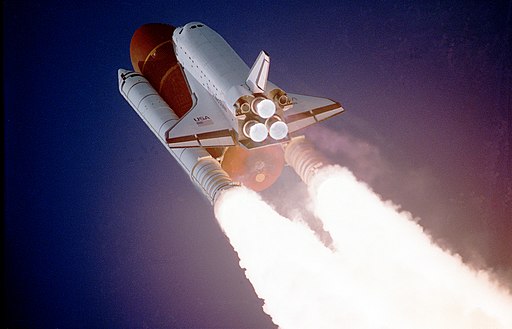
说,加拿大航天局正在建造一个无人飞船,它将登上月球。
这是有关该项目的更多信息。
该船的起动坐标为(0, 0) ,它在地球上。
该船的最终目的地是(0, 250) ,它在月球上。
该船将使用标准键盘在CLI上进行控制,如下所示:
船以0速度从(0, 0)开始,即完全休息。仅当按下有效键时,该船才会移动。
按下W会提高船舶的速度,然后通过速度单元向前移动。
按下S降低了船的速度,然后通过速度单元向前移动。
按A和D分别将船向左和向右移动一个单位。
该船还通过速度单位向前移动。
用您首选的语言编写一个CLI程序,以模拟上述航天器。显示输出如下:
(0, 0) ready for launch 。wrong trajectory 。minimum speed 。maximum speed 。(0, 250)时on the moon显示。contact lost 。 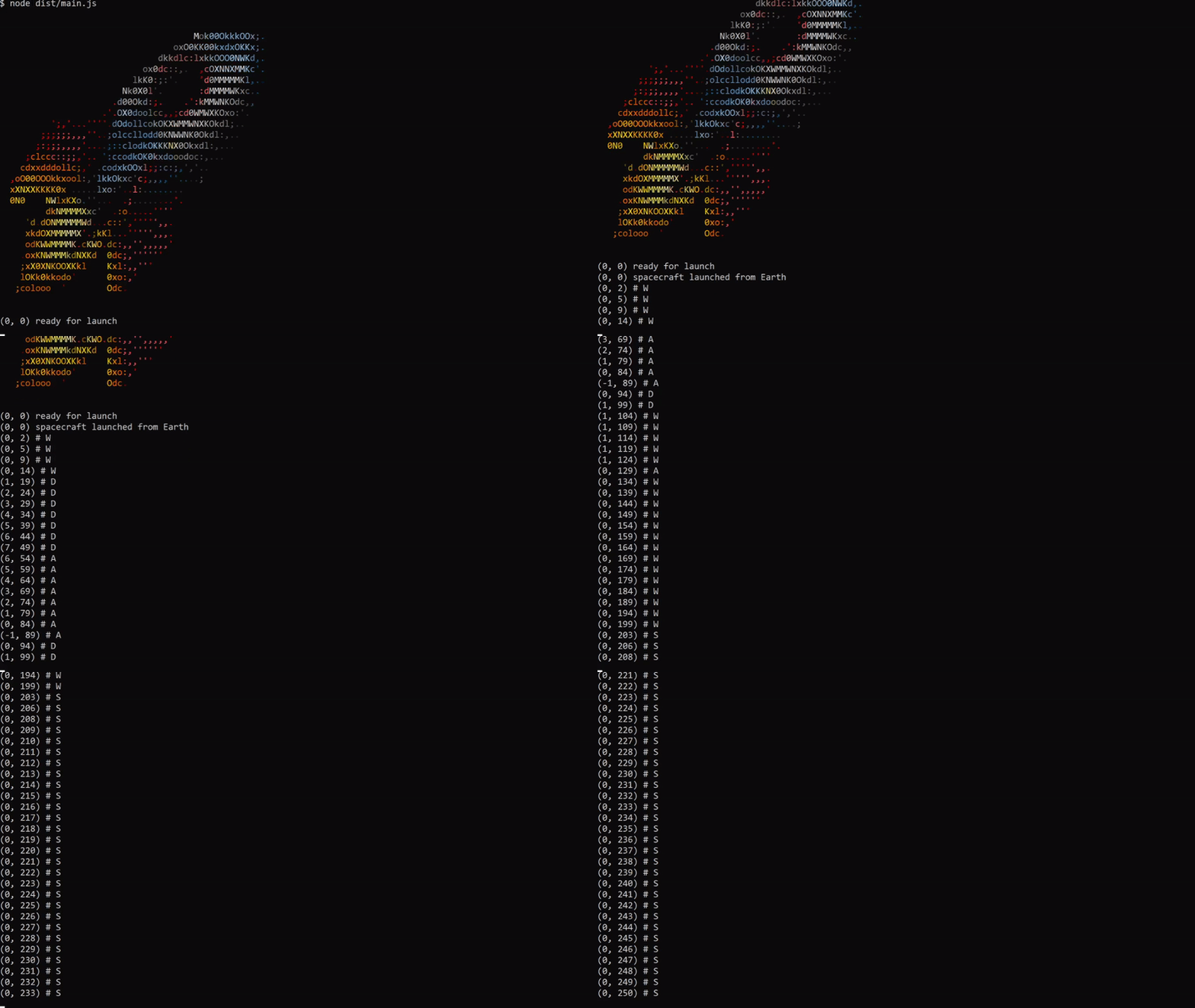
 (0, 0) # Begin with original position.
(0, 1) # W increases the speed to 1 and moves forward.
(0, 3) # W increases the speed to 2 and moves forward.
(-1, 5) # A moves the ship left and forward.
(0, 7) # D moves the ship right and forward.
(0, 8) # S decreases the speed to 1 and moves forward.
...
(0, 250) on the moon # Ship reaches the moon
npm i -g spacecraft-app-cli或者
您可以直接使用npx运行
npx spacecraft-app-cli请参阅NVM或ASDF
要在本地开始,请按照以下说明:
git克隆到本地计算机。 # starts on coordinates (0,0) - Earth
yarn start
# Use W, A, S, or D to starting control .yarn buildyarn test 版权(C)2021 Pyymenta
航天器已获得MIT许可证的许可。





