spacecraft cli
Version 0.0.8 is out

A simple CLI to solve the Spacecraft Problem, made with TypeScript
Let's build a rocket together!
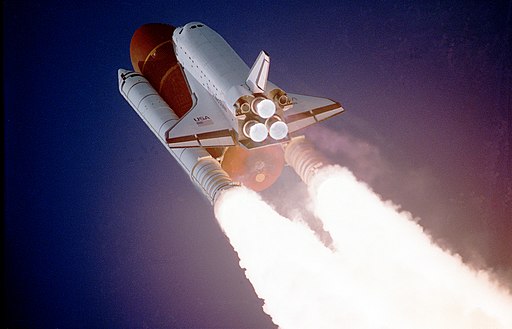
Say, the Canadian Space Agency is building an unmanned spacecraft that’ll go to the moon.
Here’s some more info about the project.
The ship’s starting coordinates are (0, 0), which is on Earth.
The ship’s final destination is (0, 250), which is on the moon.
The ship will be controlled over a CLI using a standard keyboard as follows:
The ship starts at (0, 0) at 0 speed, i.e. at complete rest.
The ship only moves when a valid key is pressed.
Pressing W increases the ship’s speed and then moves it forward by speed units.
Pressing S decreases the ship’s speed and then moves it forward by speed units.
Pressing A and D move the ship left and right by one unit respectively.
The ship also moves forward by speed units.
Write a CLI program in your preferred language to simulate the above spacecraft. Display output as follows:
(0, 0) ready for launch.wrong trajectory.minimum speed.maximum speed.(0, 250) display on the moon.contact lost.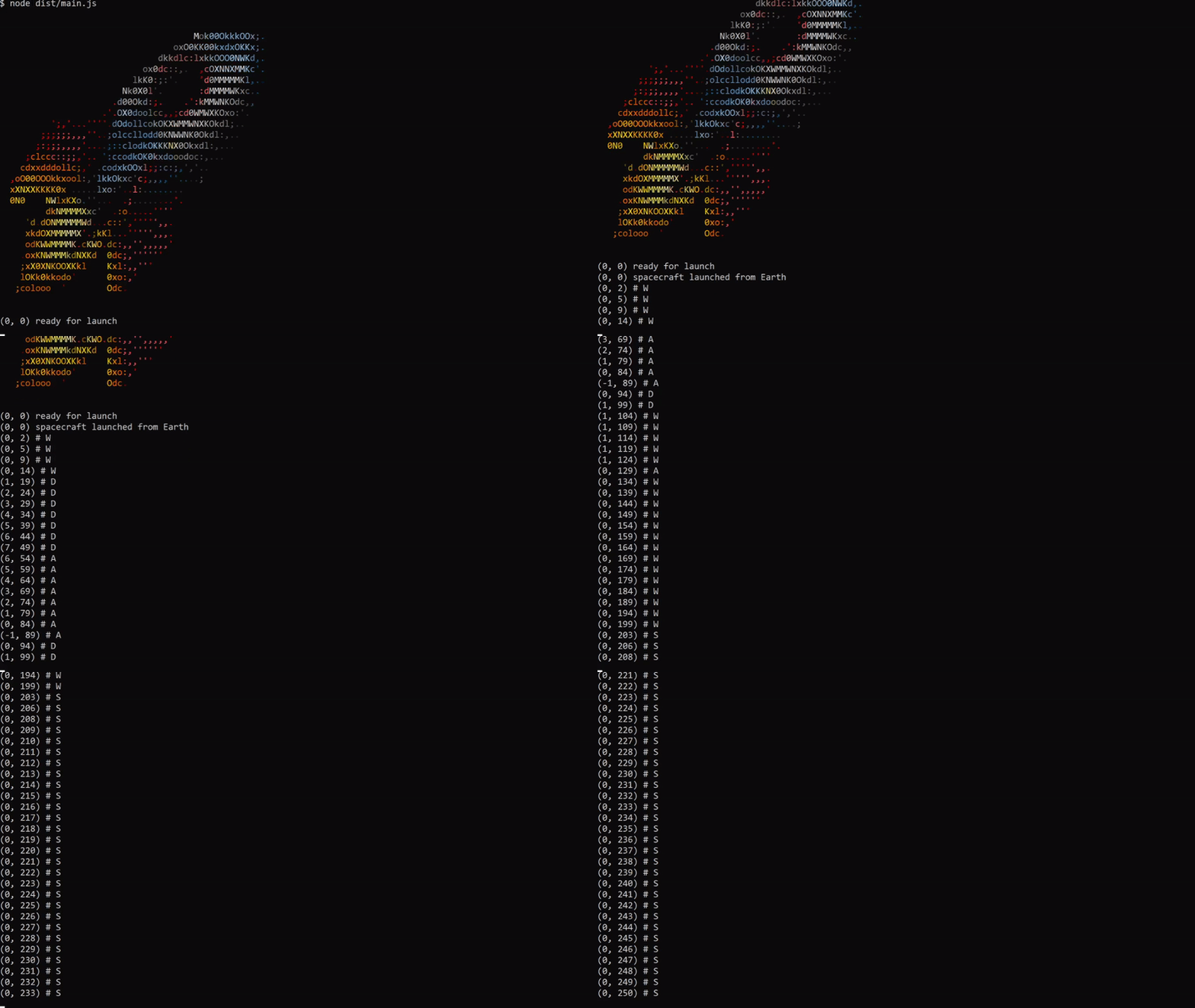
(0, 0) # Begin with original position.
(0, 1) # W increases the speed to 1 and moves forward.
(0, 3) # W increases the speed to 2 and moves forward.
(-1, 5) # A moves the ship left and forward.
(0, 7) # D moves the ship right and forward.
(0, 8) # S decreases the speed to 1 and moves forward.
...
(0, 250) on the moon # Ship reaches the moon
npm i -g spacecraft-app-clior
You can run directly with npx
npx spacecraft-app-cliSee nvm or asdf
To get started locally, follow these instructions:
git.# starts on coordinates (0,0) - Earth
yarn start
# Use W, A, S, or D to starting control .yarn buildyarn testCopyright (c) 2021 pyymenta
Spacecraft is licensed under the MIT license.





