spacecraft cli
Version 0.0.8 is out

TypeScriptで作られた宇宙船の問題を解決するための簡単なCLI
一緒にロケットを作りましょう!
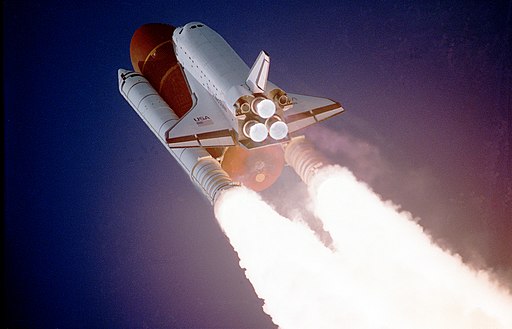
たとえば、カナダの宇宙機関は、月に行く無人の宇宙船を建設しています。
プロジェクトに関する詳細情報を次に示します。
船の開始座標は(0, 0)で、地球上にあります。
船の最終目的地は(0, 250)で、月にあります。
船は、次のように標準キーボードを使用してCLI上で制御されます。
船は0速で(0, 0)で始まります。つまり、完全な休息時。有効なキーが押された場合にのみ、船は移動します。
Wを押すと、船の速度が増加し、速度単位で前方に移動します。
Sを押すと、船の速度が低下し、速度単位で前方に移動します。
AとDを押すと、船をそれぞれ1ユニットで左右に移動します。
船はまた、速度ユニットによって前進します。
上記の宇宙船をシミュレートするために、お好みの言語でCLIプログラムを作成します。次のように出力を表示します。
(0, 0) ready for launch始めます。wrong trajectoryを表示します。minimum speed表示します。maximum speedを表示します。(0, 250) on the moon表示されます。contact lost 。 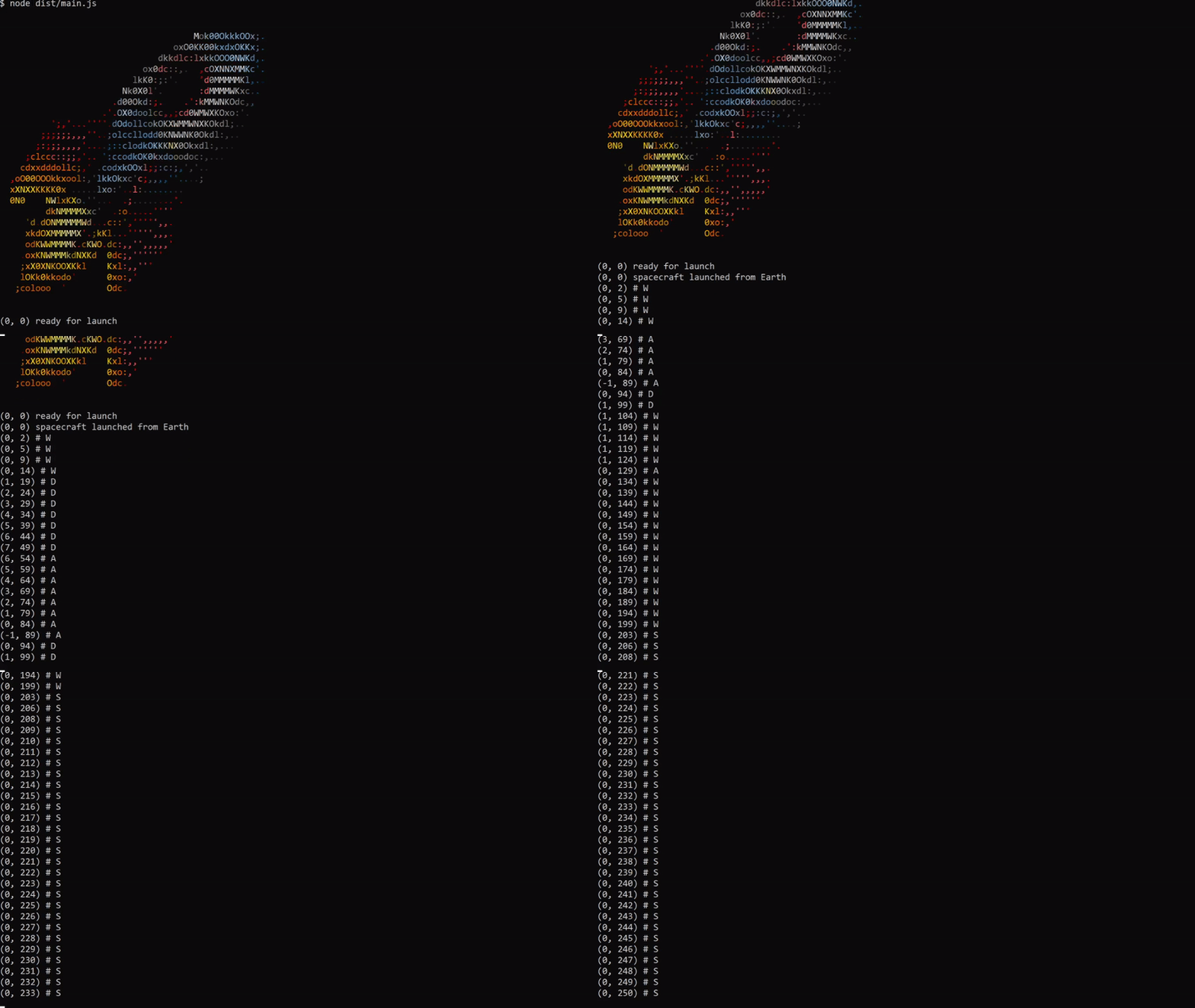
 (0, 0) # Begin with original position.
(0, 1) # W increases the speed to 1 and moves forward.
(0, 3) # W increases the speed to 2 and moves forward.
(-1, 5) # A moves the ship left and forward.
(0, 7) # D moves the ship right and forward.
(0, 8) # S decreases the speed to 1 and moves forward.
...
(0, 250) on the moon # Ship reaches the moon
npm i -g spacecraft-app-cliまたは
npxで直接実行できます
npx spacecraft-app-cliNVMまたはASDFを参照してください
ローカルに始めるには、次の手順に従ってください。
gitを使用してローカルコンピューターにクローンを付けます。 # starts on coordinates (0,0) - Earth
yarn start
# Use W, A, S, or D to starting control .yarn buildyarn test 著作権(c)2021 pyymenta
宇宙船はMITライセンスの下でライセンスされています。





