check endpoint
1.0.0

此命令行应用程序是内置的,旨在将信息从指定的端点收集到.txt文件中,并将信息保存到日志文件中。
用户可以输入一个或多个URL(端点),并在每个请求之间定义所需的测试数和时间。该应用将HTTP请求发送到端点,记录响应时间,HTTP状态代码和日志文件中的响应主体内容。最后,介绍了包含每个端点的响应时间平均值的信息以及请求的成功率。
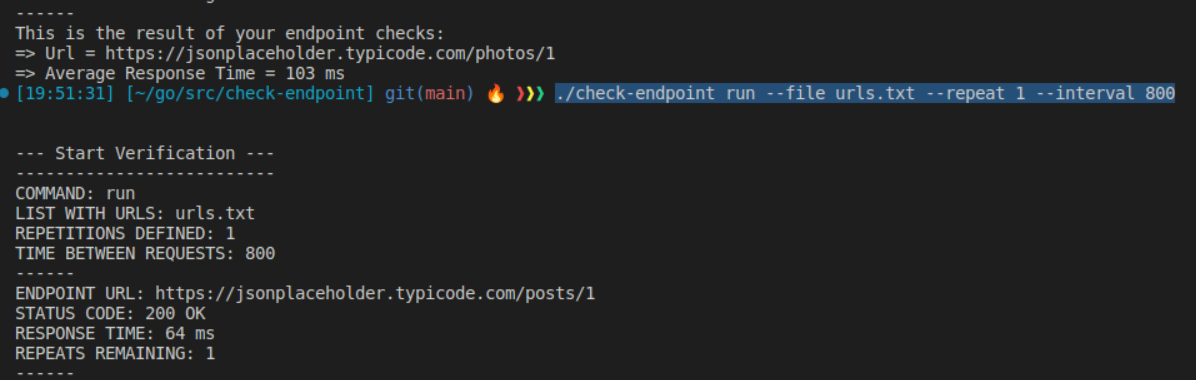
 Linux

./check-endpoint run --file urls.txt --repeat 10 --interval 800

./check-endpoint run
    --file (-f) <File containing list of URLs>
    --repeat (-r) <Number of repetitions>
    --interval (-i) <Time interval between requests (in milliseconds)>
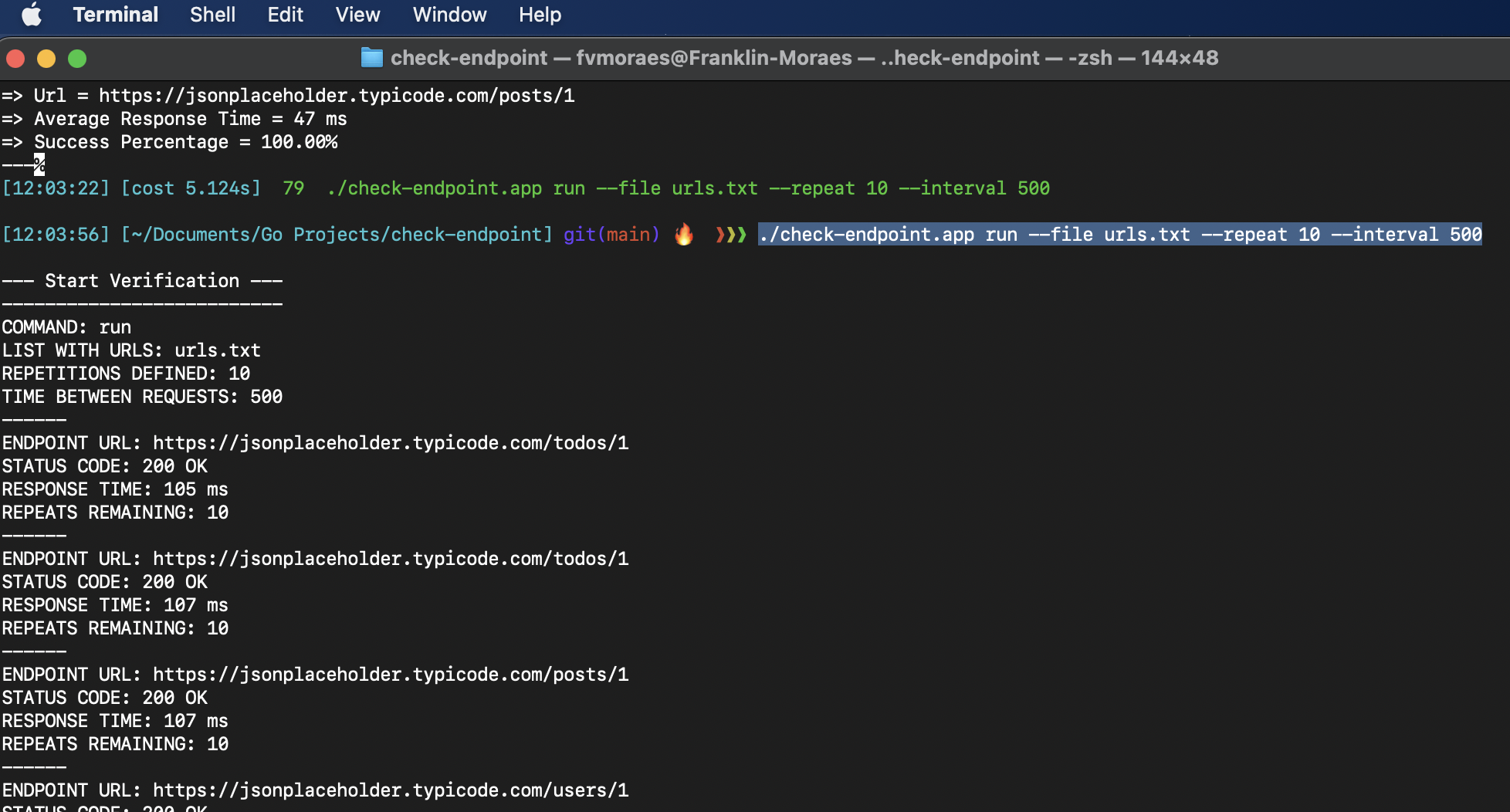
 MacOs

./check-endpoint.app run --file urls.txt --repeat 10 --interval 800

./check-endpoint.app run
    --file (-f) <File containing list of URLs>
    --repeat (-r) <Number of repetitions>
    --interval (-i) <Time interval between requests (in milliseconds)>
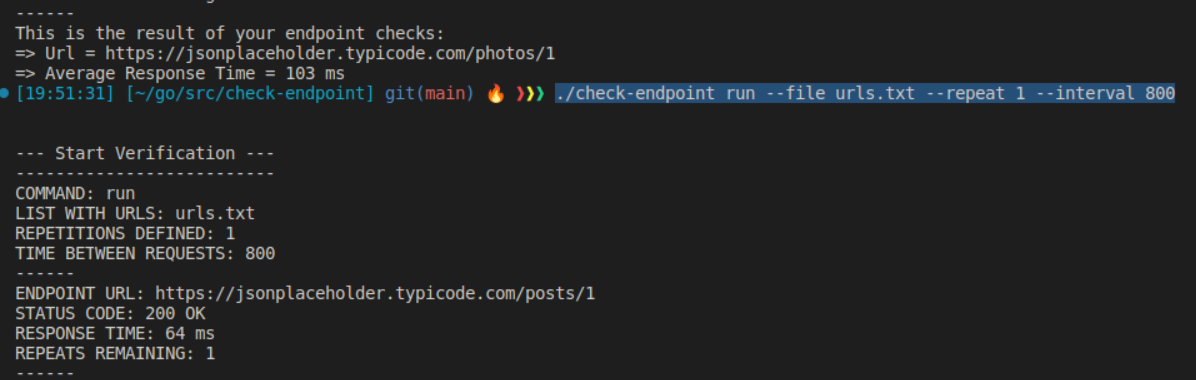
 Windows

.check-endpoint.exe run --file urls.txt --repeat 10 --interval 800

.check-endpoint.exe run
    --file (-f) <File containing list of URLs>
    --repeat (-r) <Number of repetitions>
    --interval (-i) <Time interval between requests (in milliseconds)>
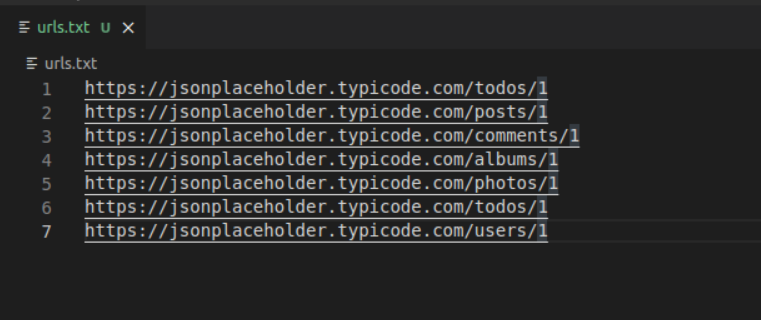
避免放置不正确的URL(没有http://或https://),并在URL之间或下一个URL之间留出空白线。
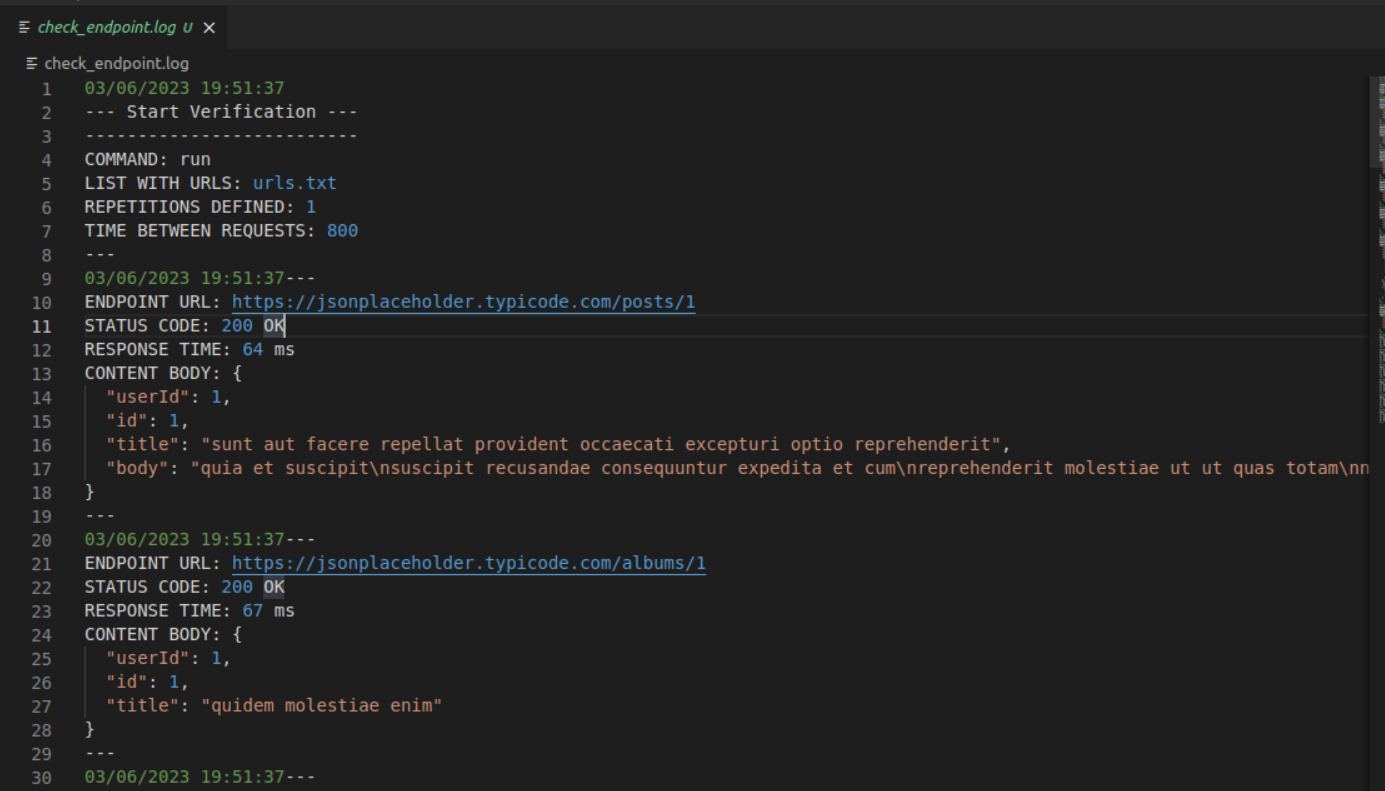
将在执行命令的存储库中创建包含日志的文件(check_endpoint.log)。
_ readme.md_j的端






