check endpoint
1.0.0

このコマンドラインアプリケーションはGOに組み込まれており、指定されたエンドポイントから.TXTファイルに情報を収集し、情報をログファイルに保存するように設計されています。
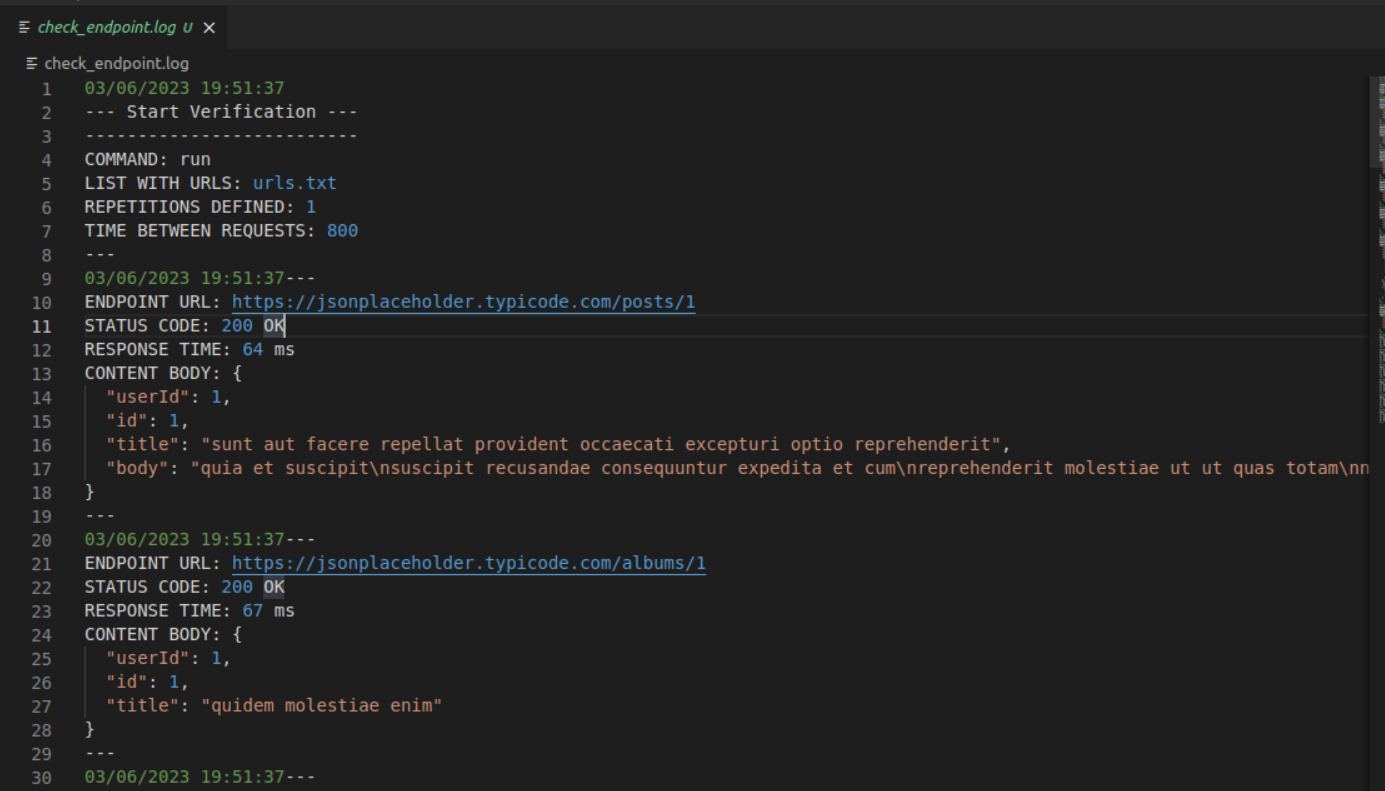
ユーザーは、1つ以上のURL(エンドポイント)を入力し、各リクエスト間で目的の数のテストと時間を定義できます。アプリは、ログファイルに応答時間、HTTPステータスコード、および応答ボディコンテンツを記録するエンドポイントにHTTPリクエストを送信します。最後に、各エンドポイントの応答時間平均とリクエストの成功率を含む情報が提示されます。
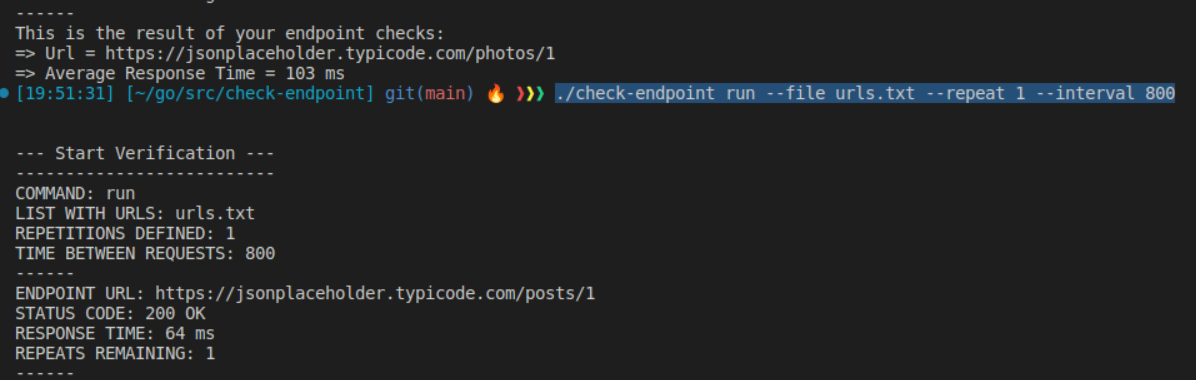
 Linux

./check-endpoint run --file urls.txt --repeat 10 --interval 800

./check-endpoint run
    --file (-f) <File containing list of URLs>
    --repeat (-r) <Number of repetitions>
    --interval (-i) <Time interval between requests (in milliseconds)>
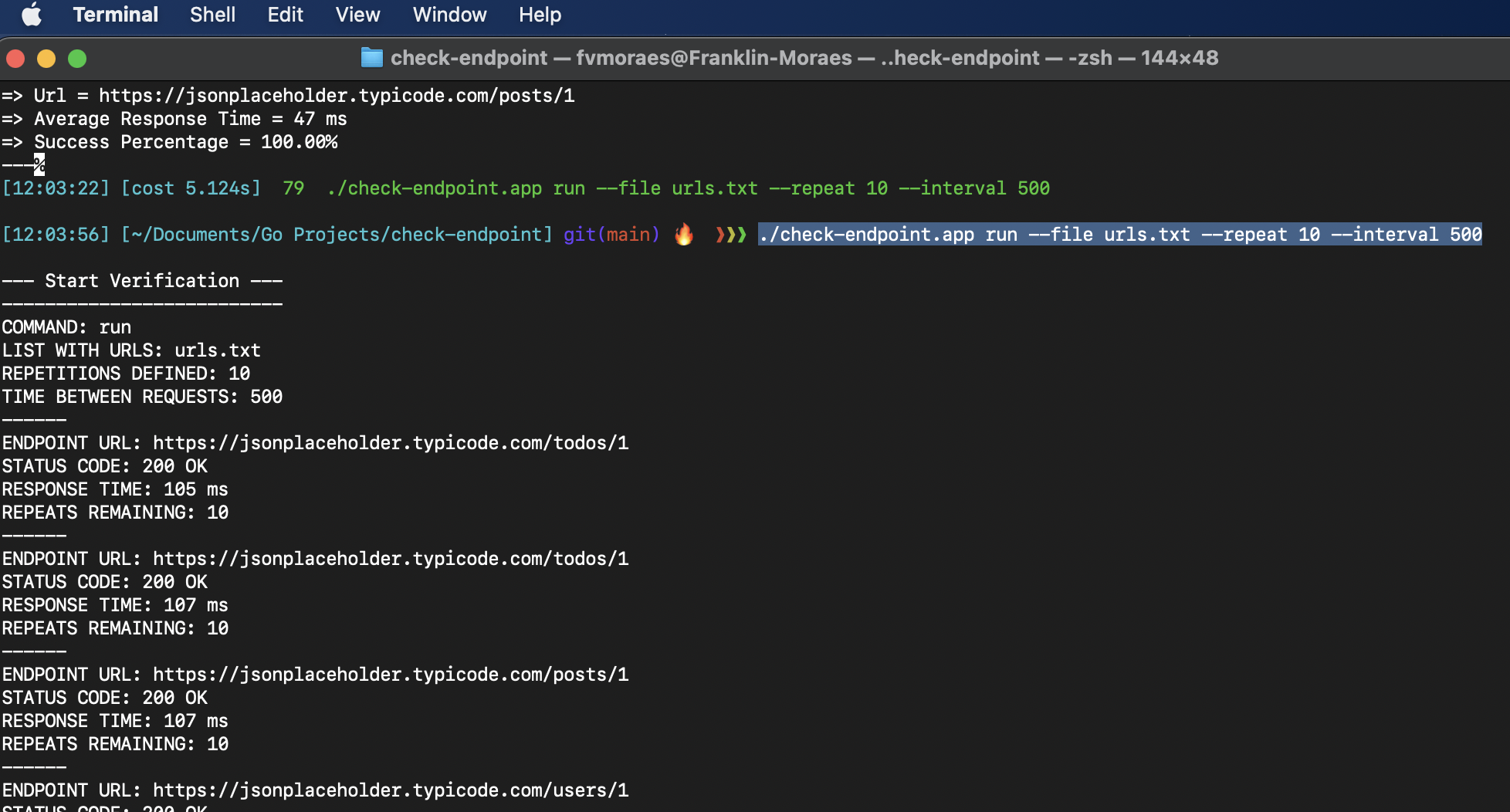
 MacOs

./check-endpoint.app run --file urls.txt --repeat 10 --interval 800

./check-endpoint.app run
    --file (-f) <File containing list of URLs>
    --repeat (-r) <Number of repetitions>
    --interval (-i) <Time interval between requests (in milliseconds)>
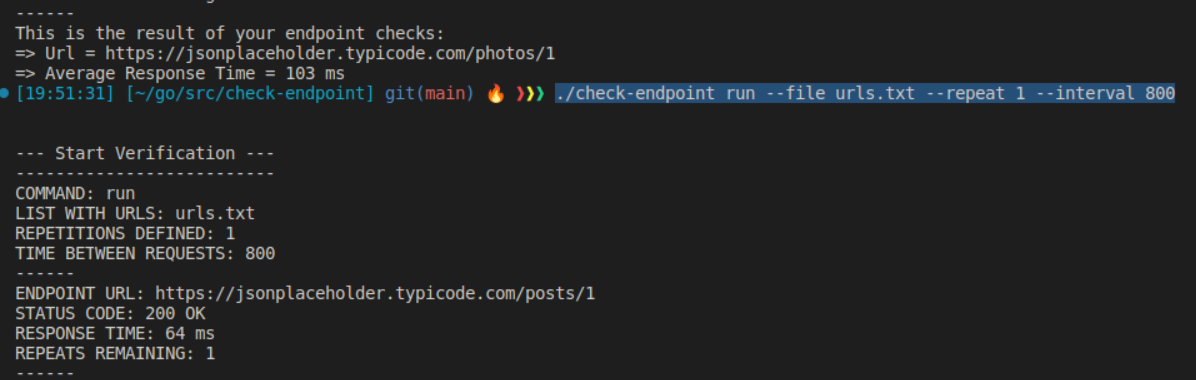
 Windows

.check-endpoint.exe run --file urls.txt --repeat 10 --interval 800

.check-endpoint.exe run
    --file (-f) <File containing list of URLs>
    --repeat (-r) <Number of repetitions>
    --interval (-i) <Time interval between requests (in milliseconds)>
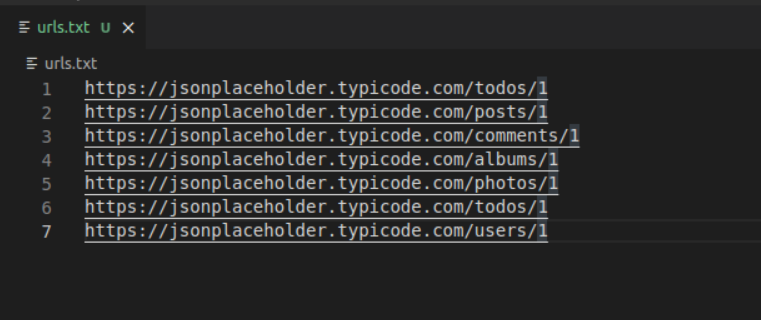
誤ったURLを入れないでください(http://またはhttps://)、URLまたは最後のURLの下に空白線を残してください。
ログ(check_endpoint.log)を含むファイルは、コマンドが実行されるリポジトリに作成されます。
_ endme.md_jのend






