check endpoint
1.0.0

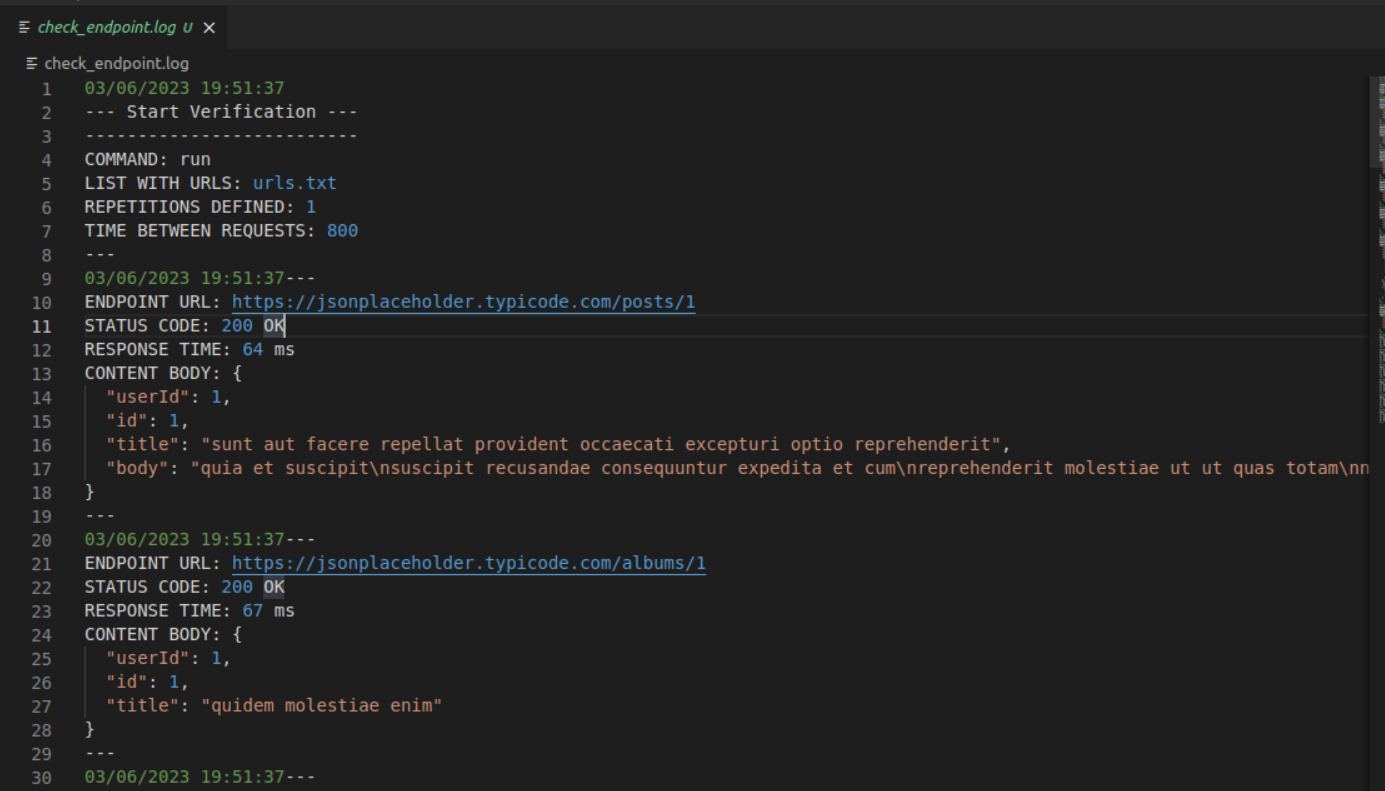
이 명령 줄 애플리케이션은 이동 중에 내장되어 있으며 지정된 엔드 포인트에서 .txt 파일로 정보를 수집하고 정보를 로그 파일에 저장하도록 설계되었습니다.
사용자는 하나 이상의 URL (EndPoints)을 입력하고 각 요청간에 원하는 수의 테스트 및 시간을 정의 할 수 있습니다. 이 앱은 HTTP 요청을 엔드 포인트로 보냅니다. 응답 시간, HTTP 상태 코드 및 응답 본문 내용을 로그 파일에 기록합니다. 결국, 각 종말점에 대한 응답 시간 평균 및 요청의 성공률을 포함하는 정보가 제시됩니다.
 Linux

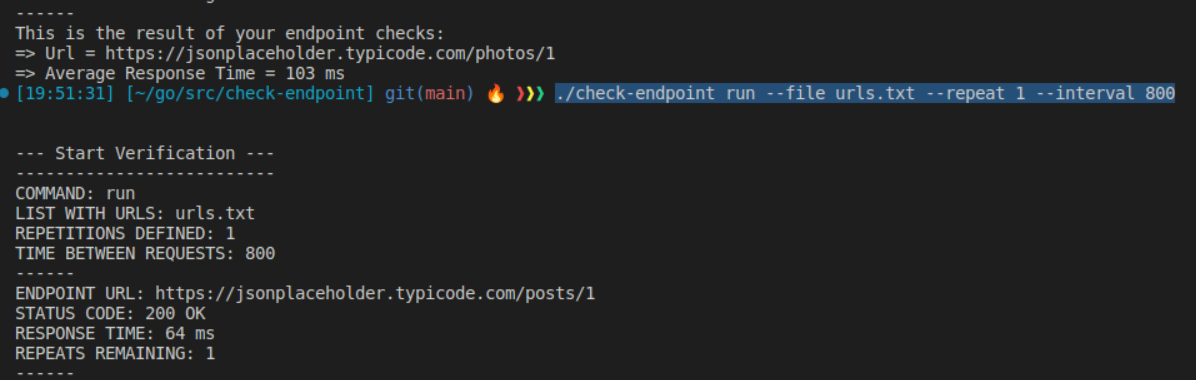
./check-endpoint run --file urls.txt --repeat 10 --interval 800

./check-endpoint run
    --file (-f) <File containing list of URLs>
    --repeat (-r) <Number of repetitions>
    --interval (-i) <Time interval between requests (in milliseconds)>
 MacOs

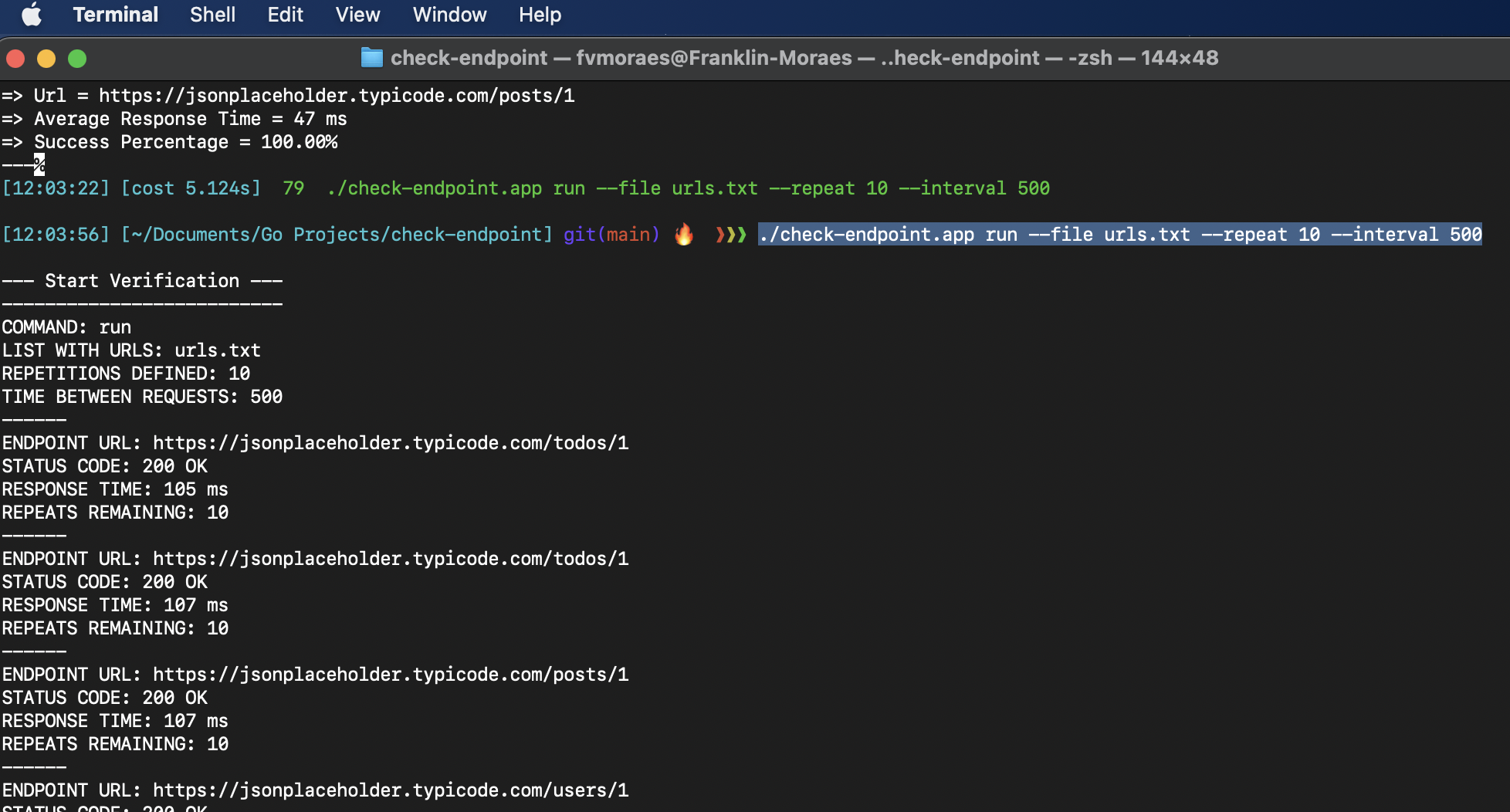
./check-endpoint.app run --file urls.txt --repeat 10 --interval 800

./check-endpoint.app run
    --file (-f) <File containing list of URLs>
    --repeat (-r) <Number of repetitions>
    --interval (-i) <Time interval between requests (in milliseconds)>
 Windows

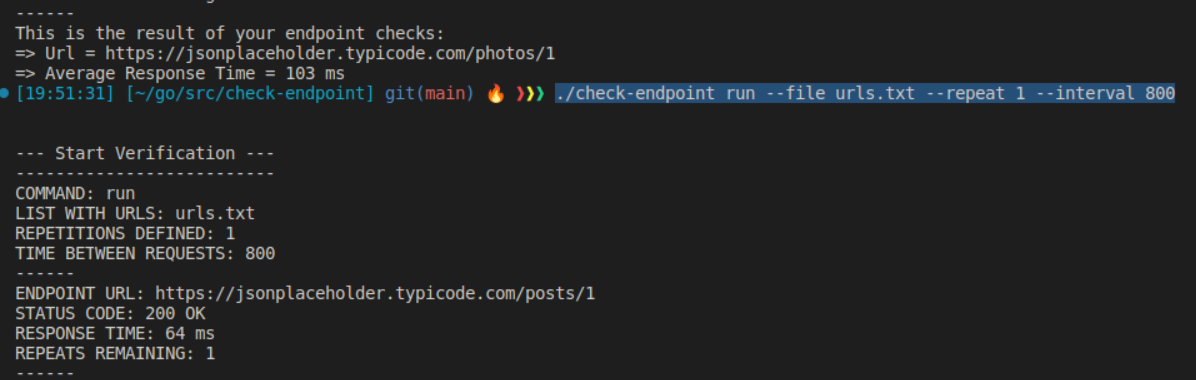
.check-endpoint.exe run --file urls.txt --repeat 10 --interval 800

.check-endpoint.exe run
    --file (-f) <File containing list of URLs>
    --repeat (-r) <Number of repetitions>
    --interval (-i) <Time interval between requests (in milliseconds)>
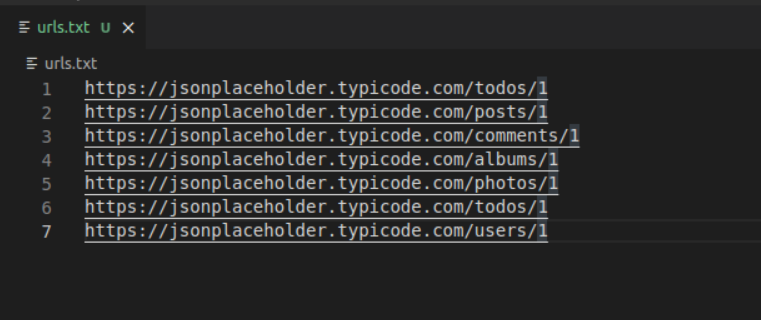
잘못된 URL (http : // 또는 https : //없이)을 넣지 말고 URL 또는 마지막 URL 이하의 빈 줄을 남겨 두십시오.
로그 (Check_endpoint.log)가 포함 된 파일이 명령이 실행되는 저장소에서 생성됩니다.
_ readme.md_j의 end






