magnetissimo
1.0.0

Magnetissimo是一个自托管的Web应用程序,它索引了所有流行的洪流站点,并将磁铁链接保存到您本地数据库。
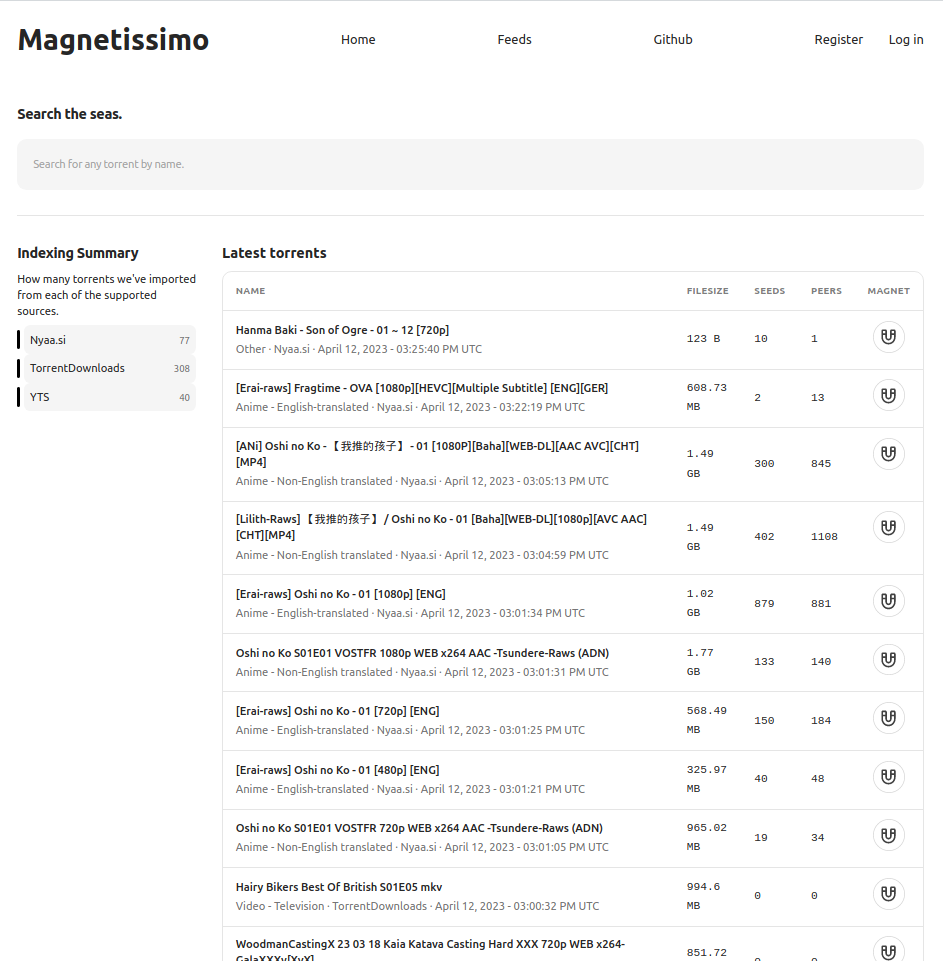
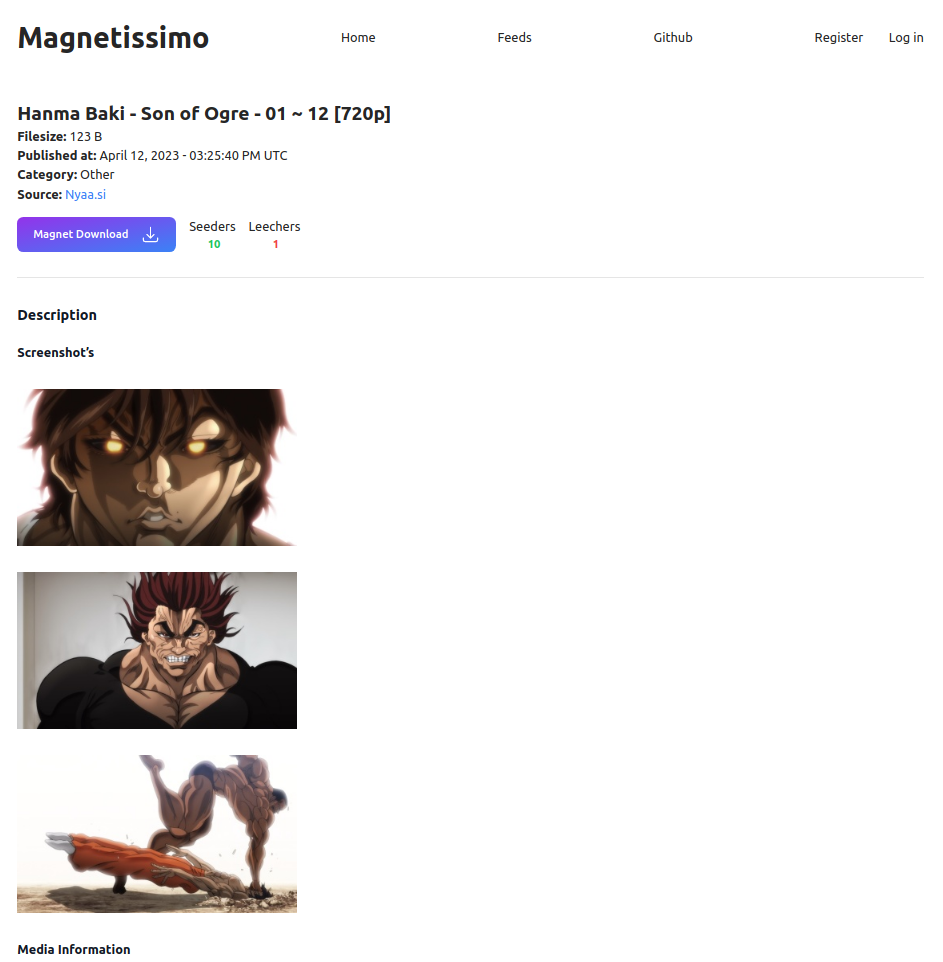
我们想解释如何运行Magnetissimo:
Docker组成
 # Generate a secret_key with either
openssl rand -base64 64
mix phx.gen.secret

# Enter that key as SECRET_KEY_BASE in the docker-compse.yml file
SECRET_KEY_BASE=YourKeyGoesHere

# Start the application
docker compose up -d
如果您要在localhost以外的地址访问Magnetissimo,请在环境变量中添加PHX_HOST 。例如,在http://192.168.0.54:4000上访问它:
- PHX_HOST=192.168.0.54
或在https://magnetissimo.domain.tld上访问它:
- PHX_HOST=magnetissimo.domain.tld
Kubernetes
 # Generate a secret_key with either
openssl rand -base64 64
mix phx.gen.secret

Edit the k8s/deployment.yaml file, and replace the ENV SECRET_KEY_BASE with your generated key.
Edit k8s/ingress.yaml & the PHX_HOST in k8s/deployment.yaml and replace the host with your domain name.

The Postgres database is configured to use the DNS name assuming it is being deployed to the default namespace, update this in the enviroment variables if you are deploying to a different namespace.

Finaly, deploy the application to your cluster.
kubectl apply -f k8s/pvc.yaml
kubectl apply -f k8s/deployment.yaml
kubectl apply -f k8s/svc.yaml
kubectl apply -f k8s/ingress.yaml
地方发展
 asdf install
mix deps.get
iex -S mix phx.server
然后访问:http:// localhost:4000
所有端点均返回JSON格式化信息。
/search端点:http:// localhost:4000/api/search/:search_term
搜索返回与search_term param匹配的洪流。
/latest端点:http:// localhost:4000/api/最新
最新返回最新的50个已发布的洪流。
我们有一个.tool-versions因此您可以使用ASDF非常轻松地安装正确的版本。
 elixir 1.14.4
nodejs 19.8.1
然后asdf install 。
您还需要使用DATABASE_URL环境变量进行Postgres运行并进行配置。
最终使用一些虚拟数据设置数据库并运行项目。
mix deps.get
mix ecto.reset
iex -S mix phx.server是否想谈论磁铁或建议功能?我们有官方的Discord服务器。
点击加入我们的官方Discord服务器





