magnetissimo
1.0.0

Magnetissimoは、すべての一般的なトレントサイトをインデックス化し、マグネットリンクをローカルデータベースに保存する自己ホストのWebアプリケーションです。
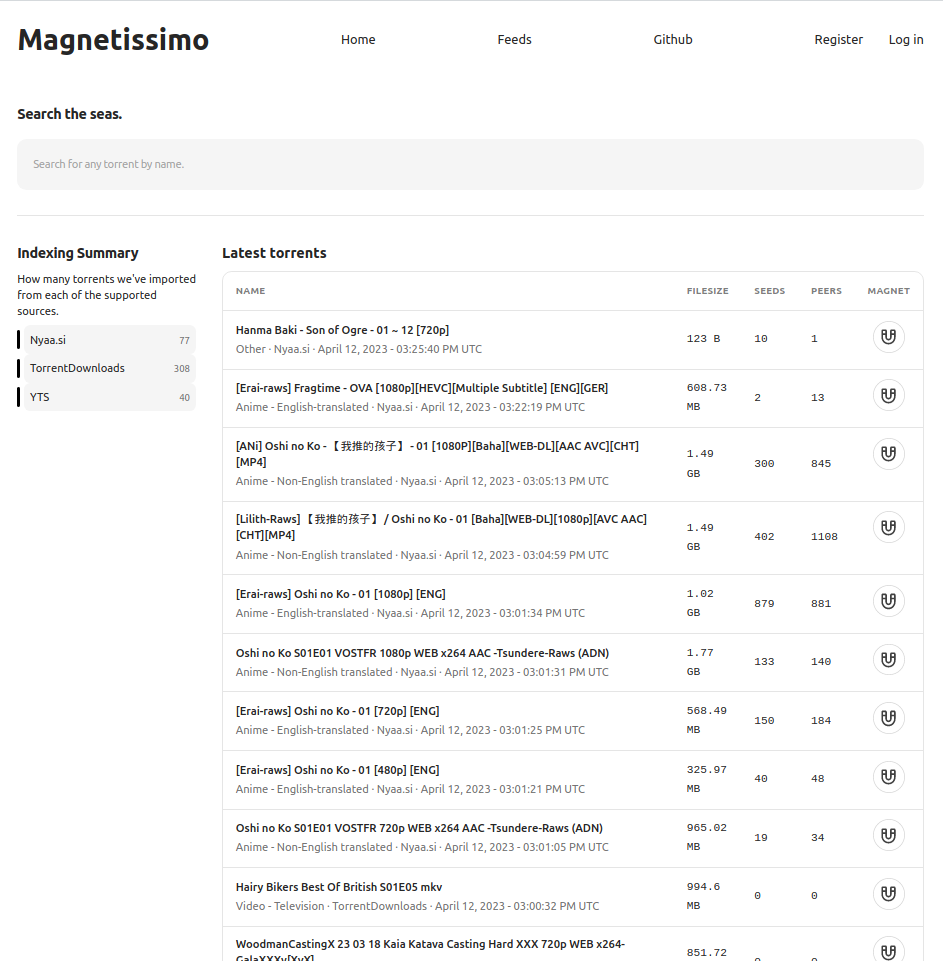
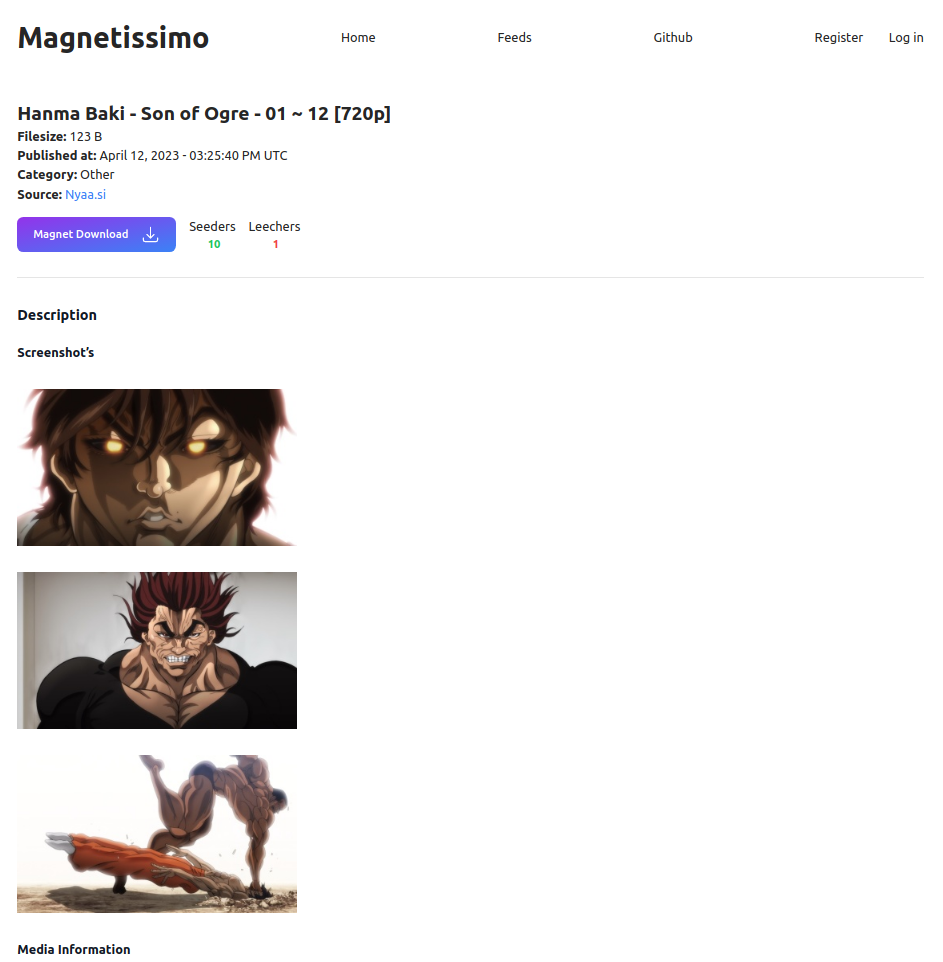
Magnetissimoを実行する方法を説明したい:
Dockerは作曲します
 # Generate a secret_key with either
openssl rand -base64 64
mix phx.gen.secret

# Enter that key as SECRET_KEY_BASE in the docker-compse.yml file
SECRET_KEY_BASE=YourKeyGoesHere

# Start the application
docker compose up -d
localhost以外のアドレスでMagnetissimoにアクセスする場合は、環境変数にPHX_HOSTを追加します。たとえば、 http://192.168.0.54:4000 :4000にアクセスするには:
- PHX_HOST=192.168.0.54
またはhttps://magnetissimo.domain.tldでアクセスするには:
- PHX_HOST=magnetissimo.domain.tld
Kubernetes
 # Generate a secret_key with either
openssl rand -base64 64
mix phx.gen.secret

Edit the k8s/deployment.yaml file, and replace the ENV SECRET_KEY_BASE with your generated key.
Edit k8s/ingress.yaml & the PHX_HOST in k8s/deployment.yaml and replace the host with your domain name.

The Postgres database is configured to use the DNS name assuming it is being deployed to the default namespace, update this in the enviroment variables if you are deploying to a different namespace.

Finaly, deploy the application to your cluster.
kubectl apply -f k8s/pvc.yaml
kubectl apply -f k8s/deployment.yaml
kubectl apply -f k8s/svc.yaml
kubectl apply -f k8s/ingress.yaml
ローカル開発
 asdf install
mix deps.get
iex -S mix phx.server
次に、http:// localhost:4000にアクセスしてください
すべてのエンドポイントは、JSONフォーマットされた情報を返します。
/searchエンドポイント:http:// localhost:4000/api/search/:search_term
検索search_term Paramに一致する急流を返します。
/latestエンドポイント:http:// localhost:4000/api/latest
最新のものは、最新の50 Published_at Torrentsを返します。
.tool-versionsがあるので、ASDFを使用して適切なバージョンを非常に簡単にインストールできます。
 elixir 1.14.4
nodejs 19.8.1
その後、 asdf install 。
また、postgresを実行し、 DATABASE_URL環境変数を使用して構成する必要があります。
最後に、いくつかのダミーデータでデータベースを設定し、プロジェクトを実行します。
mix deps.get
mix ecto.reset
iex -S mix phx.serverMagnetissimoについて話したり、機能を提案したいですか?公式のDiscordサーバーがあります。
クリックして、公式のDiscordサーバーに参加します





