magnetissimo
1.0.0

Magnetissimo는 모든 인기있는 토런트 사이트를 색인화하고 현지 데이터베이스에 자석 링크를 저장하는 자체 호스팅 웹 애플리케이션입니다.
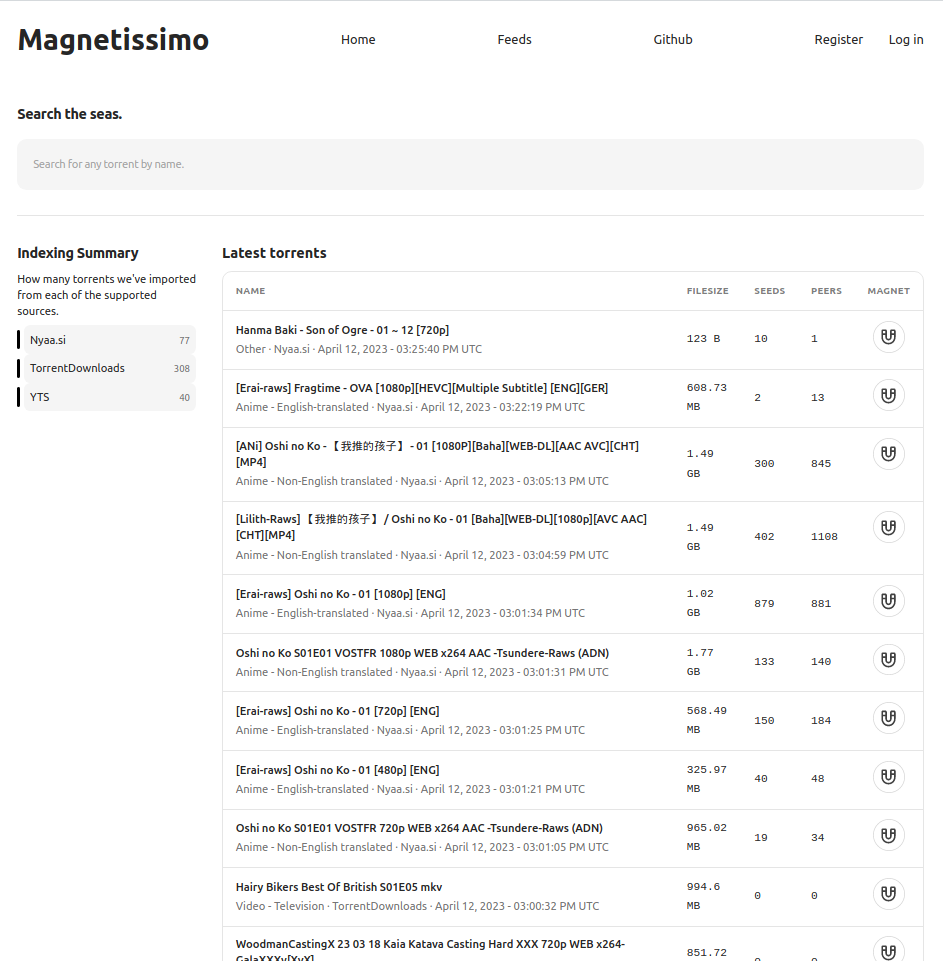
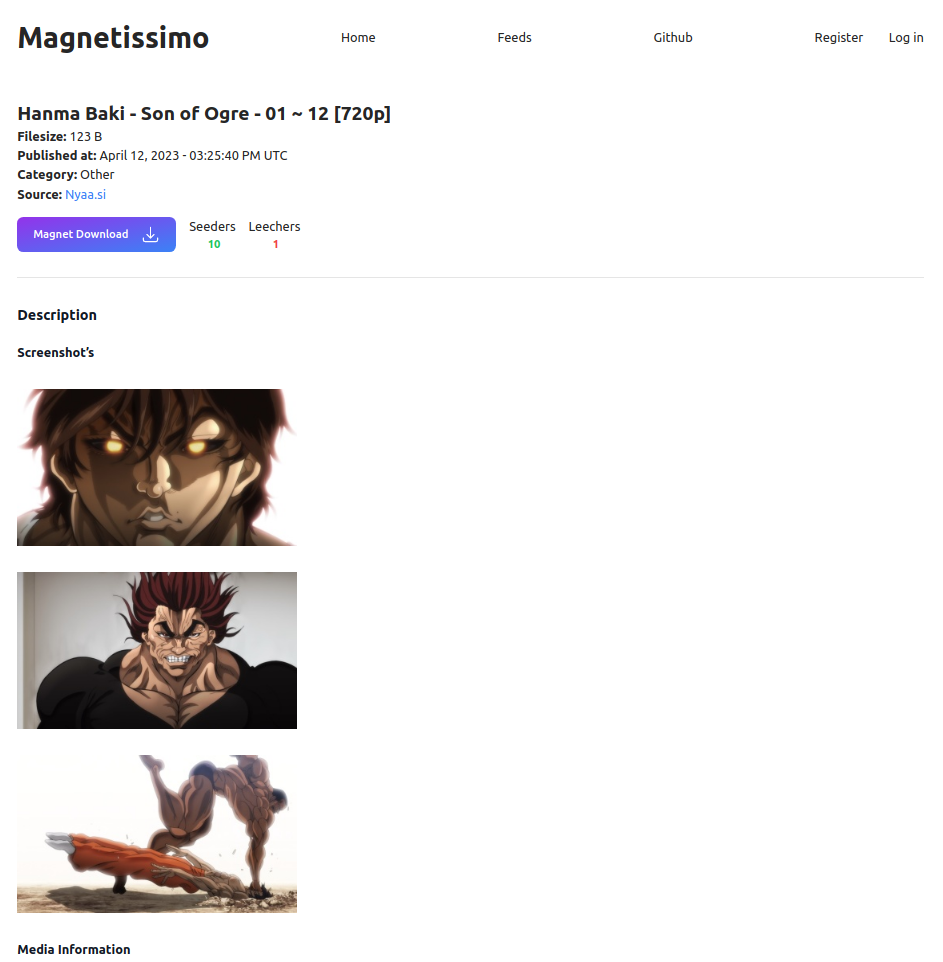
Magnetissimo를 실행하는 방법을 설명하고 싶습니다.
Docker Compose
 # Generate a secret_key with either
openssl rand -base64 64
mix phx.gen.secret

# Enter that key as SECRET_KEY_BASE in the docker-compse.yml file
SECRET_KEY_BASE=YourKeyGoesHere

# Start the application
docker compose up -d
localhost 외에 주소에서 Magnetissimo에 액세스하려면 환경 변수에 PHX_HOST 추가하십시오. 예를 들어, http://192.168.0.54:4000 에서 액세스하려면 :
- PHX_HOST=192.168.0.54
또는 https://magnetissimo.domain.tld 에서 액세스하려면 :
- PHX_HOST=magnetissimo.domain.tld
Kubernetes
 # Generate a secret_key with either
openssl rand -base64 64
mix phx.gen.secret

Edit the k8s/deployment.yaml file, and replace the ENV SECRET_KEY_BASE with your generated key.
Edit k8s/ingress.yaml & the PHX_HOST in k8s/deployment.yaml and replace the host with your domain name.

The Postgres database is configured to use the DNS name assuming it is being deployed to the default namespace, update this in the enviroment variables if you are deploying to a different namespace.

Finaly, deploy the application to your cluster.
kubectl apply -f k8s/pvc.yaml
kubectl apply -f k8s/deployment.yaml
kubectl apply -f k8s/svc.yaml
kubectl apply -f k8s/ingress.yaml
지역 개발
 asdf install
mix deps.get
iex -S mix phx.server
그런 다음 http : // localhost : 4000을 방문하십시오
모든 엔드 포인트는 JSON 형식 정보를 반환합니다.
/search 엔드 포인트 : http : // localhost : 4000/api/search/: search_term
Search는 search_term Param과 일치하는 급류를 반환합니다.
/latest 엔드 포인트 : http : // localhost : 4000/api/lost
최신작은 최신 50 개의 Published_at Torrents를 반환합니다.
우리는 .tool-versions 있으므로 ASDF를 사용하여 올바른 버전을 쉽게 설치할 수 있습니다.
 elixir 1.14.4
nodejs 19.8.1
그런 다음 asdf install .
또한 Postgres를 실행하고 DATABASE_URL 환경 변수를 사용하여 구성해야합니다.
마지막으로 더미 데이터로 데이터베이스를 설정하고 프로젝트를 실행하십시오.
mix deps.get
mix ecto.reset
iex -S mix phx.serverMagnetissimo에 대해 이야기하고 싶습니까? 아니면 기능을 제안하고 싶습니까? 공식 불화 서버가 있습니다.
공식 불화 서버에 가입하려면 클릭하십시오





