ormGPT
1.0.0

基于OpenAI的ORM,将普通的人类语言转换为SQL查询并在数据库上执行它们。
当前支持数据库方言:MySQL,PostgreSQL和SQLITE。
支持语言:英语,德语,法语,西班牙,波兰语,意大利语,荷兰语,葡萄牙语,乌克兰,阿拉伯语,中文,日语,韩语,土耳其语等。
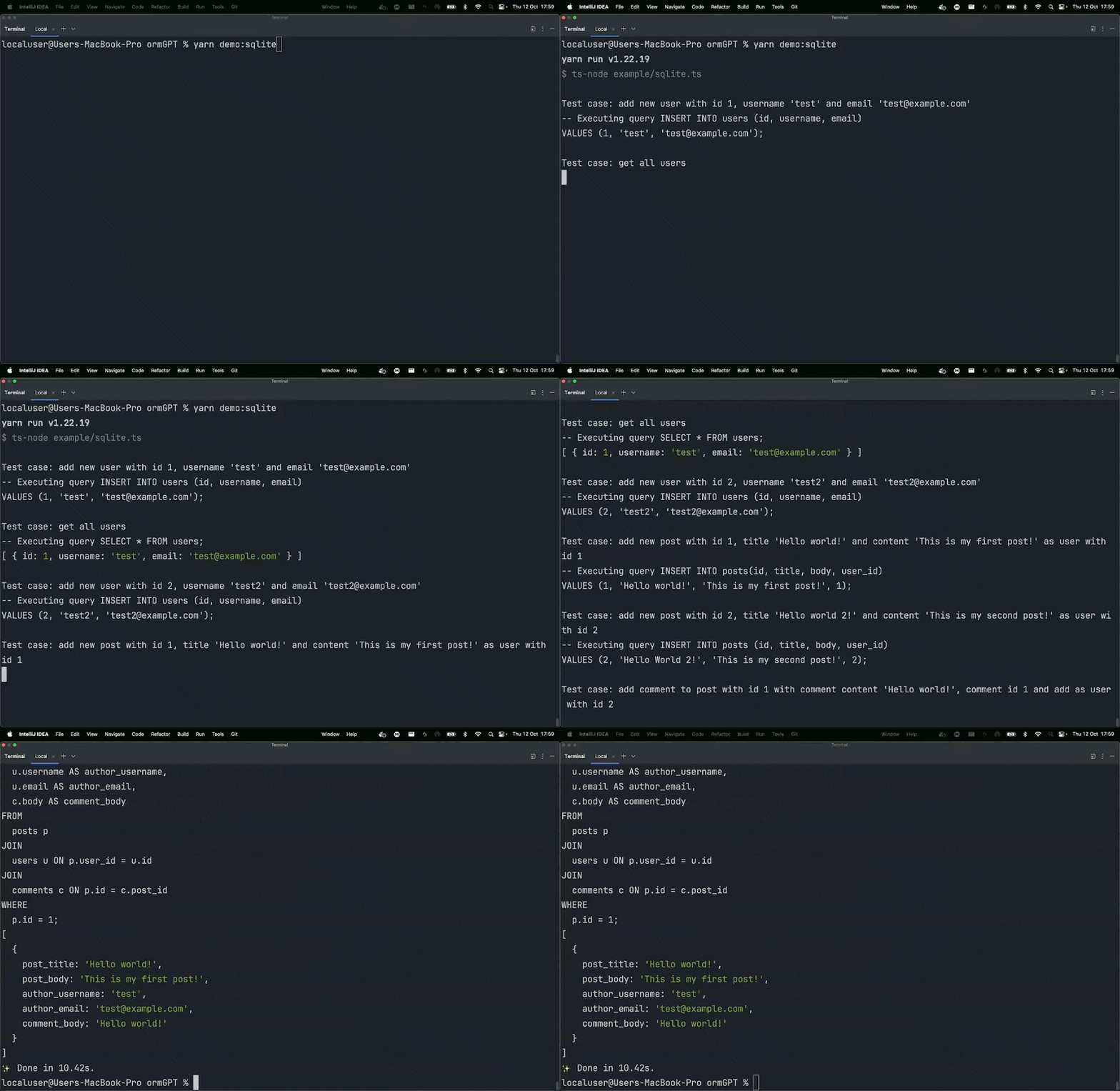
ormgpt.query( " give me post with id 1, all comments for this post and user information about author " ) ;生成查询:
 SELECT
  p . id AS post_id,
  p . title ,
  p . body ,
  c . id AS comment_id,
  c . body AS comment_body,
  u . username AS author_username,
  u . email AS author_email
FROM
  posts p
  JOIN comments c ON p . id = c . post_id
  JOIN users u ON u . id = p . user_id
WHERE
  p . id = 1 ;
回复:
 [
  {
    post_id : 1 ,
    title : 'Hello world!' ,
    body : 'This is my first post!' ,
    comment_id : 1 ,
    comment_body : 'Hello world!' ,
    author_username : 'test' ,
    author_email : '[email protected]'
  }
] 
npm install ormgpt

# or

yarn add ormgpt

# or

pnpm add ormgpt准备数据库架构文件,例如schema.sql 。此文件将用于生成查询。
  const client = await createConnection ( {
    host : 'localhost' ,
    port : 3306 ,
    database : 'ormgpt' ,
    user : 'root' ,
    password : 'mysecretpassword' ,
  } ) ;

  const mysqlAdapter = new MysqlAdapter ( {
    client
  } ) ;

  const ormgpt = new ormGPT ( {
    apiKey : "OPENAI_API_KEY" ,
    schemaFilePath : "./example/schema.sql" ,
    dialect : "postgres" ,
    dbEngineAdapter : mysqlAdapter ,
  } ) ;

  await ormgpt . query (
    "add new user with username 'test' and email '[email protected]'" ,
  ) ;

  const users = await ormgpt . query ( "get all users" ) ;
console . log ( users ) ;mysql
 const client = await createConnection ( {
  host : 'localhost' ,
  port : 3306 ,
  database : 'ormgpt' ,
  user : 'root' ,
  password : 'mysecretpassword' ,
} ) ;

const mysqlAdapter = new MysqlAdapter ( {
  client
} ) ;
Postgres
 const client = new Client ( {
  host : 'localhost' ,
  port : 5432 ,
  database : 'ormgpt' ,
  user : 'mysecretuser' ,
  password : 'mysecretpassword' ,
} ) ;
client . connect ( ) ;

const postgresAdapter = new PostgresAdapter ( {
  client
} ) ;
sqlite
 const sqliteAdapter = new SqliteAdapter ( {
  dbFilePath : "./example/db.sqlite" ,
} ) ;在过去的两年中,我发现Orms是JavaScript生态系统中最近的JavaScript框架以来的新日子。而且,由于AI是一个热门流行语,因此我决定进行一些尝试以将两者结合起来,并创建一个使用OpenAI生成SQL查询的ORM。请不要在生产中使用它。
麻省理工学院





