TeleVision
1.0.0

 开放式:与之相关
沉浸式主动视觉反馈
Xuxin Cheng* · Jialong Li* · Shiqi Yang
GE Yang ·小王王



该代码包含用于开放式电视的远程操作和模仿学习的实现。
    conda create -n tv python=3.8
    conda activate tv
    pip install -r requirements.txt
    cd act/detr && pip install -e .
安装ZED SDK:https://www.stereolabs.com/developers/release/
安装Zed Python API:
cd /usr/local/zed/ && python get_python_api.py
如果您想在模拟环境(teleop_hand.py)中尝试远程流动示例:
安装ISAAC体育馆:https://developer.nvidia.com/isaac-gym/
对于Quest Local流媒体,请遵循此问题。
Apple不允许在非HTTPS连接上进行WebXR。要在本地测试应用程序,我们需要创建一个自签名的证书并将其安装在客户端上。您需要一台Ubuntu机器和路由器。将VisionPro和Ubuntu机器连接到同一路由器。
ifconfig | grep inet
假设Ubuntu机器的本地IP地址是192.168.8.102 。
mkcert -install && mkcert -cert-file cert.pem -key-file key.pem 192.168.8.102 localhost 127.0.0.1
PS。将生成的cert.pem和key.pem文件放在teleop中。
    sudo iptables -A INPUT -p tcp --dport 8012 -j ACCEPT
    sudo iptables-save
    sudo iptables -L
也可以用ufw完成:
sudo ufw allow 8012
tv = OpenTeleVision(self.resolution_cropped, shm.name, image_queue, toggle_streaming, ngrok=False)
mkcert -CAROOT
通过Airdrop将Rootca.pem复制到VisionPro并安装。
设置>常规>大约>证书信任设置。在“启用根证书的完全信任”下,打开对证书的信任。
设置>应用程序> Safari>高级>“功能标志”>启用WebXR相关功能
在VisionPro上在Safari上打开浏览器,然后访问https://192.168.8.102:8012?ws=wss://192.168.8.102:8012 8012?ws = wss://192.168.8.8.8.102:8012
单击Enter VR , Allow启动VR会话。
对于Meta Quest3,证书的安装不是微不足道的。我们需要使用网络流解决方案。我们使用ngrok为服务器创建安全的隧道。此方法将适用于VisionPro和Meta Quest3。
ngrok http 8012
PS。在使用NGrok进行网络流时,请记住使用以下方式调用OpenTeleVision :
self.tv = OpenTeleVision(self.resolution_cropped, self.shm.name, image_queue, toggle_streaming, ngrok=True)
cd teleop && python teleop_hand.py
转到VisionPro上的Vuer网站,单击Enter VR ,然后Allow进入身临其境的环境。
在3D中看到您的手!
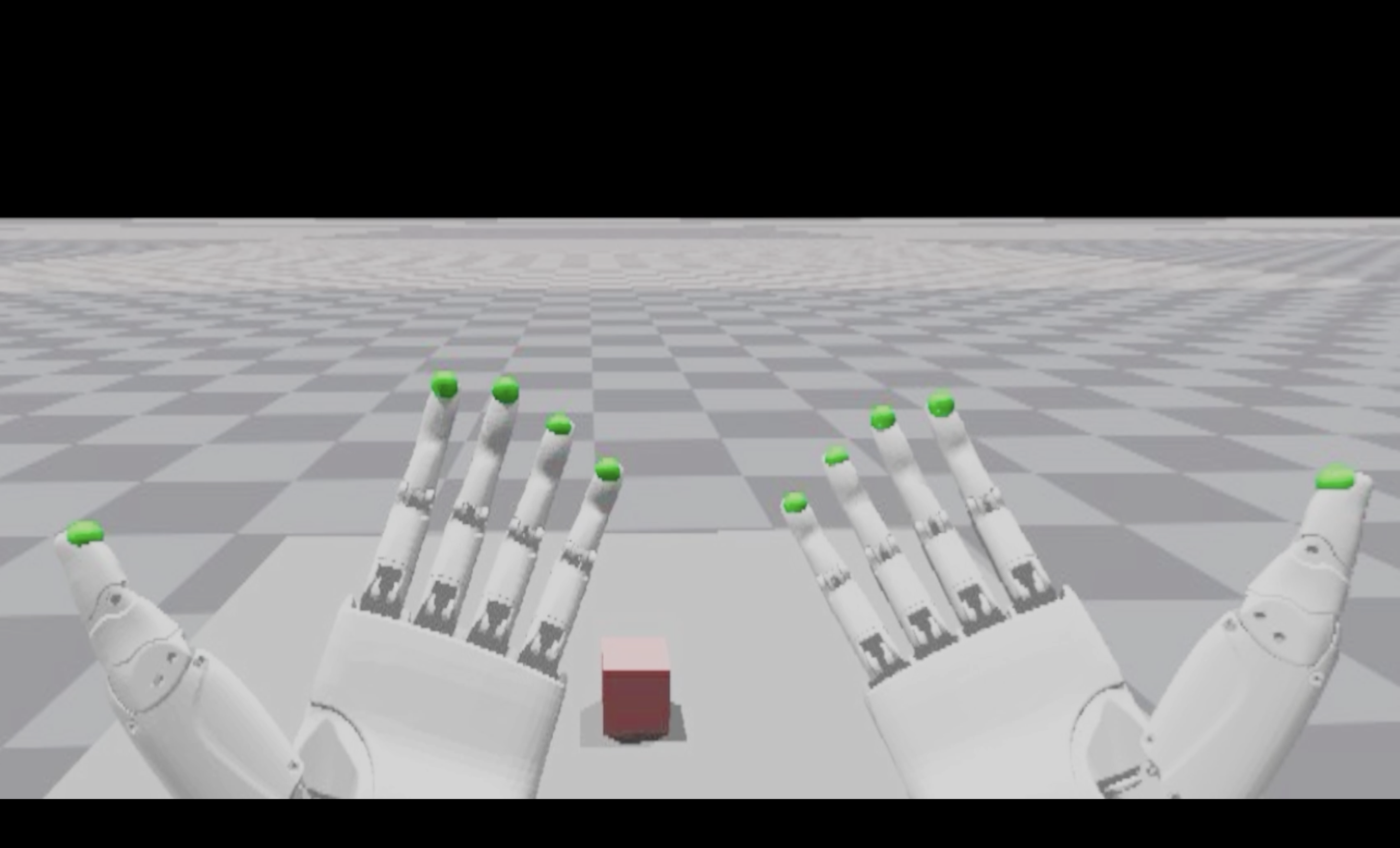
从https://drive.google.com/drive/folders/11wo96mumjmxro9hpvm4adz7thuugnemy?usp=sharing下载数据集。
将下载的数据集放入data/recordings/ 。
处理指定的数据集,用于使用scripts/post_process.py培训。
您可以使用scripts/replay_demo.py验证数据集中特定情节的图像和动作序列。
要训练法,请运行:
python imitate_episodes.py --policy_class ACT --kl_weight 10 --chunk_size 60 --hidden_dim 512 --batch_size 45 --dim_feedforward 3200 --num_epochs 50000 --lr 5e-5 --seed 0 --taskid 00 --exptid 01-sample-expt
    python imitate_episodes.py --policy_class ACT --kl_weight 10 --chunk_size 60 --hidden_dim 512 --batch_size 45 --dim_feedforward 3200 --num_epochs 50000 --lr 5e-5 --seed 0 --taskid 00 --exptid 01-sample-expt
                               --save_jit --resume_ckpt 25000
scripts/deploy_sim.py ,示例用法可视化训练有素的策略: python deploy_sim.py --taskid 00 --exptid 01 --resume_ckpt 25000
 @article{cheng2024tv,
title={Open-TeleVision: Teleoperation with Immersive Active Visual Feedback},
author={Cheng, Xuxin and Li, Jialong and Yang, Shiqi and Yang, Ge and Wang, Xiaolong},
journal={arXiv preprint arXiv:2407.01512},
year={2024}
}





