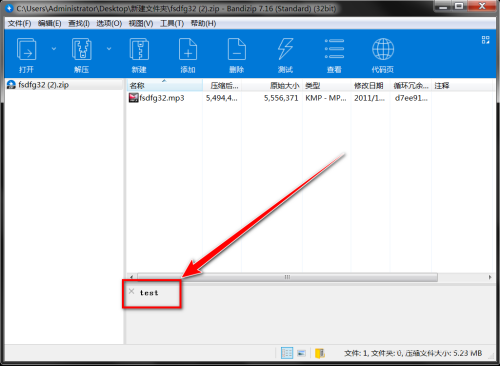
Many friends are curious about how Bandizip can view the annotation content of a compressed package. The following is a tutorial on how to view the annotated content of a compressed package with Bandizip . Friends who are in need should come and take a look.

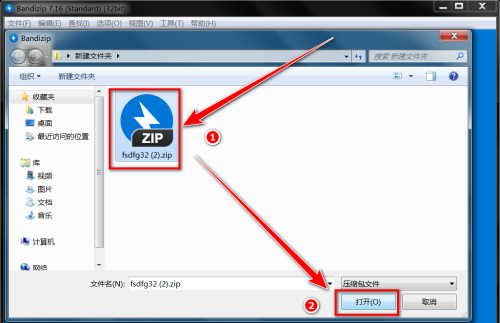
1. Open Bandizip and click "Open compressed file".

2. Select "Compressed File" and click "Open".
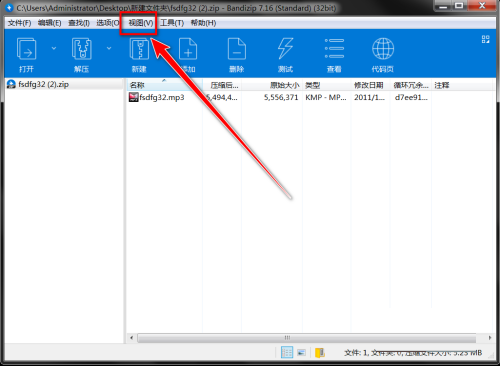
3. After opening the compressed file, click "View" in the menu bar.
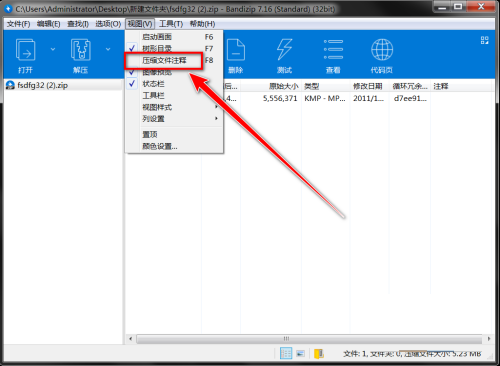
4. In the drop-down menu, click "Compressed File Comments".
5. After clicking "Compressed File Comment", you can see the comment content at the bottom of the window.