Bandizip is a reliable and fast compression software. Many friends may not know that Bandizip can set the toolbar. The following is a tutorial on how to set the toolbar in Bandizip . Friends in need should come and take a look.

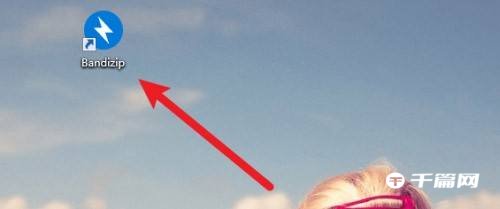
1. First open the "Bandizip" software.
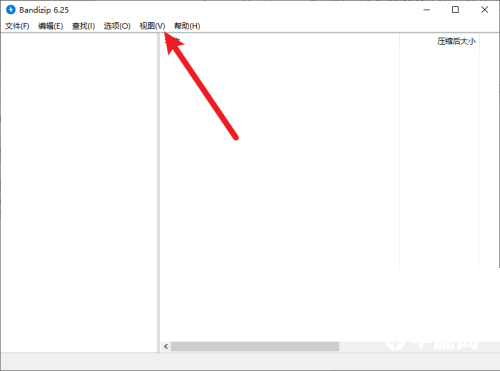
2. Then enter the main interface of Bandizip and click View.
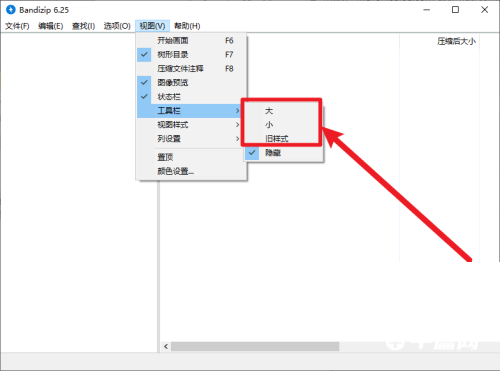
3. Then click Toolbar in the expanded drop-down menu.
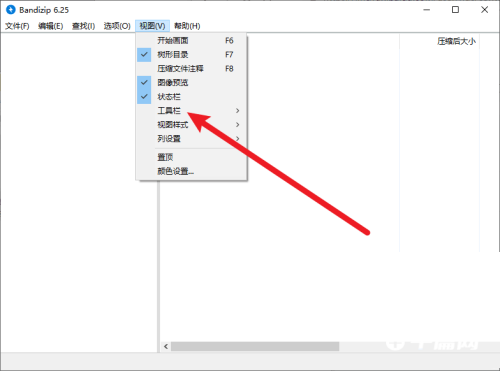
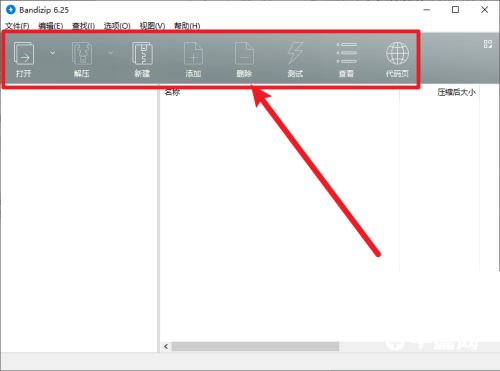
4. Finally, in the toolbar options, select any style to display the toolbar.