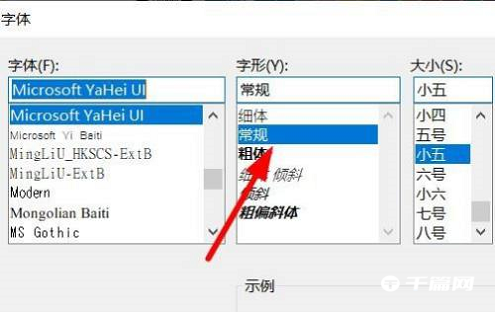
Many friends still don’t know how to configure glyphs in Bandizip. So for this problem, here is a tutorial on how to configure glyphs in Bandizip . Friends who need it, please come and take a look.

1. First open [Bandizip], enter the window and click [Settings] under [Options] in the menu bar.

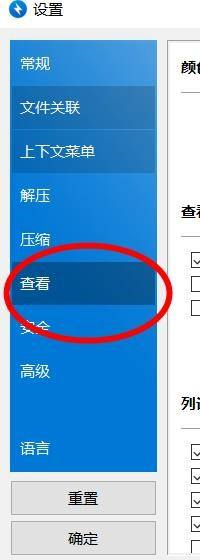
2. You can find [Font Settings] under [View] on the left.

3. Finally, you can find the [Font] attribute in the pop-up window for customized configuration.