
In today's fast-paced work and learning environment, voice to text technology is becoming an important tool for improving efficiency. Whether it is meeting minutes, content creation, or cross-border communication, the voice-to-text tool can help users quickly convert audio content into editable text, saving a lot of time and energy. This article will introduce five efficient voice to text tools, each with its own characteristics and can meet the needs of different scenarios.
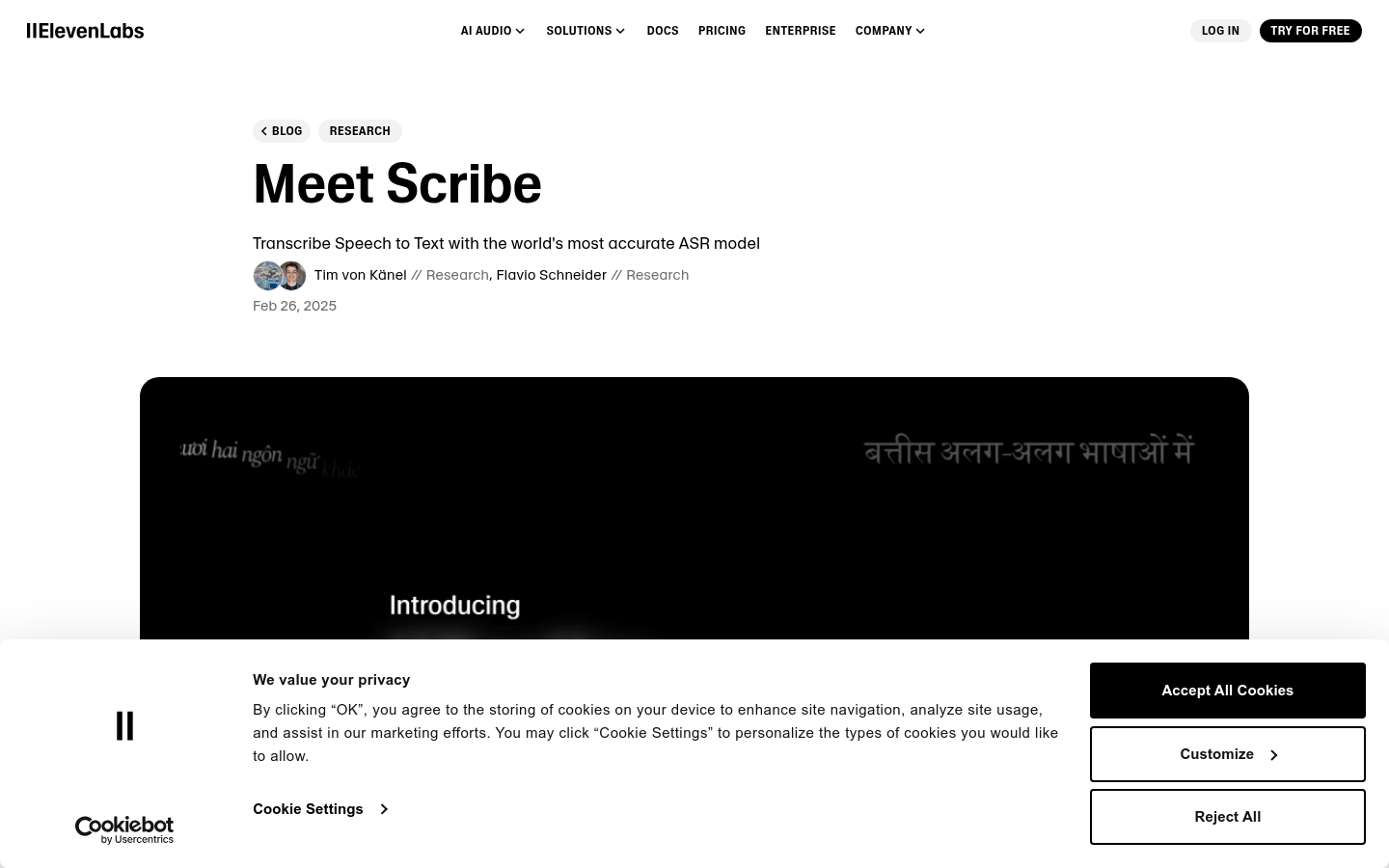
Scribe
Scribe is a high-precision speech-to-text model developed by ElevenLabs, which supports 99 languages and provides functions such as word-level timestamps, speaker separation and audio event marking. It performed well in the FLEURS and Common Voice benchmarks, surpassing leading models such as Gemini 2.0 Flash, Whisper Large V3, and Deepgram Nova-3.
Scribe's main features include supporting high-precision speech to text in 99 languages, providing word-level timestamps for easy precise editing and synchronization. In addition, it also has the function of speaker separation, which can distinguish different speakers and supports audio event markings (such as non-voice events such as laughter and applause). A low-latency version is coming soon and is suitable for real-time applications.
The steps to using Scribe are very simple. First, users need to register and log in to the official ElevenLabs website. Then, upload the audio or video file through the ElevenLabs dashboard. Select the Scribe model for speech-to-word processing, and finally download or directly use the generated structured text transcription results. Developers can also integrate Scribe into their applications through API documentation.
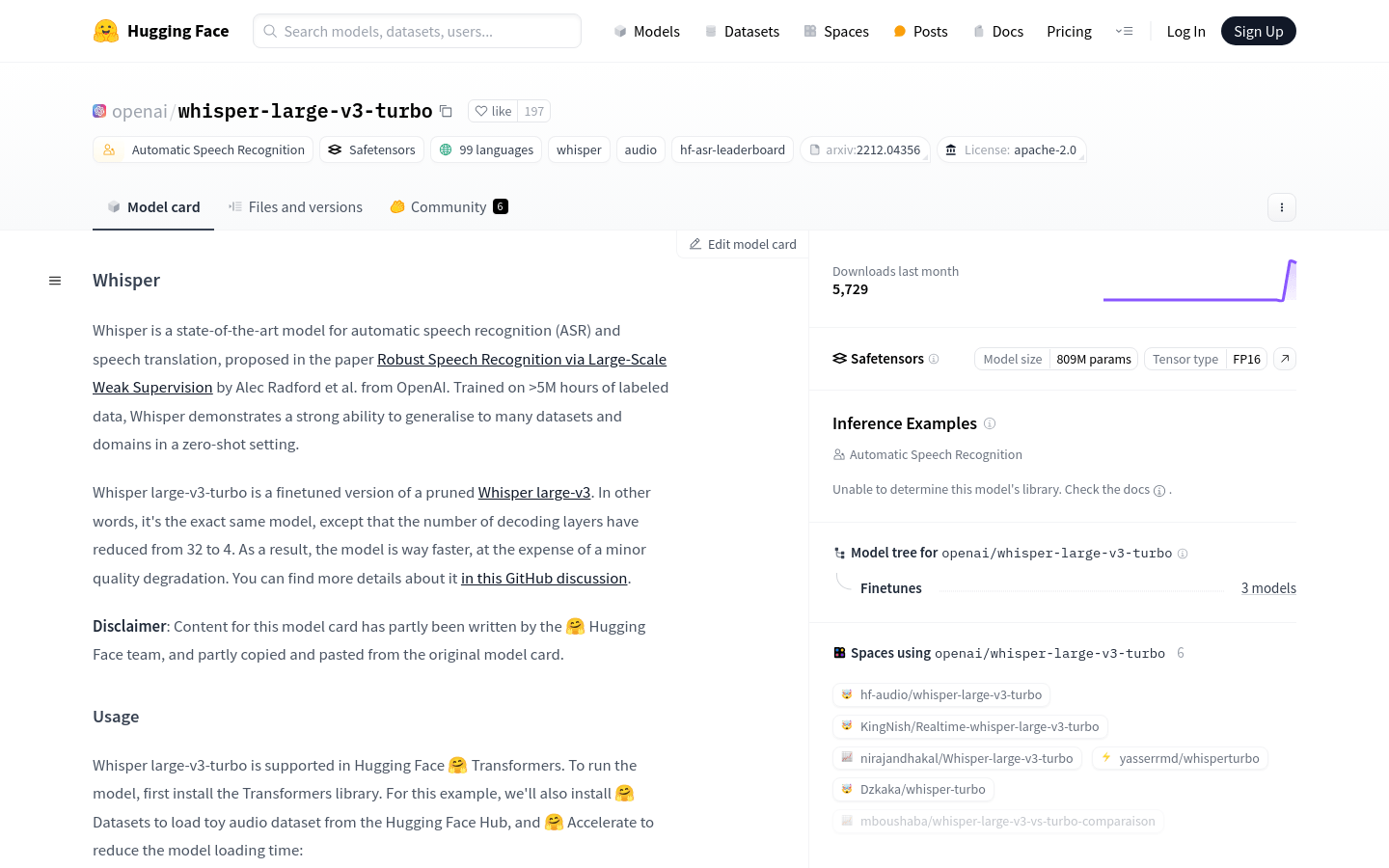
Whisper large-v3-turbo
Whisper large-v3-turbo is an advanced automatic speech recognition and speech translation model proposed by OpenAI. It trains on over 5 million hours of labeled data and is able to generalize to many datasets and domains in a zero-sample setting.
Whisper large-v3-turbo's main features include support for speech recognition and translation in 99 languages, and the ability to generalize to multiple datasets and domains in a zero-sample setup. By reducing the number of decoding layers, it can increase the running speed of model, support block-by-block processing of long audio files, and automatically predict the language of source audio.
The steps to using Whisper large-v3-turbo include installing the Transformers library as well as the Datasets and Accelerate libraries. Then, use AutoModelForSpeechSeq2Seq and AutoProcessor to load the model and processor from the Hugging Face Hub. Create a pipeline for automatic speech recognition through the pipeline class, load and prepare audio data, and call the pipeline to obtain transcription results. For voice translation, set the task parameter to 'translate'.
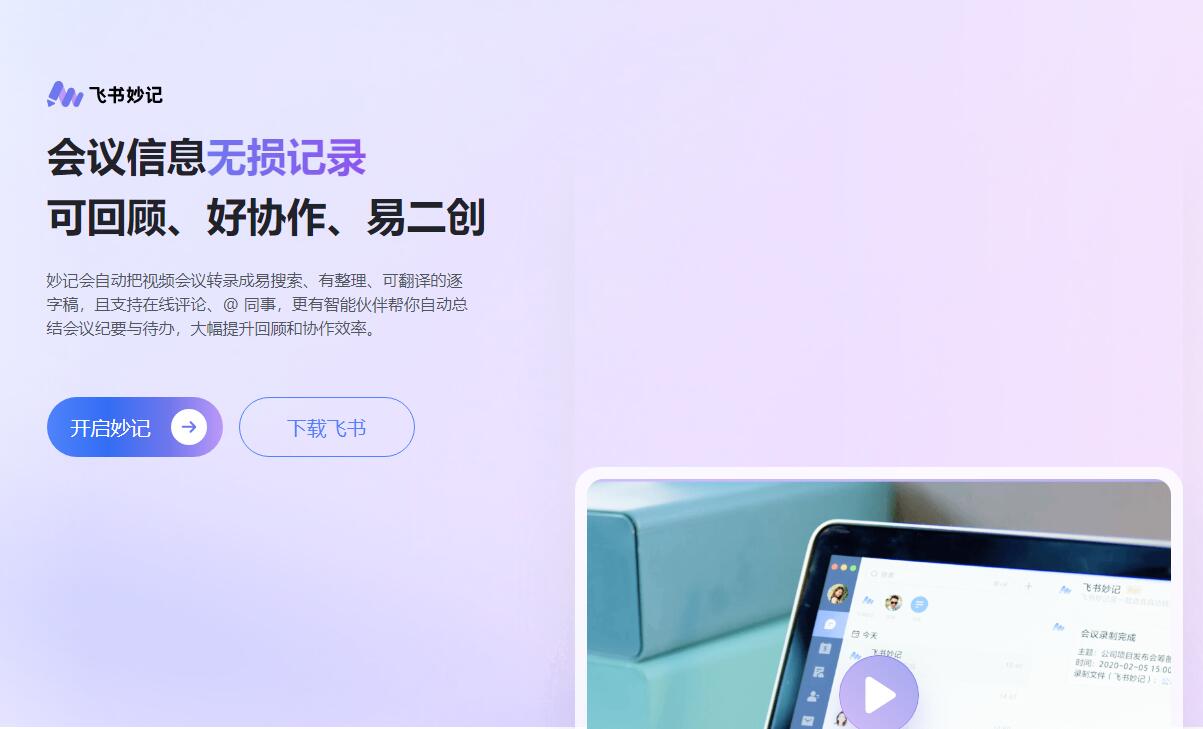
Flying Book Wonderful Notes
Feishu Miaoji is an intelligent conference minutes tool launched by Feishu. It can automatically transcribe video conferences and local audio and video files into word-by-word scripts, and supports functions such as intelligent summary, structured display and multilingual translation.
The main functions of Feishu Miaoji include automatic transcription: accurately transcribing video conferences and local audio and video files into word-by-word drafts; intelligent summary: automatically generate meeting minutes based on conference content; multilingual translation: support one-click translation into 19 common languages; to-do recognition: intelligently identify to-do tasks in conferences.
The steps to using Feishu Miaoji include downloading and installing Feishu APP, registering or logging in to an account. Enter the Feishu Miaoji page and select the meeting or audio and video file you want to record. Start the meeting or play audio and video, and Feishu Miaoji will automatically transcribe the content. After the meeting is over, view the automatically generated meeting minutes and to-do tasks.
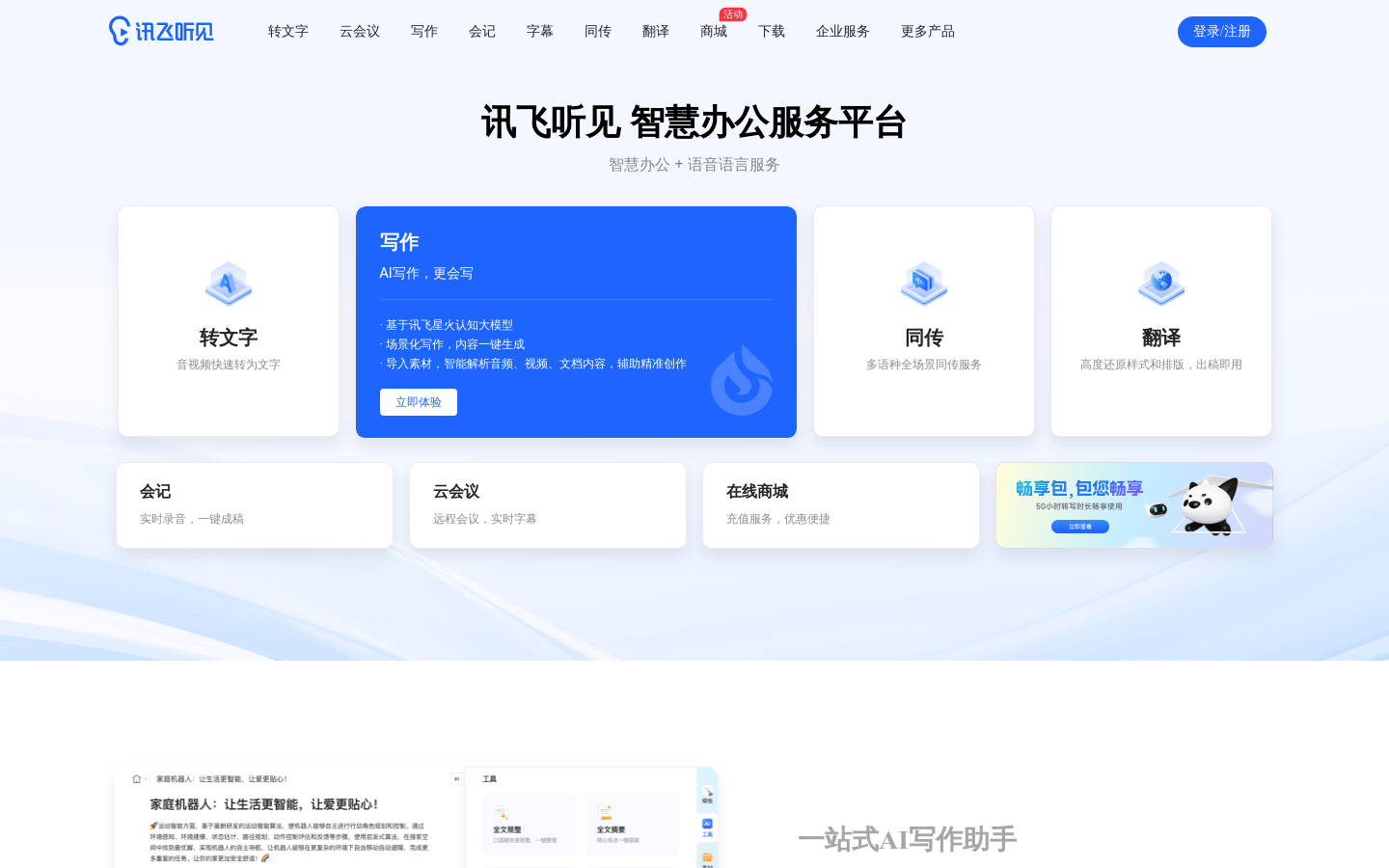
iFlytek heard
iFLYTEKING is a voice-to-text tool developed based on advanced voice recognition technology. It supports multiple languages and scenarios and is widely used in meeting records, interviews and study notes and other scenarios.
The main functions of iFLYTEK hearing include supporting audio and video file import, quickly transcribing into text; real-time recording and recording, suitable for conference and interview scenarios; providing manual replication services to ensure high accuracy of the transcribed content.
The steps to using iFlytek to hear include visiting iFlytek to hear official website or downloading the APP, registering and logging in to your account. Select the import audio and video files or real-time recording function. Upload audio and video files or start real-time recording, and the system automatically translates. After the transliteration is completed, you can view, edit and export the transliteration content.
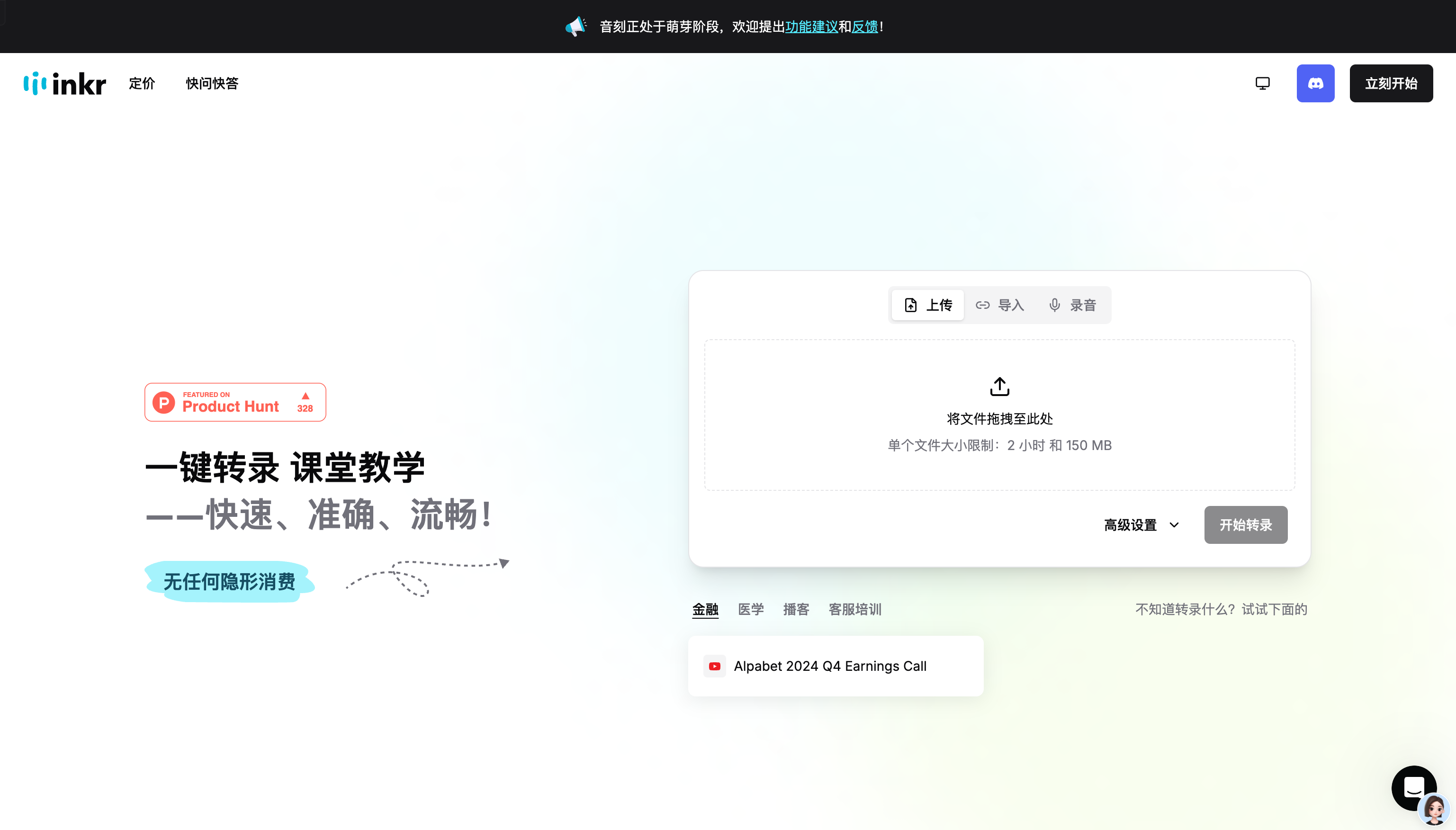
Transcription of sound
Audio-Translation is an online tool focusing on audio and video transcription. Through advanced speech recognition technology, it can quickly convert audio or video files into text.
The main functions of audio transcription include super-light speed processing: hours of audio and video transcription within a few minutes; support for multiple file formats and multiple languages; automatic recognition of spokespersons and word-by-word calibration.
The steps to using soundtrack transcription include accessing the soundtrack transcription official website and clicking to start using. Upload audio or video files that need to be transcribed. Select the transcription model and set advanced options. Click to start transcription and wait for the system to complete the transcription task. After the transcription is complete, view, edit and export the transcription text.
The voice-to-text tool provides users with efficient and convenient audio content processing solutions through advanced voice recognition technology. Whether it is meeting minutes of multinational companies or sorting out student class notes, these tools can significantly improve work efficiency and reduce the cost of manual transcription. With the continuous advancement of technology, the voice-to-text tool will play an important role in more scenarios and become a good assistant for modern work and learning.