chat_desk
v0.8.3

 chat_desk (ในการสร้าง)
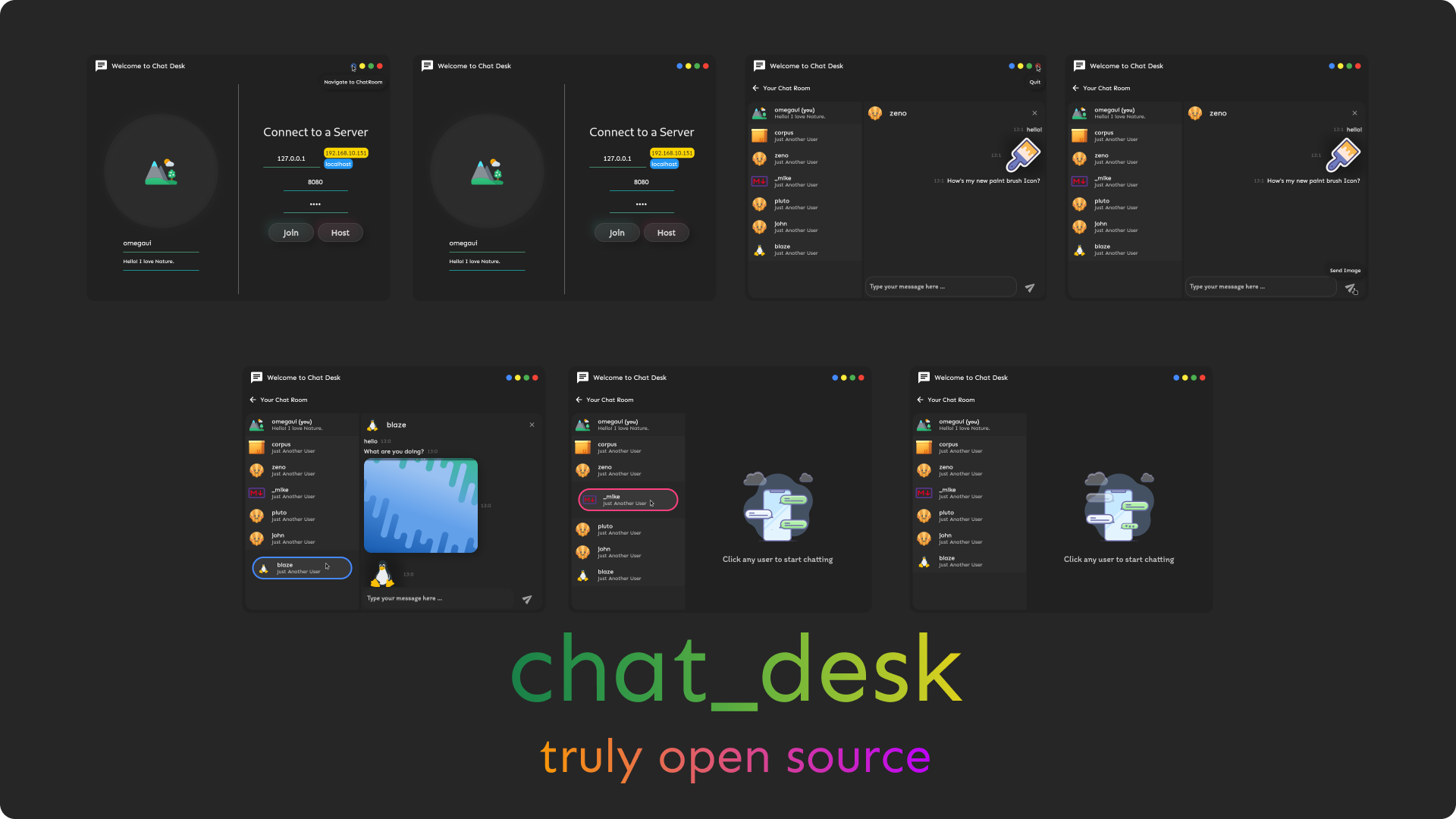
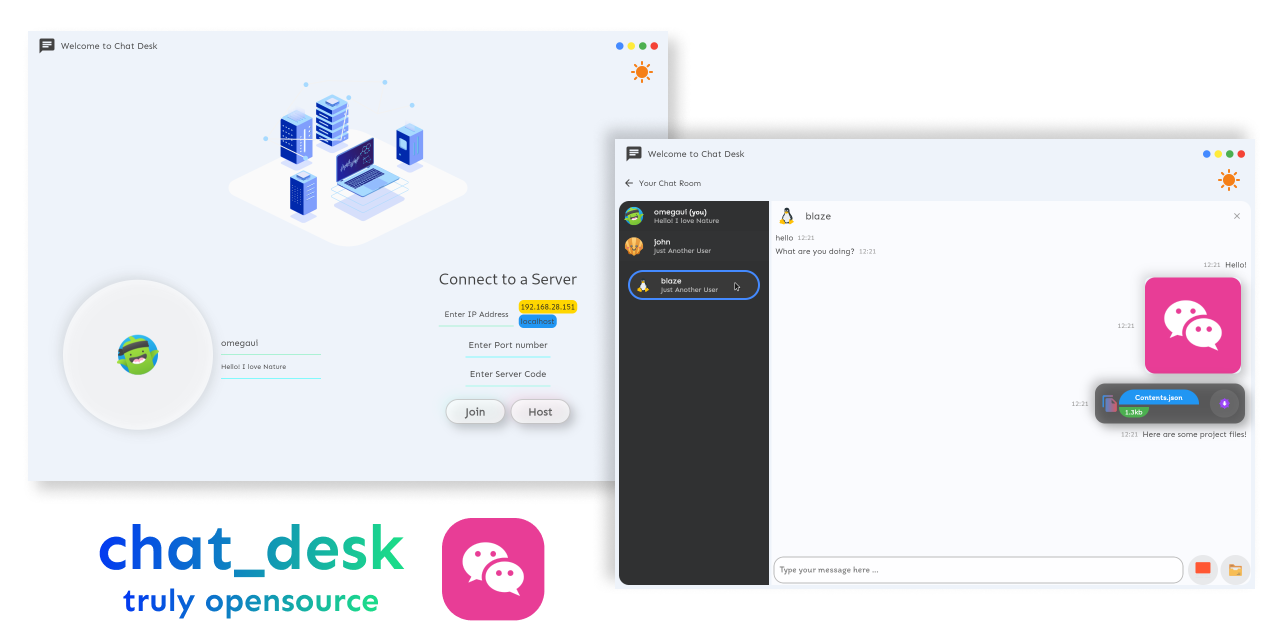
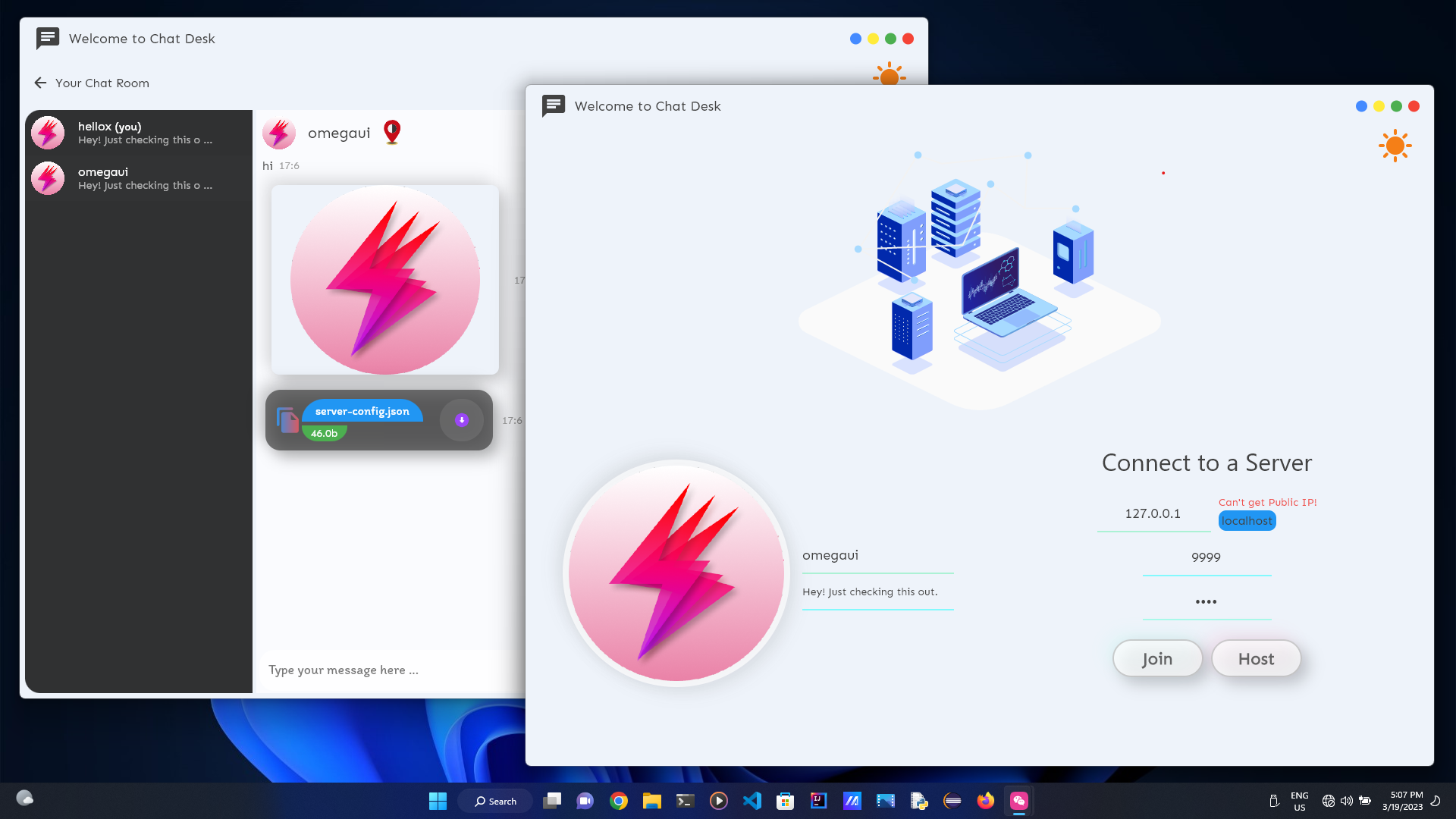
แอปพลิเคชั่นแชทโฮสต์ตัวเองสำหรับเดสก์ท็อปที่เขียนด้วย Flutter!
ทดสอบอย่างละเอียดบน Windows และ Linux!
ฉันไม่ได้เป็นเจ้าของ Mac ดังนั้นผู้ทดสอบ Mac จึงจำเป็น! ความช่วยเหลือใด ๆ จะขอบคุณมาก?
ตรงไปที่ เผยแพร่
curl " https://raw.githubusercontent.com/omegaui/chat_desk_linux_install_script/main/script/install-linux.sh " | sh นอกเหนือจากการตั้งค่าคุณต้องดาวน์โหลด chat_desk_core & pubspec.yml ที่ไดเรกทอรีรูทการติดตั้ง
รันต่อไปนี้เพื่อดาวน์โหลด
wget https://raw.githubusercontent.com/omegaui/chat_desk_core/main/bin/ < platform > /chat_desk_core.exe
wget https://raw.githubusercontent.com/omegaui/chat_desk_core/main/pubspec.yml
ที่ใดแพลตฟอร์มคือ Windows หรือ Mac
มันง่าย
git clone https://github.com/omegaui/chat_desk
cd chat_deskflutter pub get
wget https://raw.githubusercontent.com/omegaui/chat_desk_core/main/bin/ < platform > /chat_desk_core.exe
# for linux
# sudo chmod 777 chat_desk_core.exeflutter run เฮ้นี่สำหรับคุณถ้าคุณต้องการช่วยในการสร้างโครงการ
เนื่องจากแกนกลางของโปรแกรมถูกแยกออกและเป็นอิสระจาก UI ดูเหมือนว่ามีความยุ่งยากในการสร้างทั้งแกนและ UI สำหรับการทดสอบการเปลี่ยนแปลง/คุณสมบัติ
⚡ แต่นี่ไม่ใช่กรณีของ chat_desk ⚡
เพื่อจุดประสงค์ในการดีบักคุณสามารถแทนที่คำสั่ง Spawner ใน server_handler.dart เพื่อเปิดใช้งาน Embedded Core
สิ่งที่คุณต้องทำคือแทนที่
เฉพาะบรรทัดนี้
    _serverProcess = await Process . start (
"${! Platform . isWindows ? "./" : "" }chat_desk_core.exe" , []);
ด้วยบรรทัดนี้
    _serverProcess = await Process . start (
"dart" , [ "lib/core/server/server.dart" ]);
และนั่นก็คือเซิร์ฟเวอร์ที่ฝังตัวของคุณพร้อมสำหรับการทดสอบ !!