chat_desk
v0.8.3

 chat_desk (제작)
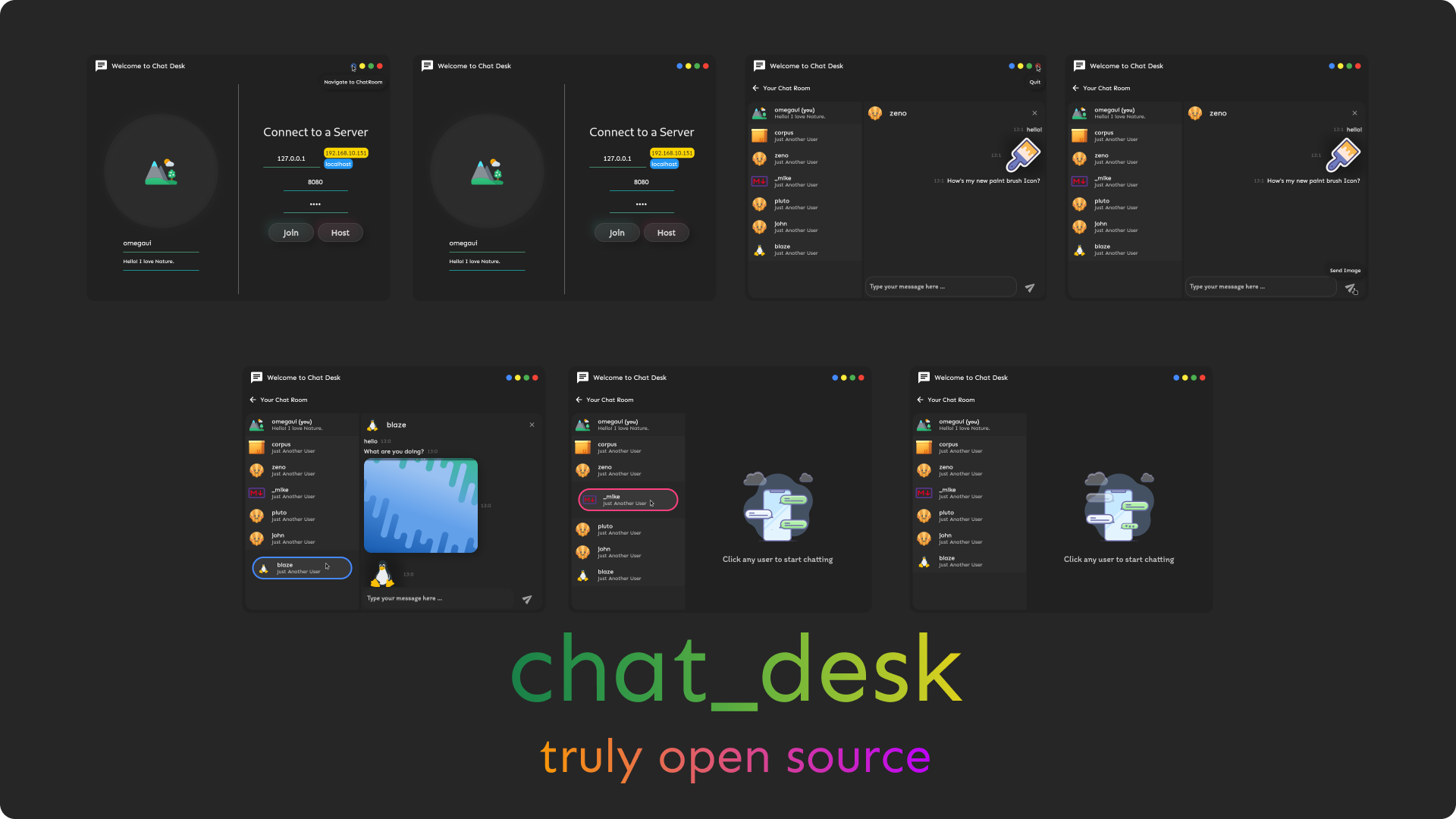
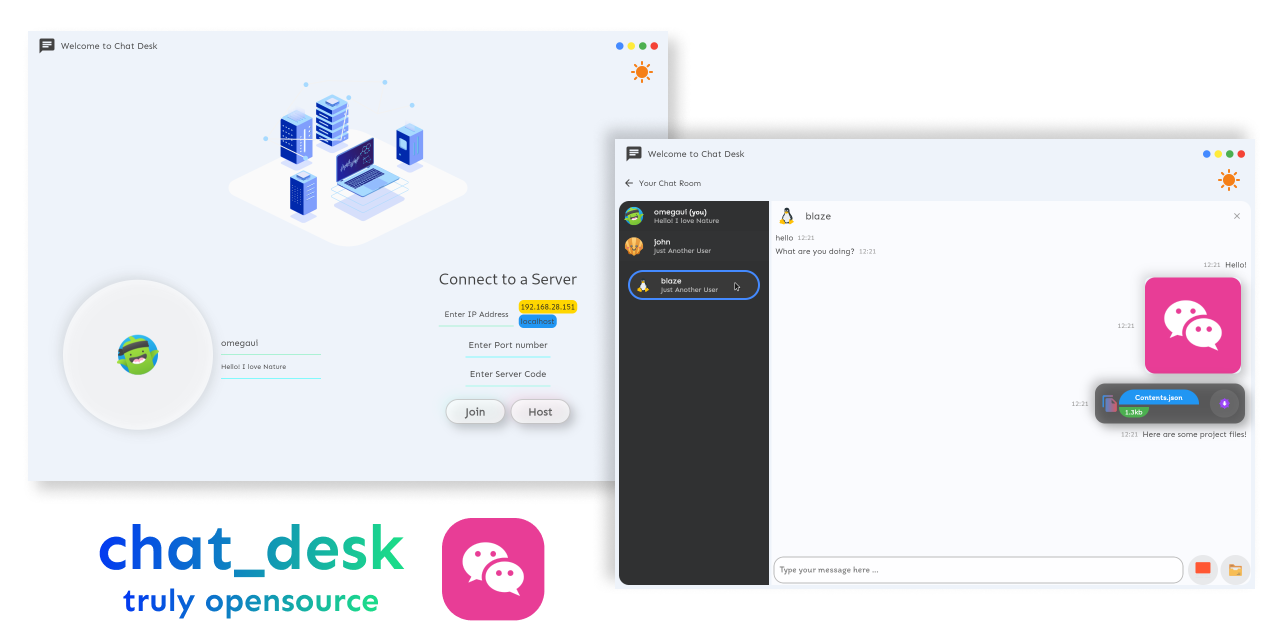
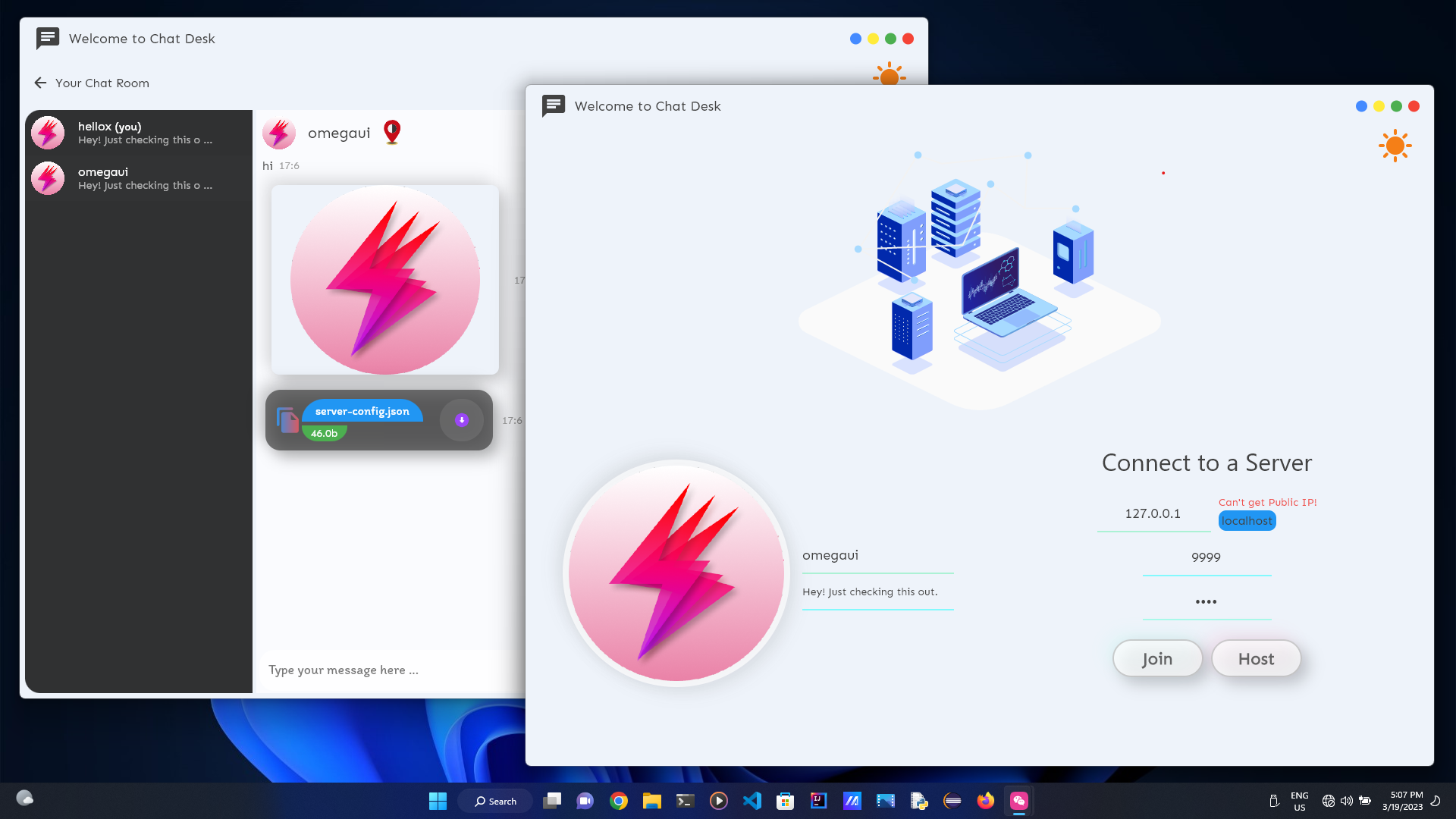
Flutter로 작성된 데스크탑 용 자체 호스팅 채팅 응용 프로그램!
Windows와 Linux에서 세밀하게 테스트되었습니다!
나는 Mac을 소유하고 있지 않으므로 Mac 테스터가 필요합니다! 어떤 도움도 매우 감사 할 것입니까?
릴리스 로 가십시오
curl " https://raw.githubusercontent.com/omegaui/chat_desk_linux_install_script/main/script/install-linux.sh " | sh 설정 외에도 설치 루 디렉토리에서 chat_desk_core & pubspec.yml 다운로드해야합니다.
다운로드하려면 다음을 실행하십시오.
wget https://raw.githubusercontent.com/omegaui/chat_desk_core/main/bin/ < platform > /chat_desk_core.exe
wget https://raw.githubusercontent.com/omegaui/chat_desk_core/main/pubspec.yml
여기서 플랫폼은 Windows 또는 Mac 입니다.
쉽습니다
git clone https://github.com/omegaui/chat_desk
cd chat_deskflutter pub get
wget https://raw.githubusercontent.com/omegaui/chat_desk_core/main/bin/ < platform > /chat_desk_core.exe
# for linux
# sudo chmod 777 chat_desk_core.exeflutter run 이봐, 프로젝트 구축을 돕고 싶다면
이 프로그램의 핵심은 UI와 독립적이기 때문에 변경/기능 테스트를위한 핵심과 UI를 구축하는 데 번거로운 것 같습니다.
⚡하지만 이것은 chat_desk의 경우가 아닙니다.
디버깅 목적을 위해 server_handler.dart Core를 활성화하기 위해 Spawner 명령을 대체 할 수 있습니다.
당신이해야 할 일은 교체하는 것입니다.
이 줄만
    _serverProcess = await Process . start (
"${! Platform . isWindows ? "./" : "" }chat_desk_core.exe" , []);
이 라인으로
    _serverProcess = await Process . start (
"dart" , [ "lib/core/server/server.dart" ]);
그리고 그게 전부, 내장 서버가 테스트 할 준비가되었습니다 !!