chat_desk
v0.8.3

 chat_desk(作成中)
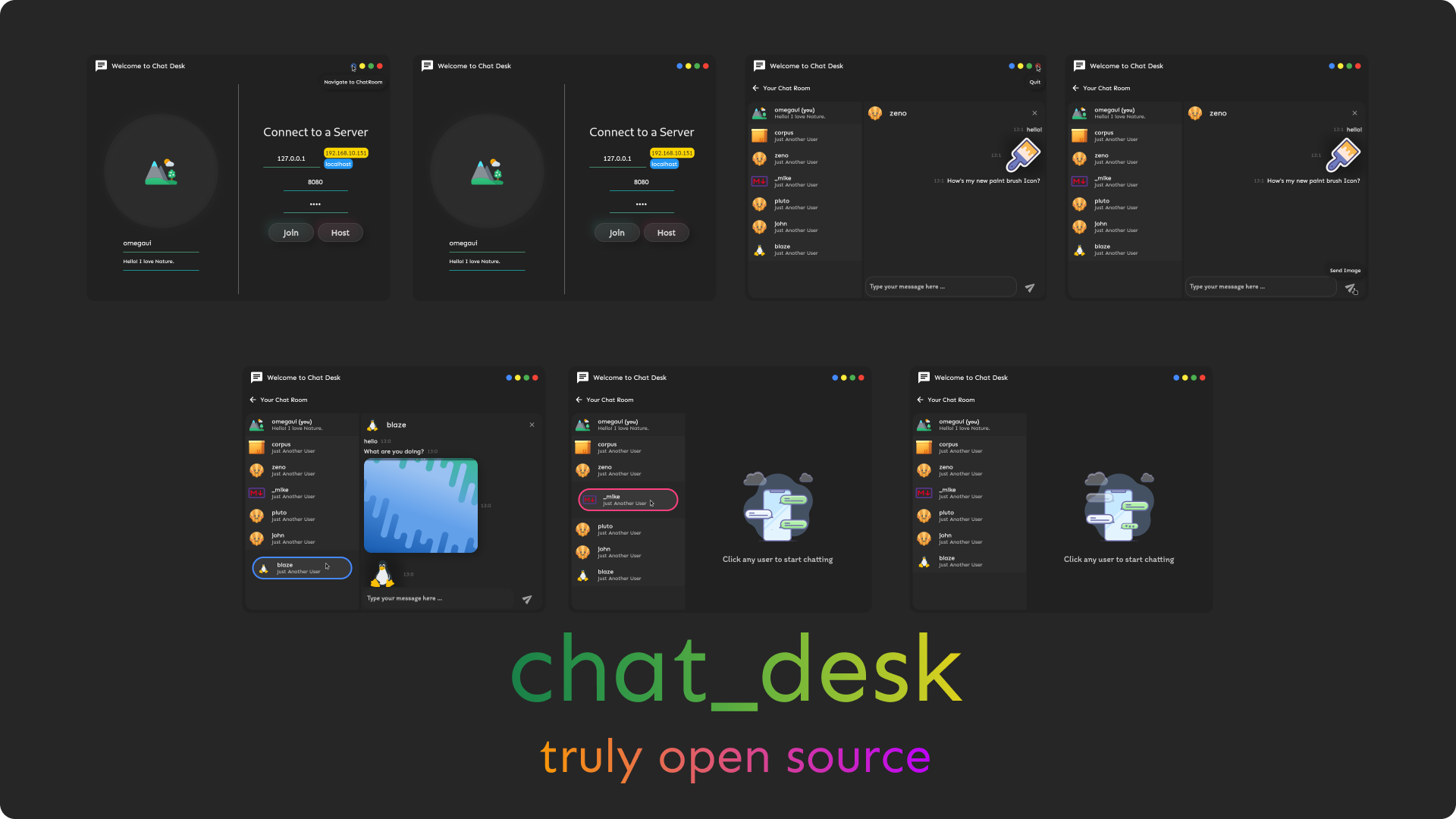
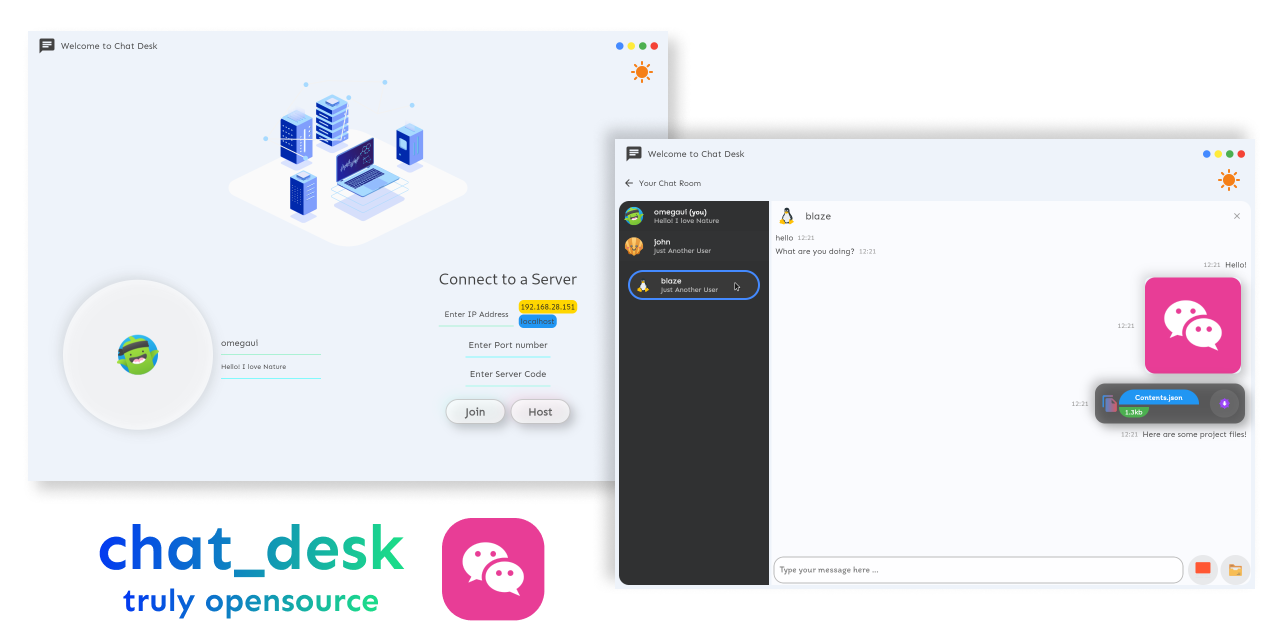
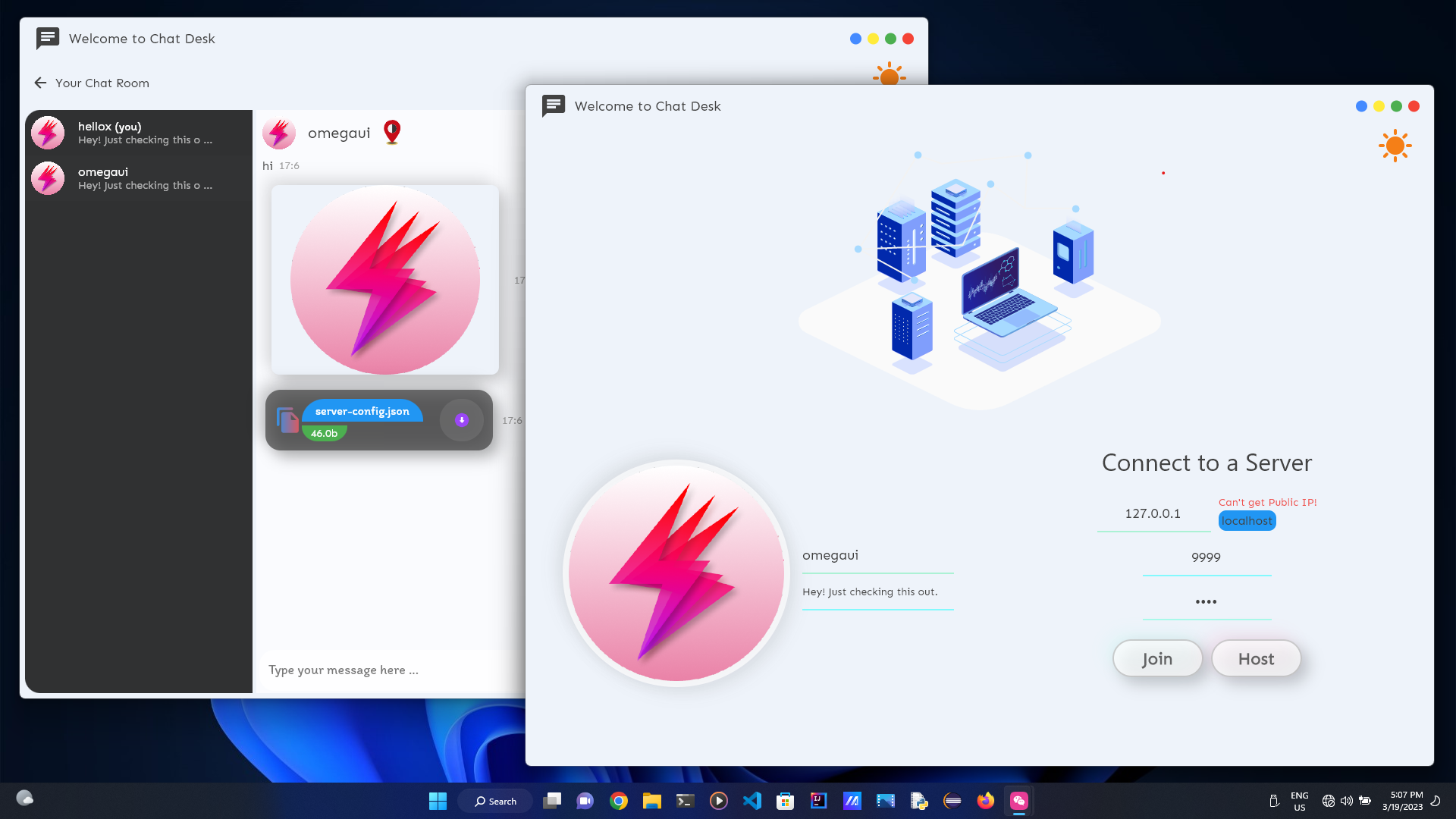
Flutterで書かれたデスクトップ用の自己ホストチャットアプリケーション!
WindowsとLinuxで細かくテストされています!
私はMacを所有していないので、Macテスターが必要です!何かがとても感謝しているでしょうか?
リリースに向かいます
curl " https://raw.githubusercontent.com/omegaui/chat_desk_linux_install_script/main/script/install-linux.sh " | shセットアップとは別に、 chat_desk_core & pubspec.ymlをインストールルートディレクトリにダウンロードする必要があります。
以下を実行してダウンロードし、
wget https://raw.githubusercontent.com/omegaui/chat_desk_core/main/bin/ < platform > /chat_desk_core.exe
wget https://raw.githubusercontent.com/omegaui/chat_desk_core/main/pubspec.ymlここで、プラットフォームはWindowsまたはMacのいずれかです。
簡単です
git clone https://github.com/omegaui/chat_desk
cd chat_deskflutter pub get
wget https://raw.githubusercontent.com/omegaui/chat_desk_core/main/bin/ < platform > /chat_desk_core.exe
# for linux
# sudo chmod 777 chat_desk_core.exeflutter run ねえ、これはあなたのためです、あなたがプロジェクトの構築を手伝いたいなら、
プログラムのコアは分離されており、UIとは独立しているため、変更/機能をテストするためのコアとUIの両方を構築する手間がかかるようです。
⚡しかし、これはchat_deskには当てはまりません⚡
デバッグの目的のために、 server_handler.dartのSpawnerコマンドを交換して、埋め込みコアを有効にすることができます。
あなたがする必要があるのは、交換することだけです、
この行のみ
    _serverProcess = await Process . start (
"${! Platform . isWindows ? "./" : "" }chat_desk_core.exe" , []);
この行で
    _serverProcess = await Process . start (
"dart" , [ "lib/core/server/server.dart" ]);
そして、それだけで、埋め込まれたサーバーはテストの準備ができています!!