svgembed
1.0.0

SVG EMBEDDER สำหรับ https://github.com/marionebl/svg-term
npm install -g git+https://github.com/miraclx/svgembed

# alternatively, with yarn
yarn global add https://github.com/miraclx/svgembed.git<img> แท็กเหมือนบน GitHub) stdin เนื่องจากสคริปต์นี้เพียงแค่ฝังไฟล์ที่คุณให้พร้อมกับแพตช์ SVG บางตัวไฟล์ไฟล์จึงเพิ่มขึ้นและอาจมีขนาดใหญ่มากในบางกรณี ลองใช้แบบอักษรที่มีน้ำหนักเบาที่คุณฝังอยู่ หรือสร้างแบบอักษรที่กำหนดเองด้วยร่ายมนตร์ที่คุณต้องการ
ขึ้นอยู่กับเบราว์เซอร์และการเชื่อมต่ออินเทอร์เน็ตแบบอักษรอาจใช้เวลาโหลดสักครู่
$ svgembed --help
 svgembed (c) 2020 Miraculous Owonubi <[email protected]>
------------------------------------------------------------
Usage: svgembed [options]

Options
  -i, --input <VALUE>  the input SVG file
  -o, --output <VALUE> the output file name
  -f, --font <VALUE>   fontfile to be embedded (otf/ttf)
  -t, --title [VALUE]  set terminal window title (default: "Terminal")
  -r, --right          use right-sided window icons
  -v, --hover          dim window icons on hover
  --overwrite          overwrite existing output
  --h, --help          output usage information
svg-term --in media/demo --out demo.svg --window --term konsole --width 78
52.10 KiB501.62 KiB svgembed -i demo.svg -o final.svg -r -f nerd_fonts.ttf -t "svgembed is cool" --hover
501.62 KiB1007.0 KiB )"svgembed is cool"rightdim (ดู SVG ดิบเพื่อดูสิ่งนี้)1844.76 KiB-v, --hover 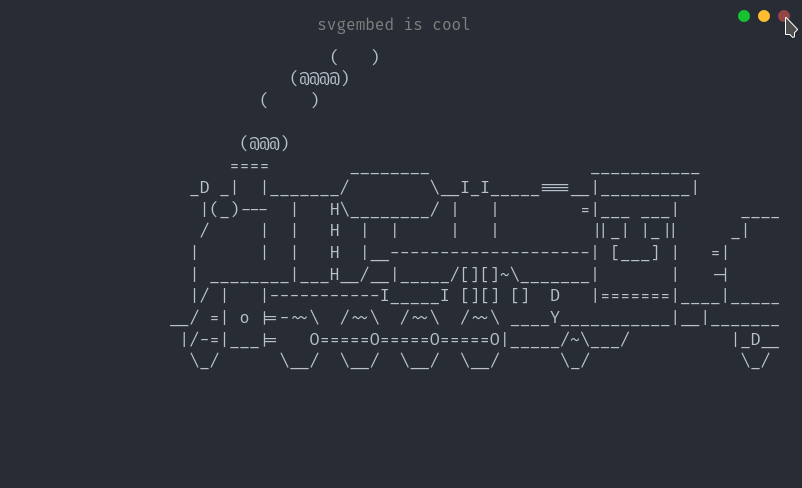
font : <string>: ตัวอักษรที่จะฝังถ้ามีtitle : <string>: ชื่อหน้าต่างที่จะใช้ถ้ามีright : <boolean>: ไม่ว่าจะย้ายไอคอนหน้าต่างไปทางขวาหรือไม่hover : <boolean>: ไอคอนหน้าต่างหรี่แสงบนโฮเวอร์หรือไม่file : <string>: การแสดงสตริงของไฟล์ SVGconfig : <config>file : <string>: การแสดงสตริงของไฟล์ SVGconfig : <config> Apache 2.0 © Miraculous Owonubi (@miraclx) <[email protected]>








