ionic 4 components
0.9.6


Ionic 4에 대한 의상 가능한 UI 성분.
문서 | 구성 요소 데모 | 시작하기 | 연락하십시오

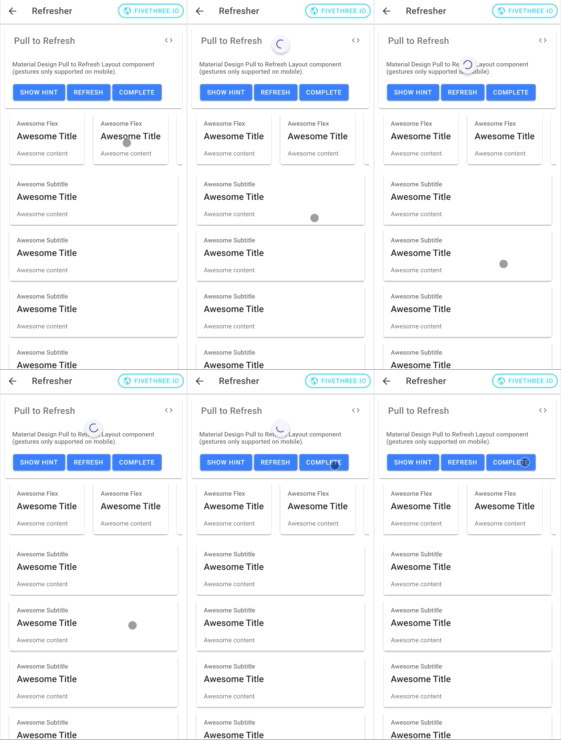
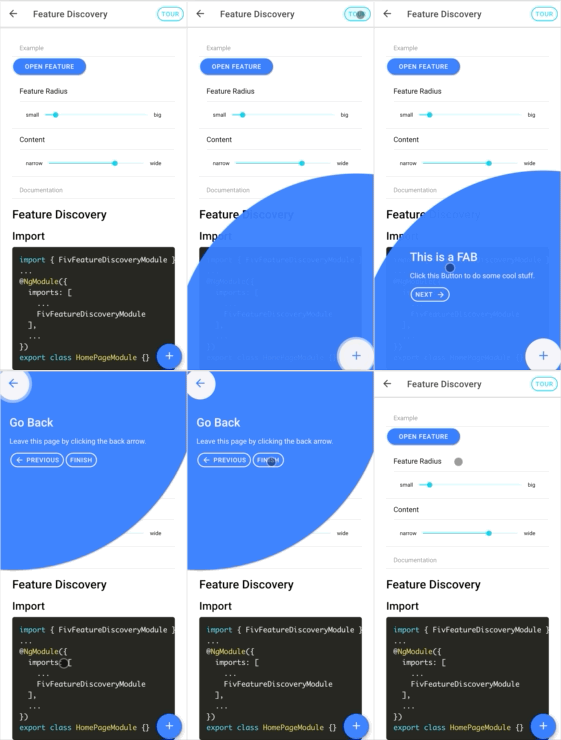
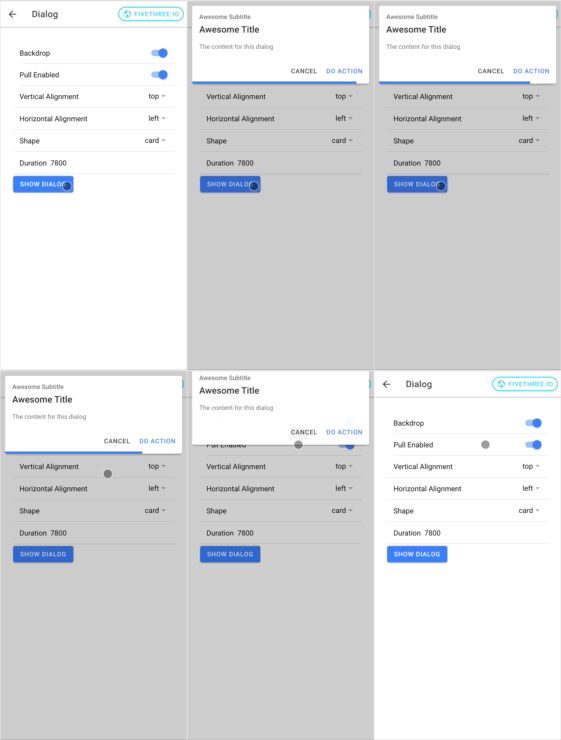
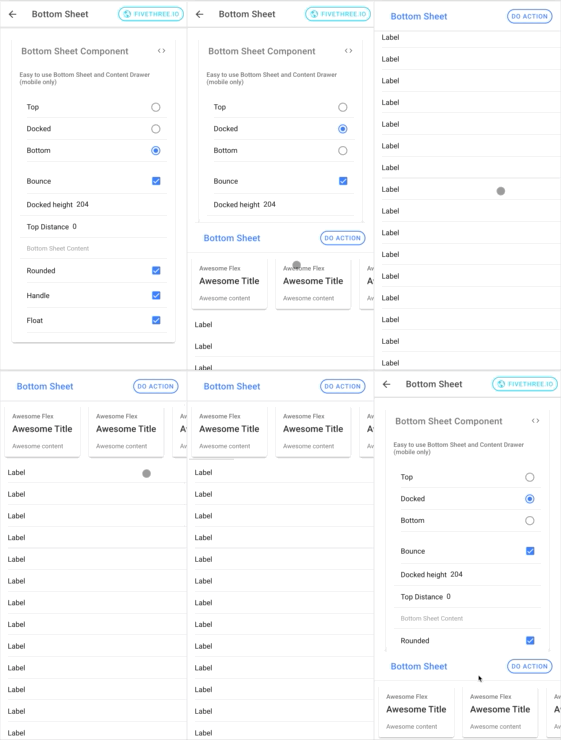
시작하려면 NPM에서 패키지를 설치하십시오. 최신 버전은 Ionic 4 및 Angular> = 7을 지원합니다.
NPM 또는 원사를 사용하여 NPM에서 @fivethree/core 를 설치할 수 있습니다.
npm install --save @fivethree/core @angular/animations 패키지가 설치되면 app.module.ts 에서 BrowserAnimationsModule 가져 오기 :
 import { NgModule } from '@angular/core' ;
import { BrowserAnimationsModule } from '@angular/platform-browser/animations' ;

@ NgModule ( {
  imports : [
    ...
    BrowserAnimationsModule ,
    ...
  ]
} )
export class AppModule { } UI 라이브러리를 사용하려면 기능 모듈 중 하나 (예 : fivgalleryModule)를 페이지 또는 구성 요소 모듈로 가져옵니다.
예를 들어:
 import { NgModule } from '@angular/core' ;
import { CommonModule } from '@angular/common' ;
import { IonicModule } from '@ionic/angular' ;
import { FormsModule } from '@angular/forms' ;
import { RouterModule } from '@angular/router' ;
import { FivGalleryModule } from '@fivethree/core' ;

import { HomePage } from './home.page' ;

@ NgModule ( {
  imports : [
    CommonModule ,
    FormsModule ,
    IonicModule ,
    RouterModule . forChild ( [
      {
        path : '' ,
        component : HomePage
      }
    ] ) ,
    FivGalleryModule
  ] ,
  declarations : [ HomePage ]
} )
export class HomePageModule { } 이 패키지는 활성화 중입니다.
ng build core 실행하여 구성 요소 라이브러리를 재건하십시오.ionic s 실행하십시오.







