ionic 4 components
0.9.6


Componentes de interfaz de usuario disfrazables para Ionic 4.
Documentación | Demostraciones componentes | Comenzando | Ponerse en contacto

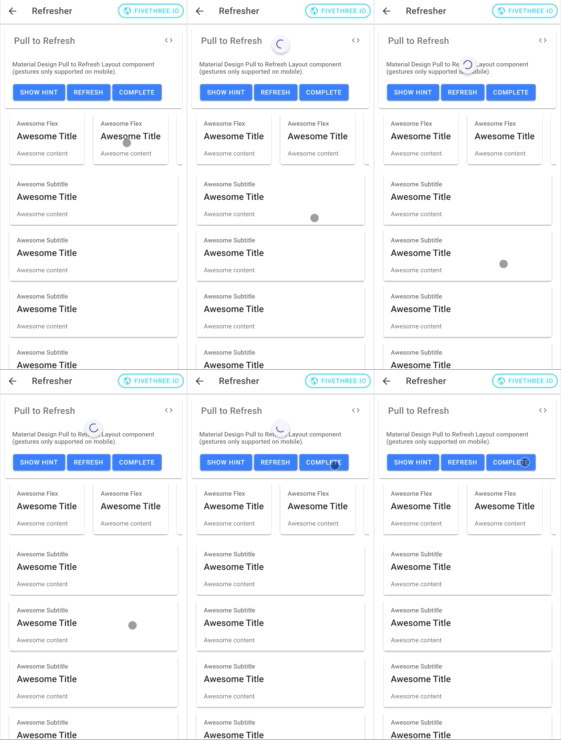
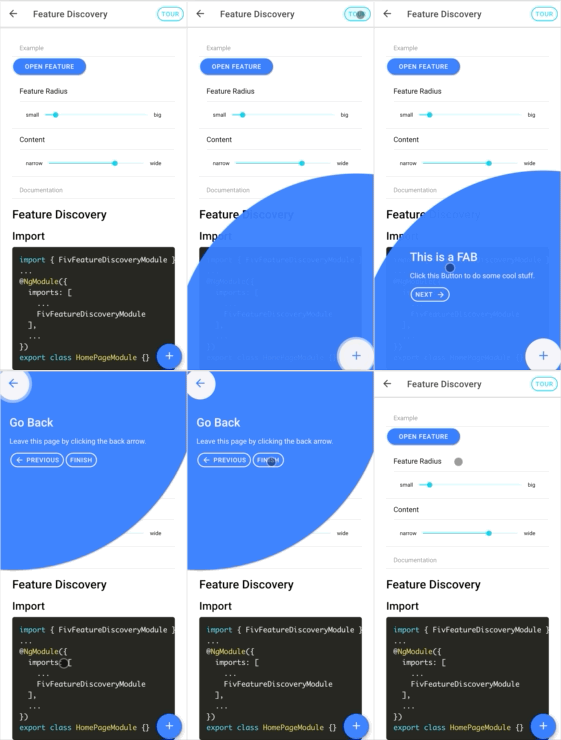
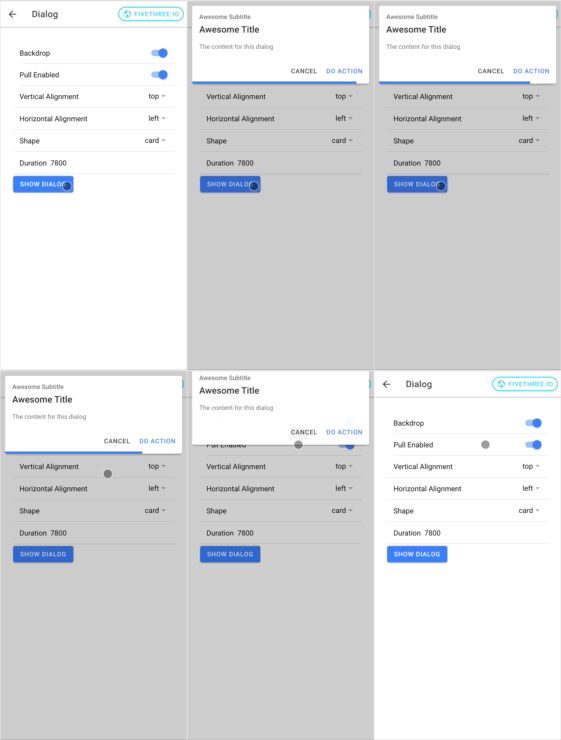
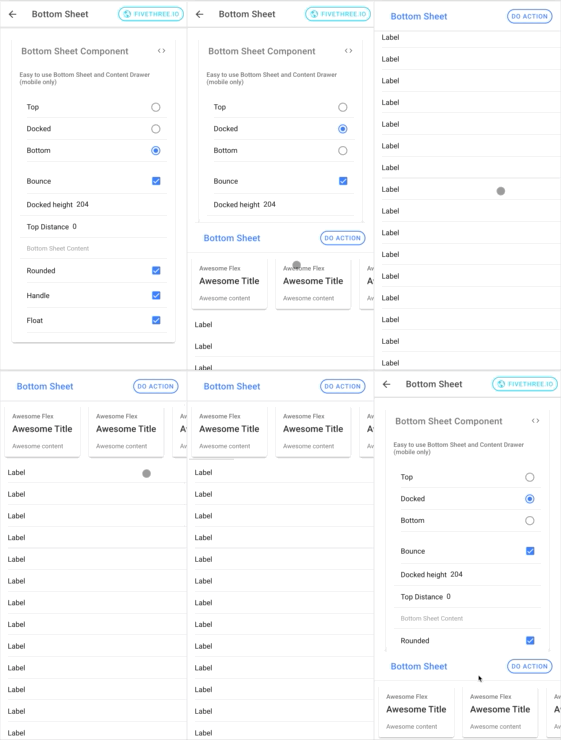
Para comenzar, instale el paquete desde NPM. La última versión admite Ionic 4 y Angular> = 7.
Puede usar NPM o hilo para instalar @fivethree/core desde npm.
npm install --save @fivethree/core @angular/animations Una vez que se instalan los paquetes, importar BrowserAnimationsModule en app.module.ts :
 import { NgModule } from '@angular/core' ;
import { BrowserAnimationsModule } from '@angular/platform-browser/animations' ;

@ NgModule ( {
  imports : [
    ...
    BrowserAnimationsModule ,
    ...
  ]
} )
export class AppModule { } Para usar la biblioteca UI, importe uno de los módulos de características (por ejemplo, FivGalleryModule) en una página o módulo de componente.
Por ejemplo:
 import { NgModule } from '@angular/core' ;
import { CommonModule } from '@angular/common' ;
import { IonicModule } from '@ionic/angular' ;
import { FormsModule } from '@angular/forms' ;
import { RouterModule } from '@angular/router' ;
import { FivGalleryModule } from '@fivethree/core' ;

import { HomePage } from './home.page' ;

@ NgModule ( {
  imports : [
    CommonModule ,
    FormsModule ,
    IonicModule ,
    RouterModule . forChild ( [
      {
        path : '' ,
        component : HomePage
      }
    ] ) ,
    FivGalleryModule
  ] ,
  declarations : [ HomePage ]
} )
export class HomePageModule { } Este paquete está bajo construcción activa.
ng build core para reconstruir la biblioteca de componentes.ionic s para servir al sitio del proyecto.







