ionic 4 components
0.9.6


Komponen UI Costumizable untuk Ionic 4.
Dokumentasi | Demo Komponen | Memulai | Hubungi

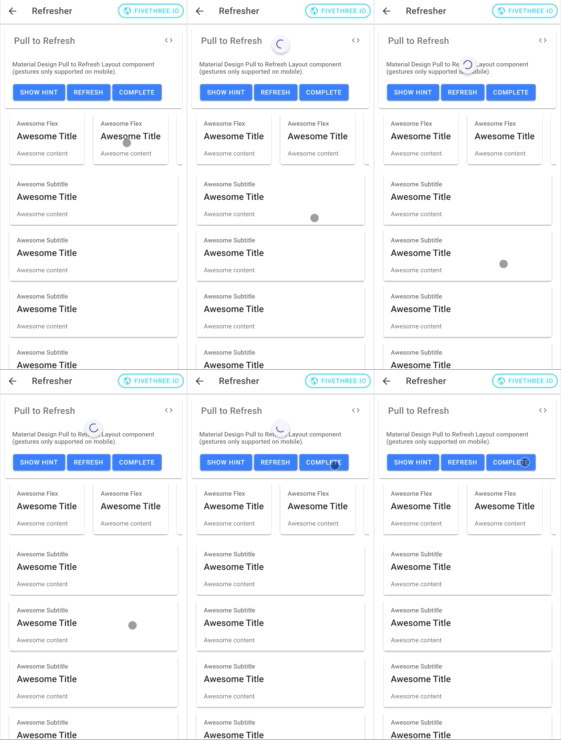
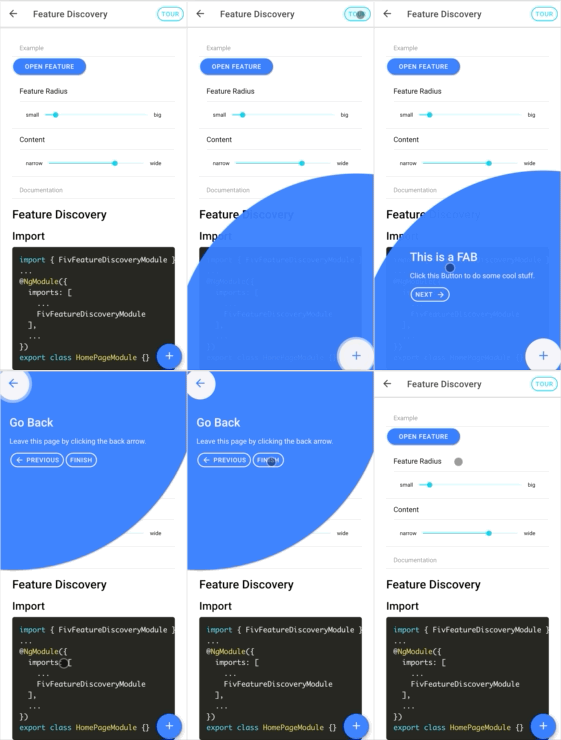
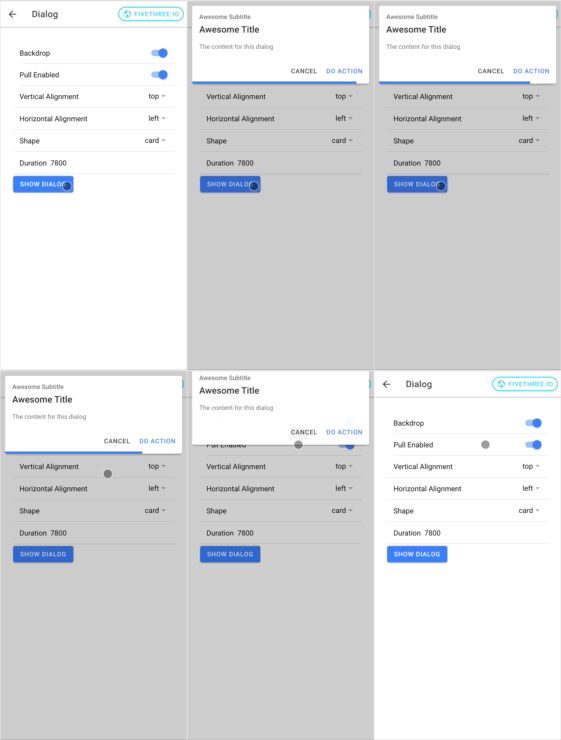
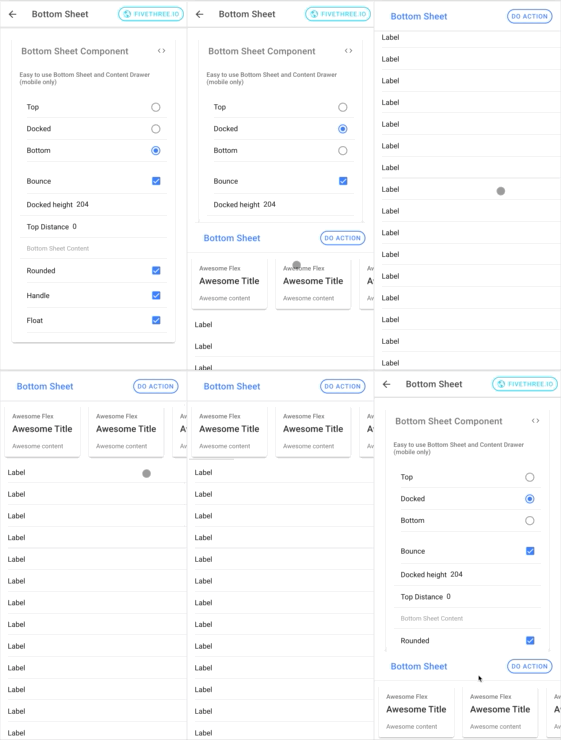
Untuk memulai, instal paket dari NPM. Versi terbaru mendukung Ionic 4 dan Angular> = 7.
Anda dapat menggunakan NPM atau benang untuk menginstal @fivethree/core dari NPM.
npm install --save @fivethree/core @angular/animations Setelah paket diinstal, impor BrowserAnimationsModule di app.module.ts :
 import { NgModule } from '@angular/core' ;
import { BrowserAnimationsModule } from '@angular/platform-browser/animations' ;

@ NgModule ( {
  imports : [
    ...
    BrowserAnimationsModule ,
    ...
  ]
} )
export class AppModule { } Untuk menggunakan pustaka UI impor salah satu modul fitur (misalnya fivgallerymodule) ke dalam halaman atau modul komponen.
Misalnya:
 import { NgModule } from '@angular/core' ;
import { CommonModule } from '@angular/common' ;
import { IonicModule } from '@ionic/angular' ;
import { FormsModule } from '@angular/forms' ;
import { RouterModule } from '@angular/router' ;
import { FivGalleryModule } from '@fivethree/core' ;

import { HomePage } from './home.page' ;

@ NgModule ( {
  imports : [
    CommonModule ,
    FormsModule ,
    IonicModule ,
    RouterModule . forChild ( [
      {
        path : '' ,
        component : HomePage
      }
    ] ) ,
    FivGalleryModule
  ] ,
  declarations : [ HomePage ]
} )
export class HomePageModule { } Paket ini sedang dalam konstruksi aktif.
ng build core untuk membangun kembali pustaka komponen.ionic s untuk melayani situs proyek.







