Mittelbot
vice Release


이 프로젝트는 Docker 또는 Heroku 또는 Netlify와 같은 다른 무료 호스팅 서비스없이 호스팅을 지원 하지 않습니다 .
이 프로젝트를 주최하려면 Docker와 Nodejs에 대한 기본적인 이해가 있어야합니다. 누구나이 프로젝트에 기여하고 다른 호스팅 서비스를 위해이 readme 파일에 "호스팅 방법"가이드를 추가 할 수 있습니다.
이 프로젝트는 4GB 이상의 RAM과 2 CPU 코어가있는 서버에서 실행되도록 설계되었습니다.
미텔 보트 . 많은 기능을 갖춘 다목적 불화 봇.
알림, 경고 역할, 재미있는 명령, 자동 변환, Banappeal, 자동 수정, 티켓 시스템, 사기 탐지, 반응, 레벨 시스템, 음악, 유틸리티 명령 등!
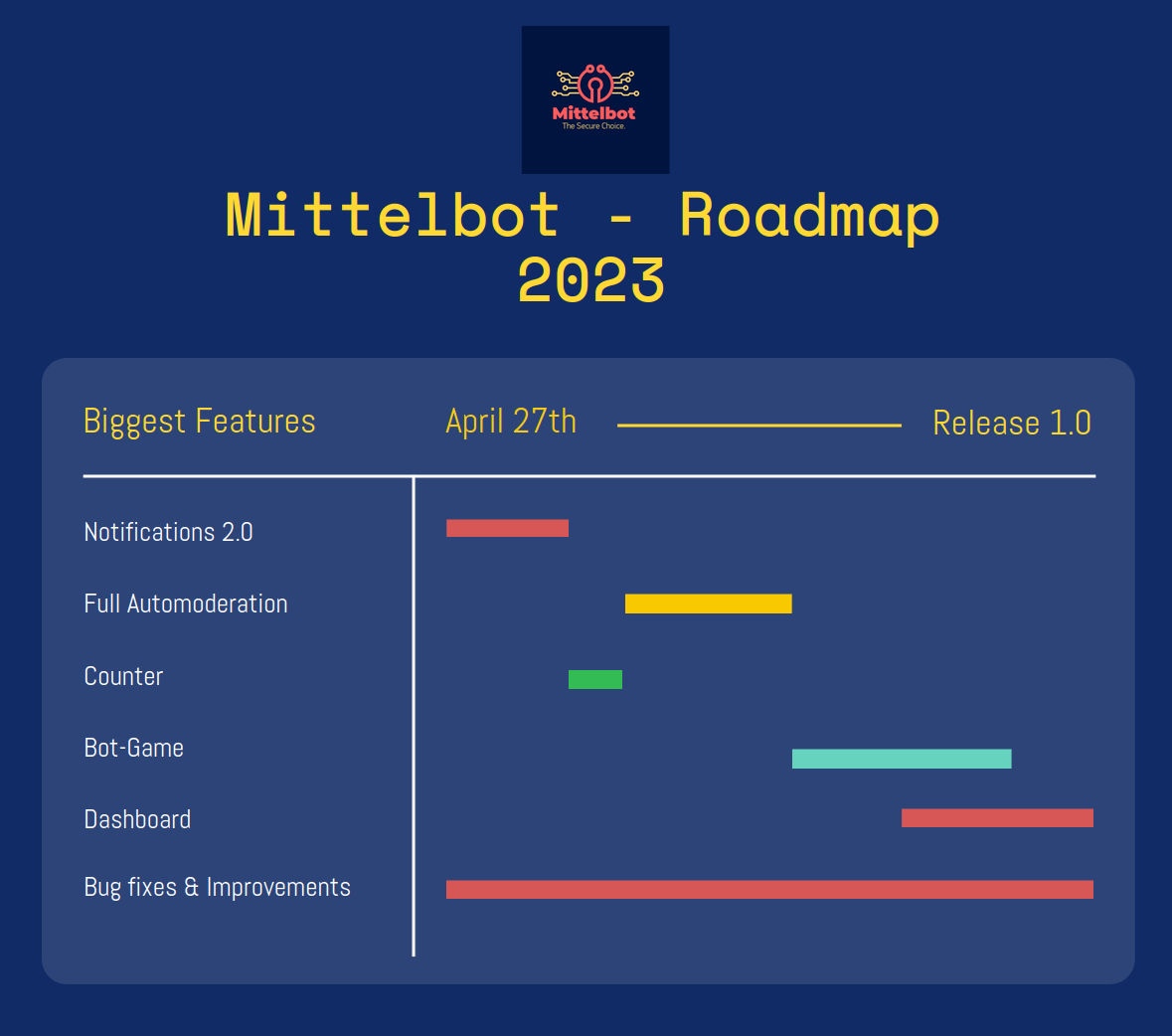
Mittelbot에 기여하는 것을 고려해 주셔서 감사합니다!
Mittelbot에 기여하려면 풀 요청을 만들어이를 수행 할 수 있습니다.
새로운 기능을 추가하려면 먼저 문제를여십시오.
.env에서 데이터베이스 변수를 변경 해야하는지 물어볼 수 있습니다. 물론 할 수 있습니다. 그러나 기본값은 개발을위한 완벽한 것입니다.
Linux에서 Docker를 설치하는 방법 : https://www.digitalocean.com/community/tutorials/how-to-install-and-use-docker-on-ubuntu-22-04
Windows에서 Docker를 설치하는 방법 : https://docs.docker.com/desktop/install/windows-install/
Mac에서 Docker를 설치하는 방법 : https://docs.docker.com/desktop/mac/install/
git clone https://github.com/Mittelbots/Mittelbot.git DISCORD_SECRET = #Your bot secret (Visit the Discord Developer Portal for your token)
DISCORD_TOKEN = #Your bot token (Visit the Discord Developer Portal for your token)
DISCORD_APPLICATION_ID = #Your Bot Application ID (Also known as User ID)
DEVELOPER_DISCORD_GUILD_ID = #The Guild were all commands should load on (When NODE_ENV is development)
# DEVELOPER CHANNELS
DC_DEBUG = # The Channel ID for the debug channel where discords debug messages will be sent
DC_DISCONNECT = # The Channel ID for the disconnect channel where discords disconnect messages will be sent
DC_ERROR = # The Channel ID for the error channel where discords error messages will be sent
DC_WARN = # The Channel ID for the warn channel where discords warn messages will be sent
DC_RECONNECT = # The Channel ID for the reconnect channel where discords reconnect messages will be sent
DC_SCAMMANAGE = # The Channel ID where all scam link requests will be sent
# DATABASE
DB_DEBUG = false # debug mode for the database
DB_HOST = mysql # default
DB_USER = mittelbot # default
DB_PASSWORD = root # default
DB_DATABASE = mittelbot # default
# MISC
OWNER_ID = # Your Discord User ID to use the owner commands
# ====== OPTIONAL ====== #
# TWITCH
TT_CLIENT_ID = #Your Twitch Client ID to run the twitch notifier
TT_SECRET = #Your Twitch Secret
# IMGUR
IMGUR_CLIENT_ID = #Your Imgur Client ID to run the imgur uploader
IMGUR_CLIENT_SECRET = #Your Imgur Client Secret
# YOUTUBE
YT_KEY = #Your Youtube API Key to run the youtube notifiernpm run start 봇 직접 메시지로 이동하여 deploycommands 보내십시오. 콘솔에서 명령이 배포되고 업데이트된다는 것을 알 수 있습니다.





