Mittelbot
vice Release


Este proyecto no admite el alojamiento sin Docker u otro servicio de alojamiento gratuito como Heroku o Netlify actualmente.
Para alojar este proyecto, debe tener una comprensión básica de Docker y NodeJS. Cualquiera puede contribuir a este proyecto y agregar una guía "Cómo alojar" a este archivo ReadMe para otros servicios de alojamiento.
Este proyecto está diseñado para ejecutarse en un servidor con al menos 4 GB de RAM y 2 núcleos de CPU.
Mittelbot . Un bot de discordia multipropósito con muchas características.
Con notificaciones, moderación con roles advertidos, comandos de diversión, transentación automática, banappeals, auto-moderación, sistema de tickets, detección de estafas, reaccionrols, nivel de nivel, música, comandos de utilidad y más.
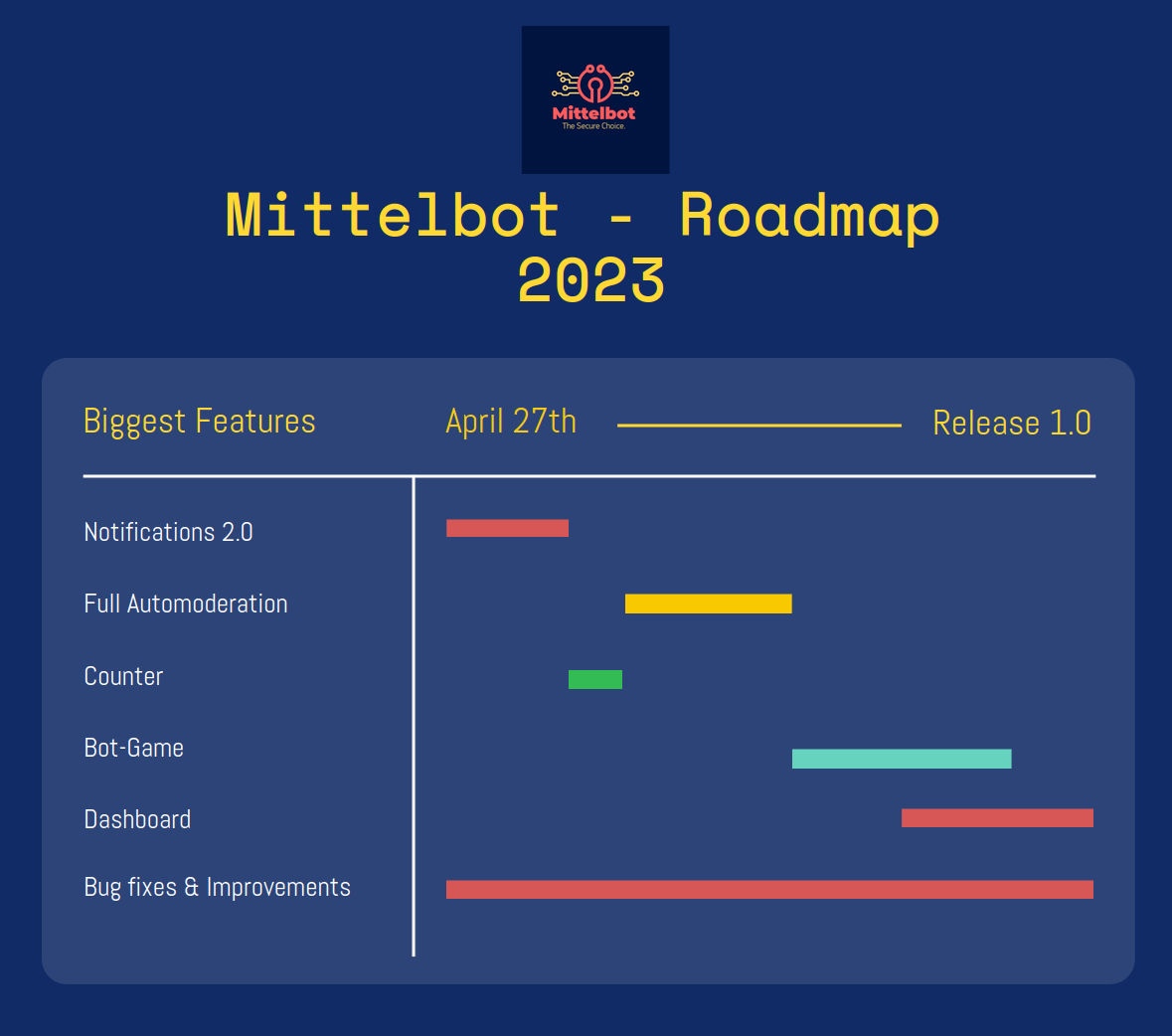
¡Gracias por considerar contribuir al Mittelbot!
Si desea contribuir al Mittelbot, puede hacerlo creando una solicitud de extracción.
Si desea agregar una nueva función, primero abra un problema.
Puede preguntar si debe cambiar las variables de la base de datos en .env. Puedes, por supuesto,. Pero el predeterminado es perfectamente para el desarrollo.
Cómo instalar Docker en Linux: https://www.digitalocean.com/community/tutorials/how-to-install-and-use-docker-on-ubuntu-22-04
Cómo instalar Docker en Windows: https://docs.docker.com/desktop/install/windows-install/
Cómo instalar Docker en Mac: https://docs.docker.com/desktop/mac/install/
git clone https://github.com/Mittelbots/Mittelbot.git DISCORD_SECRET = #Your bot secret (Visit the Discord Developer Portal for your token)
DISCORD_TOKEN = #Your bot token (Visit the Discord Developer Portal for your token)
DISCORD_APPLICATION_ID = #Your Bot Application ID (Also known as User ID)
DEVELOPER_DISCORD_GUILD_ID = #The Guild were all commands should load on (When NODE_ENV is development)
# DEVELOPER CHANNELS
DC_DEBUG = # The Channel ID for the debug channel where discords debug messages will be sent
DC_DISCONNECT = # The Channel ID for the disconnect channel where discords disconnect messages will be sent
DC_ERROR = # The Channel ID for the error channel where discords error messages will be sent
DC_WARN = # The Channel ID for the warn channel where discords warn messages will be sent
DC_RECONNECT = # The Channel ID for the reconnect channel where discords reconnect messages will be sent
DC_SCAMMANAGE = # The Channel ID where all scam link requests will be sent
# DATABASE
DB_DEBUG = false # debug mode for the database
DB_HOST = mysql # default
DB_USER = mittelbot # default
DB_PASSWORD = root # default
DB_DATABASE = mittelbot # default
# MISC
OWNER_ID = # Your Discord User ID to use the owner commands
# ====== OPTIONAL ====== #
# TWITCH
TT_CLIENT_ID = #Your Twitch Client ID to run the twitch notifier
TT_SECRET = #Your Twitch Secret
# IMGUR
IMGUR_CLIENT_ID = #Your Imgur Client ID to run the imgur uploader
IMGUR_CLIENT_SECRET = #Your Imgur Client Secret
# YOUTUBE
YT_KEY = #Your Youtube API Key to run the youtube notifiernpm run start Vaya a su mensaje directo de bot y envíe deploycommands . Notará que en su consola los comandos se implementarán y actualizarán.





