ngx foldable
5.0.0

NGX-Foldableは、Surface Duoなどの折りたたみやデュアルスクリーンデバイスのデュアルスクリーンエクスペリエンスを構築するのに役立つコンポーネントとサービスのセットです。
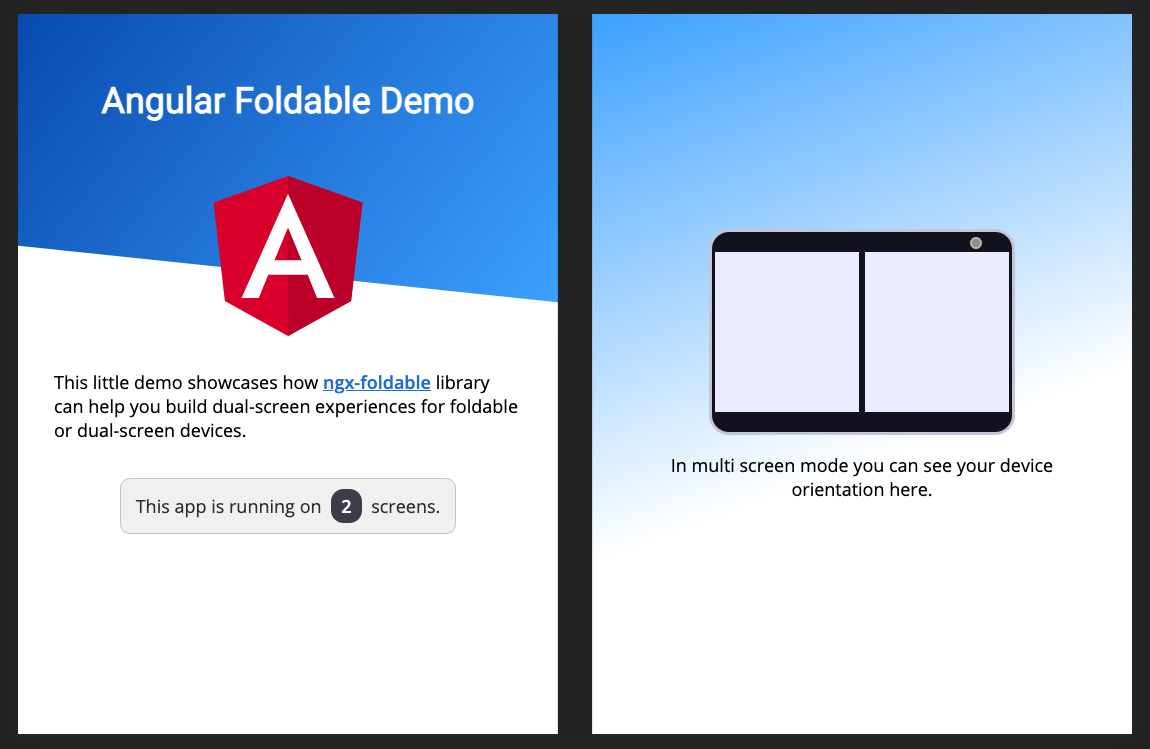
ライブデモを参照するか、完全なドキュメントを読んでください。
デュアルスクリーンエミュレーション機能には、最新のMicrosoft EdgeまたはGoogle Chromeバージョン(> = 97)が必要です。
古いブラウザバージョンがある場合は、実験フラグを有効にする必要があります。ここで指示に従って、デュアルスクリーンエミュレーションのためにブラウザをセットアップしてください。
デモソースコードをチェックして、ライブラリの使用例を確認してください。
角度プロジェクトにライブラリを追加します。
npm install ngx-foldableアプリにライブラリをインポートします:
 import { FoldableModule } from 'ngx-foldable' ;
...

@ NgModule ( {
  ...
  imports : [
    FoldableModule
    ...
  ] ,
  ...
} )
export class AppModule { }提供されたfdSplitLayout 、 fdWindow 、 fdIfSpanディレクティブを使用して、レイアウトを作成します。
 <!--
  SplitLayout supports: flex, grid or absolute
  Styling is only added when a multi screen mode is detected.
-->
< div fdSplitLayout =" grid " >

  <!-- Assign to first window segment -->
  < section fdWindow =" 0 " >
    This will be displayed on the first window segment of a multi screen or single screen device.

    < p *fdIfSpan =" 'none'; else alt " > This is only visible on a single screen device. </ p >
    < ng-template #alt > < p > This is only visible on a multi screen device. </ p > </ ng-template >
  </ section >

  <!-- Assign to second window segment -->
  < section fdWindow =" 1 " >
    This will be displayed on the second window segment of a multi screen device.

    < p *fdIfSpan =" 'multi' " > This is only visible on multi screen device, regardless of the orientation. </ p >
    < p *fdIfSpan =" 'dual-vertical' " > This is only visible on dual vertical viewports. </ p >
    < p *fdIfSpan =" 'dual-horizontal' " > This is only visible on dual horizontal viewports. </ p >
  </ section >
</ div > ScreenContextサービスを使用すると、画面のコンテキストが変更されたときに更新を受信することもできます。
 import { ScreenContext } from 'ngx-foldable' ;
...
export class AppComponent {
  constructor ( private screenContext : ScreenContext ) {
    this . screenContext
      . asObservable ( )
      . subscribe ( ( context ) => {
        console . log ( 'Screen context changed:' , context ) ;
      } ) ;
  }
}
ここで完全なドキュメントを読むことができます。
このプロジェクトに貢献できてください!問題またはプルリクエストを投稿する前に、行動規範を読んでいることを確認してください。
これらの手順に従って、このプロジェクトをローカルに実行します。
npm install実行してパッケージをインストールしますnpm startその後、ライブラリまたはデモアプリコードの変更を開始できます。








