UnityRuntimeNodeEditor
1.0.0

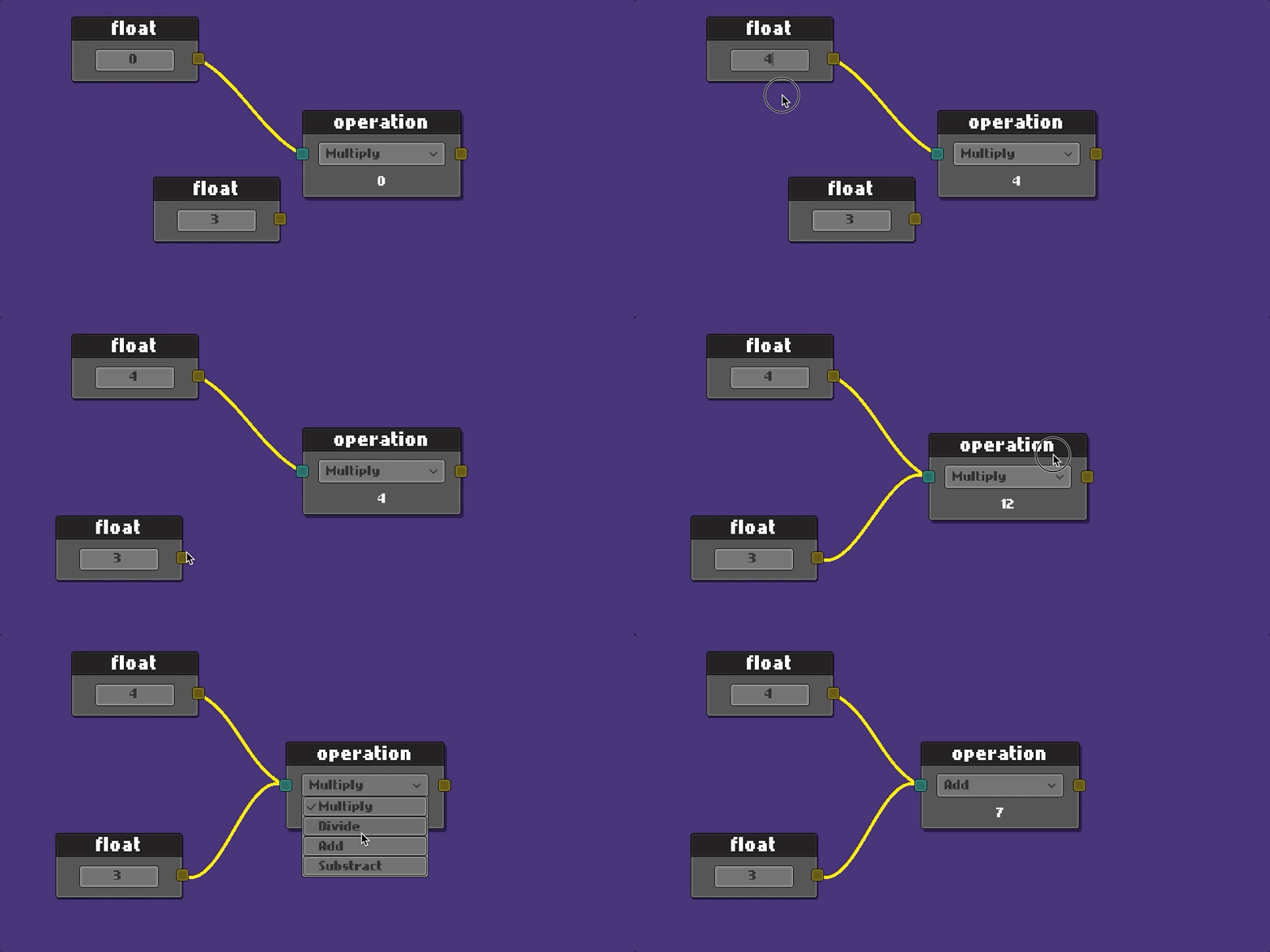
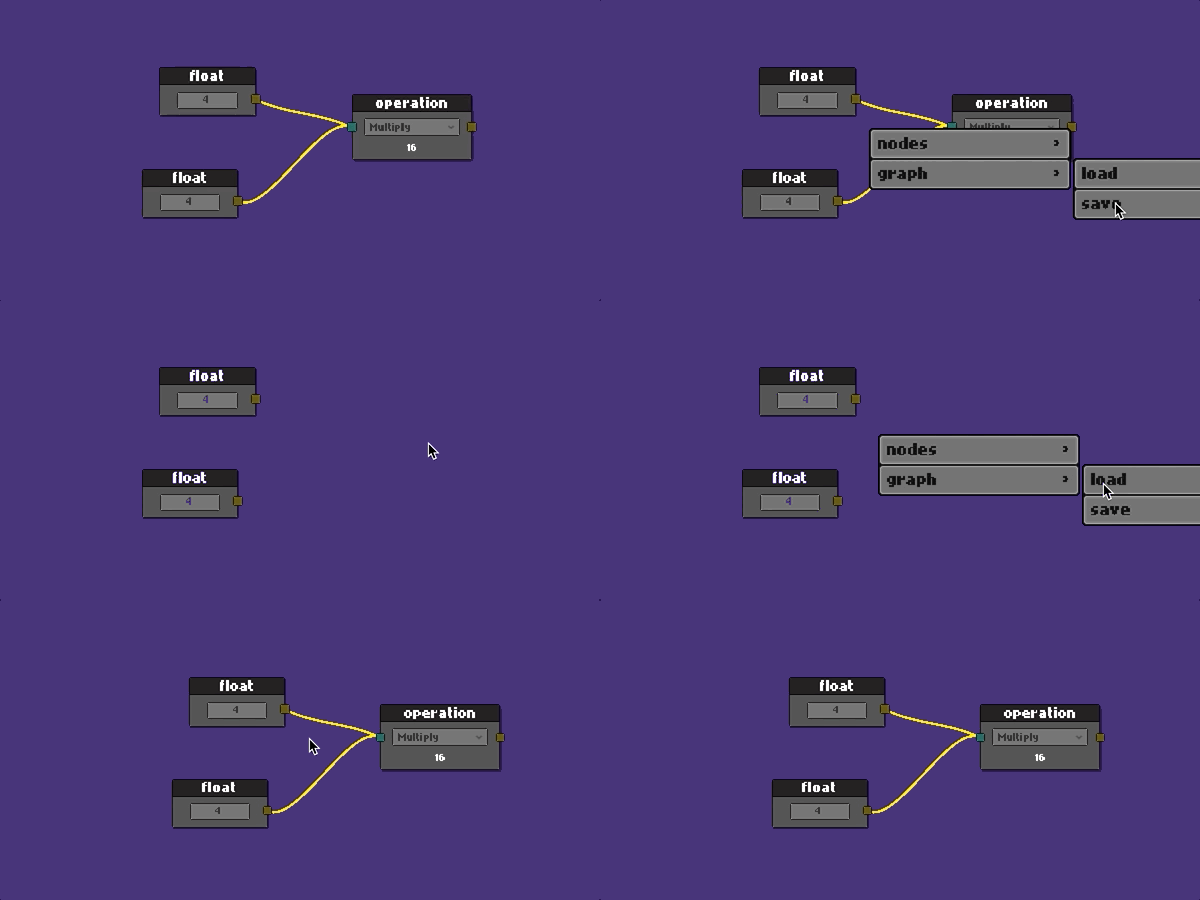
Casi todos los editores de nodos fabricados en Unity están utilizando Unity Editor para hacerlo.
Mi objetivo era llegar en tiempo de ejecución con UIS UI.
Unidad Versión 2021.3.3f1
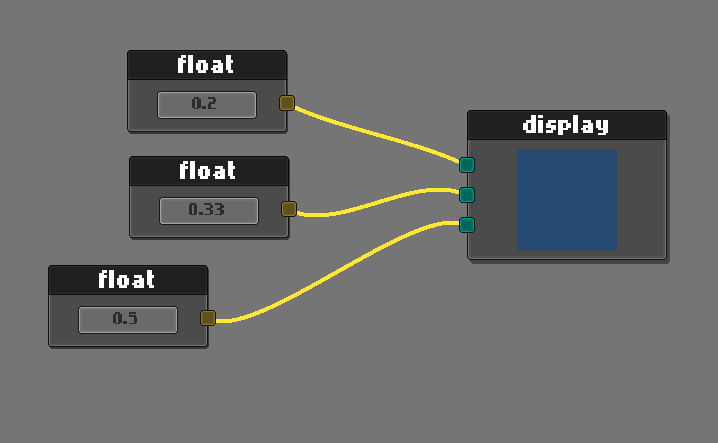
Ejemplo de visualización de color RGB
Simplemente extienda el NodeEditor .
 public class ExampleNodeEditor : NodeEditor
{
    public override void StartEditor ( NodeGraph graph )
    {
        base . StartEditor ( graph ) ;

        //  make your custom initialization here
    }
}
Crear gráfico Usando la API, el gráfico se extenderá al objeto Holder. (No se involucra prefabricado)
 public class ApplicationStartup : MonoBehaviour
{
    public RectTransform        editorHolder ;
    public ExampleNodeEditor    editor ;    //  asigned in unity from hierarchy

    private void Start ( )
    {
        var graph = editor . CreateGraph < NodeGraph > ( editorHolder ) ;
        // var graph = editor.CreateGraph<NodeGraph>(editorHolder, bgColor, connColor);
        editor . StartEditor ( graph ) ;
    }
}
Es posible que desee utilizar su propio gráfico y prefabricado personalizado también.
 public class ApplicationStartup : MonoBehaviour
{
    public RectTransform        editorHolder ;
    public ExampleNodeEditor    editor ;

    private void Start ( )
    {
        editor . StartEditor ( graph ) ;
    }
}
Las acciones gráficas se basan en eventos.
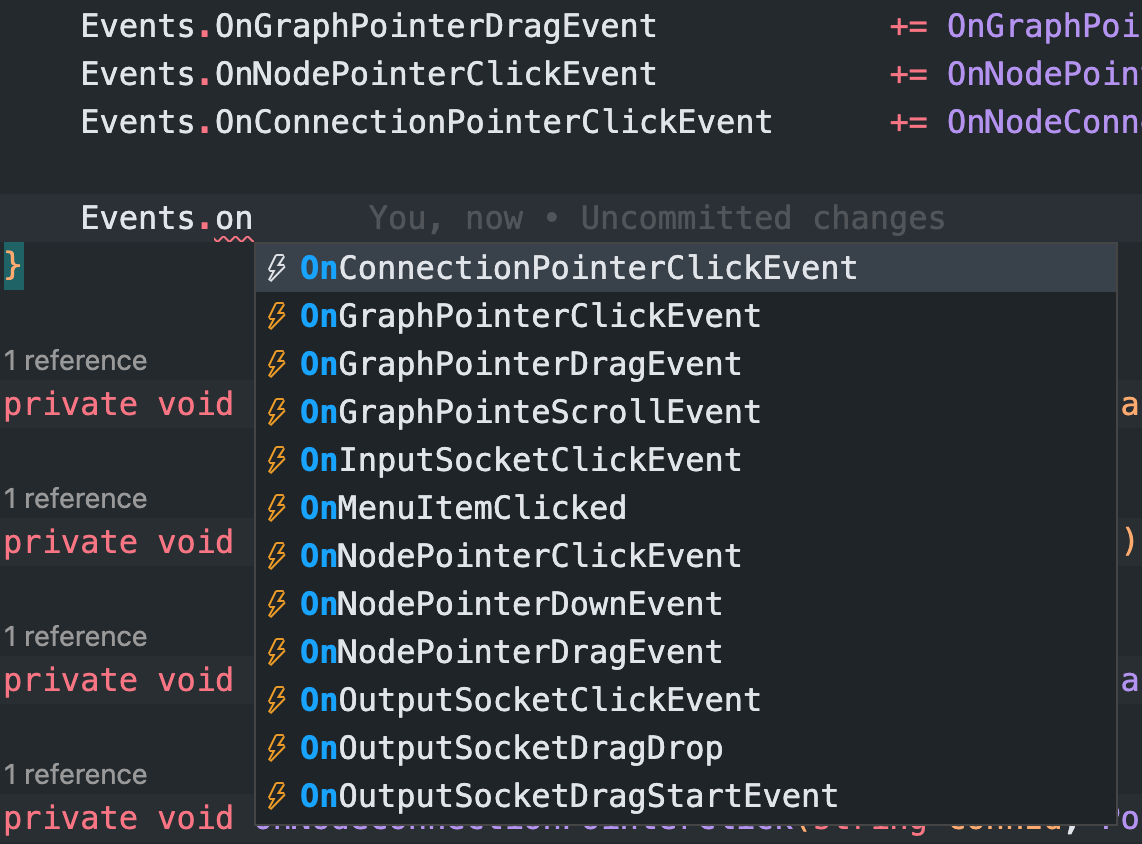
Encontrará un ejemplo completo en la carpeta de ejemplo. Vamos a recorrer.
Escuche eventos del editor
 public class ExampleNodeEditor : NodeEditor
{
    private string _savePath ;

    public override void StartEditor ( NodeGraph graph )
    {
        base . StartEditor ( graph ) ;

        _savePath = Application . dataPath + "/Example/Resources/graph.json" ;

        Events . OnGraphPointerClickEvent           += OnGraphPointerClick ;
        Events . OnGraphPointerDragEvent            += OnGraphPointerDrag ;
        Events . OnNodePointerClickEvent            += OnNodePointerClick ;
        Events . OnConnectionPointerClickEvent      += OnNodeConnectionPointerClick ;
    }
} protected override void OnGraphPointerClick ( PointerEventData eventData )
{
switch ( eventData . button )
{
case PointerEventData . InputButton . Right :
{
var ctx = new ContextMenuBuilder ( )
. Add ( "nodes/float" , CreateFloatNode )
. Add ( "nodes/math op" , CreateMatOpNode )
. Add ( "graph/load" , ( ) => LoadGraph ( _savePath ) )
. Add ( "graph/save" , ( ) => SaveGraph ( _savePath ) )
. Build ( ) ;
SetContextMenu ( ctx ) ;
DisplayContextMenu ( ) ;
}
break ;
case PointerEventData . InputButton . Left : CloseContextMenu ( ) ; break ;
}
} protected override void OnNodePointerClick ( Node node , PointerEventData eventData )
{
if ( eventData . button == PointerEventData . InputButton . Right )
{
var ctx = new ContextMenuBuilder ( )
. Add ( "duplicate" , ( ) => DuplicateNode ( node ) )
. Add ( "clear connections" , ( ) => ClearConnections ( node ) )
. Add ( "delete" , ( ) => DeleteNode ( node ) )
. Build ( ) ;
SetContextMenu ( ctx ) ;
DisplayContextMenu ( ) ;
}
} protected override void OnNodeConnectionPointerClick ( string connId , PointerEventData eventData )
{
if ( eventData . button == PointerEventData . InputButton . Right )
{
var ctx = new ContextMenuBuilder ( )
. Add ( "clear connection" , ( ) => DisconnectConnection ( connId ) )
. Build ( ) ;
SetContextMenu ( ctx ) ;
DisplayContextMenu ( ) ;
}
}Eso se ha dicho, para crear un nuevo nodo:
 public class MyAwesomeNode : Node
{
    public TMP_InputField valueField ;   //  added from editor
    public SocketOutput outputSocket ;   //  added from editor
    public SocketInput inputSocket ;     //  added from editor

    public override void Setup ( )
    {
        Register ( outputSocket ) ;
        Register ( inputSocket ) ;

        SetHeader ( "float" ) ;
    }

    public override void OnSerialize ( Serializer serializer )
    {
        //  save values on graph save
        serializer . Add ( "floatValue" , valueField . text ) ;

        //  it would be good idea to use JsonUtility for complex data
    }

    public override void OnDeserialize ( Serializer serializer )
    {
        //  load values on graph load
        var value = serializer . Get ( "floatValue" ) ;
        valueField . SetTextWithoutNotify ( value ) ;
    }
}
Para crear un nodo desde su editor, pase su ruta desde la carpeta Resources .
 //  context item actions
private void CreateMyNode ( )
{
    graph . Create ( "Prefabs/Nodes/MyAwesomeNode" ) ;    //  your prefab path in resources
}
Consulte la exposición completa en ExampleScene para obtener más detalles.
Este proyecto está activamente en desarrollo. Siéntase libre de lanzar un problema para cualquier sugerencia o retroalimentación.
MIT
Copyright (c) 2022 Cem Ugur Karacam






