start ui web
1.0.0

Start UI [web] is an opinionated frontend starter repository created & maintained by the BearStudio Team and other contributors. It represents our team's up-to-date stack that we use when creating web apps for our clients.
For detailed information on how to use this project, please refer to the documentation. The documentation contains all the necessary information on installation, usage, and some guides.
A live read-only demonstration of what you will have when starting a project with Start UI [web] is available on demo.start-ui.com.
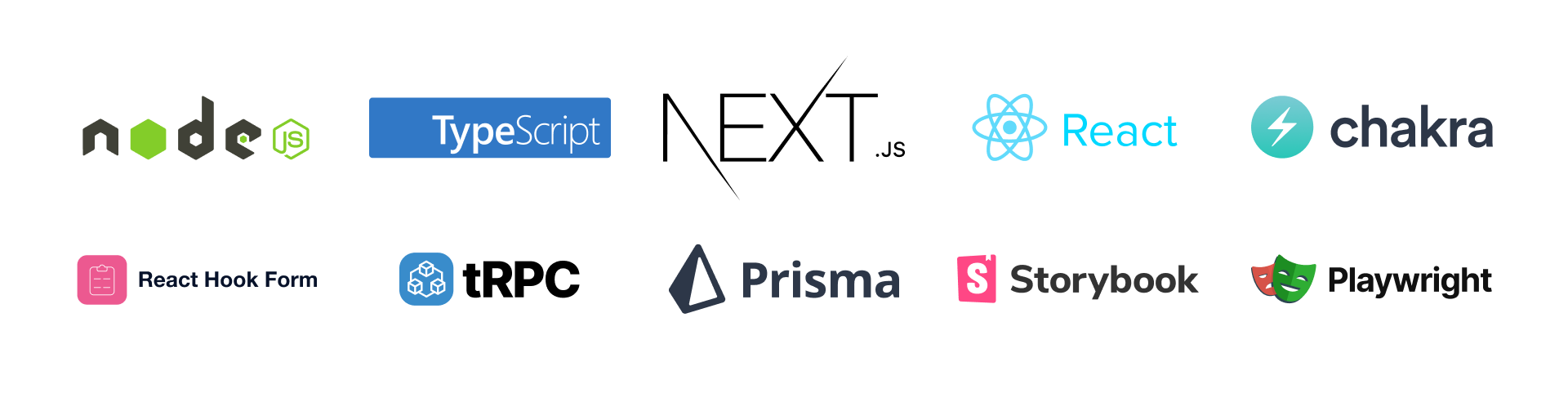
? TypeScript, ⚛️ React, ⚫️ NextJS, ⚡️ Chakra UI, ? tRPC, ▲ Prisma, ?️ TanStack Query, Storybook, ? Playwright, ? React Hook Form , ? React i18next
pnpm create start-ui --web myAppThat will scaffold a new folder with the latest version of Start UI [web] ?
.env.example file to a new .env file, and update the environment variablescp .env.example .envNote
Quick advices for local development
pnpm installpnpm dk:initNote
Don't want to use docker?
Setup a PostgreSQL database (locally or online) and replace the DATABASE_URL environment variable. Then you can run pnpm db:push to update your database schema and then run pnpm db:seed to seed your database.
# Run the database in Docker (if not already started)
pnpm dk:start
# Run the development server
pnpm devIn development, the emails will not be sent and will be catched by maildev.
The maildev UI is available at 0.0.0.0:1080.
Emails templates are built with react-email components in the src/emails folder.
You can preview an email template at http://localhost:3000/devtools/email/{template} where {template} is the name of the template file in the src/emails/templates folder.
Example: Login Code
Add the language in the preview url like http://localhost:3000/devtools/email/{template}/{language} where {language} is the language key (en, fr, ...)
You can add search params to the preview url to pass as props to the template.
http://localhost:3000/devtools/email/{template}/?{propsName}={propsValue}
pnpm storybookWhen adding or updating theme components, component variations, sizes, colors and other theme foundations, you can extend the internal theme typings to provide nice autocomplete.
Just run the following command after updating the theme:
pnpm theme:generate-typingPut the custom svg files into the src/components/Icons/svg-sources folder and then run the following command:
pnpm theme:generate-iconsWarning
All svg icons should be svg files prefixed by icon- (example: icon-externel-link) with 24x24px size, only one shape and filled with #000 color (will be replaced by currentColor).
You can update the storage key used to detect the color mode by updating this constant in the src/theme/config.ts file:
export const COLOR_MODE_STORAGE_KEY = 'start-ui-color-mode'; // Update the key according to your needsE2E tests are setup with Playwright.
pnpm e2e     # Run tests in headless mode, this is the command executed in CI
pnpm e2e:ui  # Open a UI which allow you to run specific tests and see test execution
Tests are written in the e2e folder; there is also a e2e/utils folder which contains some utils to help writing tests.
Setup the NEXT_PUBLIC_ENV_NAME env variable with the name of the environment.
NEXT_PUBLIC_ENV_NAME="staging"
NEXT_PUBLIC_ENV_EMOJI="?"
NEXT_PUBLIC_ENV_COLOR_SCHEME="teal"
We recommended using the i18n Ally plugin for VS Code for translations management.
Create or edit the .vscode/settings.json file with the following settings:
{
  "i18n-ally.localesPaths": ["src/locales"],
  "i18n-ally.keystyle": "nested",
  "i18n-ally.enabledFrameworks": ["general", "react", "i18next"],
  "i18n-ally.namespace": true,
  "i18n-ally.defaultNamespace": "common",
  "i18n-ally.extract.autoDetect": true,
  "i18n-ally.keysInUse": ["common.languages.*"]
}pnpm install
pnpm storybook:build # Optional: Will expose the Storybook at `/storybook`
pnpm build
pnpm startstart-ui-web with your project name)docker build -t start-ui-web .
start-ui-web with your project name)docker run -p 80:3000 start-ui-web
Application will be exposed on port 80 (http://localhost)







