BallonsTranslator
v1.4.0

Important
If you intend to publicly share the results of the machine translation of this tool and have no experience in translators have conducted a complete translation or proofreading, please indicate the machine translation in a conspicuous position.
Simplified Chinese | English | pt-BR | Русский | Japanese | Indonesia | Tiếng Việt
Deep learning assisted comic translation tool, supports one-click machine translation and simple image/text editing
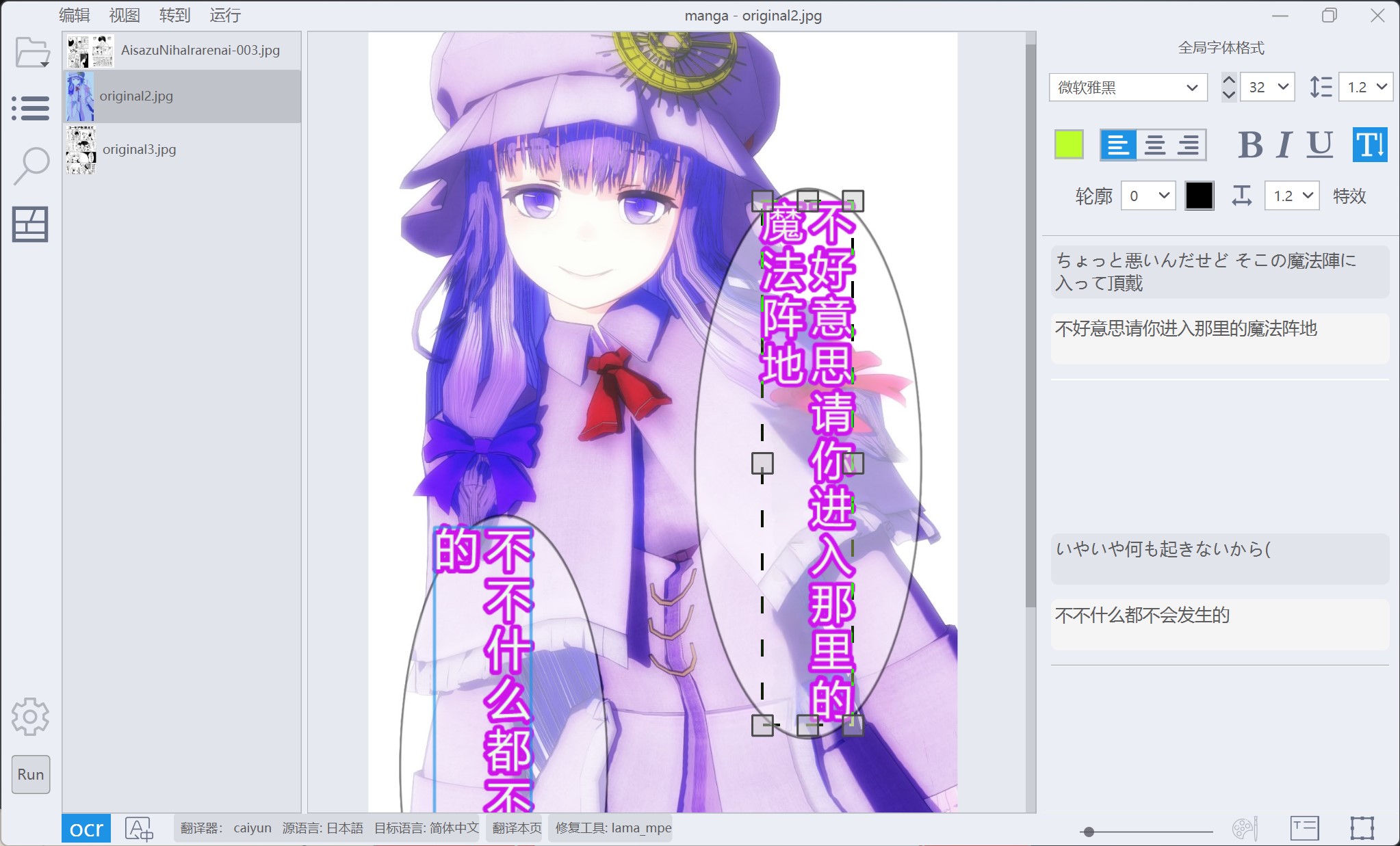
Interface preview
One-click machine flip
Image editing supports mask editing and repairing brushes
Text Editing
Suitable for comics
If you use Windows and don't want to configure the environment manually, you can access the Internet normally:
Download BallonsTranslator_dev_src_with_gitpython.7z from MEGA or Google Drive, unzip and run launch_win.bat to start the program. If the library and model cannot be downloaded automatically, manually download data and ballontrans_pylibs_win.7z and unzip it into the program directory.
Run scripts/local_gitpull.bat to get the update. Note that these packaged versions cannot run on Windows 7. Win 7 users need to install Python 3.8 to run the source code by themselves.
Install Python < 3.12 (Don't use Microsoft App Store version) and Git
 # 克隆仓库
$ git clone https://github.com/dmMaze/BallonsTranslator.git ; cd BallonsTranslator

# 启动程序
$ python3 launch.py
The first time the operation will automatically install dependencies such as torch and download the required model and files. If the model download fails, you need to manually download the data folder from MEGA or Google Drive (or the missing file mentioned in the error) and save it to the corresponding location in the source directory.
If the build is not successful, you can directly run the source code
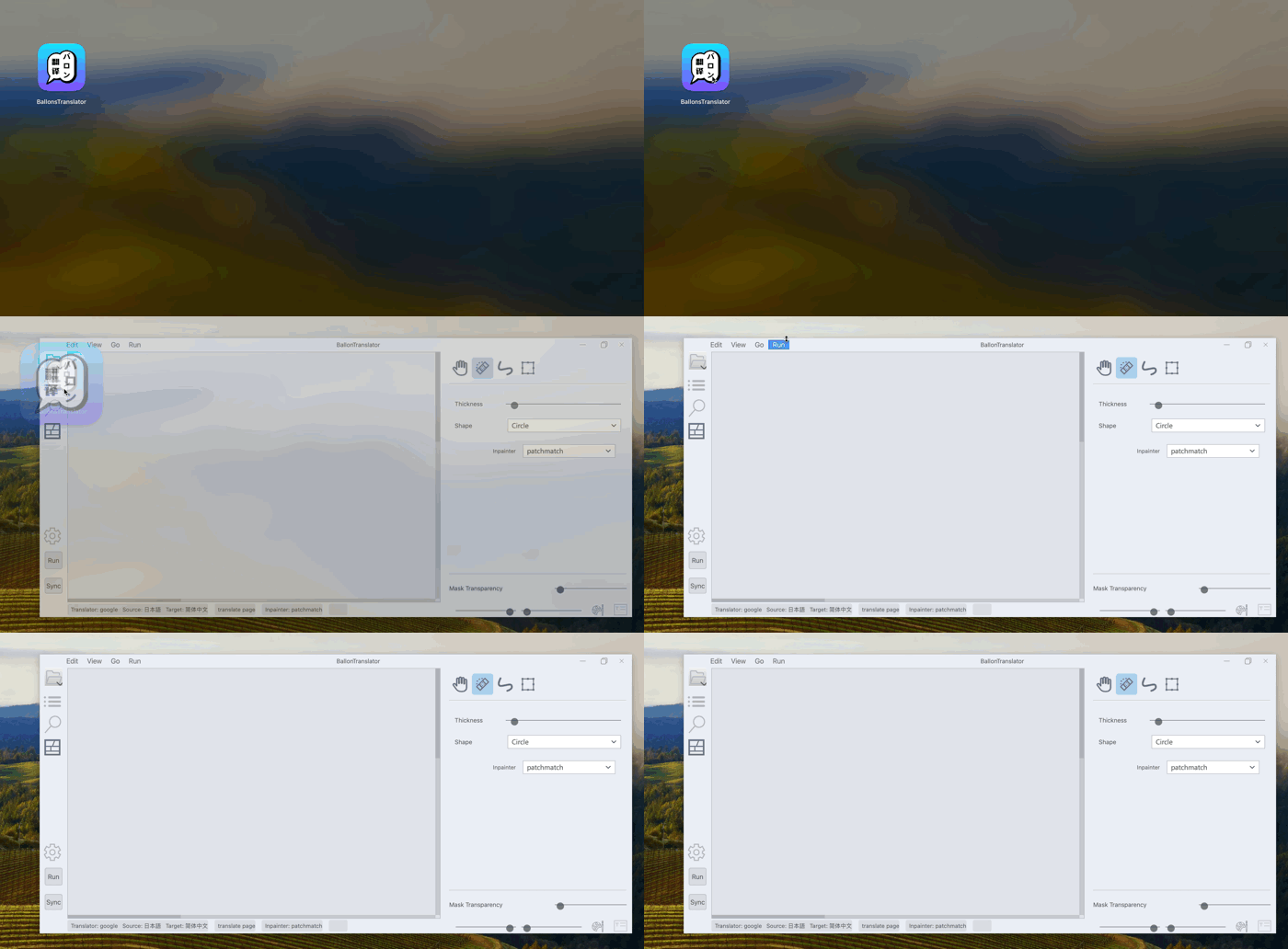
 # 第1步:打开终端并确保当前终端窗口的Python大版本号是3.12,可以用下面的命令确认版本号
python3 -V
# 如果没有安装Python 3.12,可以通过Homebrew安装
brew install [email protected] [email protected]

# 第2步:克隆仓库并进入仓库工作目录
git clone -b dev https://github.com/dmMaze/BallonsTranslator.git
cd BallonsTranslator

# 第3步:创建和启用 Python 3.12 虚拟环境
python3 -m venv venv
source venv/bin/activate

# 第4步:安装依赖
pip3 install -r requirements.txt

# 第5步:源码运行程序,会自动下载 data 文件,每个文件在20-400MB左右,合计大约1.67GB,需要比较稳定的网络,如果下载报错,请重复运行下面的命令直至不再下载报错并启动程序
# 下载完毕后运行下面的命令,如果正常运行且未报错,则继续进入打包应用程序的步骤
python3 launch.py

# 第6步:下载macos_arm64_patchmatch_libs.7z到项目根目录下的'.btrans_cache'隐藏文件夹
# 该步骤是为了防止打包好的应用程序首次启动时重新下载macos_arm64_patchmatch_libs.7z导致启动失败(大概率)
mkdir ./.btrans_cache
curl -L https://github.com/dmMaze/PyPatchMatchInpaint/releases/download/v1.0/macos_arm64_patchmatch_libs.7z -o ./.btrans_cache/macos_arm64_patchmatch_libs.7z

# 第7步:下载微软雅黑字体并放到fonts文件夹下,该步骤为可选项,不影响打包,只影响字体报错信息

# 第8步:构建 macOS 应用程序中途 sudo 命令需要输入开机密码授予权限
# 安装打包工具pyinstaller
pip3 install pyinstaller
# 删除MacOS下特有的.DS_Store文件,这些文件可能导致打包失败(中概率)
sudo find ./ -name '.DS_Store' -delete
# 开始打包.app应用程序
sudo pyinstaller launch.spec
?The packaged application is in
./data/BallonsTranslator/dist/BallonsTranslator.app. Drag the application to the application folder in macOS and complete the installation. It is used out of the box and does not require additional configuration of the Python environment.
It is recommended to run the program in the command line terminal . For the first time, please configure the source language/target language first, open a folder with pictures, click Run and wait for the translation to complete. 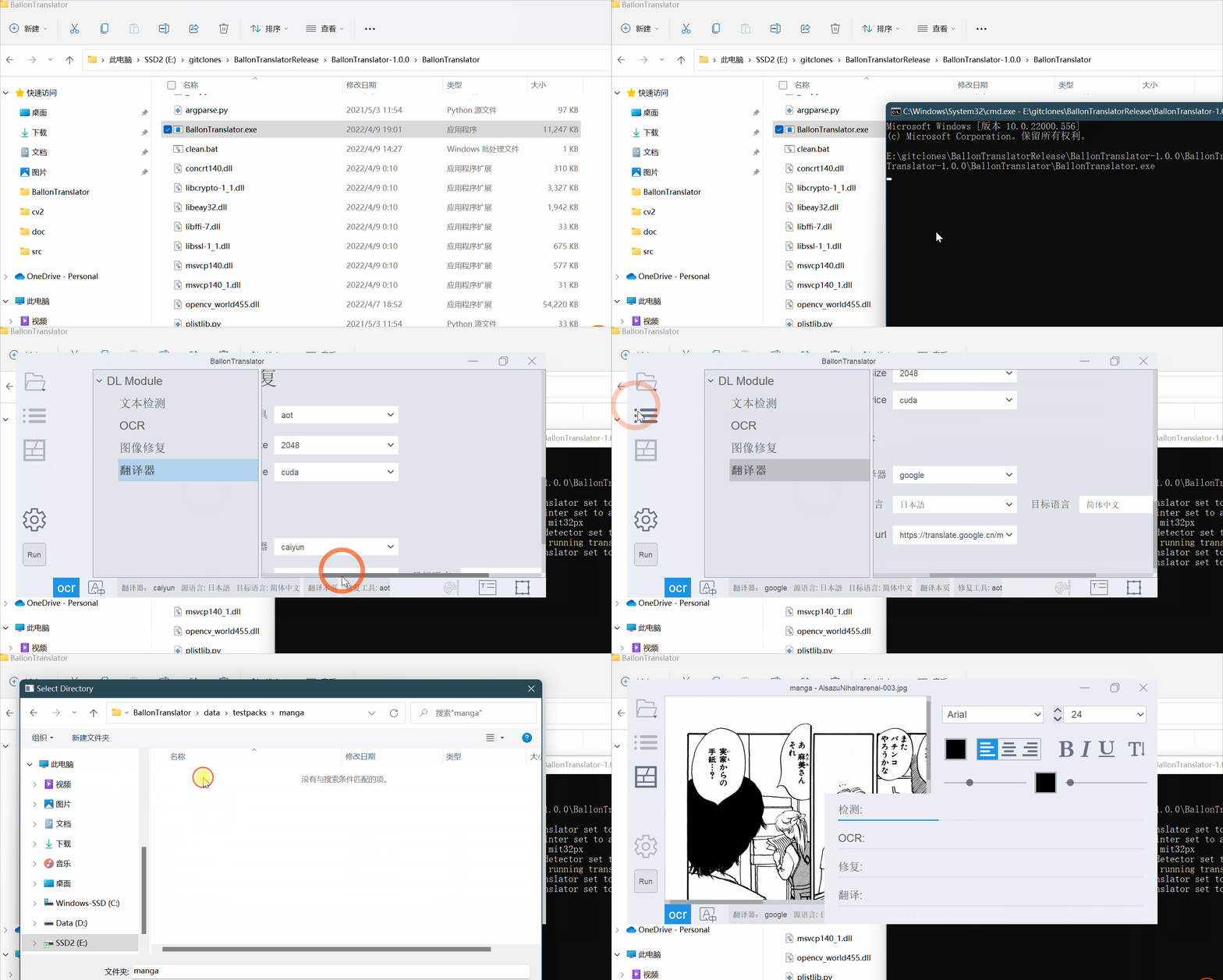
The format of the one-click machine embedding word, such as size, color, etc., is determined by the program by default. You can use global settings instead in the Settings Panel->Embed Word Menu. The global font format is the format displayed on the font panel on the right when no text block is edited: 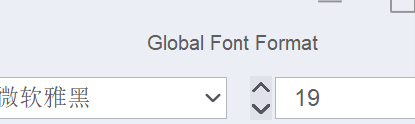
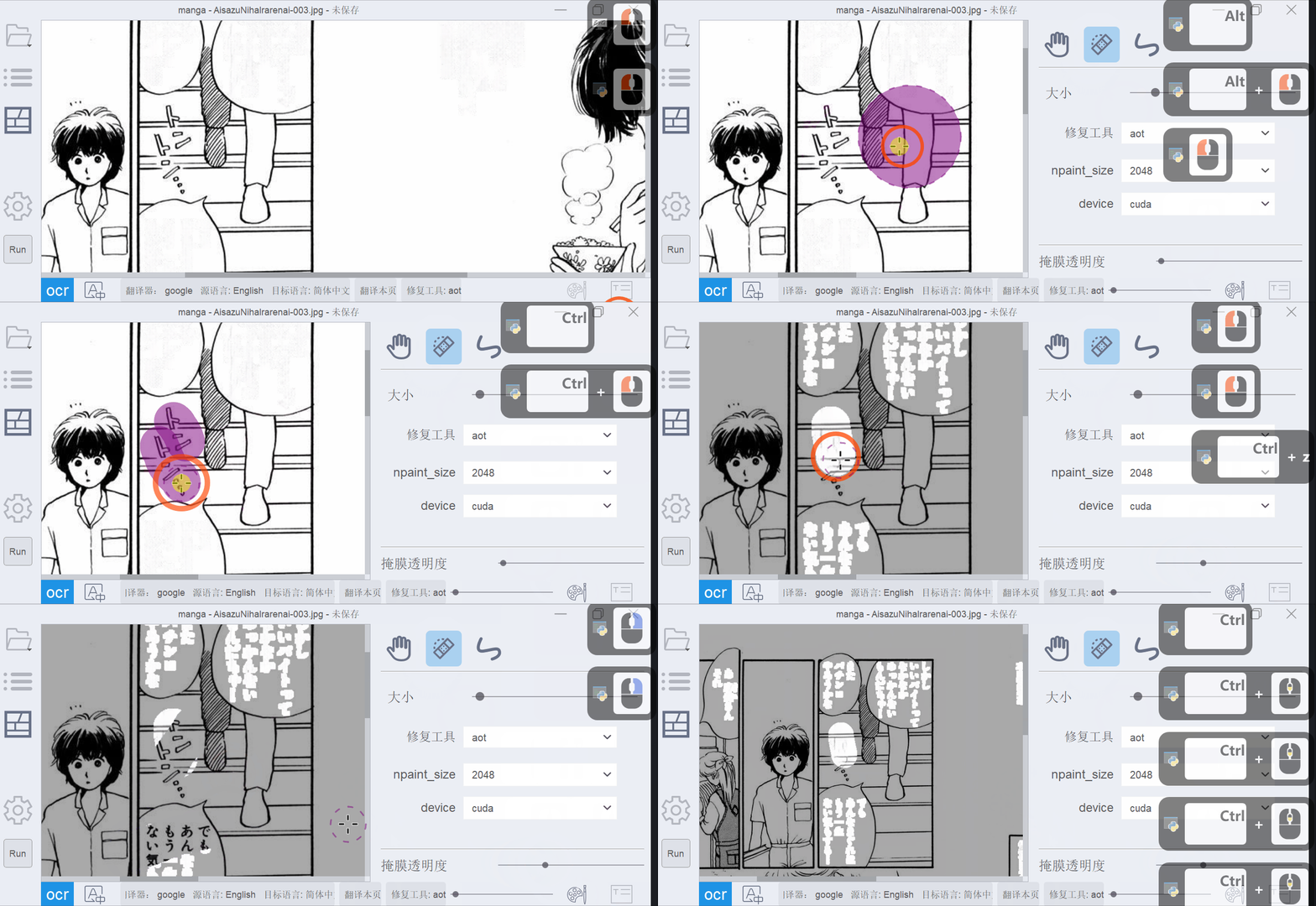
Repair the brush
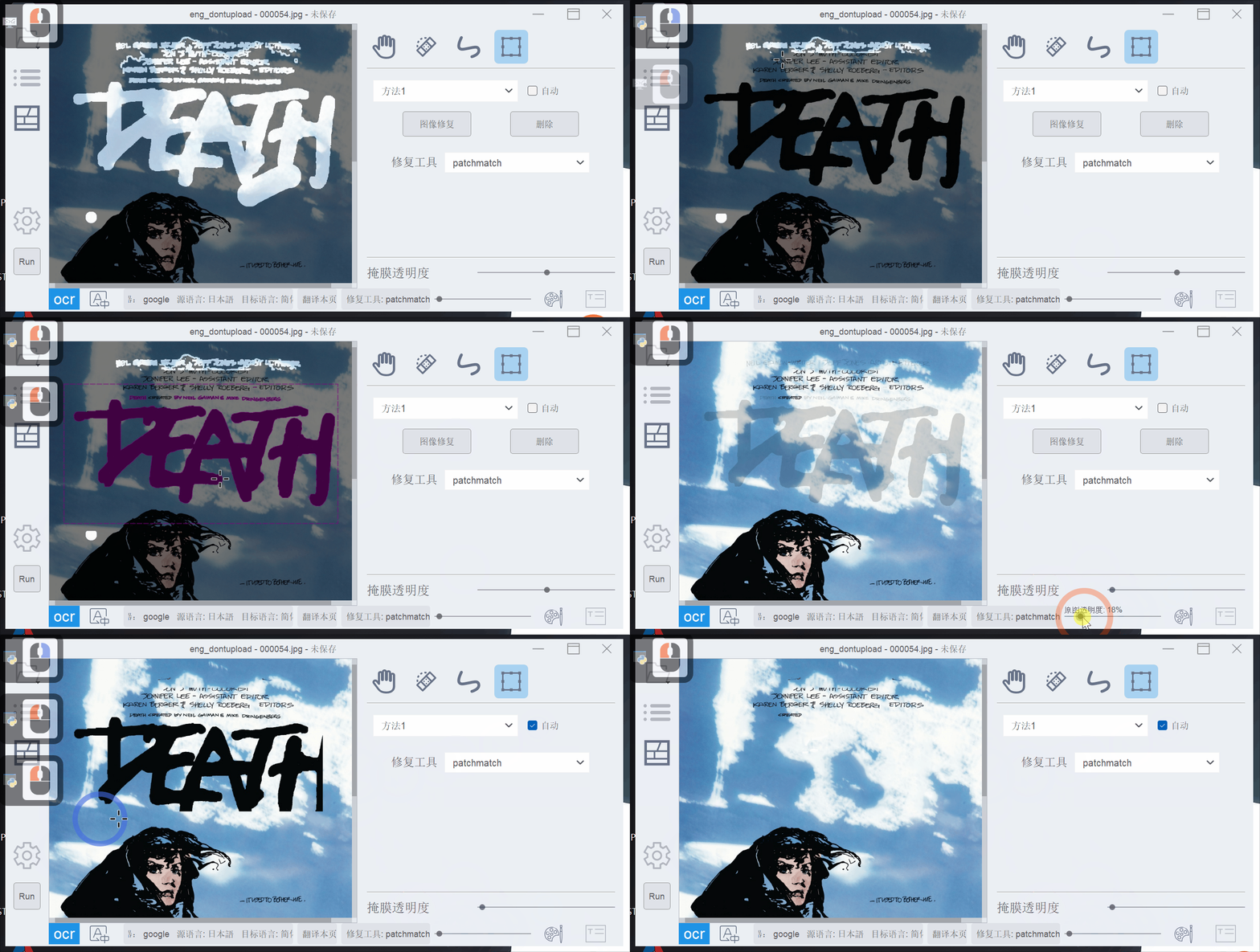
Rectangle Tools
Press the left mouse button to drag the rectangular box to erase the text in the box, and press the right mouse button to pull the box to clear the repair results in the box.
The erase result depends on the accuracy of the algorithm ("Method 1" and "Method 2" in gif) to estimate the text area. Generally, the box pulled is better than the text block that needs to be erased. Both methods are relatively metaphysical and can deal with the vast majority of simple texts and simple backgrounds, some complex backgrounds and simple texts/simple backgrounds and a few complex backgrounds and complex texts. You can try it a few more times.
Check the "Auto" box to fix it immediately, otherwise you need to press "Repair" or space bar to repair it, or Ctrl+D to delete the rectangle check box.
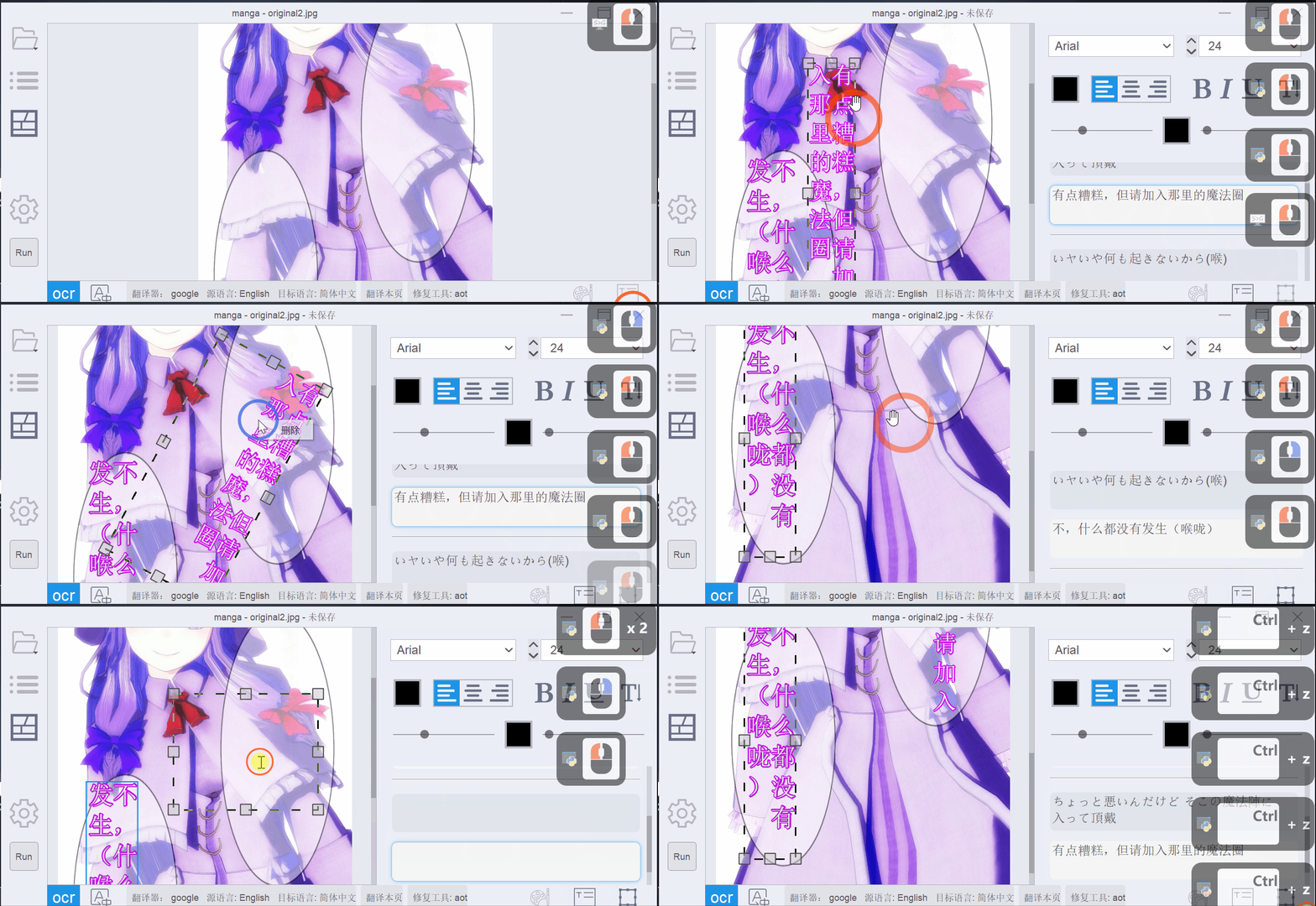
Text Editing
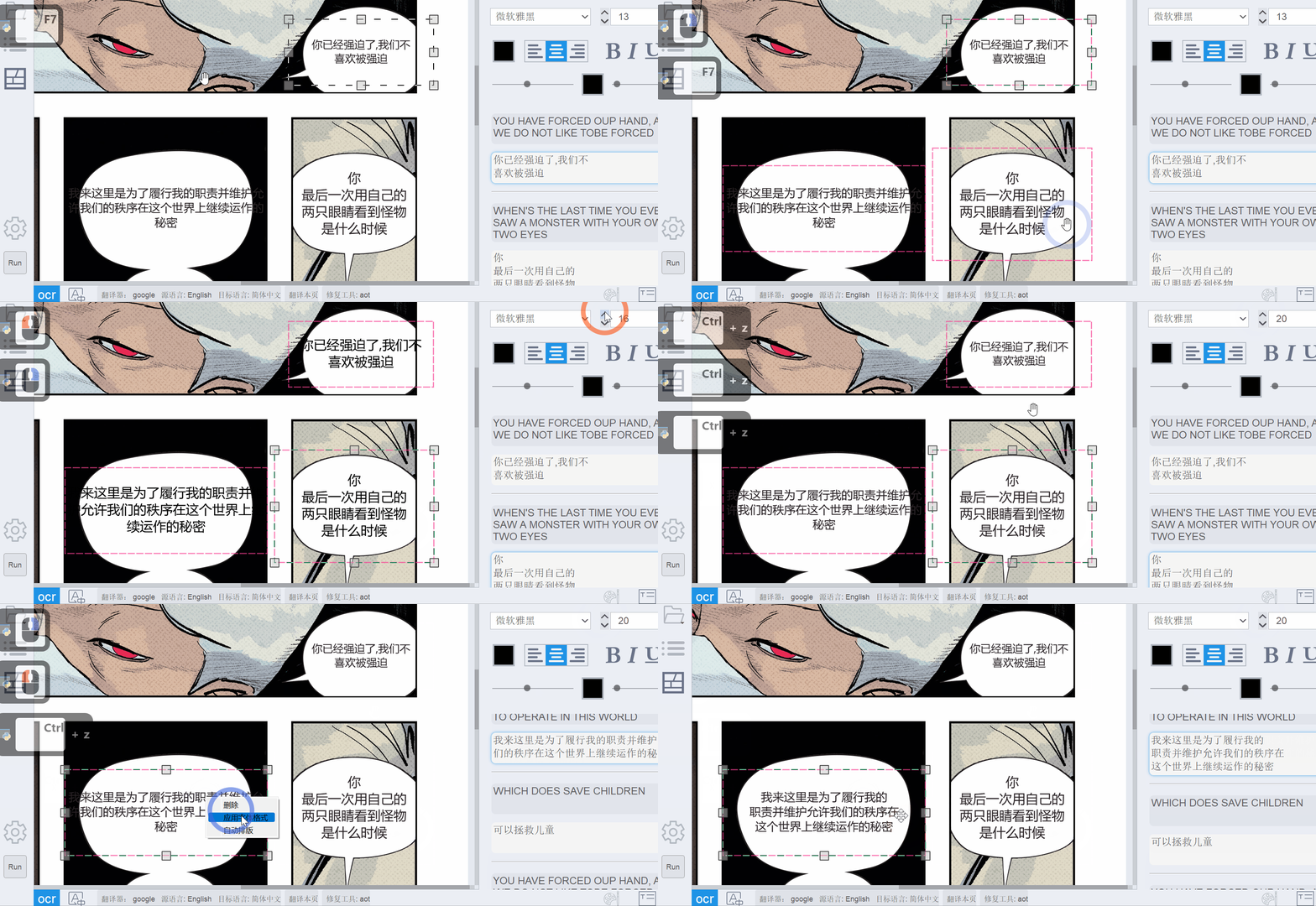
Batch text format adjustment and automatic layout
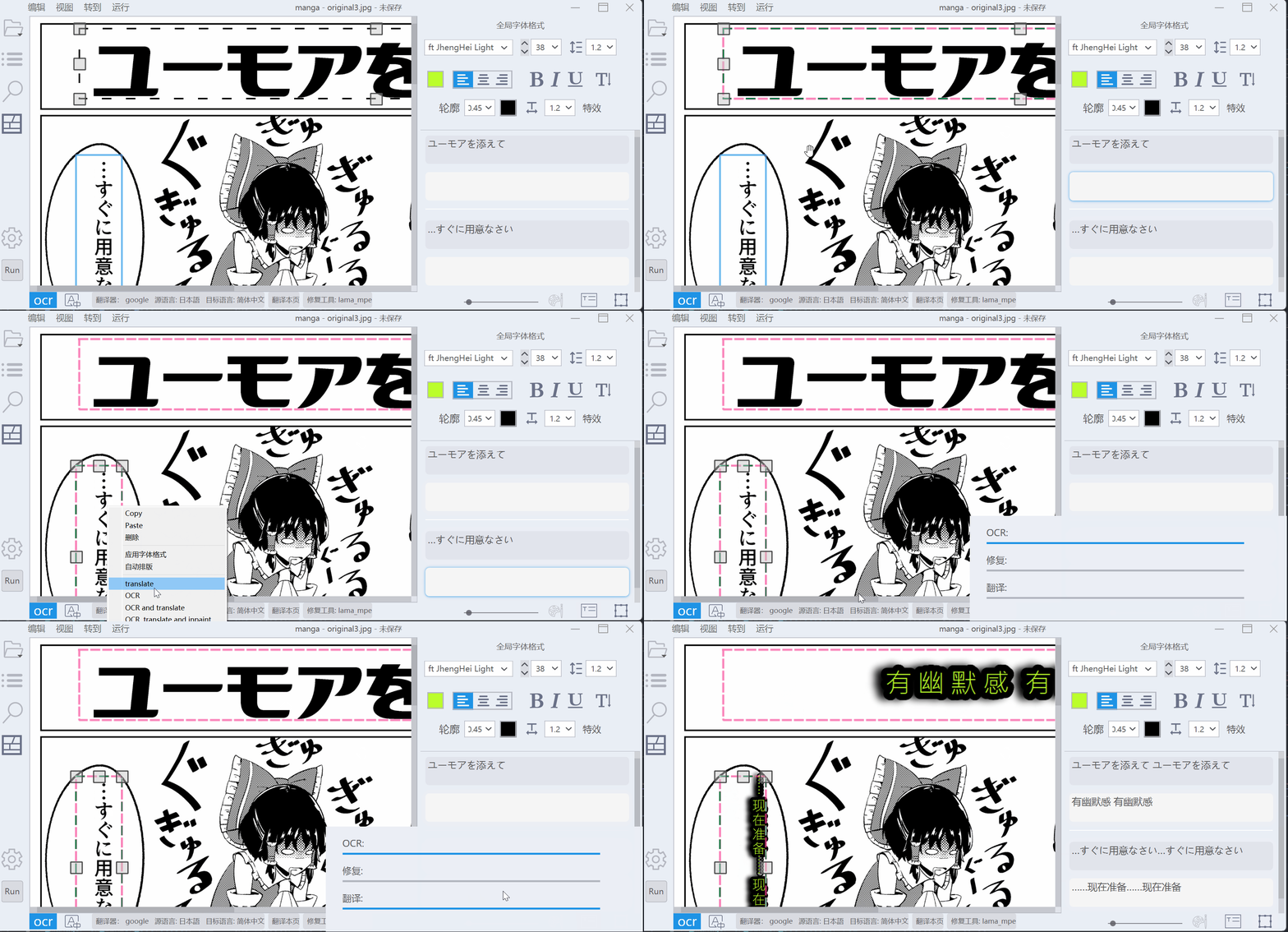
OCR and translate the text box
Ctrl+B bold under text editing, Ctrl+U underline, Ctrl+I italicAlt+Arrow Keys or Alt+WASD ( pageDown or pageUp when editing a text block) Switch between text blocks 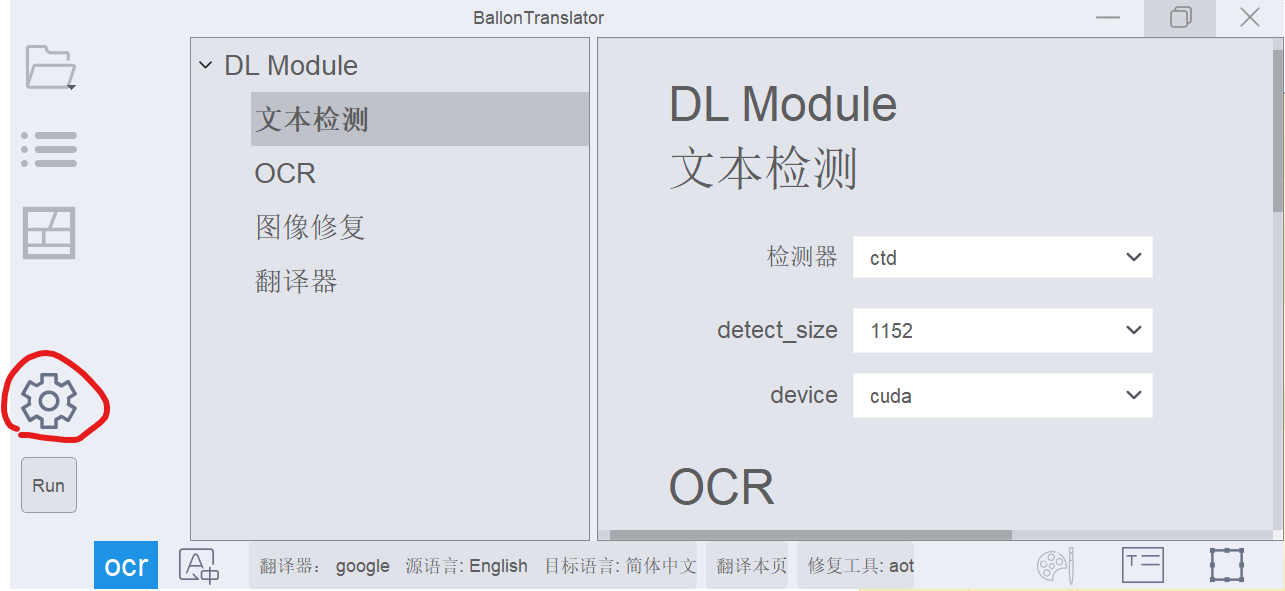
python launch . py - - headless - - exec_dirs "[DIR_1],[DIR_2]..." All settings (such as detection model, original language target language, etc.) will be imported from config/config.json.
If the render font size is incorrect, specify the Logical DPI size via --ldpi , usually 96 and 72.
This project relies heavily on manga-image-translator. Online server and model training costs. Please consider supporting it if you have the conditions.
Sugoi Translator Author: mingshiba
sugoi_translator into BallonsTranslator/ballontranslator/data/models.low vram mode in the settings panel (enabled by default).For other excellent offline English translation models, please refer to this discussion. If you need to add a new translator, please refer to another translator. Adding a new translator in this program only requires inheriting the base class to implement two interfaces, so you don’t need to pay attention to other parts of the code. Welcome to mention pr








