Learning Python with me
1.0.0

As a non-computer majoring in computer science, Python is my introductory language, but I encountered many problems in the process of learning Python and spent a lot of time solving it. I want to use the best way to teach Python in Chinese and the best way for novices. Here we will teach the most commonly used Python statements in daily use. Learn this popular language with me today.
Learn together and make progress together!
Tip
Issues are welcome to raise questions encountered in this warehouse.
Note
My computer is a MacBook, so all code writing and operation are based on MacOS, but in Windows, there is too much difference in code writing, so it does not have much impact on learning. If there are special circumstances, I will explain it. I hope everyone understands it.
The first step to learning a language is to install it. I will introduce it from MacOS and Windows systems respectively. First, let’s release the Python download official website.
If the link above cannot be entered, you can click the link below
After entering the website, click on the downloaded macOS.
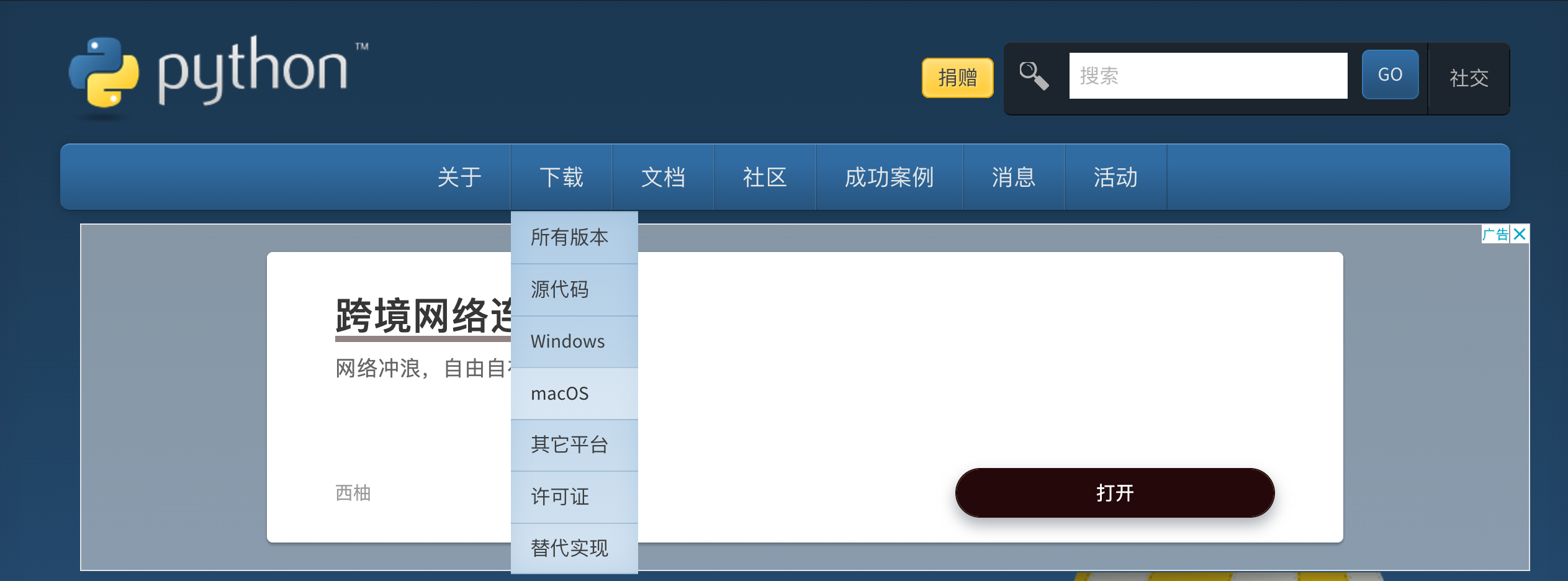
Select a version you want and choose according to the chip version of your computer (M series and Intel series).
The tutorials in this repository use Python 3.9.6.
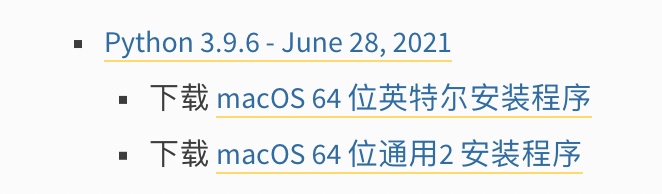
Click the download link and a .pkg file will be downloaded.

Double-click to open this file and follow the installer step by step and the installation is completed.
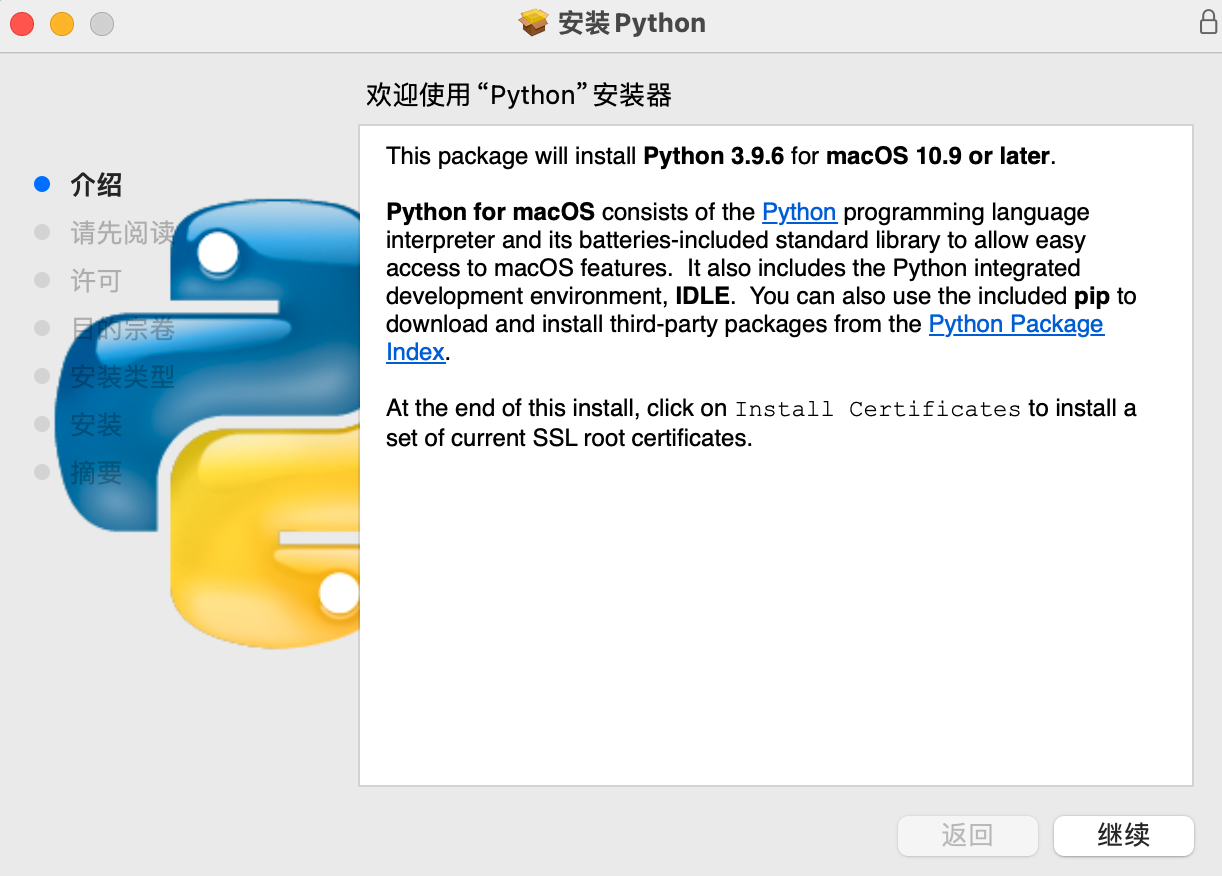
After installation, enter the following command to enter on the command line of the computer (named Terminal ) to enter the following command to enter. If Python 3.9.6 appears on the command line, it means that the installation is successful.
python3 -VUpdate later~~
We have installed Python, but how to write our program in Python is a problem. Python can be run directly on the command line after installation. Just enter:
python3This way you can write Python code. However, this method is not the mainstream way of writing, and writing using this method cannot manage our code well. (No need to pay attention)
In order to write our Python code more clearly and conveniently, we need to download an excellent development environment. In the development environment, we can run Python code, which can speed up our writing speed and manage our code more easily. (You can pay attention to it)
Therefore, I will introduce our celebrity development environment**Vscode**
Although I didn't use it when I first studied it, Vscode is a very suitable environment for novices to start writing code, and they can avoid detours for 10 years.
We started the installation.
First, go to the link to the official Vscode website
Click Download to enter the download interface and select the corresponding version of your computer.
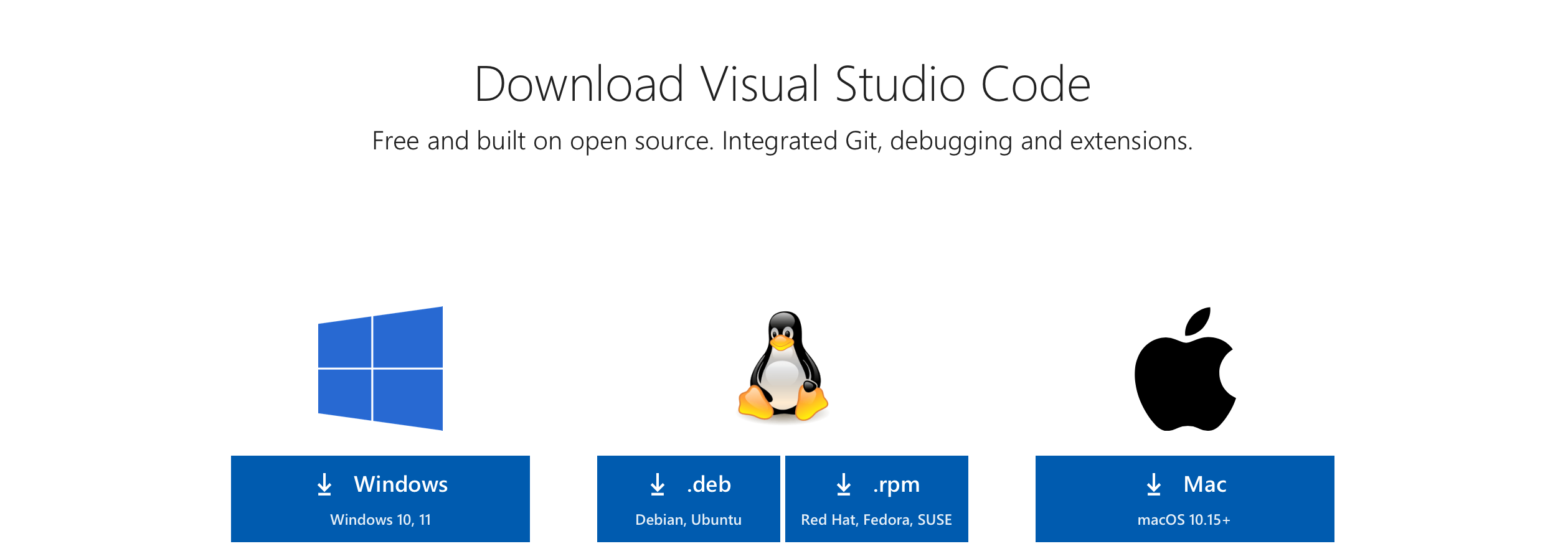
After downloading, we got a .app file. This is a look like an application and does not require installation. We drag the downloaded Vscode to the place we want to put, which is usually the Apple Computer Finder application (recommended to doge).

Double-click to open it, and after opening it, we will be like this interface. It’s very annoying to open it in English~~, so we need to download an extension plug-in to display Chinese, which is very simple. First click on the option to frame the picture.
This is very important to install the extension plug-in. There are very rich plug-ins to use.
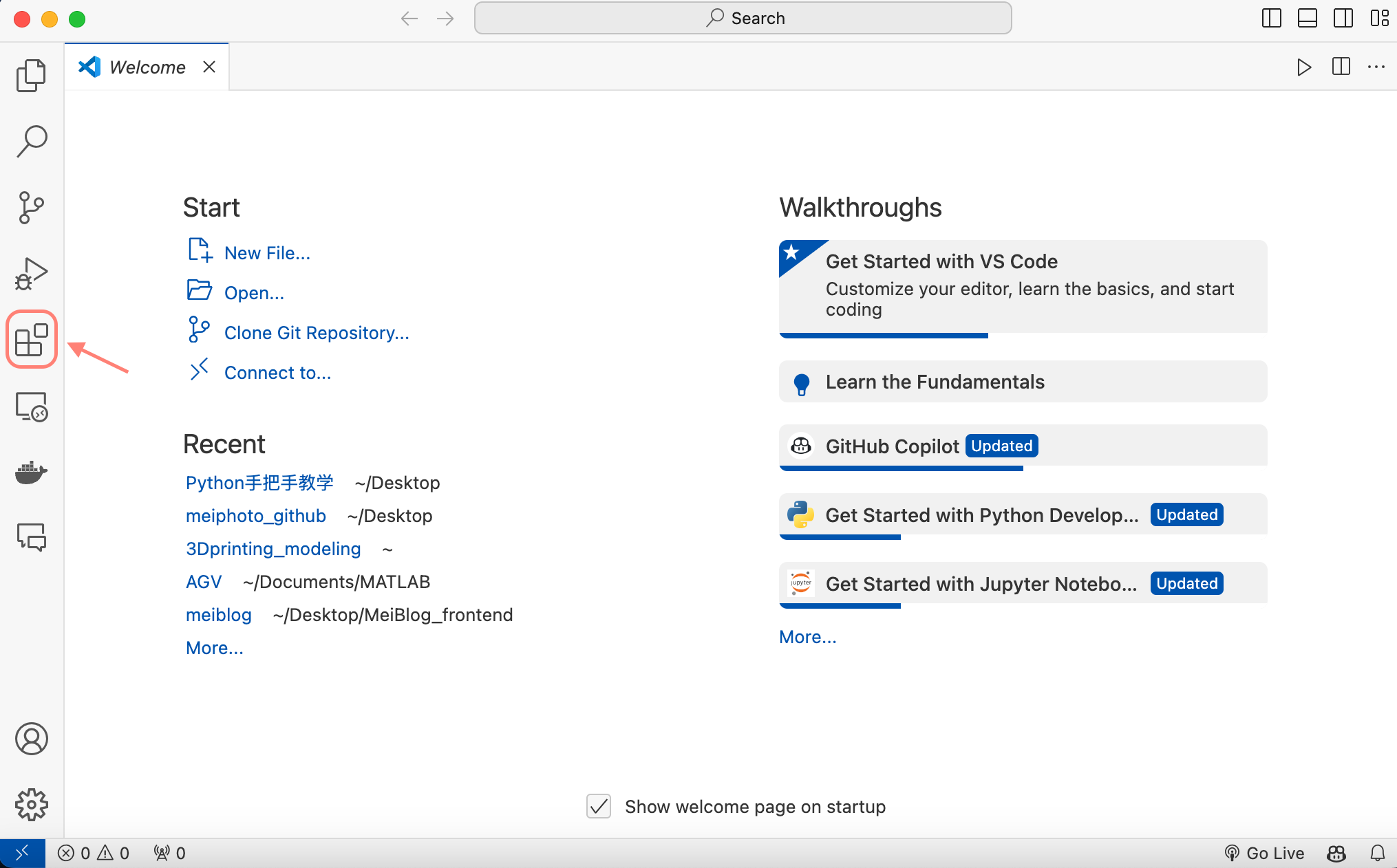
Search for chinese in the search box, click the first plug-in to install Install, and you will be reminded to restart. After restarting, you can display Chinese.
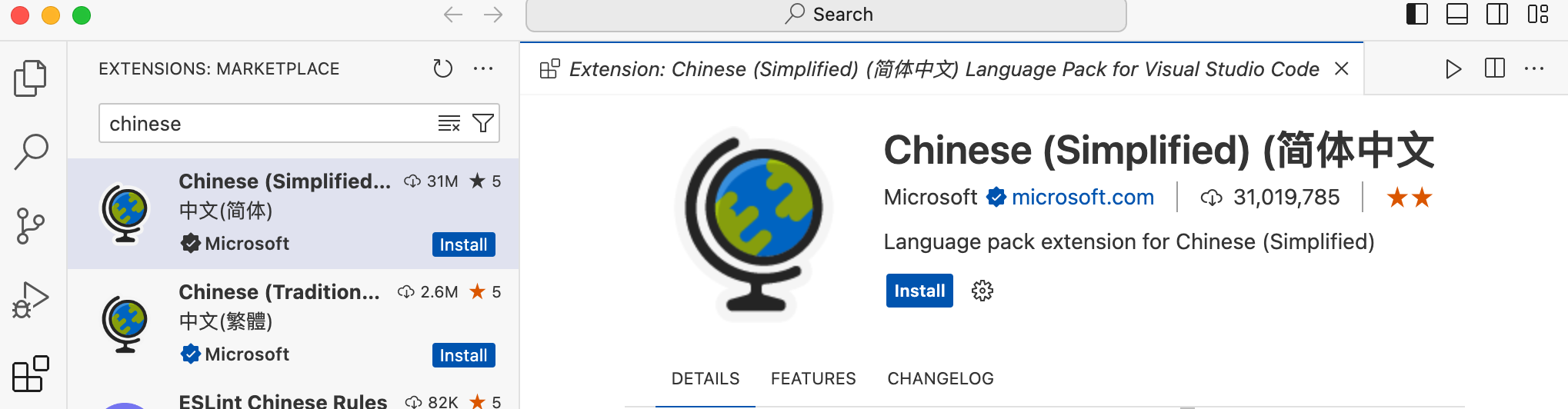
Let’s talk about Python. We also search for Python when installing extension plugins. Click the first plugin to install it. Then we can write and run Python code in Vscode.
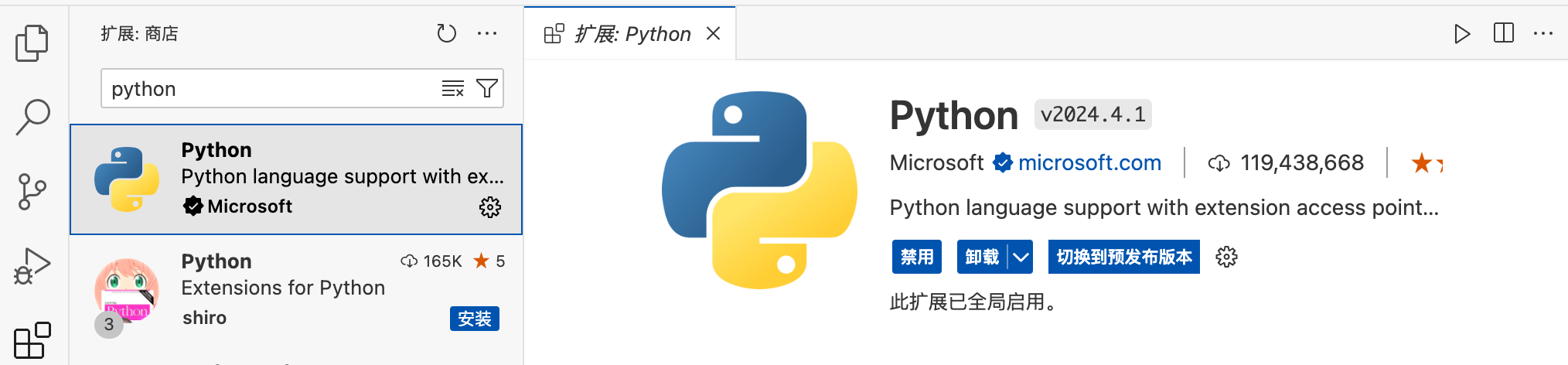
Update later~~
Next, we officially enter Python, and I will put the code in the LearningCode folder of the repository.
We have completed the Python installation and downloaded our Vscode development environment. Then we can start our career as a coder.
We create a folder anywhere on the computer called LearningCode. (You can create one on the desktop first)
Open Vscode, click Open, select the folder you created, and I will choose LearningCode.
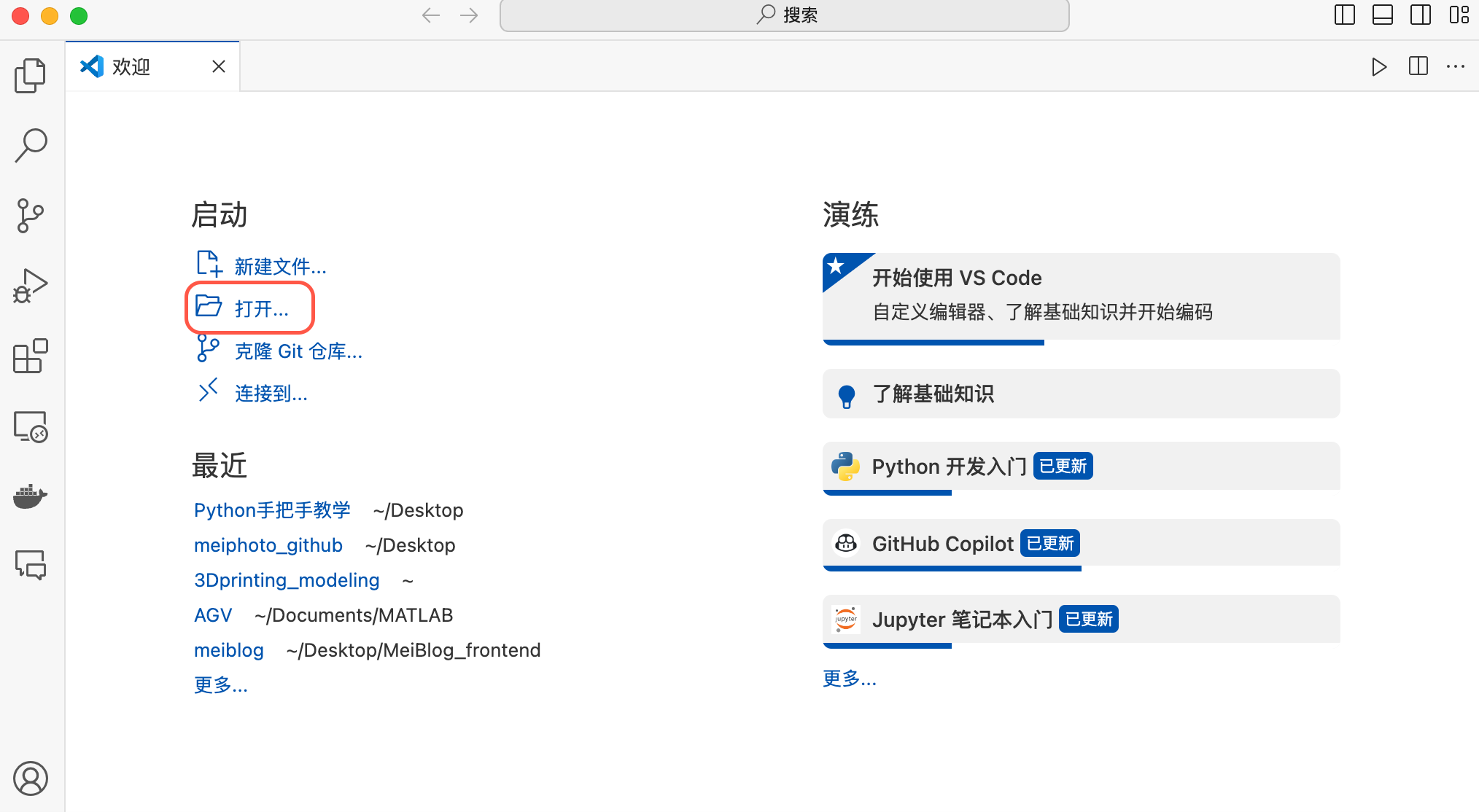
After opening, we click the boxed icon in the image in the upper left corner. This is to create a new folder, which we named as the Python Basics.
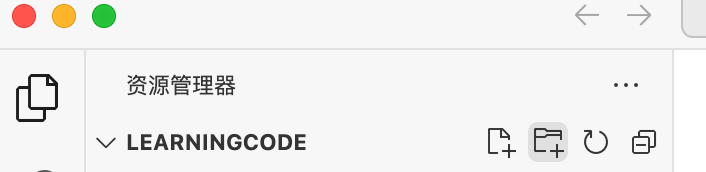
Right-click this python basic folder and click New File to create a new file named firstcode.py. This file is a Python file, and the Python files all end with the suffix of .py. We can write Python code in this file.

Write the first Python code in the file, and then click the triangle in the upper right corner shown in the figure to run this code. After running the code, the terminal will pop up below Vscode (that is the command line that was opened before), and the output result of the code will be displayed in the terminal.
print ( "学习Python,就认准BAIGUANGMEI!" )
The running result is as shown in the figure below. The content marked with the red line is the result of the output of the statement just now. 
In this way, we completed the first Python code writing. The meaning of this code is to print * to learn Python in the terminal, and then recognize BAIGUANGMEI! *This sentence. So we learned that the first statement in Python is print() , which is to print the content in brackets.
In 4.1, we wrote the first Python code. Then we want to know what print() can print. We can start from the data type. Simply put, the data type is just like when we type in word software and type text, numbers, etc. These are different data types. But before we understand data types, we need to understand variables.
Important
The following content is updated directly in the LearningCode folder, and I will post a link to the specific teaching content below. A summary of each section will be made in the README document.
Implementing a simulated annealing algorithm to solve some functions through Python.





