PDF Query Wizard
1.0.0

Welcome to PDFQueryWizard, a dynamic application powered by Python Streamlit, utilizing Google Gemini for advanced document analysis. This tool empowers you to effortlessly upload and process multiple PDF documents, enabling you to pose questions and receive insightful answers. ImageInsights app can be accessed here
Upload Multiple PDFs: Easily upload and submit multiple PDF documents at once.
Effortless Processing: Press the "Process" button to initiate seamless processing with the advanced capabilities of Google Gemini.
Ask Questions: Post-processing, enter your questions, and watch as PDFQueryWizard utilizes Google Gemini to generate accurate and relevant answers.
Workflow:
Upload PDFs:
Process PDFs:
Ask Your Questions:
Explore Results:
PDFQueryWizard integrates Python Streamlit for a user-friendly interface, Google Gemini for question answering, and FAISS for efficient vectorization and storage.
To run PDFQueryWizard locally, follow these steps:
Clone the repository:
git clone https://github.com/manisha-v/PDF-Query-Wizard.gitNavigate to the project directory:
cd PDF-Query-WizardInstall dependencies:
pip install -r requirements.txtRun the application:
streamlit run app.pyVisit http://localhost:8501 in your web browser to start using PDFQueryWizard with Google Gemini.
PDFQueryWizard is deployed and accessible. Visit https://pdf-query-wizard.streamlit.app/ to experience the tool online.
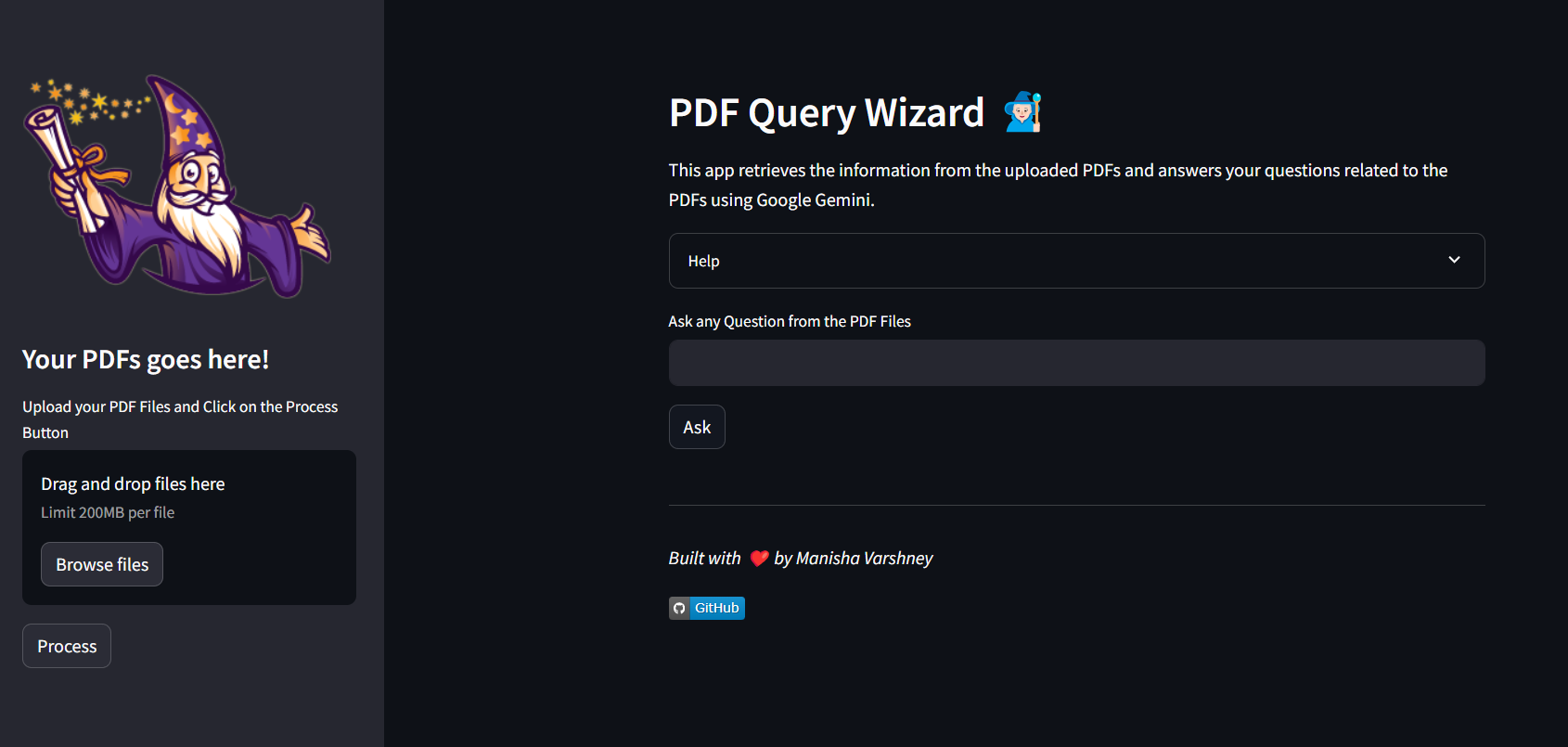 Home page
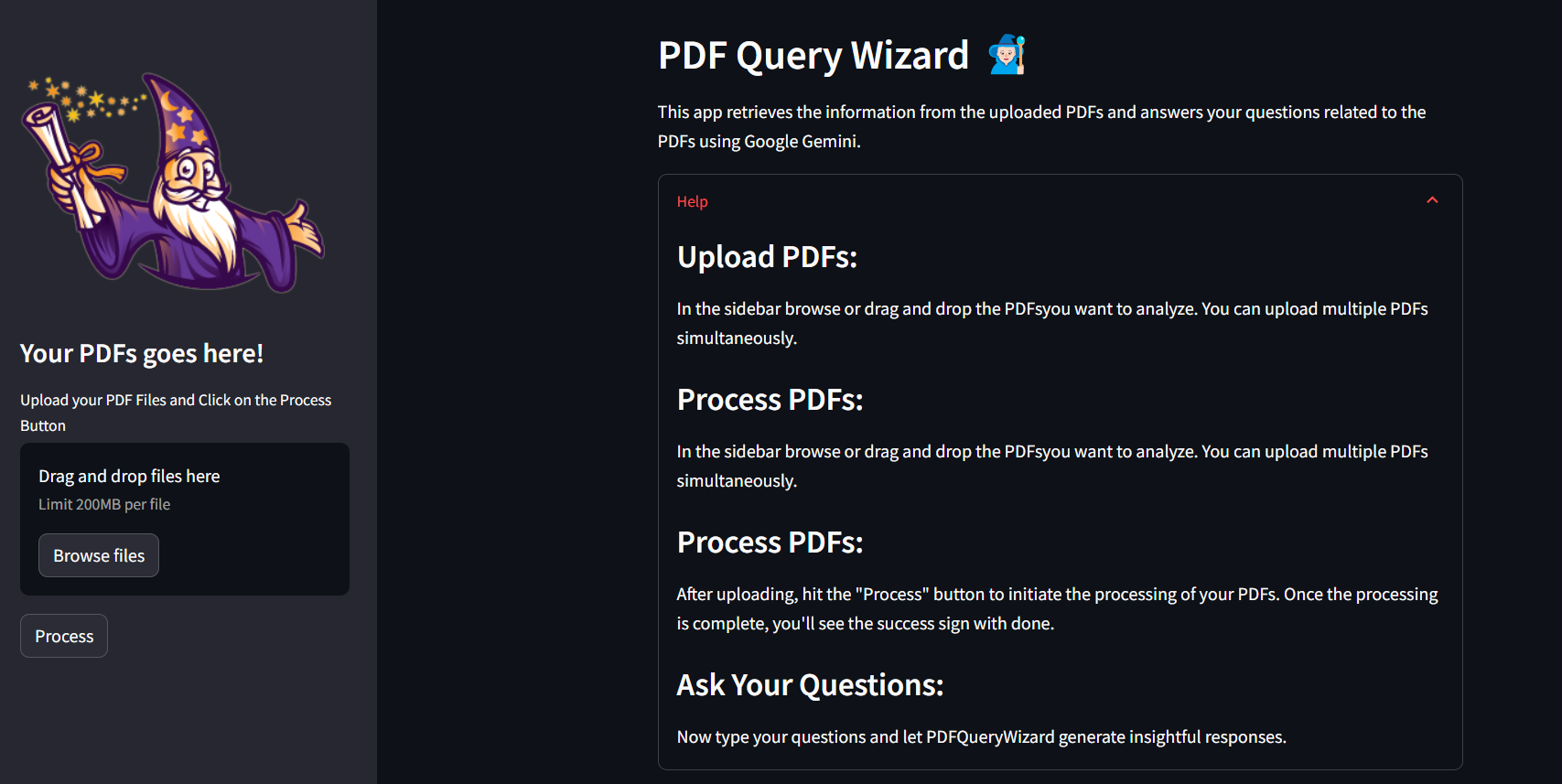 Help
Help
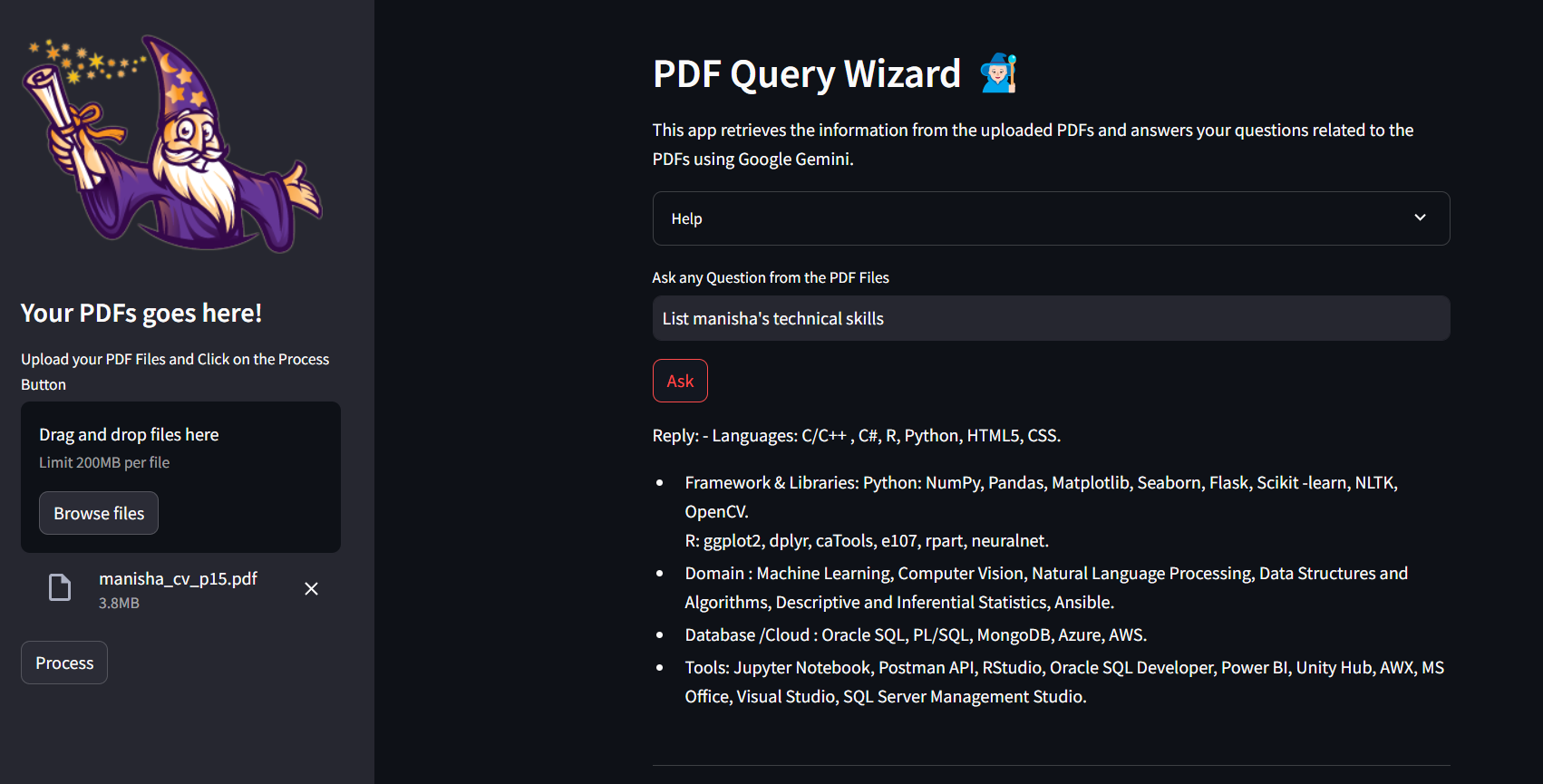 upload PDFs and ask your query
I'm always open to new opportunities and collaborations. Feel free to reach out to me through the contact form on my portfolio website or via email at [email protected].
Connect me on LinkedIn





