Beck
1.0.0

Beck is an AI-powered chatbot that uses the OpenAI API, PineConeDB client, and speech recognition to engage in interactive conversations with users. (Supplemented by conversational memory as well as long-term memory enabled through use of a vector database.)
To run the Beck chatbot, ensure you have the following:
requirements.txt file)OPENAI_API_KEY environment variable)PINECONE_API_KEY environment variable)Clone the repository:
git clone https://github.com/your-username/beck-chatbot.git
cd beck-chatbot
Install required dependencies (inside venv, if you wish):
pip install -r requirements.txt
Obtain OpenAI API key, and set environment variable.
Obtain PineconeDB API key, and set environment variable.
Create PinconeDB Index.
Run the program:
python beck.py
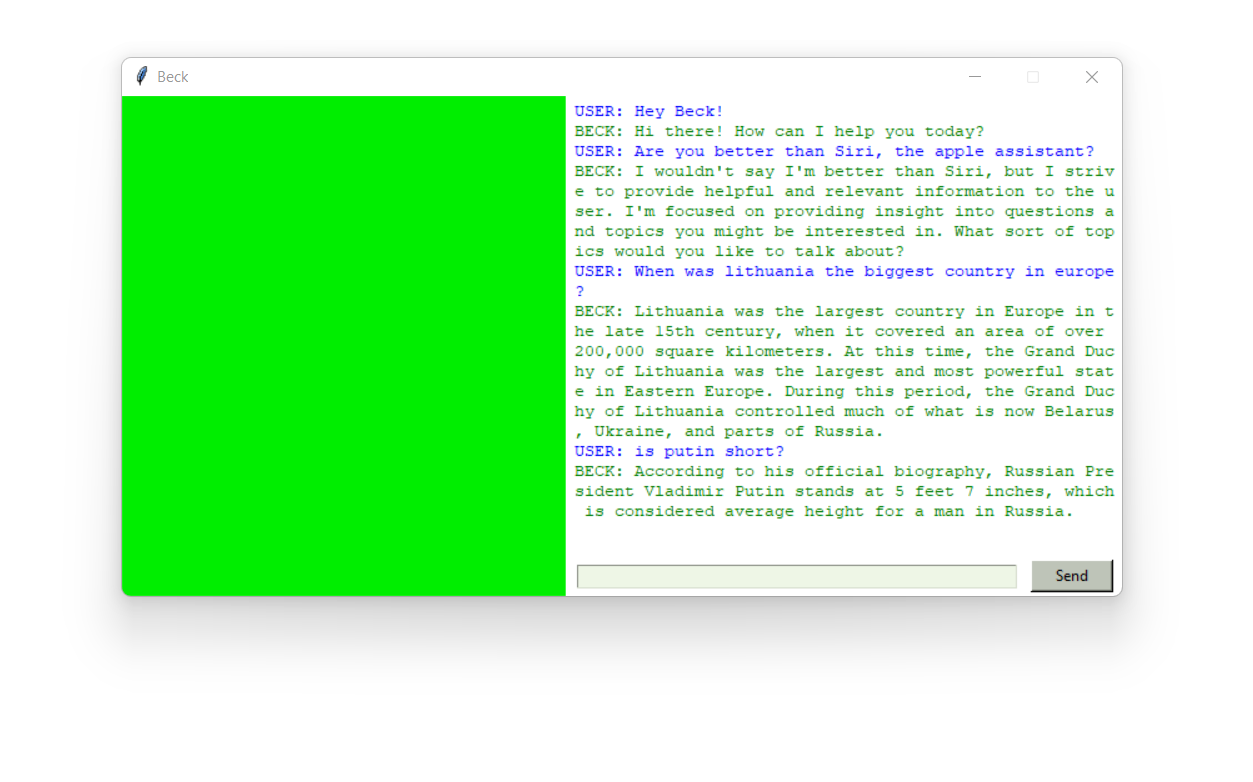
The chatbot window will appear, allowing you to interact with Beck either through voice or text. Simply press the green button to speak to Beck or just type your queries, and Beck will respond accordingly.
Whenever the button is red, please be patient for Beck's response. Whenever it turns green again, she is ready to be asked another question.
To exit the chatbot, you can say or type "bye-bye," "bye," or "goodbye." Or simply just exit the window.





