KGQA_HLM
Visualization and Q&A System of Character Relationships in "Dream of Red Mansions" based on knowledge graph
For details, please see http://chizhunlp.com
File tree:
- app.py is the main entrance to the entire system
- The templates folder is an HTML page
|-index.html Welcome interface
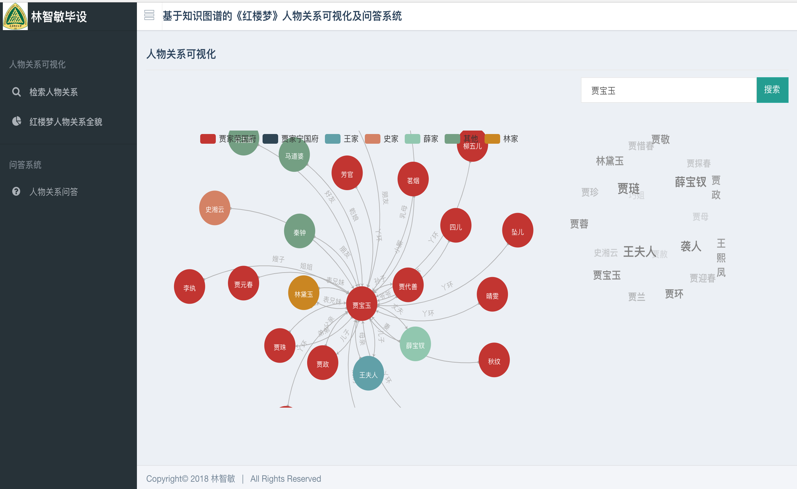
|-search.html Search for character relationship page
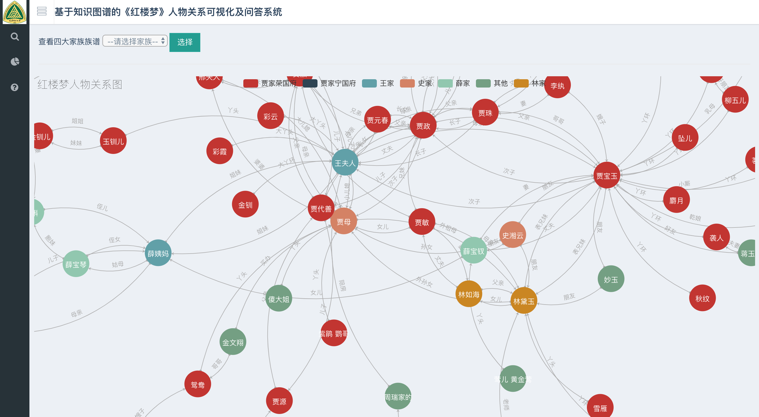
|-all_relation.html All character relationship pages
|-KGQA.html Character Relationship Q&A Page
- Static folder stores css and js, which are files with page styles and effects
- The raw_data folder is a triple file that has data processing
- The neo_db folder is a knowledge graph building module
|-config.py configuration parameters
|-create_graph.py Create knowledge graph and create graph database
|-query_graph.py Query of knowledge graph
- KGQA folder is a Q&A system module
|-ltp.py word participle, part-of-speech annotation, naming entity recognition
- The spider folder is a crawler module
|- get_*.py is the code that crawled the character information before. It has produced images and json and can be executed without any need to be executed.
|-show_profile.py is the code that calls character profiles and graphs to display on the front end
Deployment steps:
- 0. Install the required library to execute pip install -r requirement.txt
- 1. Download the neo4j image database first and match the environment (note that neo4j requires jdk8). Modify the configuration file config.py in the neo_db directory and set the account and password of the graph database.
- 2. Switch to the neo_db directory and execute python create_graph.py to create a knowledge graph
- 3. Go here to download the ltp model. Introduction to ltp
- 4. In the KGQA directory, modify the storage directory of the ltp model file in ltp.py
- 5. Run python app.py, open localhost:5000 in the browser to view it
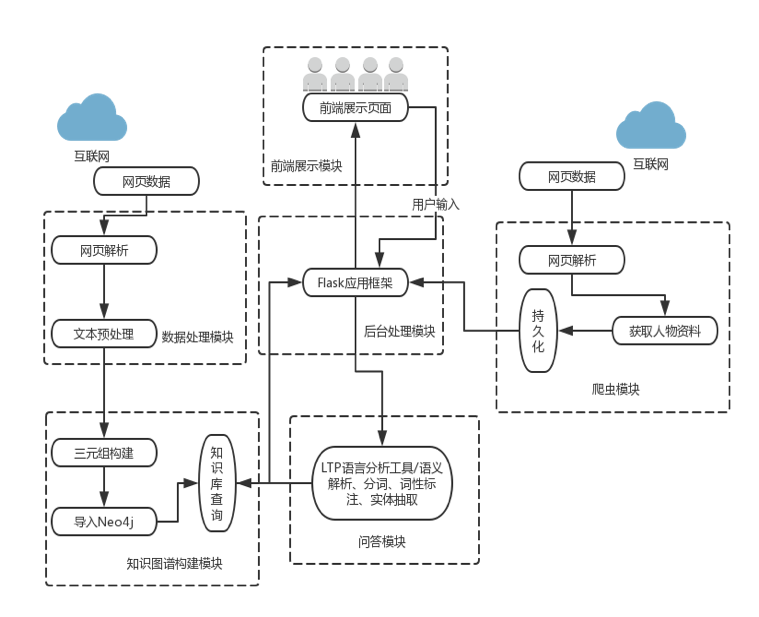
Overall system flow chart:
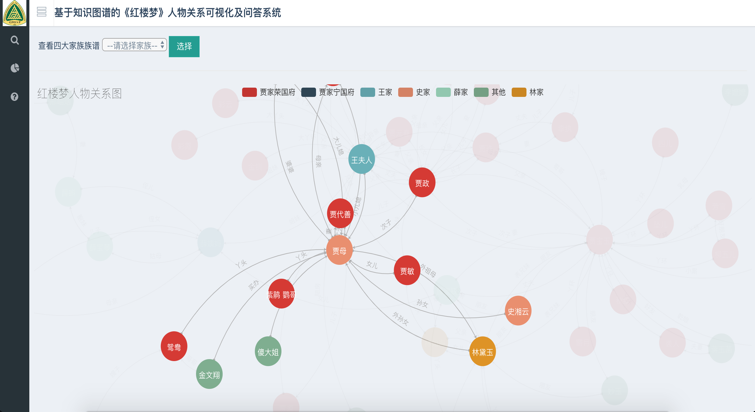
Website example:
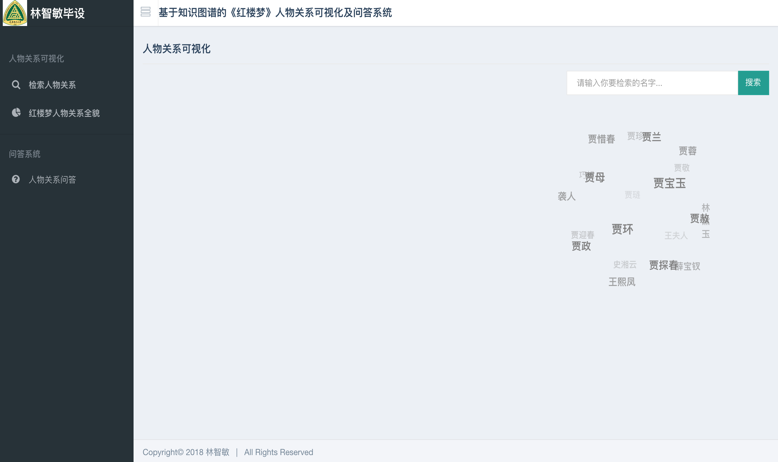
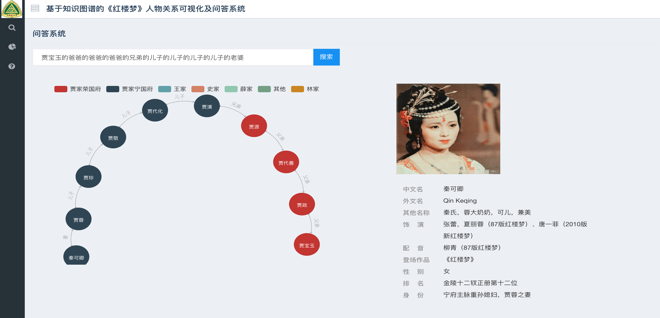
Welcome interface

Main interface