flash debugger
1.0.0

This is an extension for debugging Haxe applications on the Flash target via FDB. It is best used with the vshaxe extension.
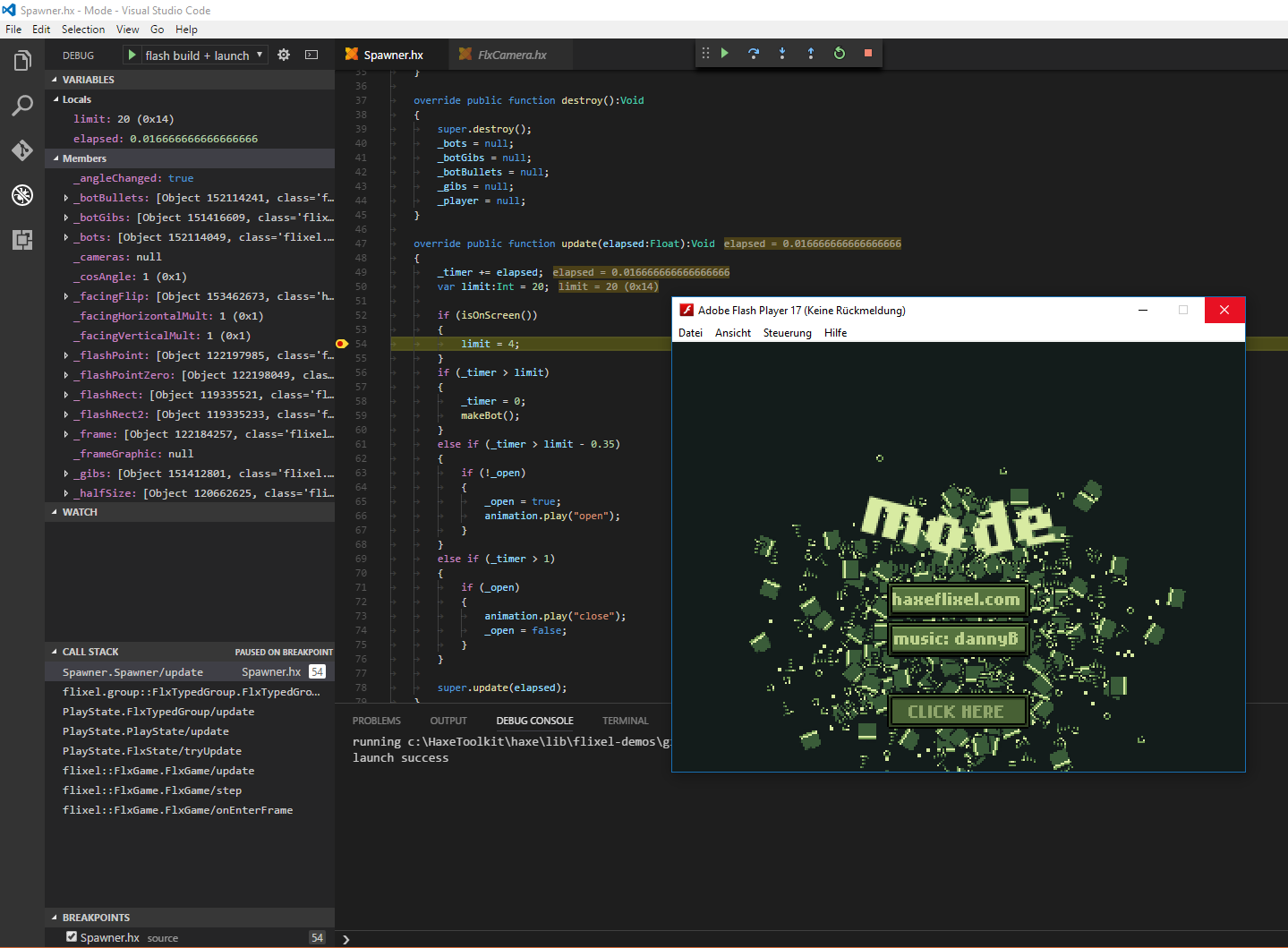
There's three prerequisites:
Download the "Flash Player projector content debugger" from here and associate it with .swf files.
On Linux, make sure the player's executable is accessible globally (for example, in the /usr/bin/ directory or in the PATH) and its name is no other than flashplayer (you could rename the original file or make a symlink to it).
Make sure JAVA_HOME is defined or you have java in your PATH (to run fdb.jar). Please refer to these links for instructions:
JAVA_HOME on WindowsJAVA_HOME on LinuxCompile the .swf file you want to debug with the -D fdb define.
After this, you need a launch configuration. The launch.json should look something like this:
{
    "version": "0.2.0",
    "configurations": [
        {
            "name": "Flash",
            "type": "fdb",
            "request": "launch",
            "program": "${workspaceFolder}/bin/application.swf"
        }
    ]
}
Replace /bin/application.swf with the path to your swf file.
You can also generate a config via Add Configuration... -> Haxe (Flash):
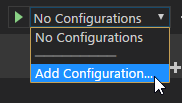
C:Users<username>.vscodeextensions on Windows, ~/.vscode/extensions otherwise)git clone https://github.com/vshaxe/flash-debugger
cd flash-debugger.npm install
npx haxe build.hxml







