Online e-book city based on JSP+Servlet (merchant end + customer end)
Running environment
- Run under Esplise
- Tomcat 6.0
- JDK 7.0
- Using MySQL database, you need to first create a
commercialcity database in the database and import data using source 路径+commercialcity.sql SQL statement. - Create a
commercialcity folder in the C drive and directory, and place the picture file in it. Because the image file is large, Baidu Cloud download address is provided: http://pan.baidu.com/s/1jHEufXG - You need to configure the virtual path Path:/CommercialCity/commercialcity DocumentBase:C:commercialcity to place the image files required by the program in this folder
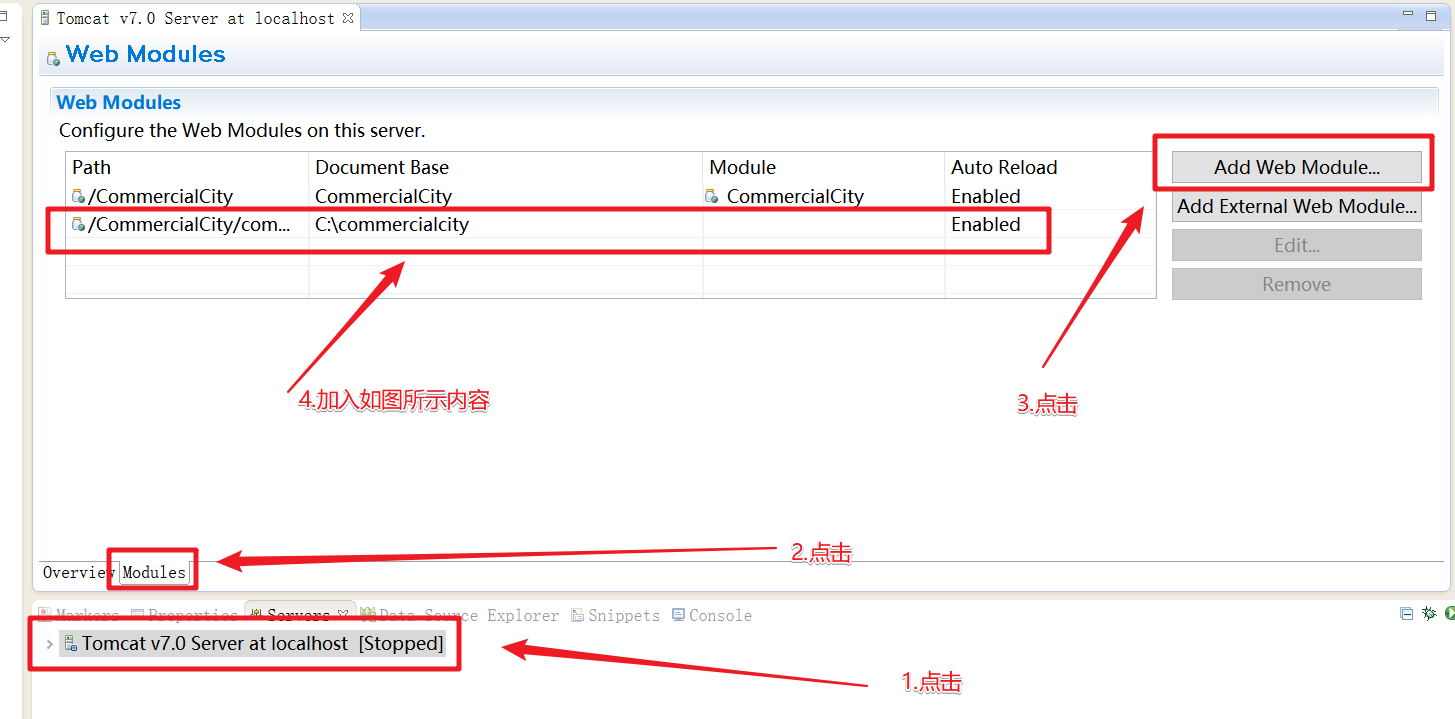
- At the same time, you need to modify the password of the database connection in c3p0-config.xml under the src source code package.
- Using Google Chrome
start
Customer side: Run CustomerMarket.jsp on Eclipse on Merchant side: Run ShopperLogin.jsp on Eclipse on Customer Account (corresponding to customer table in the database):
- Account number:
987654321 , 987654321 - Account number:
987654322 , password 987654322 - Account number:
987654323 , password 987654323
Merchant account (corresponding to shopper table in the database, escape):
- Account number:
123456789 , password 123456789 - Account number:
123456788 , password 123456788 - Account number:
123456787 , password 123456787
Function
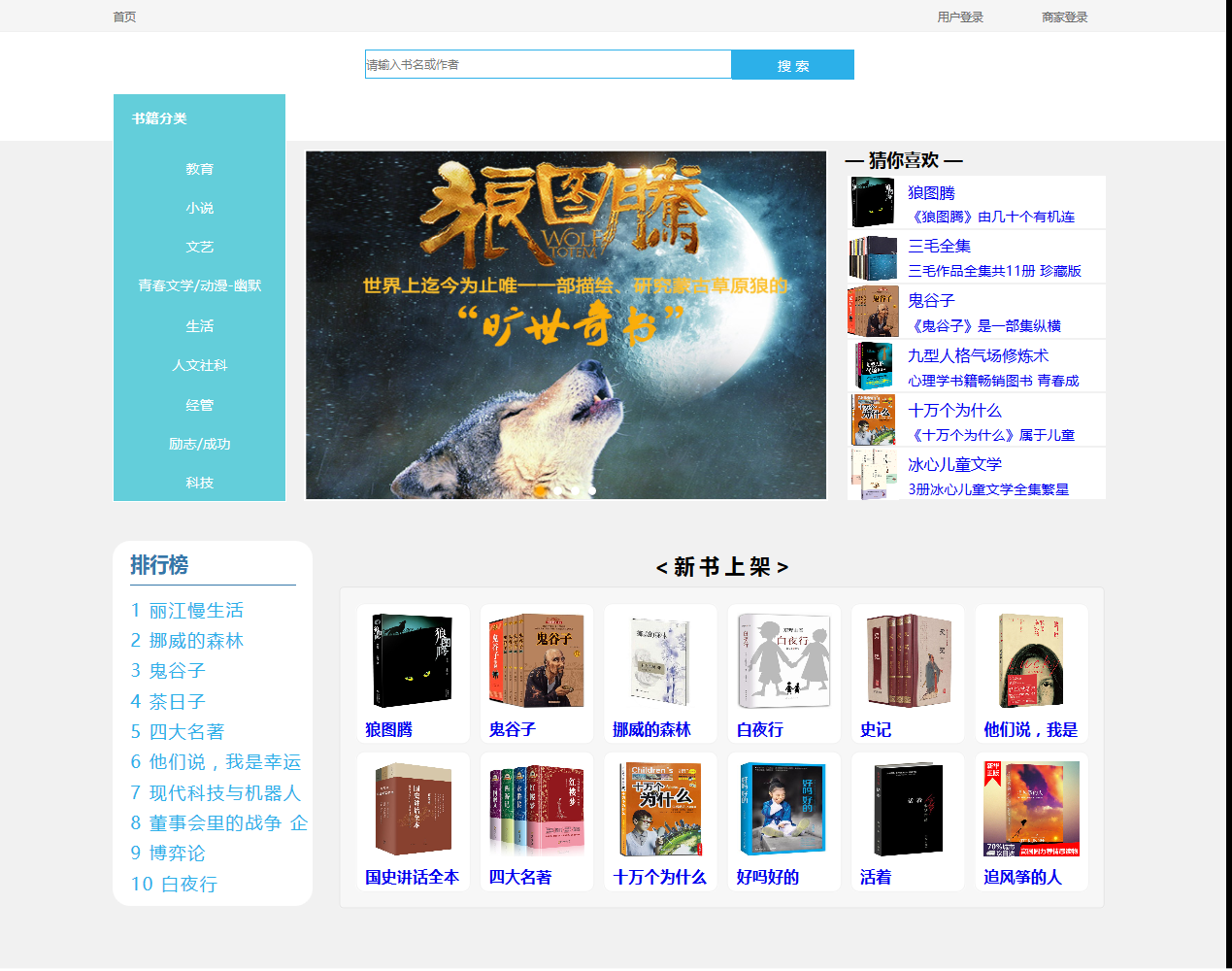
- The book classification and search box on the home page jump to the product browsing page. The search box supports partial word search. The carousel picture, guess you like column, ranking list, and new book shelf column jump to the corresponding product details page.
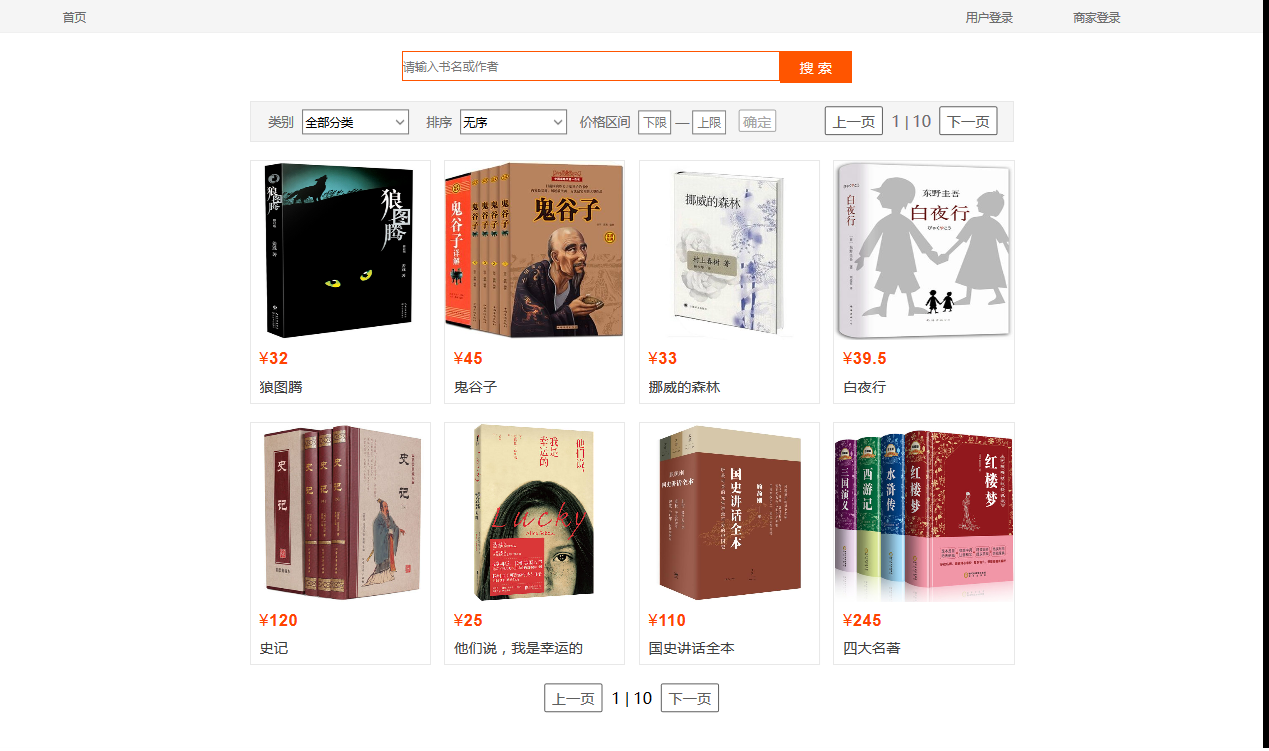
- The product browsing search box searches for specified books, supports partial word search, and filters the book category, sorting method, and price range. Click on the picture or book title to jump to the corresponding product details page.
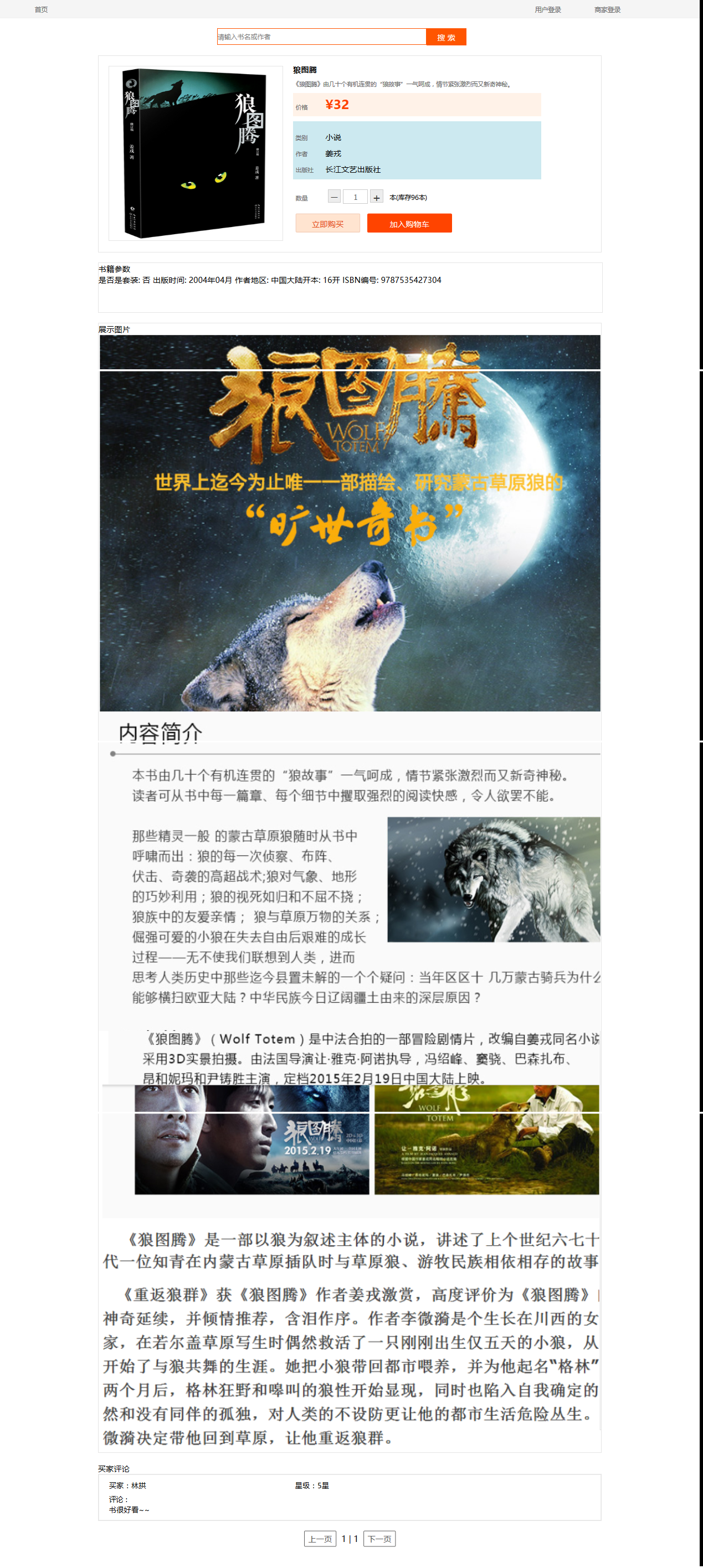
- Search the product details page search box to search for the specified book and jump to the product browsing page, supporting partial word search. Users can browse product details, including introduction, price, parameters, display pictures, introduction pictures, book reviews, etc. After selecting the purchase quantity, you can buy it immediately or add it to the shopping cart operation.
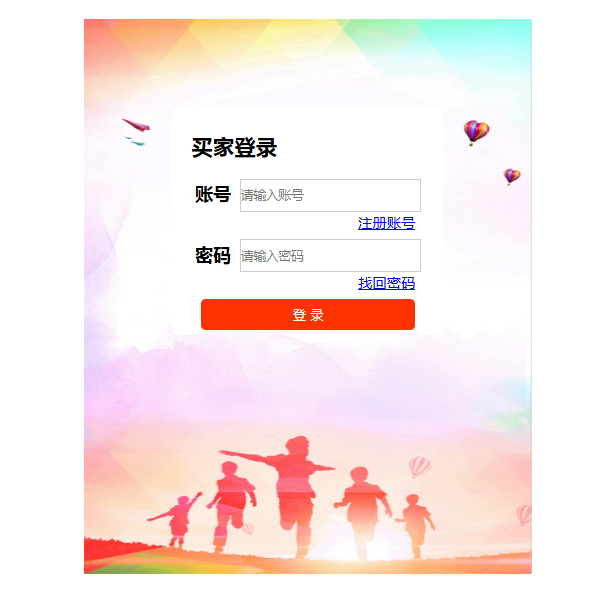
- User login
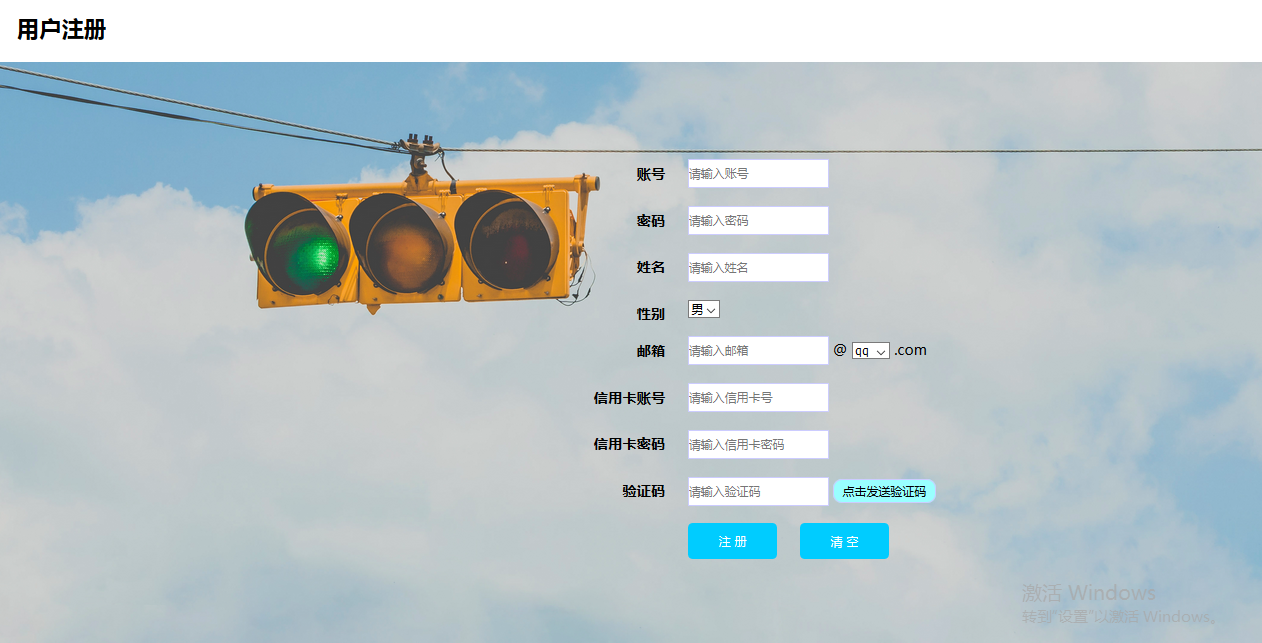
- User registration
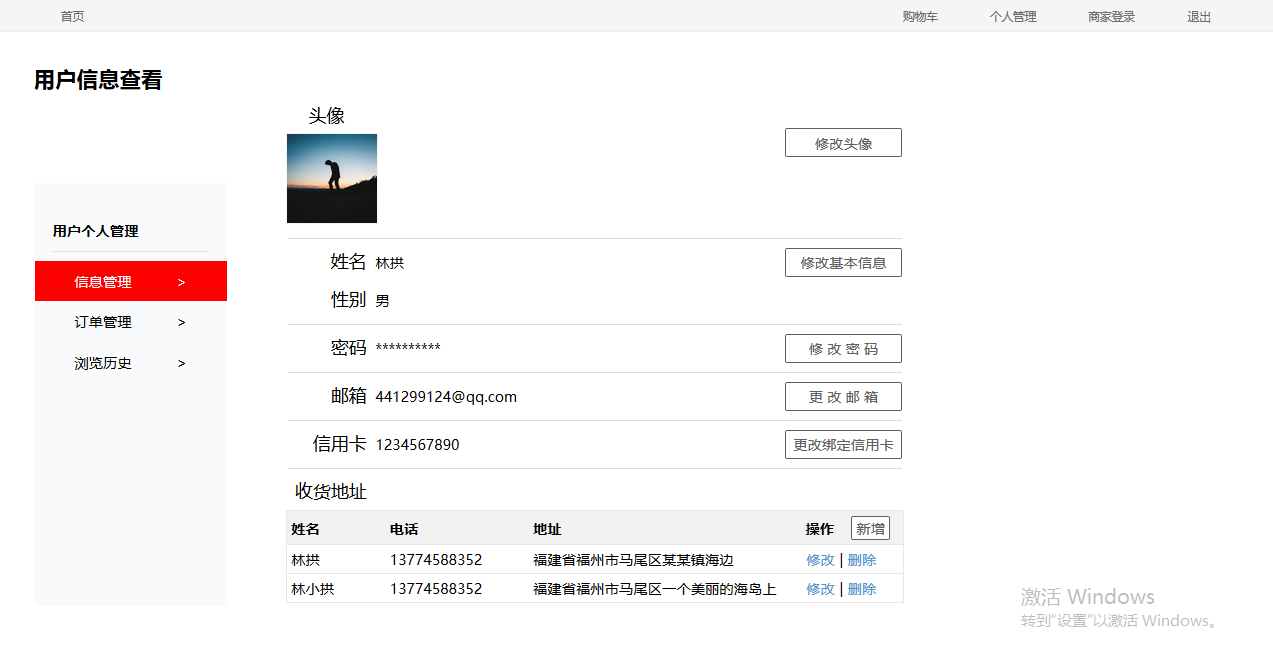
- Personal Information Management
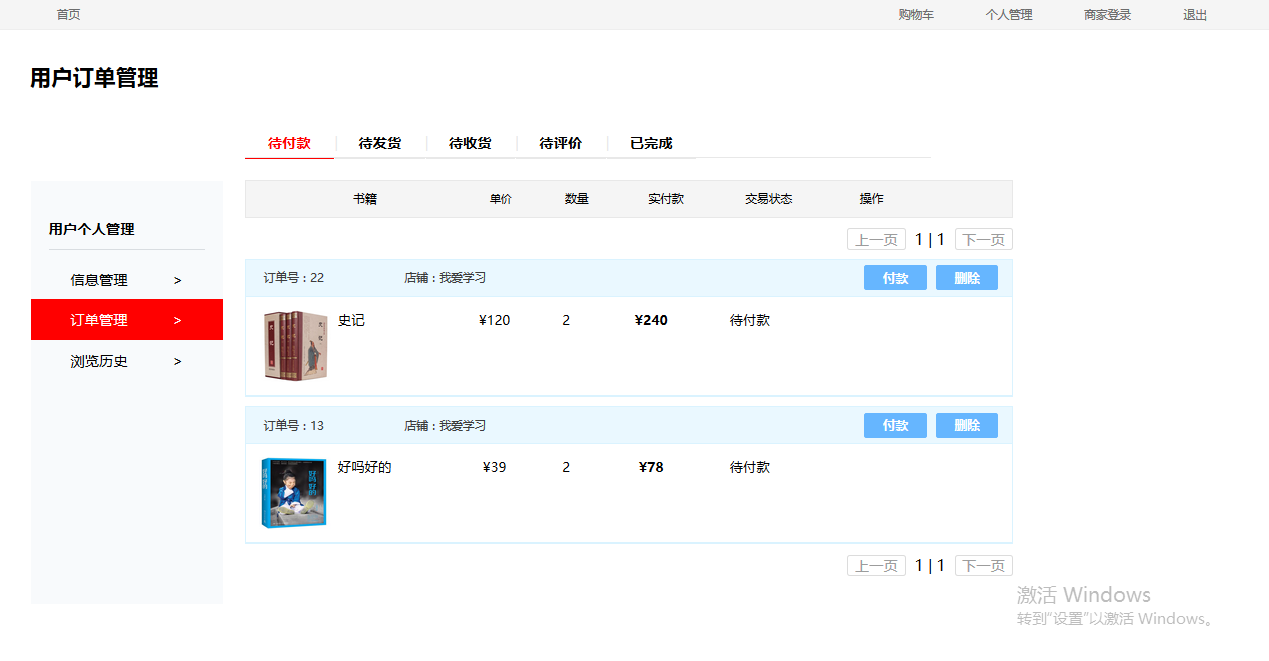
- Order Management
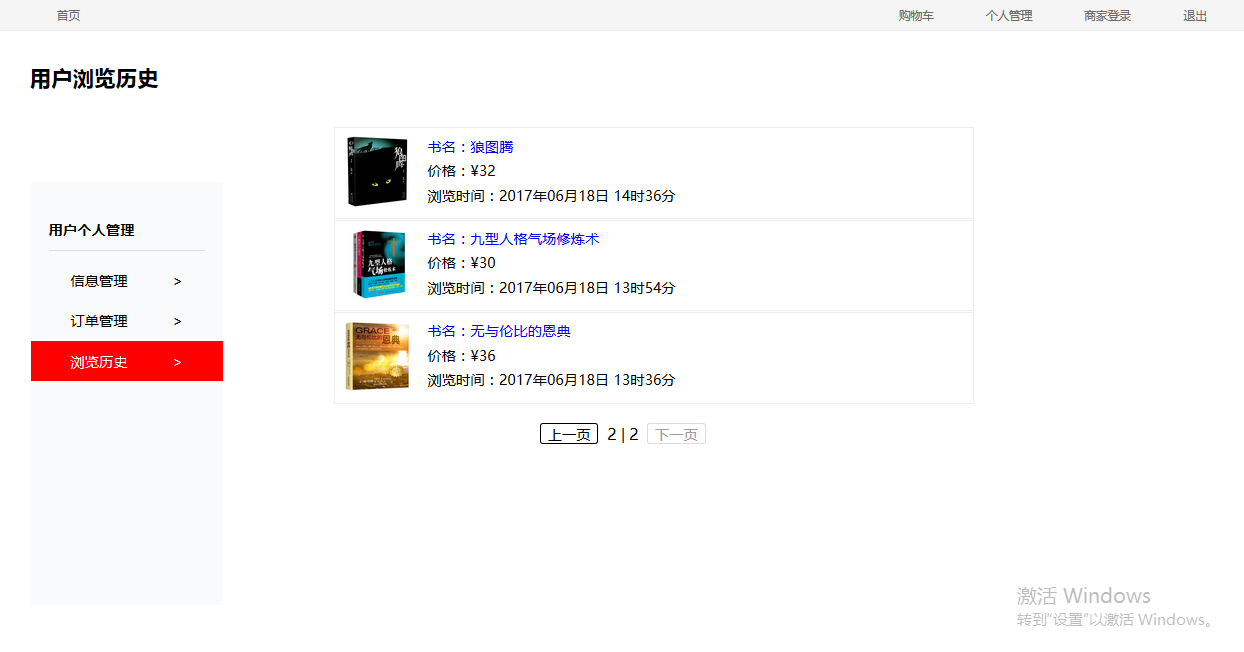
- Browse History
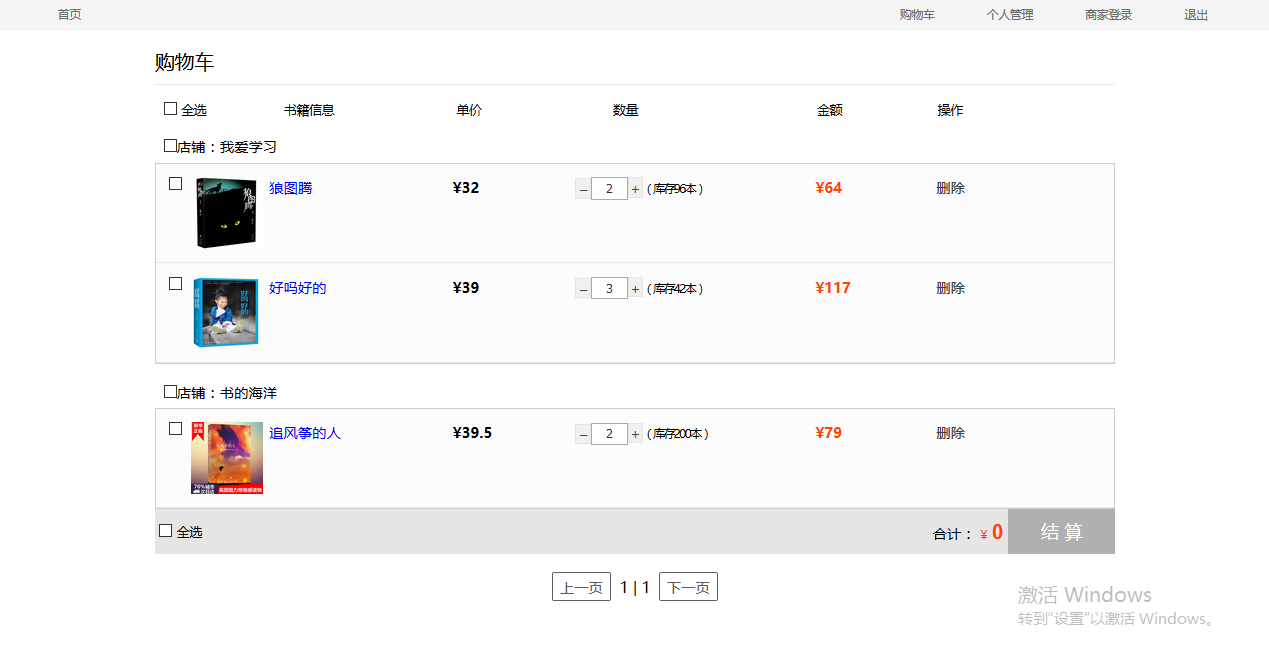
- Shopping cart
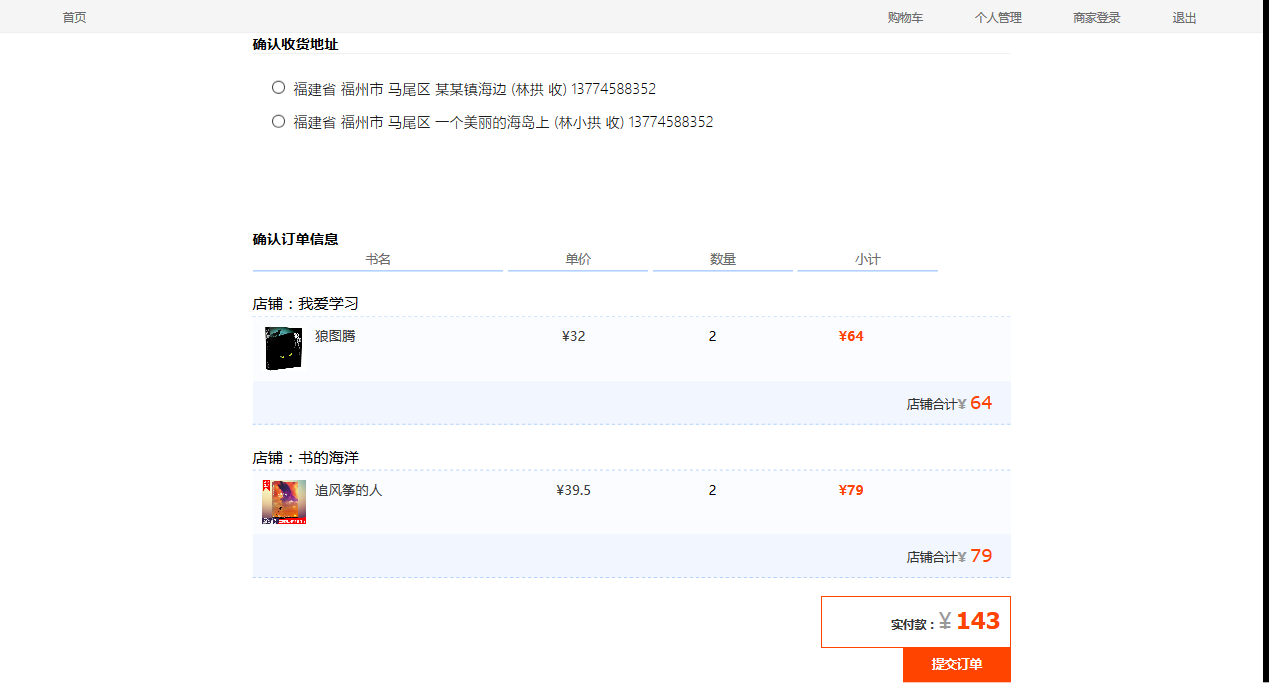
- Order confirmation
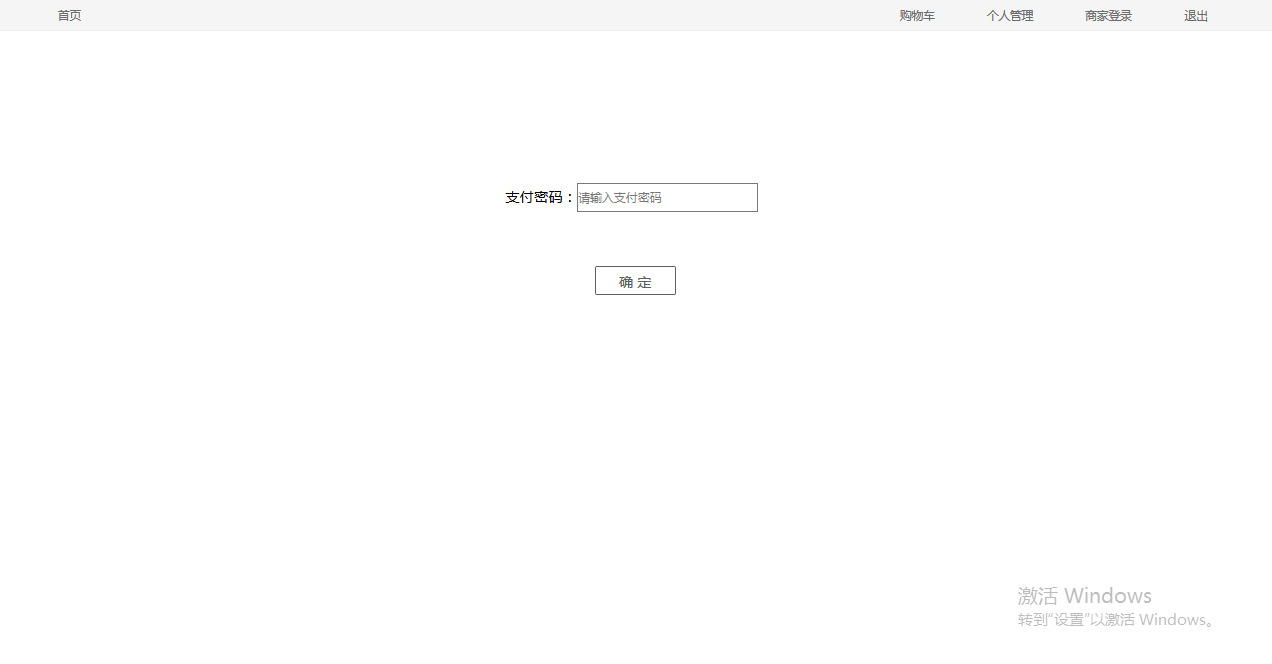
- Pay
This is only introduced to the functions of the customer side. If you need to check the specific possibilities of the system, you can check the user manual or requirements specifications.
document
In the project's doc directory:
- Requirement specifications
- Detailed plan instructions
- Database Documentation
- Database Design
- User Manual
- Unit Test Report








