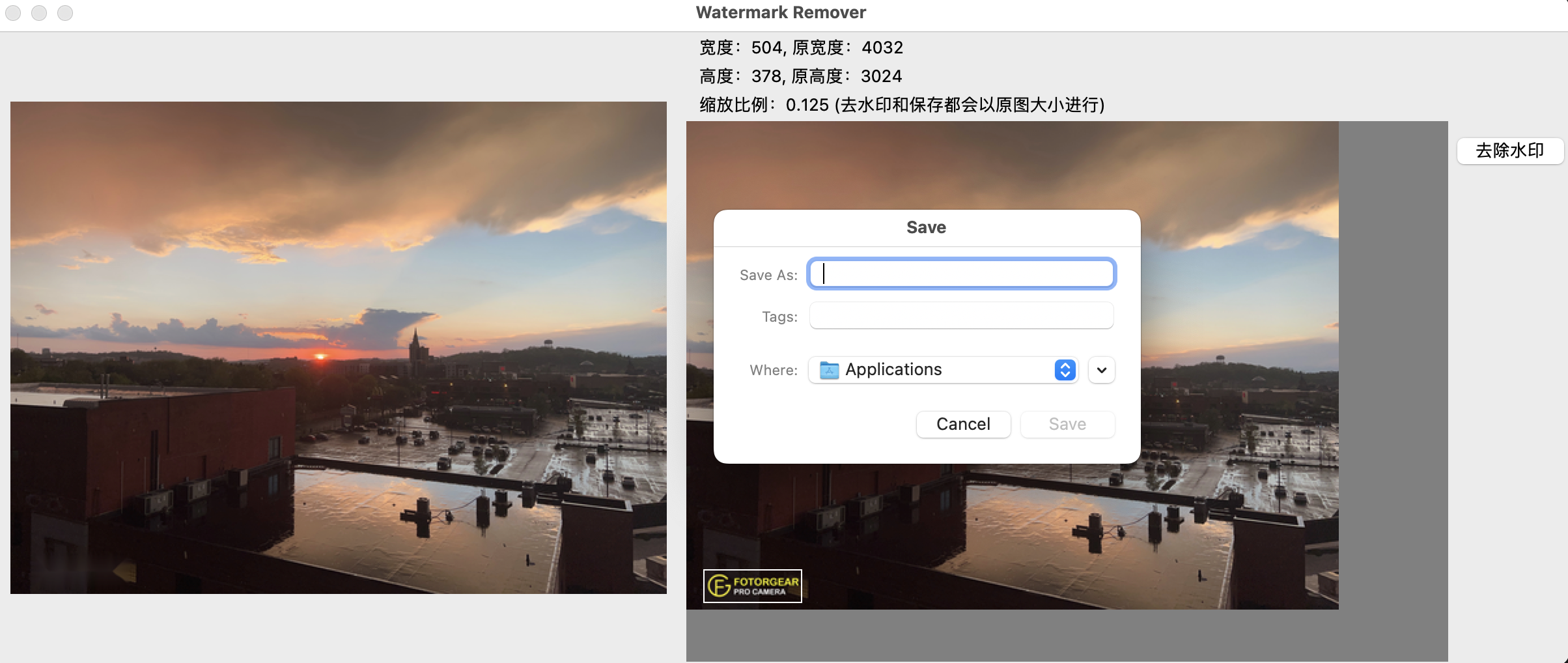
PythonWatermarkEraser
1.0.0

This python project generated by GPT3.5 individually.
tkinter numpy PIL python-opencv
After install all dependencies, run this command to launch a GUI.
python main.pyClick the menu to open an image, and use mouse to select a rectangle on your picture, where is the position of watermark, click the button to remove watermark. Click the menu to save the image after removing the watermark.
點擊菜單來上傳圖片, 在右側的窗口框選水印的位置,點擊去除水印的按鈕去除水印,結果會在左邊顯示,點擊菜單中的保存圖片來保存修改後的圖片
Menu Select Picture 選擇圖片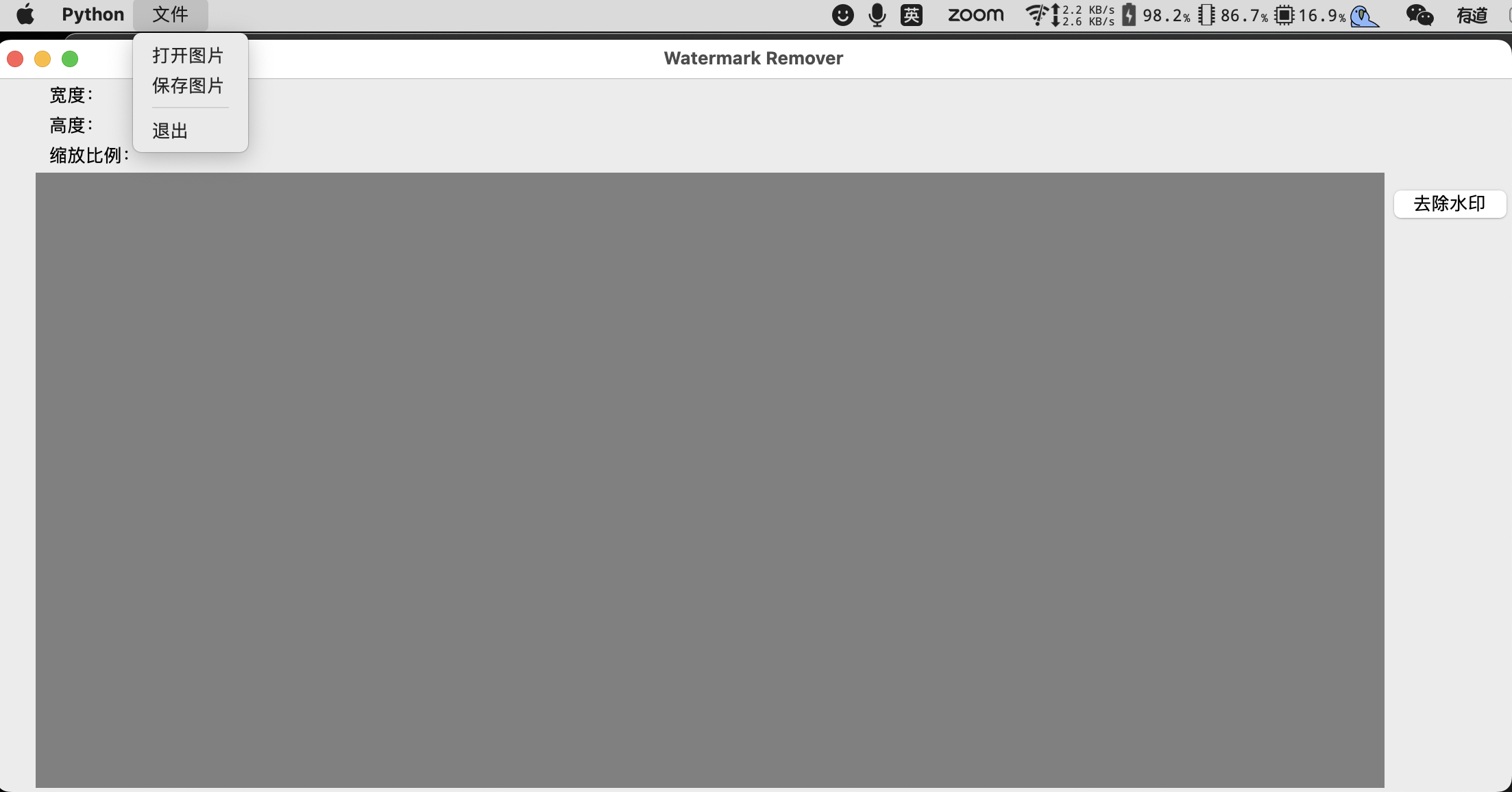 Select Rectangle of the Watermark 框選水印
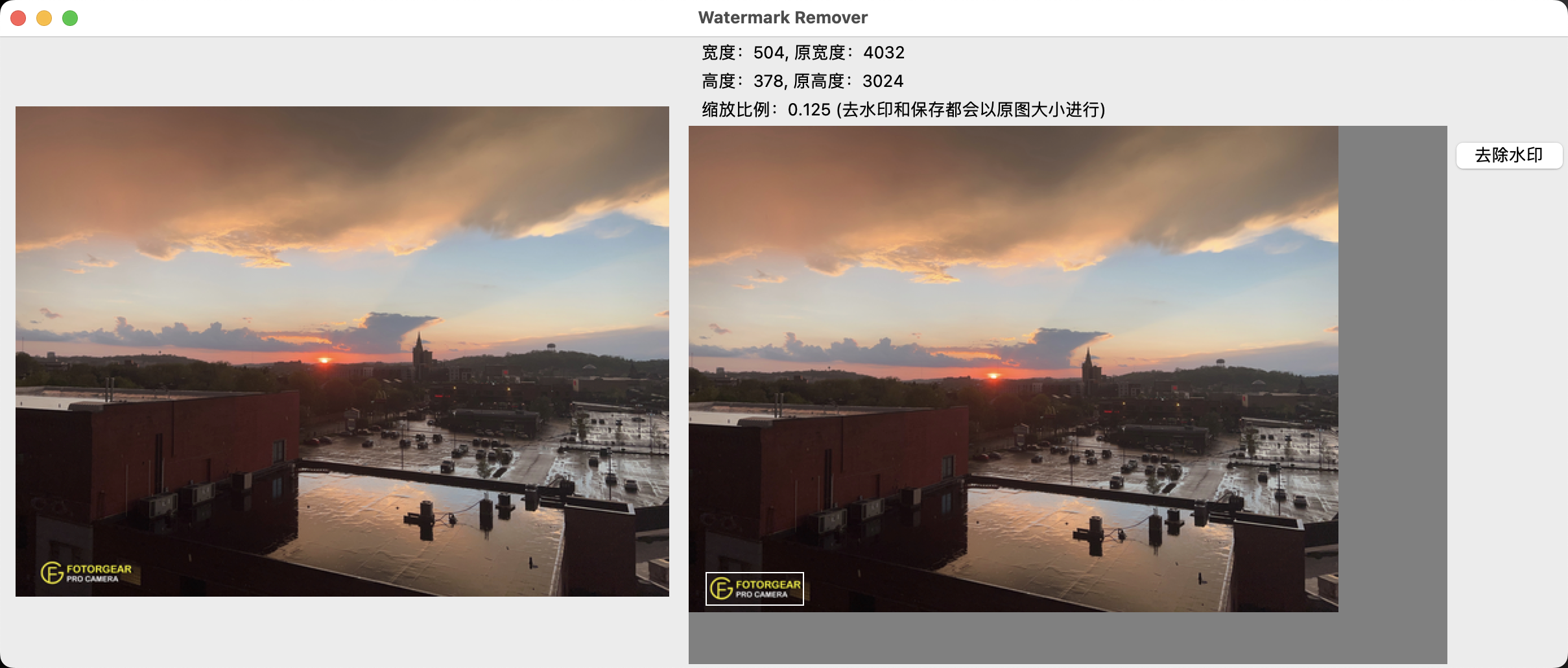 Click Button to remove 點擊去除水印
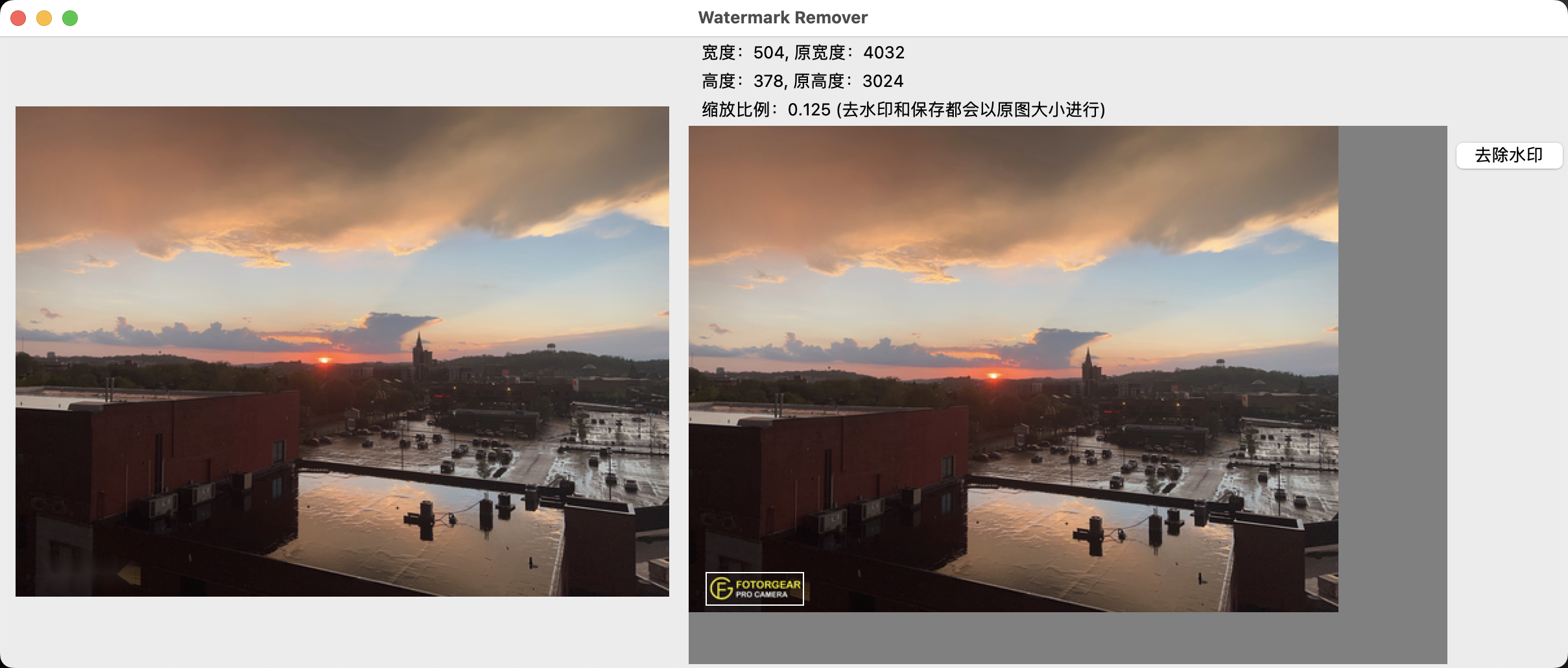 Save Result 保存圖片