PythonWatermarkEraser
1.0.0

This python project generated by GPT3.5 individually.
tkinter numpy PIL python-opencv
After install all dependencies, run this command to launch a GUI.
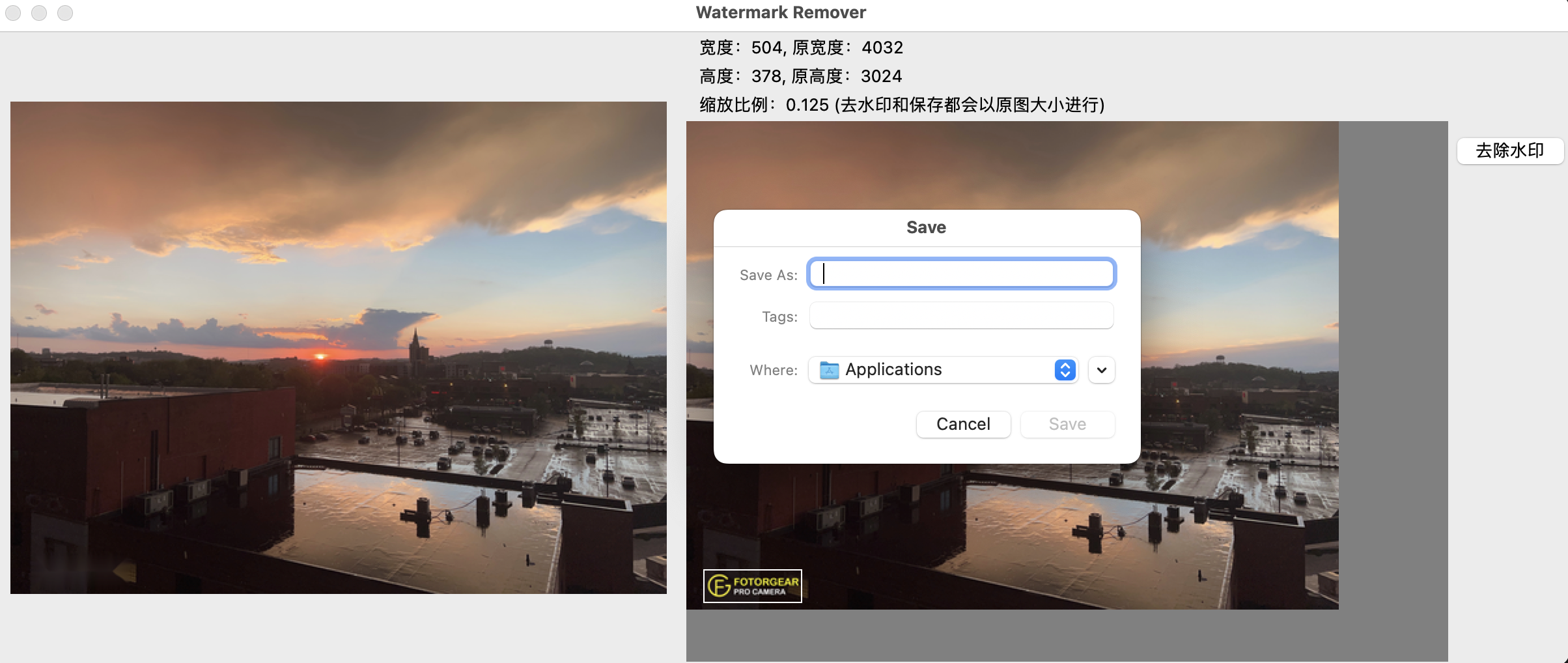
python main.pyClick the menu to open an image, and use mouse to select a rectangle on your picture, where is the position of watermark, click the button to remove watermark. Click the menu to save the image after removing the watermark.
Click the menu to upload the image. Select the watermark position in the window box on the right, click the button to remove the watermark, and the result will be displayed on the left. Click Save Picture in the menu to save the modified image.
Menu Select Picture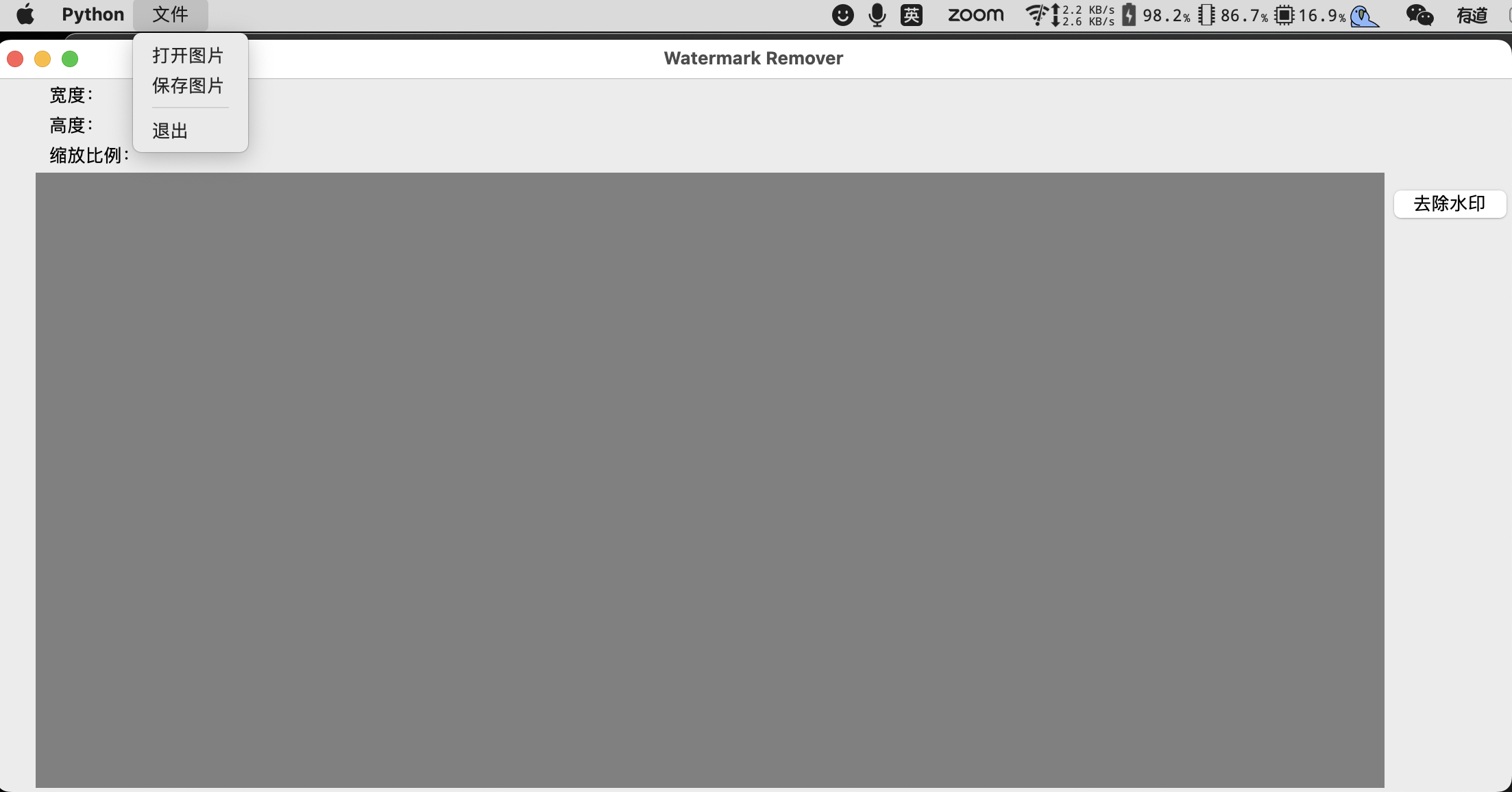 Select Rectangle of the Watermark
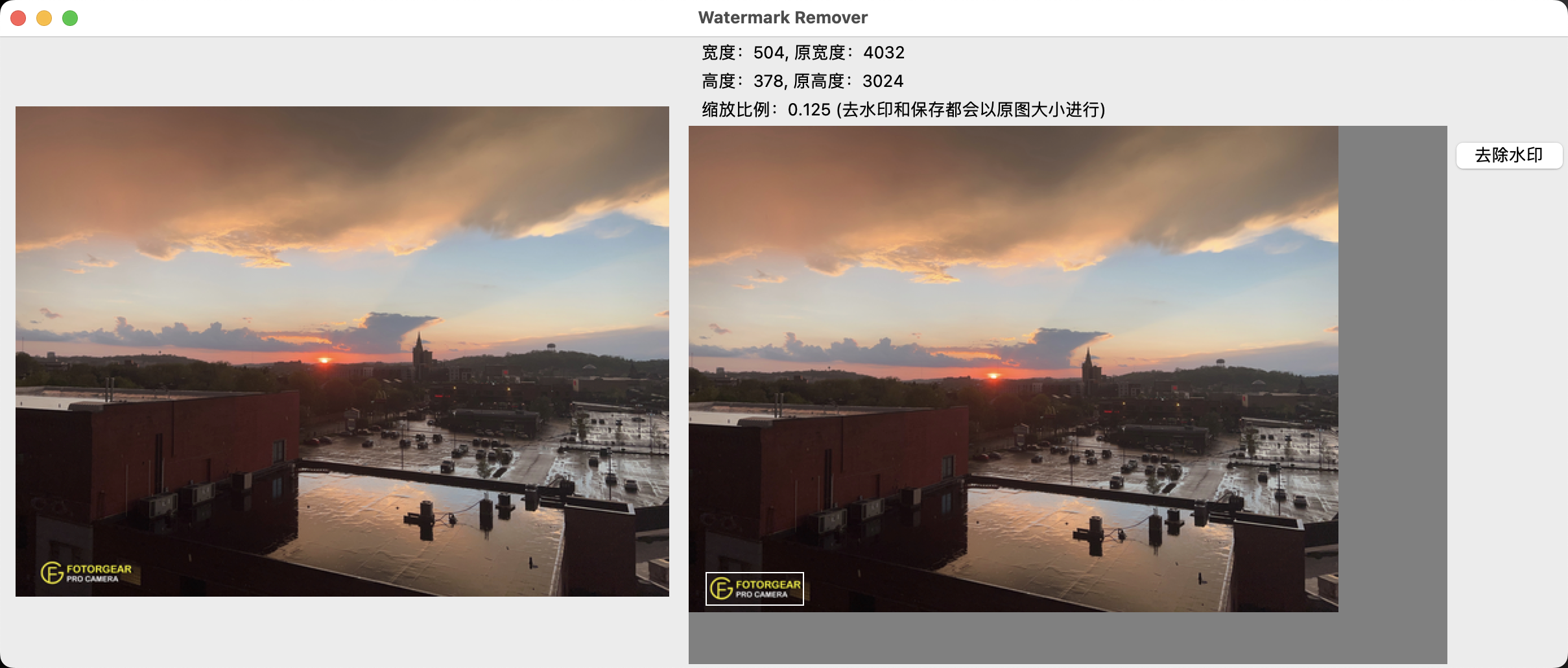 Click Button to remove Click to remove the watermark
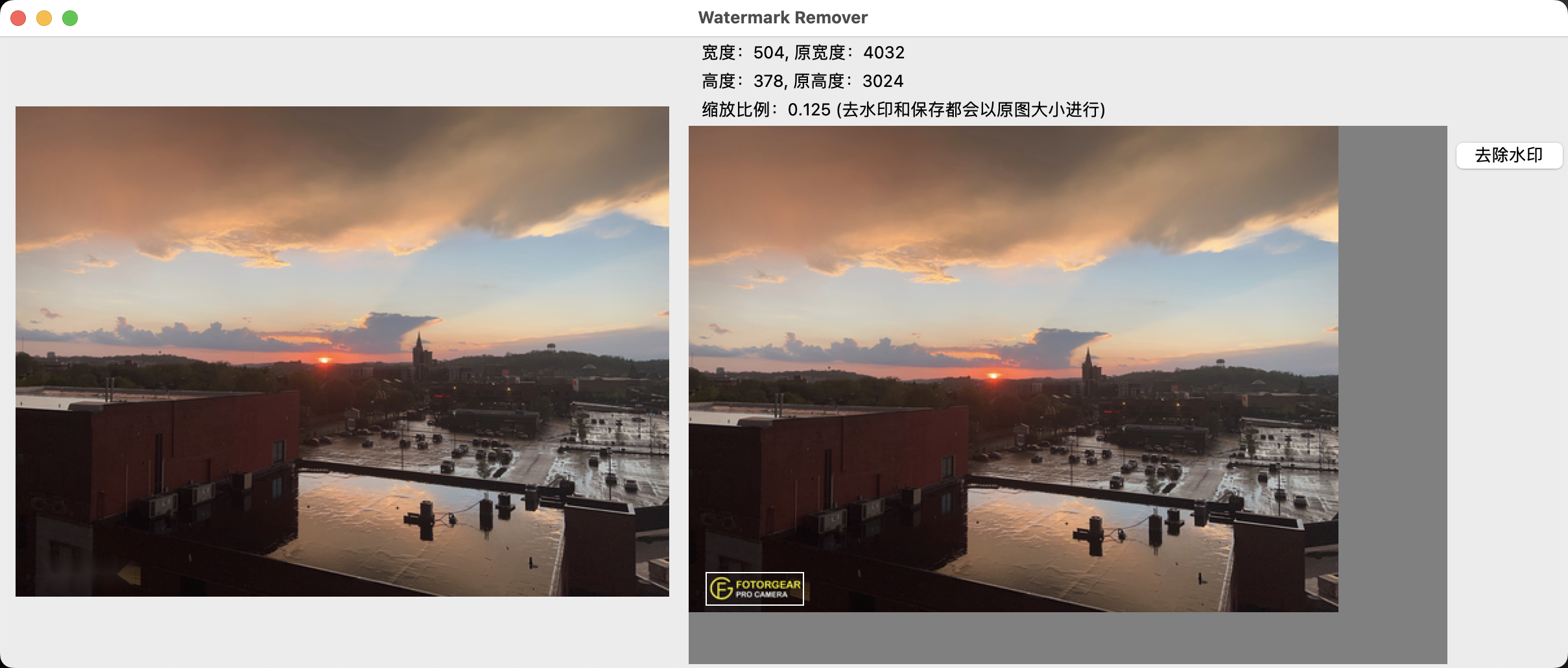 Save Results Save Pictures