cabal desktop
Cabal Desktop 8.0.0

Cabal的桌面客戶端,P2P/分散/離線優先聊天平台。
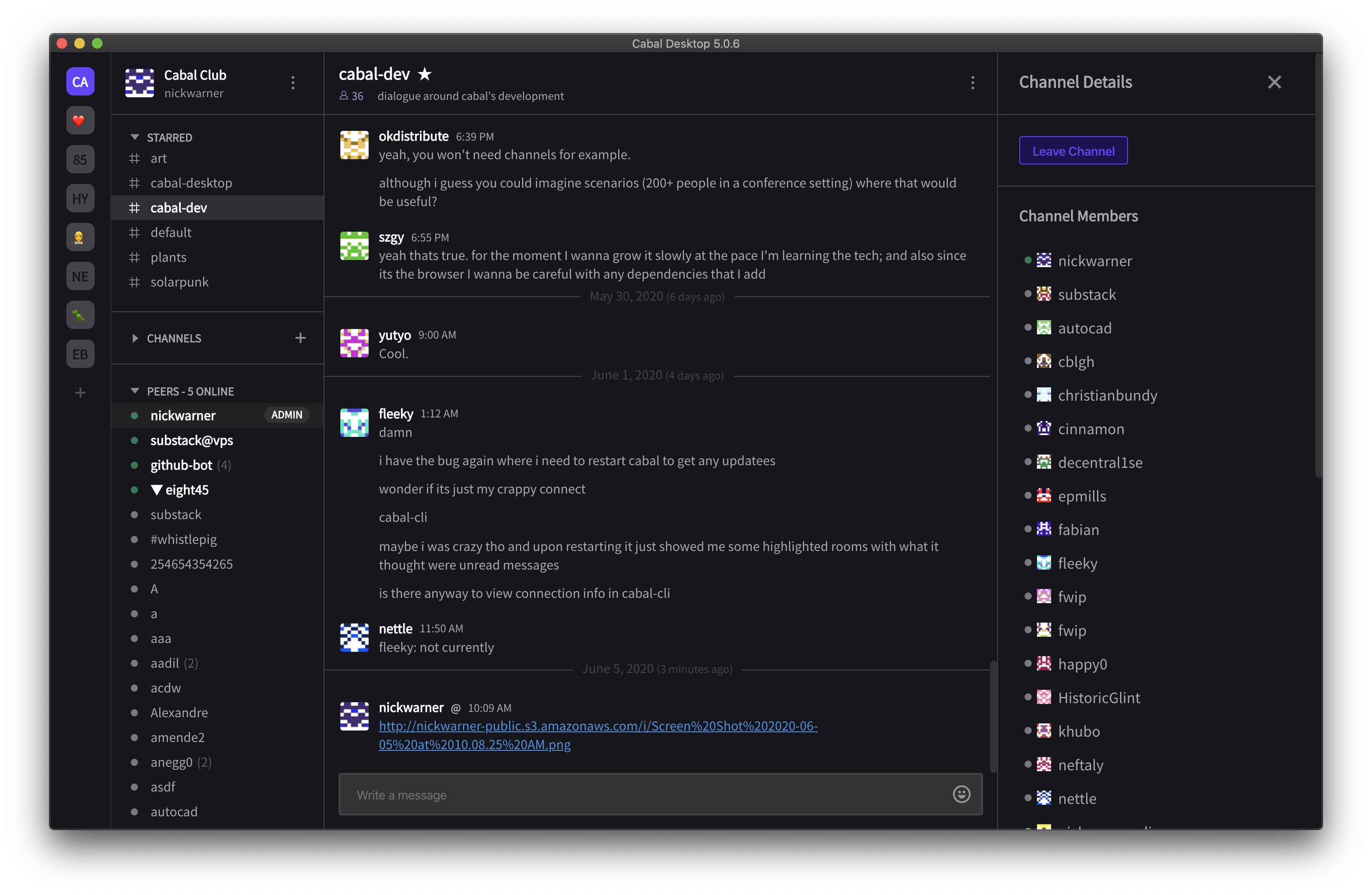
https://github.com/cabal-club/cabal-desktop/releases/
 $ git clone https://github.com/cabal-club/cabal-desktop
$ cd cabal-desktop

$ yarn install             # install dependencies
$ yarn start               # start the application
該要旨包含用於開發目的的nix-shell文件。它避開了包裝完整包裝樹的問題,作為釋放nixpkgs。
https://aur.archlinux.org/packages/cabal-desktop-git/
tiffutil -cathidpicheck cabal-desktop-dmg-background.jpg [email protected] -out dmg-background.tiff
當您準備發佈時,Travisci將為您自動創建並上傳適當的發行軟件包。這是分發生產構建的過程。
草稿新版本。將“標籤版本”設置為您的應用程序包中版本的值。例如,如果您的應用程序包。 JSON版本為1.0,則草稿的“標籤版本”為v1.0。
推一些。每個CI構建都會更新此草稿所附的工件。
完成後,創建標籤(例如, git tag v6.0.0 )並發布版本( git push --tags && npm publish )。 Github將為您標記最新的提交。
此工作流程的好處是,它允許您始終擁有最新的工件,並且一旦準備就緒,就可以發布該版本。
為當前平台構建:
$ yarn run dist
為多個平台構建:
$ ./bin/build-multi
該存儲庫格式使用標準j(有一個VSCODE插件)。







