Image to Pixel
1.0.0

直觀的編輯器,用於將圖像轉換為像素藝術,應用抖動效果以及管理自定義調色板!
作為交互式應用程序和JavaScript API可用。
在這裡嘗試它:圖像到像素編輯器
?尋找舊編輯器?您可以在這裡找到它。
?該項目完全是在基於AIJS瀏覽器的代碼編輯器中構建的。 ?
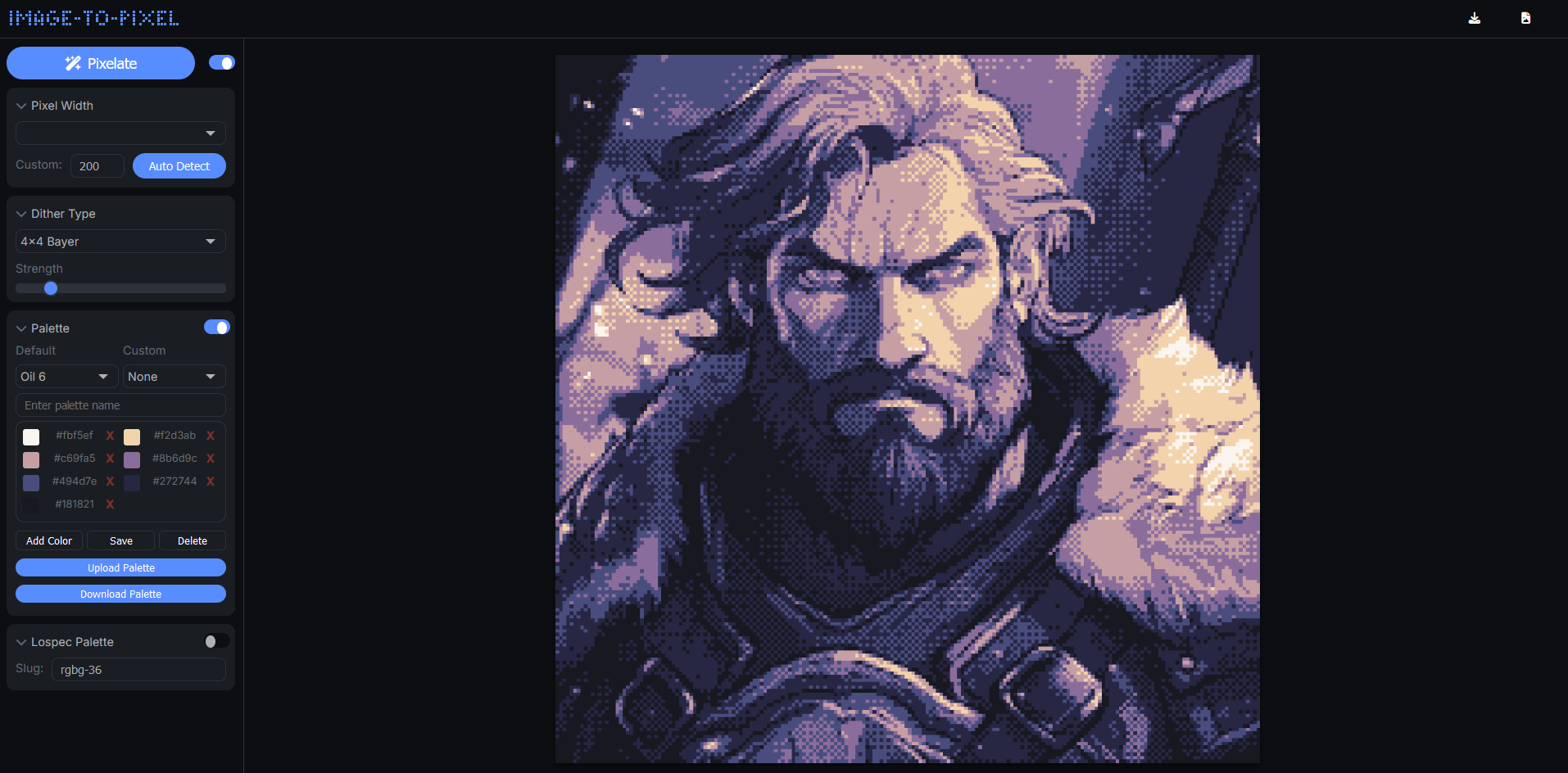
2.0版
V2引入了增強的速度,新功能和精製界面:
Floyd-Steinberg , 2x2 Bayer , 4x4 Bayer之間進行選擇, Ordered , Clustered 4x4和atkinson ,並實時調整抖動強度。rgbg-36 )。您可以在自己的項目中使用image-to-pixel庫。將圖像和選項傳遞給pixelate功能,並獲得一個精美的抖動圖像作為回報。
注意:API仍在進行中;官方文件正在開發中。
將庫添加到您的項目:
通過CDN使用;
< script src =" https://cdn.jsdelivr.net/gh/Tezumie/Image-to-Pixel@main/image-to-pixel.js " > </ script >或在本地使用(推薦);
< script src =" image-to-pixel.js " > </ script > ditheredCanvas = await pixelate ( {
image : myCanvas , // Accepts HTML canvas, image elements, or q5/p5.js image objects
width : 128 , // Set pixelation width
dither : 'Floyd-Steinberg' , // Dithering method ('Floyd-Steinberg', 'Ordered','2x2 Bayer', '4x4 Bayer',`Clustered 4x4` or `atkinson`)
strength : 20 , // Dithering strength (0-100)
//palette: 'rgbg-36', // Optional: Lospec palette slug (depends on Lospec API availability)
//Recommended: Define a custom palette // // You can also set `palette: null,` to use the colors from your original image //
palette : [
'#1b1b1e' , '#f4f1de' , '#e07a5f' ,
'#3d405b' , '#81b29a' , '#f2cc8f' ,
'#8d5a97' , '#ef3054'
] ,
resolution : 'original' // Use 'original' for full resolution, or 'pixel' for pixelated size
} ) ;在此處使用Q5.js使用圖像對像素API嘗試演示。
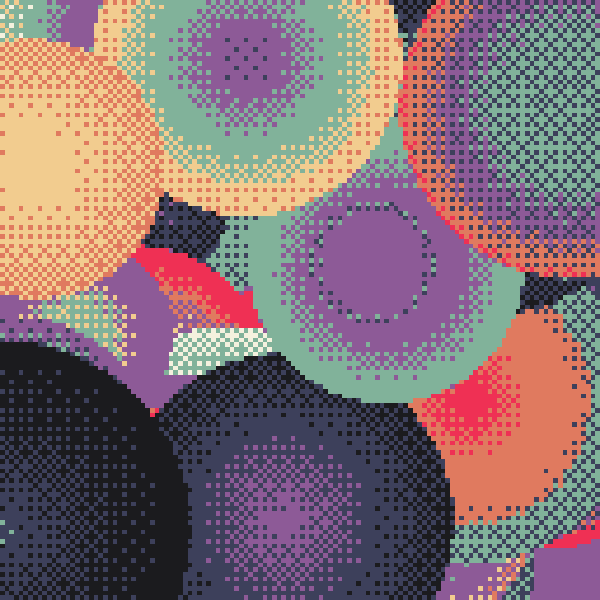
您也可以通過P5/Q5通過p5.prototype.registerMethod設置它。
在此處使用P5Play使用圖像對像素API嘗試演示。
 let myCanvas ; // add a reference for the input canvas

function setup ( ) {
	myCanvas = createCanvas ( windowWidth , windowHeight ) ;
}
. . .
...
async function draw ( ) {
}

//-----------------------Function to pixelate entire sketch-----------------------//
p5 . prototype . registerMethod ( 'post' , async function pixelateAndRender ( ) {
	ditheredCanvas = await pixelate ( {
		image : myCanvas ,
		width : 320 ,
		dither : 'ordered' ,
		strength : 11 ,
		palette : [
			'#1b1b1e' , '#f4f1de' , '#e07a5f' ,
			'#3d405b' , '#495c92' , '#596da7' , '#81b29a' , '#f2cc8f' ,
			'#8d5a97' , '#ef3054' , '#d3d0be' , '#4a7762' , '#364e43' ,
		] ,
		resolution : 'pixelated'
	} ) ;
	image ( ditheredCanvas , 0 , 0 , width , height ) ;
} ) ; 如果您想支持該項目,請考慮使用編輯器分享您的創作,然後在Twitter @tezumies上標記我。非常感謝您的反饋和共享藝術!
快樂的像素化!
此項目中使用的圖像到像素庫(圖像到pixel.js)由MIT許可證獲得許可。您可以在LICENSE-library中找到完整的許可證文本。
圖像到像素應用程序本身是根據Apache許可證2.0許可的。請參閱LICENSE-app文件以獲取更多詳細信息。
注意:雖然圖像到pixel.js庫可根據MIT許可免費獲得,但申請代碼是根據Apache許可證2.0分發的。確保您在使用或修改此項目時審查兩個許可證,以了解您的權利和義務。






