Image to Pixel
1.0.0

An intuitive editor for converting images into pixel art, applying dithering effects, and managing custom palettes!
Available as both an interactive application and a JavaScript API.
Try it live here: Image-to-Pixel Editor
? Looking for the old editor? You can find it here.
? This project was built entirely in aijs browser based code editor. ?
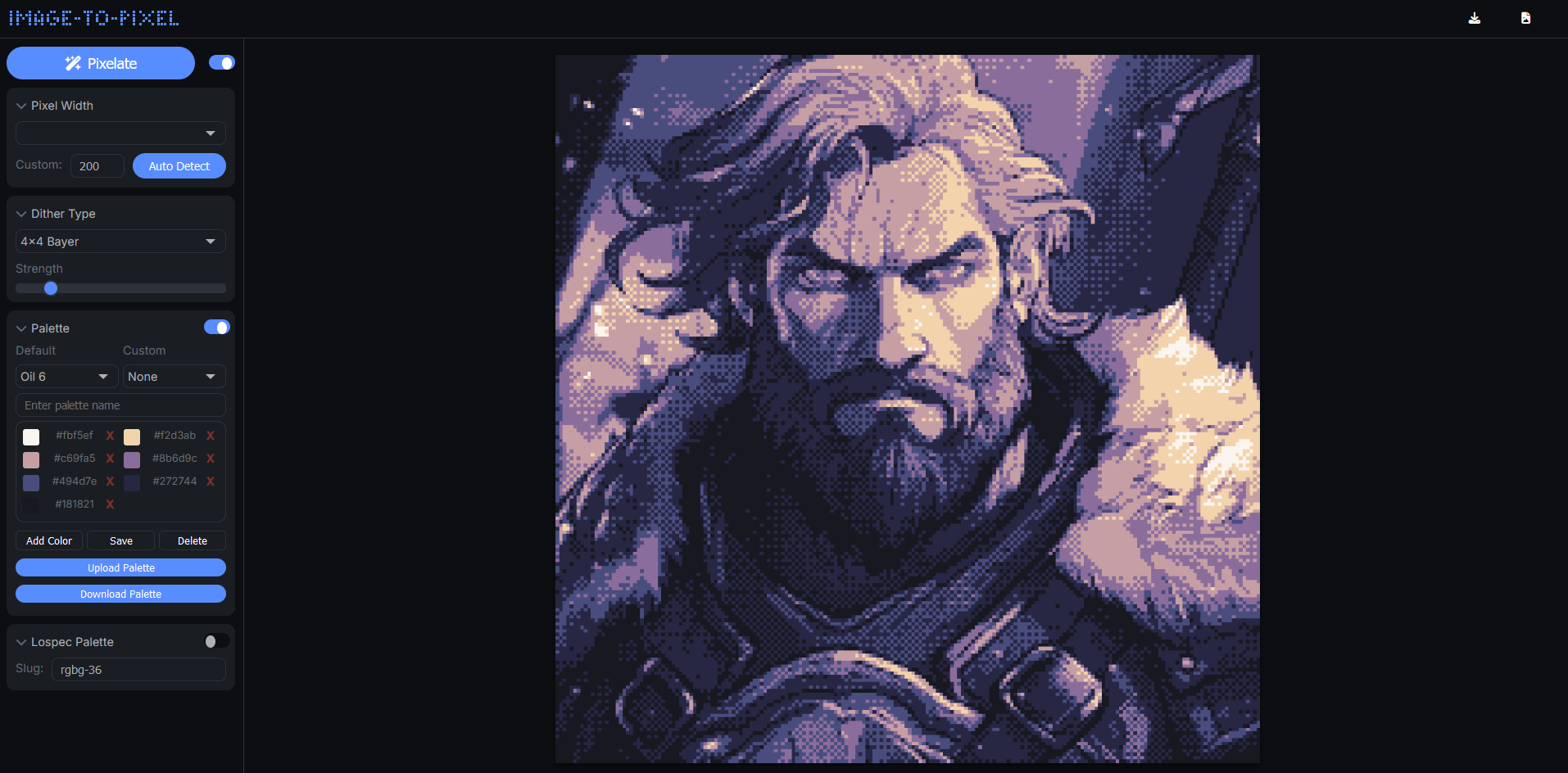
Version 2.0
V2 introduces enhanced speed, new features, and a refined interface:
Floyd-Steinberg,2x2 Bayer, 4x4 Bayer, Ordered,Clustered 4x4 and atkinson, and adjust dithering strength in real-time.rgbg-36 from Lospec Palette).You can use the image-to-pixel library in your own projects. Pass an image and options to the pixelate function, and get a beautifully dithered image in return.
Note: The API is still a work in progress; official documentation is under development.
Add the library to your project:
Use via CDN;
<script src="https://cdn.jsdelivr.net/gh/Tezumie/Image-to-Pixel@main/image-to-pixel.js"></script>Or use locally (Recommended);
<script src="image-to-pixel.js"></script>ditheredCanvas = await pixelate({
image: myCanvas, // Accepts HTML canvas, image elements, or q5/p5.js image objects
width: 128, // Set pixelation width
dither: 'Floyd-Steinberg', // Dithering method ('Floyd-Steinberg', 'Ordered','2x2 Bayer', '4x4 Bayer',`Clustered 4x4` or `atkinson`)
strength: 20, // Dithering strength (0-100)
//palette: 'rgbg-36', // Optional: Lospec palette slug (depends on Lospec API availability)
//Recommended: Define a custom palette // // You can also set `palette: null,` to use the colors from your original image //
palette: [
'#1b1b1e', '#f4f1de', '#e07a5f',
'#3d405b', '#81b29a', '#f2cc8f',
'#8d5a97', '#ef3054'
],
resolution: 'original' // Use 'original' for full resolution, or 'pixel' for pixelated size
});Try a Demo Using image-to-pixel API with q5.js here.
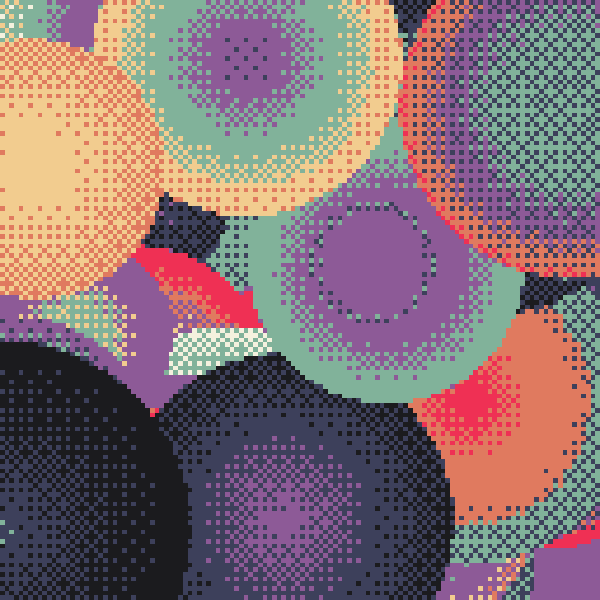
You can also set it up with p5/q5 through p5.prototype.registerMethod.
Try a Demo Using image-to-pixel API with p5play here.
let myCanvas; // add a reference for the input canvas

function setup() {
	myCanvas = createCanvas(windowWidth, windowHeight);
}
...
...
async function draw() {
}

//-----------------------Function to pixelate entire sketch-----------------------//
p5.prototype.registerMethod('post', async function pixelateAndRender() {
	ditheredCanvas = await pixelate({
		image: myCanvas,
		width: 320,
		dither: 'ordered',
		strength: 11,
		palette: [
			'#1b1b1e', '#f4f1de', '#e07a5f',
			'#3d405b', '#495c92', '#596da7', '#81b29a', '#f2cc8f',
			'#8d5a97', '#ef3054', '#d3d0be', '#4a7762', '#364e43',
		],
		resolution: 'pixelated'
	});
	image(ditheredCanvas, 0, 0, width, height);
});If you’d like to support the project, consider sharing your creations using the editor and tag me on Twitter @tezumies. Your feedback and shared art are greatly appreciated!
Happy pixelating!
The image-to-pixel library (image-to-pixel.js) used in this project is licensed under the MIT License. You can find the full license text in the LICENSE-library file.
The image-to-pixel application itself is licensed under the Apache License 2.0. Please refer to the LICENSE-app file for more details.
Note: While the image-to-pixel.js library is freely available under the MIT License, the application code is distributed under the Apache License 2.0. Ensure you review both licenses to understand your rights and obligations when using or modifying this project.






