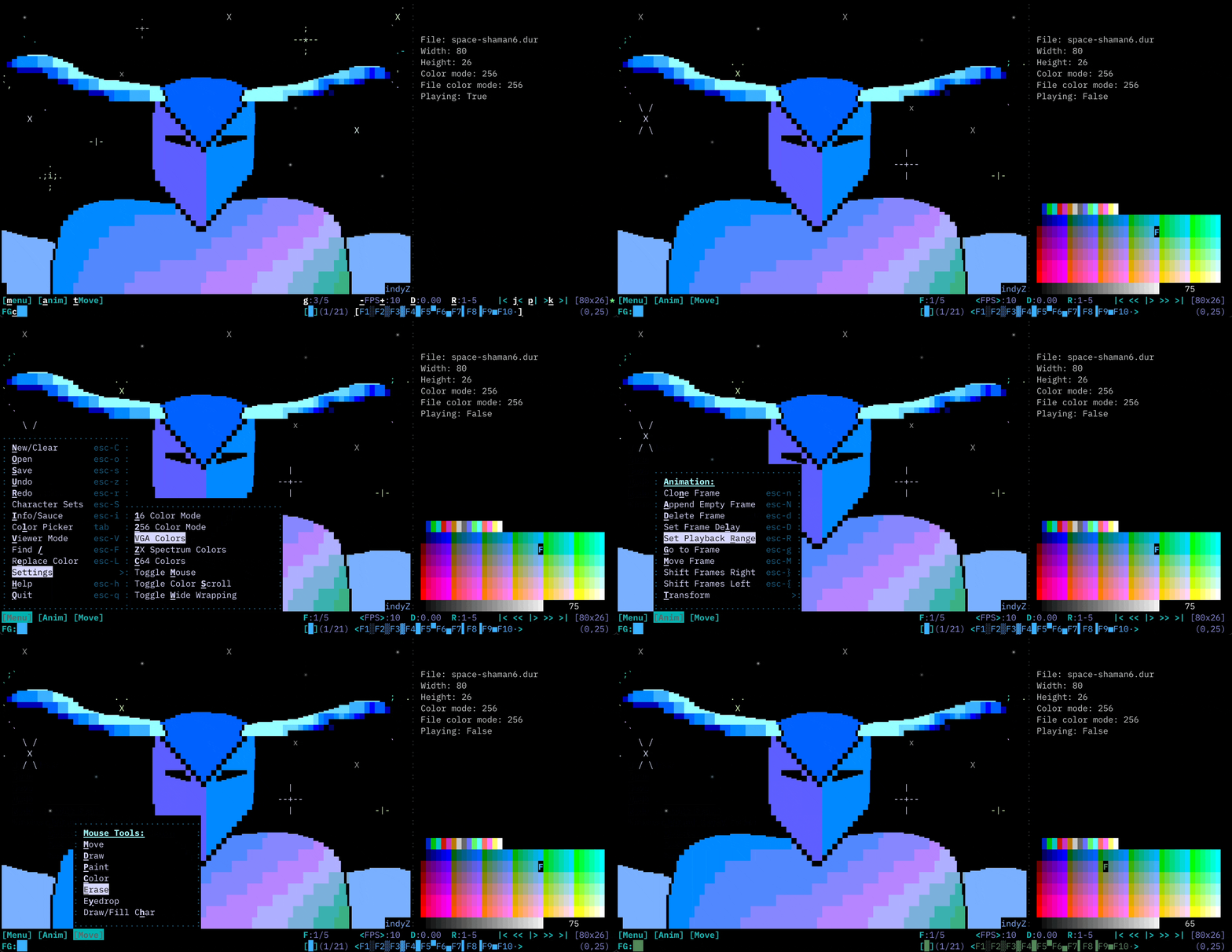
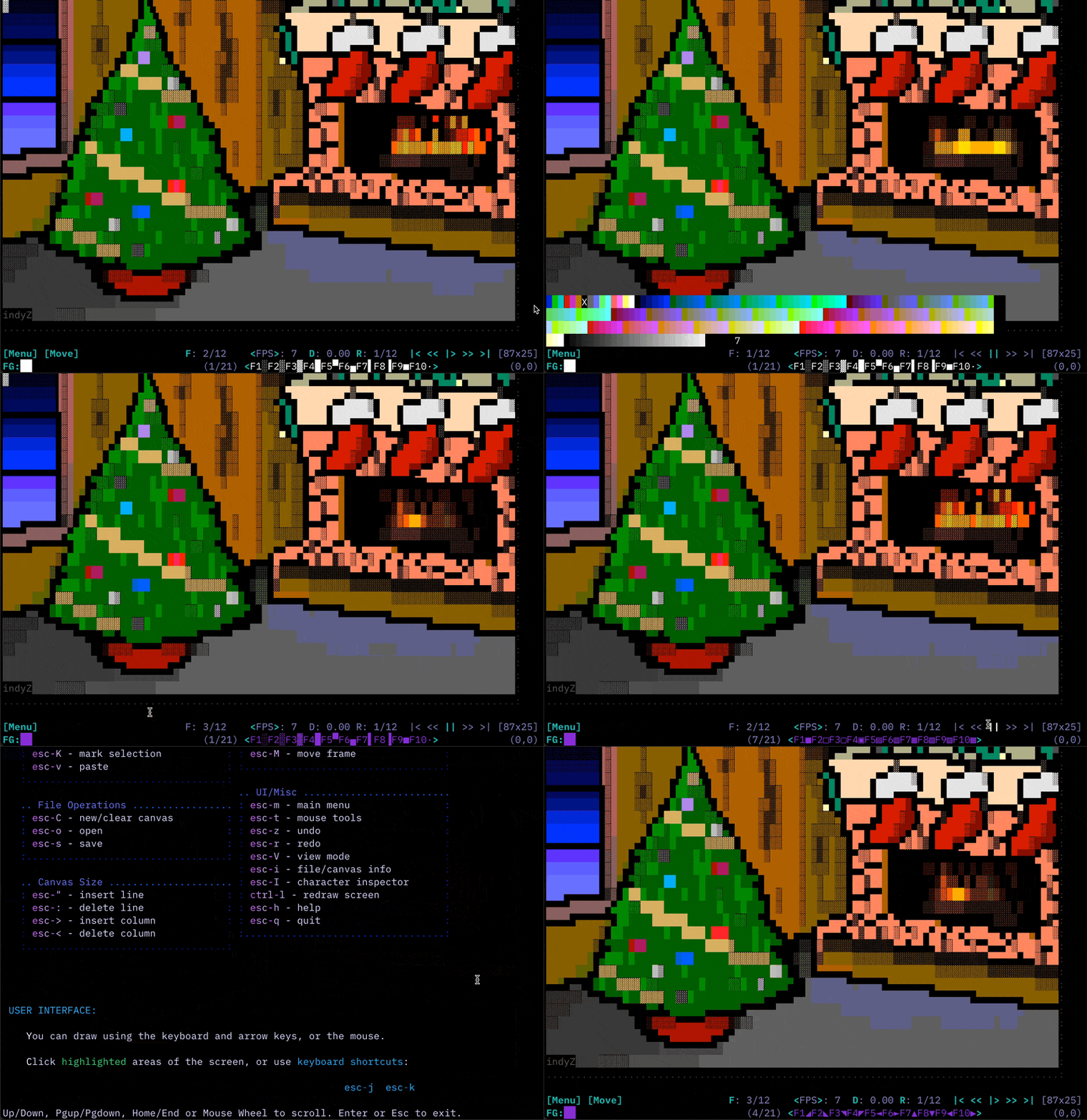
durdraw
Durdraw 0.28.0

              __                __
            _|  |__ __ _____ __|  |_____ _____ __ __ __
           / _  |  |  |   __|  _  |   __|  _  |  |  |  |
          /_____|_____|__|__|_____|__|_______|________| |
          _____________________________________________|  v 0.28.0
Durdraw是Unix樣系統(Linux,MacOS等)的ASCII,Unicode和ANSI ART編輯器。它在現代的UTF-8終端運行,並支持基於框架的動畫,自定義主題,256和16顏色模式,終端鼠標輸入,DOS ANSI ART觀看,CP437以及Unicode混合和轉換,HTML輸出,MIRC顏色輸出,MIRC顏色輸出以及其他有趣的功能。
Durdraw的靈感來自經典的ANSI編輯軟件,用於MS-DOS和Windows,例如Thedraw,AcidDraw和Pablodraw,但具有現代的Unix扭曲。
您可以從操作系統存儲庫中安裝,也可以按照以下說明進行安裝:
如果您只想在不插入的情況下運行它,請向下滾動到下一節。
1:下載和提取,或使用git下載:
   git clone https://github.com/cmang/durdraw.git
   cd durdraw
2:使用PIP安裝或升級:
pip install --upgrade .
或運行安裝程序:
python3 setup.py install
3:可選,為您的本地用戶安裝一些主題和示例配置文件〜/.durdraw/:
./installconf.sh
現在,您應該能夠運行durdraw 。按esc-h尋求幫助,或嘗試使用durdraw --help獲取命令行選項。
您可以使用以下方式運行以下方式
./start-durdraw
查看一些包含的示例動畫:
./start-durdraw -p examples/*.dur
對於PNG和動畫GIF導出,請安裝Ansilove(https://ansilove.org/),並確保它在您的路徑中。 PNG和GIF導出僅在16色模式下工作,並且僅與CP437兼容的Charcters一起使用。您還需要Pil Python模塊。
有關Durfetch的支持,請安裝NeoFetch並將其放在路徑中。
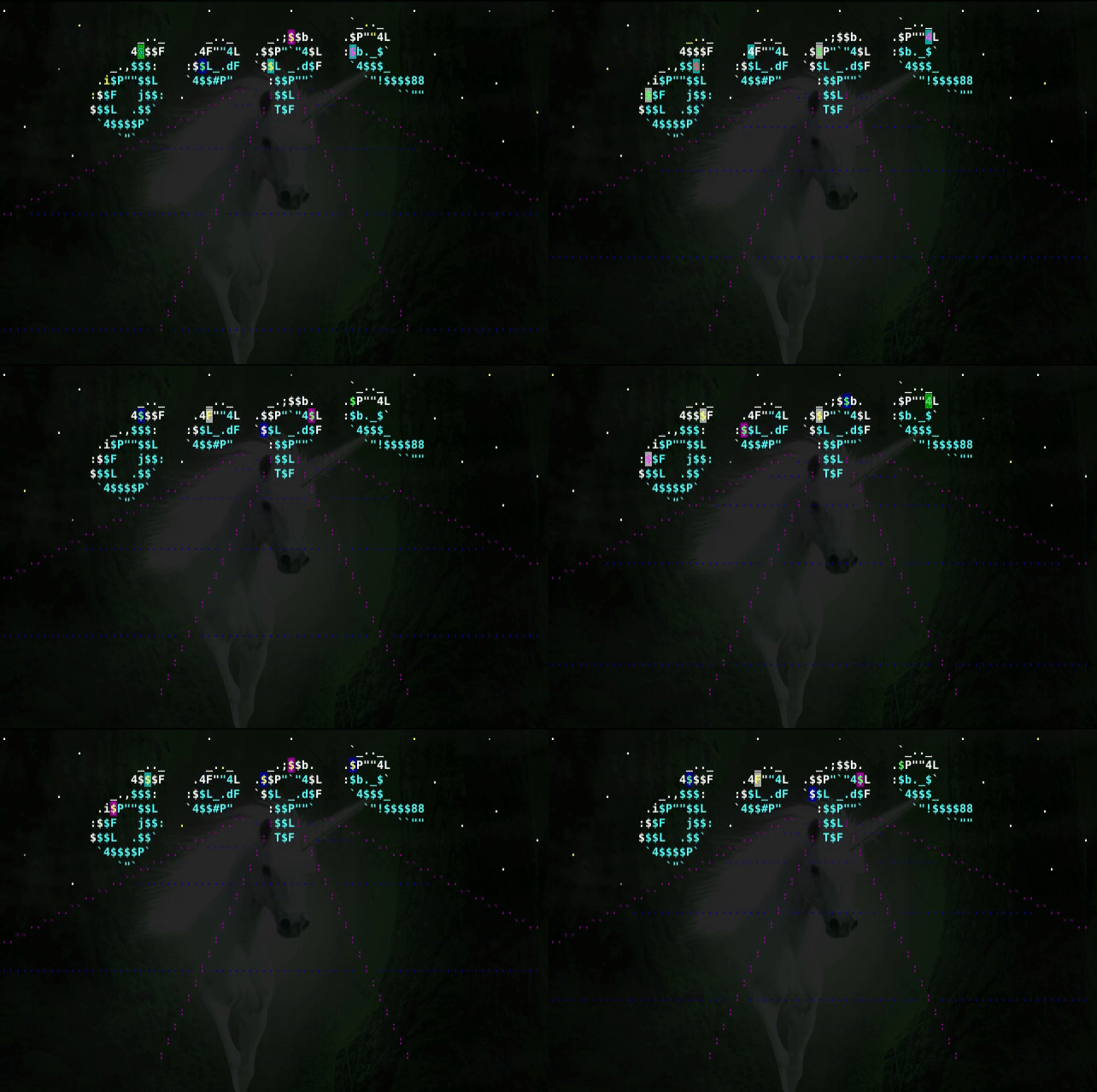
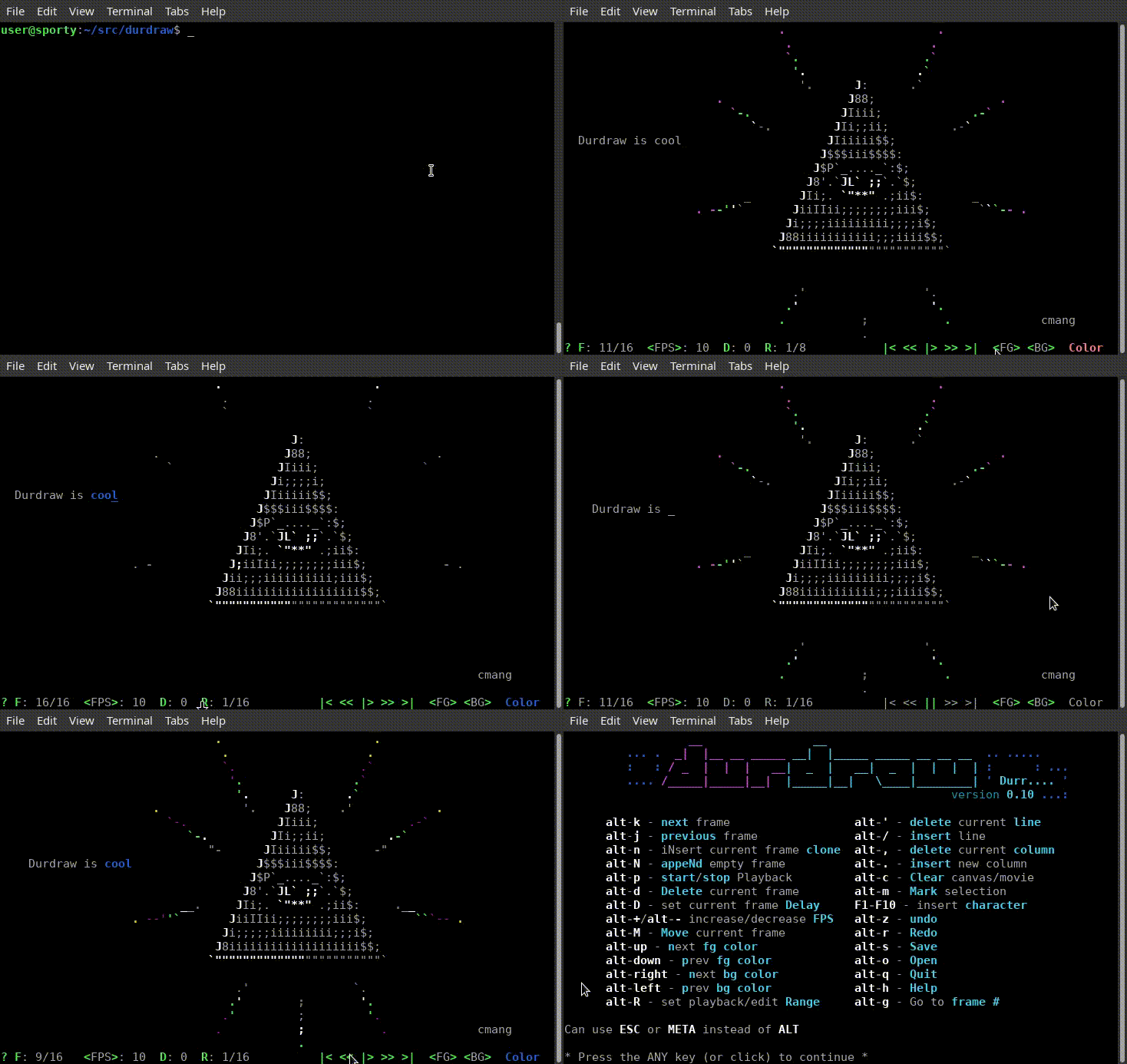
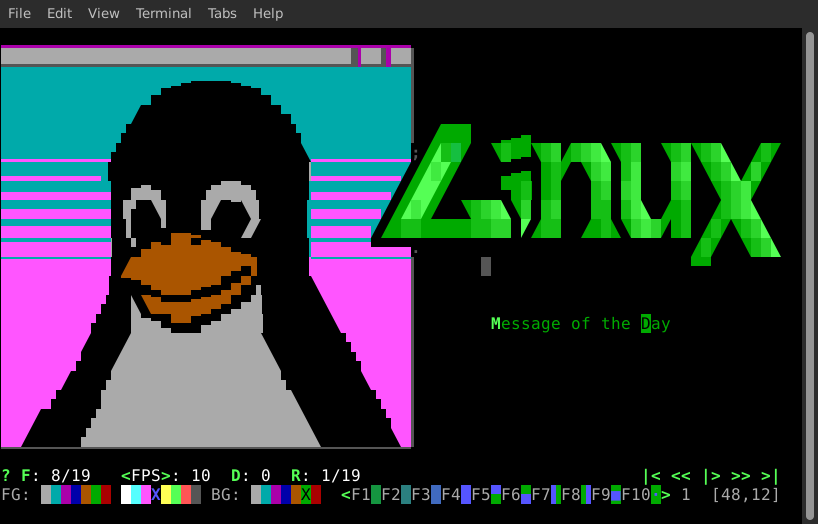
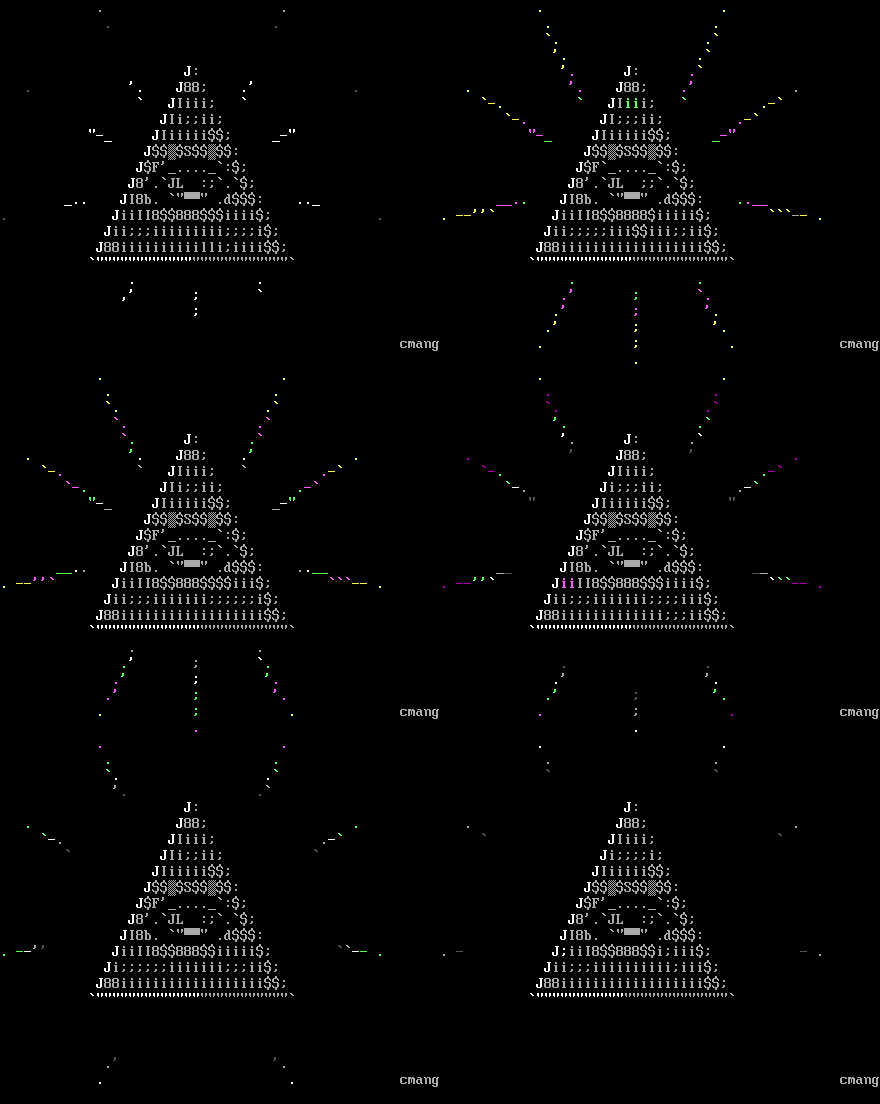
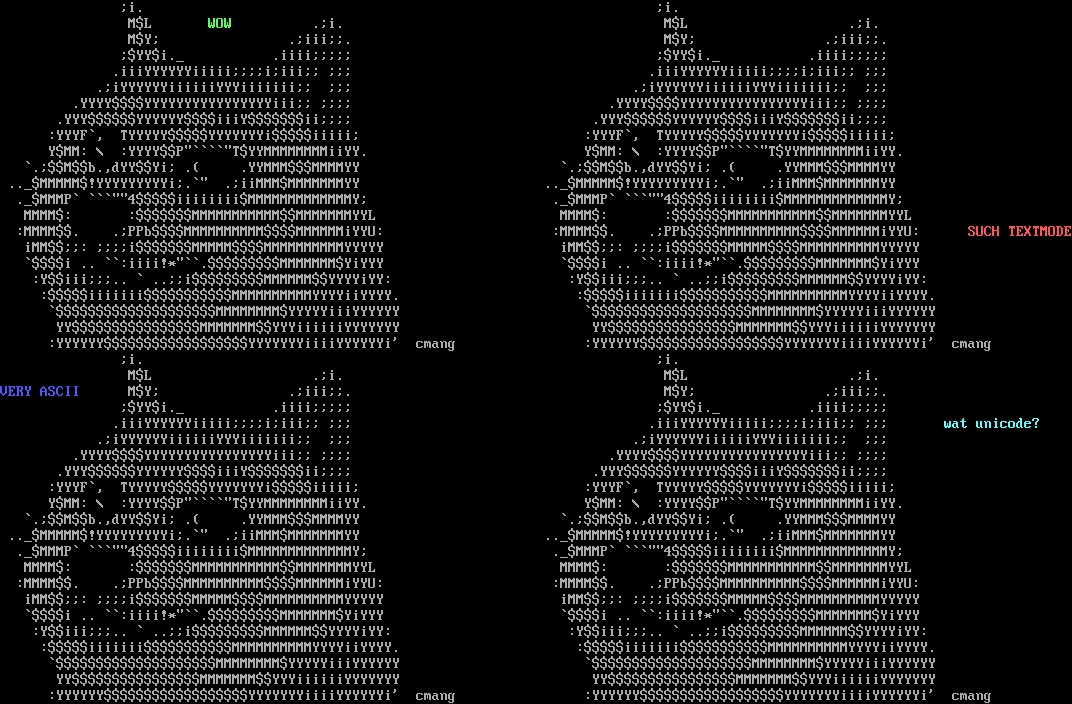
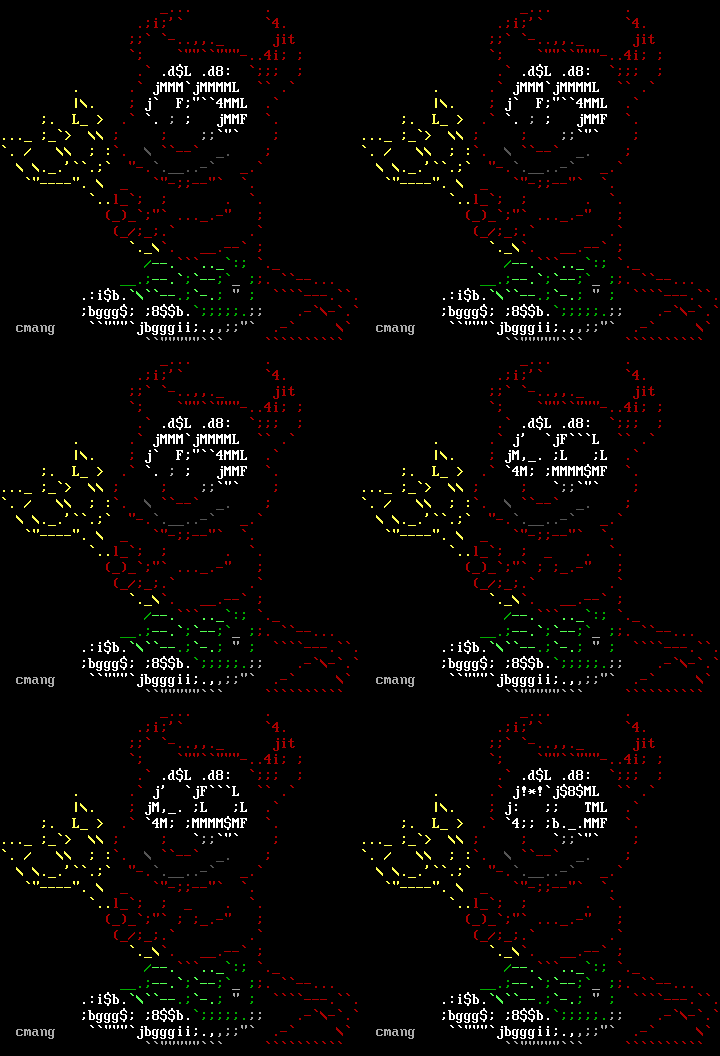
您可以使用以下方式播放.dur文件或一系列.dur(或.ans或.asc)文件
    $ durdraw -p filename.dur
    $ durdraw -p file1.dur file2.dur file3.dur ...
或使用以下方式查看下載的ANSI ArtPack
$ durdraw -p *.DIZ *.ASC *.ANS
其他命令行選項:
用法:durdraw [-h] [-p play [play ...]] [-d delayexit] [-x times] [-256Color | -16color] [-b] [-w寬度] [-h高度] [-M]
                     [ - 包裝包裹] [------------ cursor] [ -  notheme] [ -  theme主題] [ -  cp437] [ -  export-ansi] [-u undosize]
                     [-fetch] [-v]
                     [文件名]

位置論點:
  文件名.dur或ascii文件加載

選項:
  -h, - 赫爾普顯示此幫助消息和退出
  -p play [play ...], - 播放[play ...]
                        只需播放.dur,.ans或.asc文件或文件,然後退出
  -d delayExit,-delayexit delayExit
                        在退出之前等待X秒後(需要-P)
  -x次, - 時間
                        播放X次數(需要-P)
  -256彩色嘗試256顏色模式
  -16Color嘗試16顏色模式
  -b,-blackbg使用黑色背景顏色代替終端默認值
  -w寬度, - 寬度寬度
                        設置帆布寬度
  -h高度,高度
                        設置帆布高
  -m, - 終端的最大帆布尺寸(覆蓋-W和-H)
   - 加載ASCII和ANSI文件時,包裝列數以包裹線路(默認80)
   - 提名禁用鼠標支持
   - 保存光標光標模式(塊,下劃線或管道)
   -  Notheme禁用主題支持(使用默認主題)
   - 主題加載自定義主題文件
  -CP437使用代碼Page 437(IBM-PC/MS-DOS)在屏幕上顯示擴展字符,而不是UTF-8。
                        (需要CP437功能的終端和字體)(beta)
  -Export-ANSI導出了已加載的ART到.ansi文件並退出
  -u undosize, -  undosize undosize
                        設置撤消歷史記錄狀態的數量 - 默認值為100。更多需要更多的RAM,更少的保存RAM。
   - 提取用neofetch輸出替換提取字符串
  -v, -  version顯示版本號和退出
使用箭頭鍵(或鼠標)和其他鍵進行編輯,就像文本編輯器一樣。
您可以單擊屏幕的突出顯示區域。
您可以使用“ ESC”(或“ Meta”)密鑰來訪問鍵盤快捷鍵和命令:
   ____________.       _________   __________ _________  _____          _______
.-\___     /  |______/  _     /.-\___     //  _     /_/  _  _.____.       /
|    |/    /   |    /    /    /:|    |/    /    /    /Y    Y    Y    |  /    /
|    /    /|   |   /    _   _/ ||    /    /:   _   _/ :    _    |    //    /
|        /:|   :    :   Y      |:        /:|   Y      |    Y    |          /:H7
|____     |_________|___|      |_____     |____|      |    |____|____/_____|
.-- `-----' ----------- `------': - `-----' -- `------'----' -----------------.
|                                                                             |
`-----------------------------------------------------------------------------'

  .. Art Editing .....................   .. Animation .......................
  : F1-F10 - insert character        :   : esc-k - next frame               :
  : esc-1 to esc-0 - same as F1-F10  :   : esc-j - previous frame           :
  : esc-space - insert draw char     :   : esc-p - start/stop payback       :
  : esc-c/tab - color picker         :   : esc-n - clone frame              :
  : esc-left - next fg color         :   : esc-N - append empty frame       :
  : esc-right - prev fg color        :   : esc-d - delete frame             :
  : esc-up - change color up         :   : esc-D - set frame delay          :
  : esc-down - change color down     :   : esc-+/esc-- - faster/slower      :
  : esc-/ - insert line              :   : esc-R - set playback/edit range  :
  : esc-' - delete line              :   : esc-g - go to frame #            :
  : esc-. - insert column            :   : esc-M - move frame               :
  : esc-, - delete column            :   : esc-{ - shift frames left        :
  : esc-] - next character group     :   : esc-} - shift frames right       :
  : esc-[ - previous character group :   :..................................:
  : esc-S - change character set     :
  : esc-L - replace color            :   .. UI/Misc .........................
  : esc-y - eyedrop (pick up color)  :   : esc-m - main menu                :
  : esc-P - pick up character        :   : esc-a - animation menu           :
  : esc-l - color character          :   : esc-t - mouse tools              :
  : shift-arrows - select for copy   :   : esc-z - undo                     :
  : esc-K - mark selection           :   : esc-r - redo                     :
  : esc-v - paste                    :   : esc-V - view mode                :
  :..................................:   : esc-i - file/canvas info         :
                                         : esc-I - character inspector      :
  .. File Operations .................   : esc-F - search/find string       :
  : esc-C - new/clear canvas         :   : ctrl-l - redraw screen           :
  : esc-o - open                     :   : esc-h - help                     :
  : esc-s - save                     :   : esc-q - quit                     :
  :..................................:   :..................................:

  .. Canvas Size .....................
  : esc-" - insert line              :
  : esc-: - delete line              :
  : esc-> - insert column            :
  : esc-< - delete column            :
  :..................................:

                                                          esc-j  esc-k
                                                          Prev   Next  Canvas
esc-f  esc-g   esc--                                      Frame  Frame   Size
esc-m  Go to   esc-+      esc-D   esc-R      esc-t        | esc-p|         |
 Main  Frame   Speed      Frame   Play/Edit  Mouse  First | Play/| Last    |
 Menu  Number     |       Delay   Range      Tools  Frame | Pause| Frame   |
  |    |          |        |       |          |        |  |  |   |  |      |
[Menu] F: 1/7   <FPS>: 8   D: 0.00 R: 1/8   [Move]     |< << |> >> >| [80x24]

 tab
 esc-c                     esc-S
 Pick        esc-[ esc-]   Charset set   F1-F10         esc-[ esc-]
 Foreground    Character   or Unicode    Insert Special  Prev/Next    Cursor
 Color             Group   Block         Characters     Char Group  Position
  |                  |        |             |                            |
FG:██              (1/21)  [Dur..] <F1░F2▒F3▓F4█F5▀F6▄F7▌F8▐F9■F10·>  (12,10)

 ANIMATION:

    Use the Animation Menu [Anim] or keyboard commands to insert (esc-n),
    delete (esc-d), move (esc-M) and edit frames. Use esc-k and esc-j to
    flip to the next and previous frames. The "Play" button (|> or esc-p)
    starts or stops playback.

    When the animation is playing, all changes made effect all frames
    within the current playback/edit Range (R: or esc-R). Change playback
    speed (<FPS> or Frames Per Second) with esc-+ (or esc-=) and esc--.
    F: shows the current frame number, and you can go to a specific frame
    with esc-g.

 BRUSHES:

    To make a brush, use shift-arrow or esc-K to make a selection, then
    press b. To use the brush, click the Mouse Tools menu (esc-t) and select
    Paint (P). You can now use the mouse to paint with your custom brush.
您可以創建一個自定義啟動文件,可以在其中設置主題和其他選項。
如果您在安裝過程中尚未進行此操作,則可以將示例配置和一些主題安裝到〜/ .durdraw/帶有命令:
./installconf.sh
這將將durdraw.ini放入〜/.durdraw/,並將主題放入〜/.durdraw/themes/。
這是一個示例durdraw.ini文件,顯示可用選項:
 ; Durdraw 0.28.0配置文件

[主要的]

;顏色模式設置要開始的顏色模式。可用選項:16,256
;顏色模式:16

;禁用鼠標禁用鼠標。
; disable-mouse:是的

; Max-Canvas Atuomply將畫布大小設置為啟動時終端窗口大小。
; Max-Canvas:是的

;光標模式從終端請求光標類型。可用選項:塊,下劃線,管道
;光標模式:下劃線

;啟用滾動色時,使用畫布中的鼠標滾輪會改變
;前景顏色而不是移動光標。
;滾動色:是的

[主題]
主題16:〜/.durdraw/themes/mutedchill-16.dtheme.ini
主題256:〜/.durdraw/themes/mutedform-256.dtheme.ini
選項“ theme-16”設置了以16色模式使用的主題文件的路徑,而“ theme-256”設置了用於256色模式的主題文件。
您還可以使用 - theme命令行參數加載自定義主題文件,並將其傳遞到主題文件的路徑,或者完全禁用-notheme命令行選項。
這是一個示例16色主題:
 [主題16]
名稱:“紫色喝”
主彩色:6
ClickColor:3
邊界彩色:6
ClickHighlightColor:5
NotificationColor:4
PESSTCOLOR:4
還有一個256色的主題:
 [主題256]
名稱:“靜音形式”
主彩色:104
ClickColor:37
邊界彩色:236
ClickHighlightColor:15
NotificationColor:87
PESSTCOLOR:189
Menuitemcolor:189
MenutitleColor:159
MenuborderColor:24
顏色和主題選項如下:
16色模式的顏色:1黑色2藍色3綠色4藍色5紅色6洋紅7黃色8白色
可以在Durdraw的256色選擇器中找到256色模式的顏色代碼編號。
 mainColor: the color of most text
clickColor: the color of buttons (clickable items)
clickHighlightColor: the color the button changes to for a moment when clicked
borderColor: the color of the border around a drawing
notificationColor: the color of notification messages
promptColor: the color of user prompt messages
menuItemColor: the color of menu items
menuTitleColor: the color of menu titles
menuBorderColor: the color of the border around menus
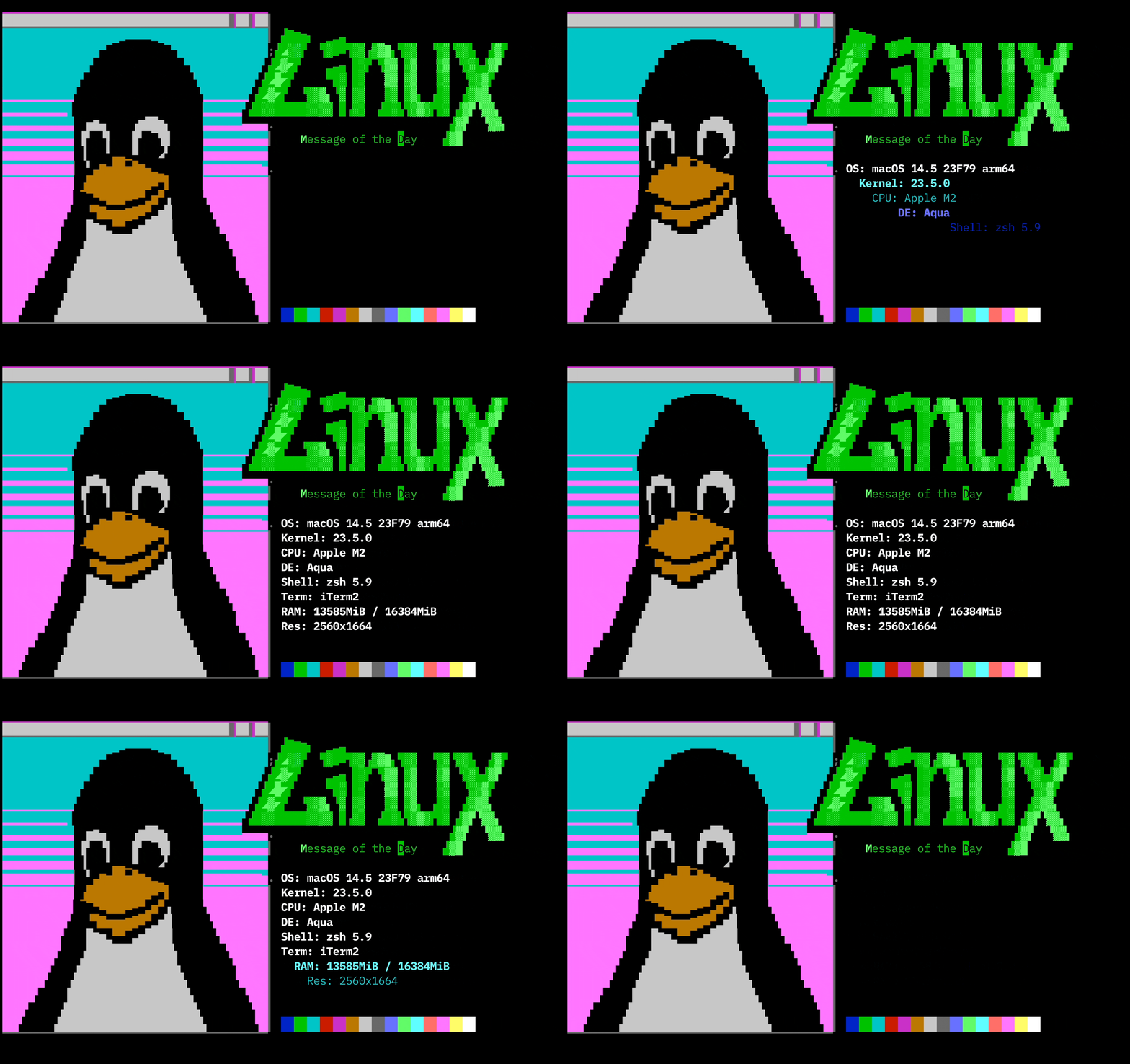
Durfetch是一個像Fetcher一樣的程序。它使用NeoFetch獲得系統統計信息,並要求在路徑中找到新效果。您可以將鍵放入.dur文件中,durfetch將替換為neofetch的值。您也可以使用內置示例動畫。
請注意,此功能在Beta中,遠非完美,但是玩可能很有趣。如果有人想改善Durfetch,請自由。
僅當藝術中有足夠的空間以用於替換價值時,鑰匙才會被替換。
以下值可以在您的藝術中使用,並通過Durfetch自動解釋:
 {OS}
{Host}
{Kernel}
{Uptime}
{Packages}
{Shell}
{Resolution}
{DE}
{WM}
{WM Theme}
{Terminal}
{Terminal Font}
{CPU}
{GPU}
{Memory}
Durfetch可執行文件採用以下命令行參數:
 usage: durfetch [-h] [-r | -l LOAD] [--linux | --bsd] [filename ...]

An animated fetcher. A front-end for Durdraw and Neofetch integration.

positional arguments:
  filename              .durf ASCII and ANSI art file or files to use

options:
  -h, --help            show this help message and exit
  -r, --rand            Pick a random animation to play
  -l LOAD, --load LOAD  Load an internal animation
  --linux               Show a Linux animation
  --bsd                 Show a BSD animation

Available animations for -l:

bsd
cm-eye
linux-fire
linux-tux
unixbox
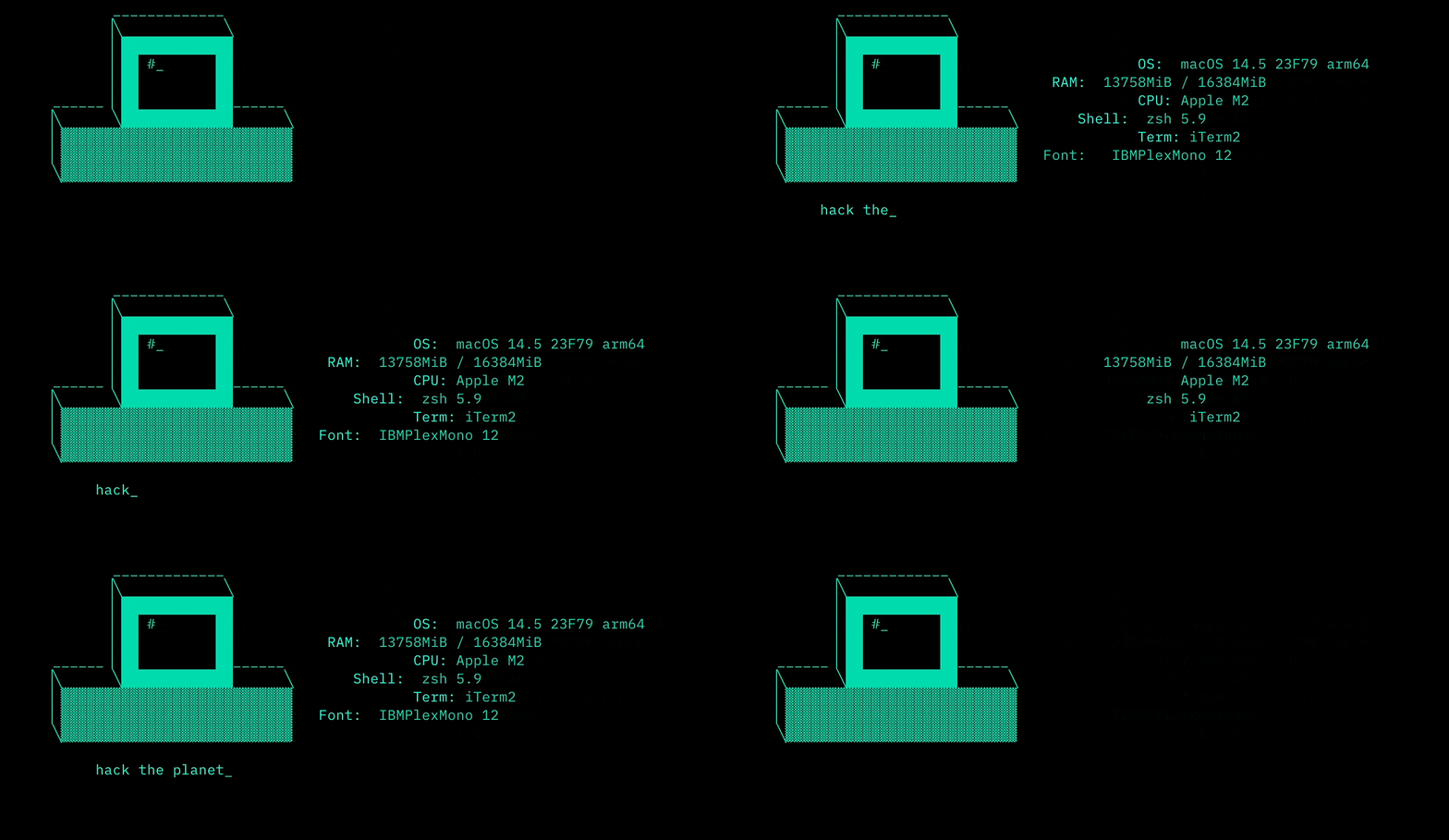
這裡有一些durfetch示例:
答:哦,不!很抱歉,希望沒有任何重要的東西丟失。但是您可以幫助修復它。請在https://github.com/cmang/durdraw/issues/上屏幕截圖並將其發佈為錯誤報告。請嘗試描述您在發生時要做的事情,如果可能的話,包括終端,OS和Python版本的名稱。我會盡力盡快解決它。如果Durdraw崩潰,您的終端可能會開始怪異。您通常可以通過鍵入“重置”並按Enter進行修復。
答:是的,但是傳統的ANSI動畫不能提供對時間安排的任何控制,而是依靠終端波特率來控製播放速度。這在沒有波特率仿真的情況下在現代系統上無法正常工作。 Durdraw對藝術家對幀速率進行了罰款,並且每幀延遲。傳統的ANSI動畫還一次更新動畫一個字符,而Durdraw則一次更新動畫。這使得它不太容易受到從錯誤的終端字符,調整大小的窗口,線噪聲等等事物中的視覺損壞。最後,與需要MS-DOS的Thedraw不同,在現代的Unicode終端中運行。
答:簡短答案:不支持它,但似乎在Linux的Windows子系統(WSL)和使用提供的Dockerfile的Docker中正常工作。長答案:某些版本在沒有WSL的Windows命令提示符,Windows終端等中運行良好,但未對其進行測試或支持。如果您想幫助Durdraw在Windows中更好地工作,請通過測試,提交錯誤報告和提交補丁來提供幫助。
答:可能不容易。 Durdraw需要Python 3和Ncurses。如果您的平台可以支持這些,則可能會運行。但是,Durdraw電影的文件格式是純文本JSON格式。應該可以在不同的操作系統和不同應用程序中支持此格式。有關.dur文件格式的更多詳細信息,請參見Durformat.md。
答:是的! IBM-PC ANSI藝術在“ ANSI藝術場景”中流行的使用Code Page 437字符編碼,通常需要翻譯成現代終端。當Durdraw遇到這些文件時,它將將它們轉換為Unicode並繼續進行。保存ANSI文件時,它將詢問您是否要使用CP437或UTF-8編碼。
答:在您的終端設置中查看“使用明亮的顏色進行粗體”或類似命名的選項。與許多老式終端(包括MS-DOS)一樣,Durdraw的16色模式使用了粗體的逃生代碼來告訴終端顏色“明亮”。這提供了與許多較舊的系統的兼容性。但是,默認情況下,有些終端不支持或啟用此選項。此外,您的終端決定將哪種顏色分配給16種顏色。在許多終端中,Durdraw可以覆蓋默認的16個調色板。為此,單擊菜單 - >設置,然後選擇VGA,Commodore 64或ZX頻譜顏色。
答:您可以通過ESC-0使用ESC-1作為F1-F10的替換。一些終端將將其映射到Alt-1至Alt-0。您還可以在某些終端中使用以下設置來啟用F1-F10鍵:
GNOME終端:單擊:菜單 - >編輯 - >首選項 - >一般,然後取消選中框:
XFCE4末端:單擊:菜單 - >編輯 - >首選項 - >高級,然後選中2個框:
特別感謝以下個人和組織的內容:
Linux雜誌-https://www.linux-magazine.com/issues/2024/281
Linux語音雜誌-https://archive.org/details/linuxvoice/linux-voice-issue-015/page/n71/mode/2up
Bryan Lunduke在Lunduke Journal-https://lunduke.locals.com/post/5327347/durdraw-like-thedraw-but-linux
KORBEN-https://korben.info/editeur-ansi-ascii-unicode-durdraw-creer-art-terminal.html
吉爾·布萊恩特(Jill Bryant)和維恩·斯通(Venn Stone)在Linux遊戲中 - https://www.youtube.com/watch?v=hvzxkqg2vec&t=568S
linuxlinks-https://www.linuxlinks.com/durdraw-ascii-unicode-anicode-ansi-art-editor/
Harald Markus Wirth(HMW)在JavaScript中製作了Web。
如果您寫作,播客,視頻博客或創建有關Durdraw的內容,或者您只是喜歡使用它,我很想听聽您的消息!請通過GitHub項目頁面或[email protected]與我聯繫。
您的支持意義重大!作為一個免費的開源項目,您的捐贈會激發我不斷改進該軟件的動力。感謝您考慮為維持和增強該項目的貢獻。
貢獻有助於支付基本成本,例如開發時間,域名註冊和網絡託管。
您可以使用這些平台中的任何一個為該項目做出貢獻:
PayPal -https://www.paypal.com/donate/?hosted_button_id = vtpzpfmdly4x6
buymeacoffee -https://buymeacoffee.com/samfoster
Patreon -https://patreon.com/samfoster
支持DURDRAD的其他方法包括報告錯誤,提供反饋和貢獻代碼。有關信息和指南,請參考貢獻.MD文件。
如果您需要幫助或對Durdraw有疑問,請隨時在Github上與我們聯繫。我們很樂意提供幫助!
在Github上進行了社區討論,人們將藝術用Durdraw進行。查看:https://github.com/cmang/durdraw/discussions
我們還有一個用於Durdraw用戶的Discord服務器。加入我們:https://discord.gg/9trcsurtzd
如果您感覺真的很老,可以在irc.libera.chat上嘗試#Durdraw IRC頻道。
開發人員:Sam Foster [email protected]。有關貢獻者的完整列表,請參見下面的GitHub頁面。
主頁:http://durdraw.org
開發:https://github.com/cmang/durdraw
ANSI和ASCII藝術家:Cmang,H7,LDA,HK
Durdraw是版權(C)2009-2024 Sam Foster [email protected]。版權所有。
BSD守護程序是Marshall Kirk McKusick的版權1988。
該軟件是根據BSD 3-CAREASE許可證分配的。有關詳細信息,請參見許可證文件。