ZMJImageEditor
0.3.0 release

Tailoring, graffiti, and writing. All kinds of rotations are done well, if you have bug, welcome issue, and the following are several GIF, support Internationale-localizable (剪裁、塗鴉、文字。各種旋轉各種好完,如果有bug,歡迎issue,下面是幾個介紹功能的GIF,支持國際化)
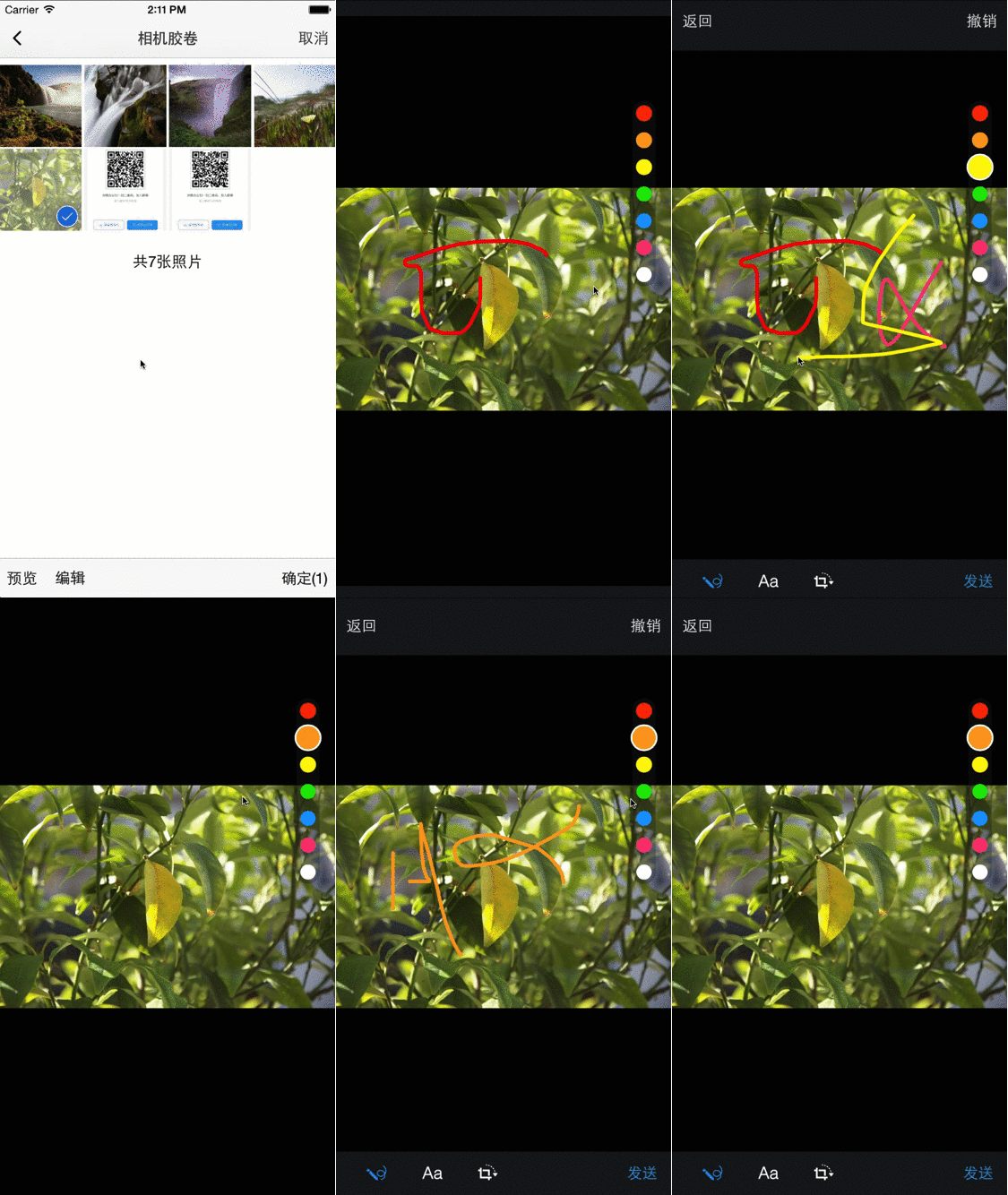
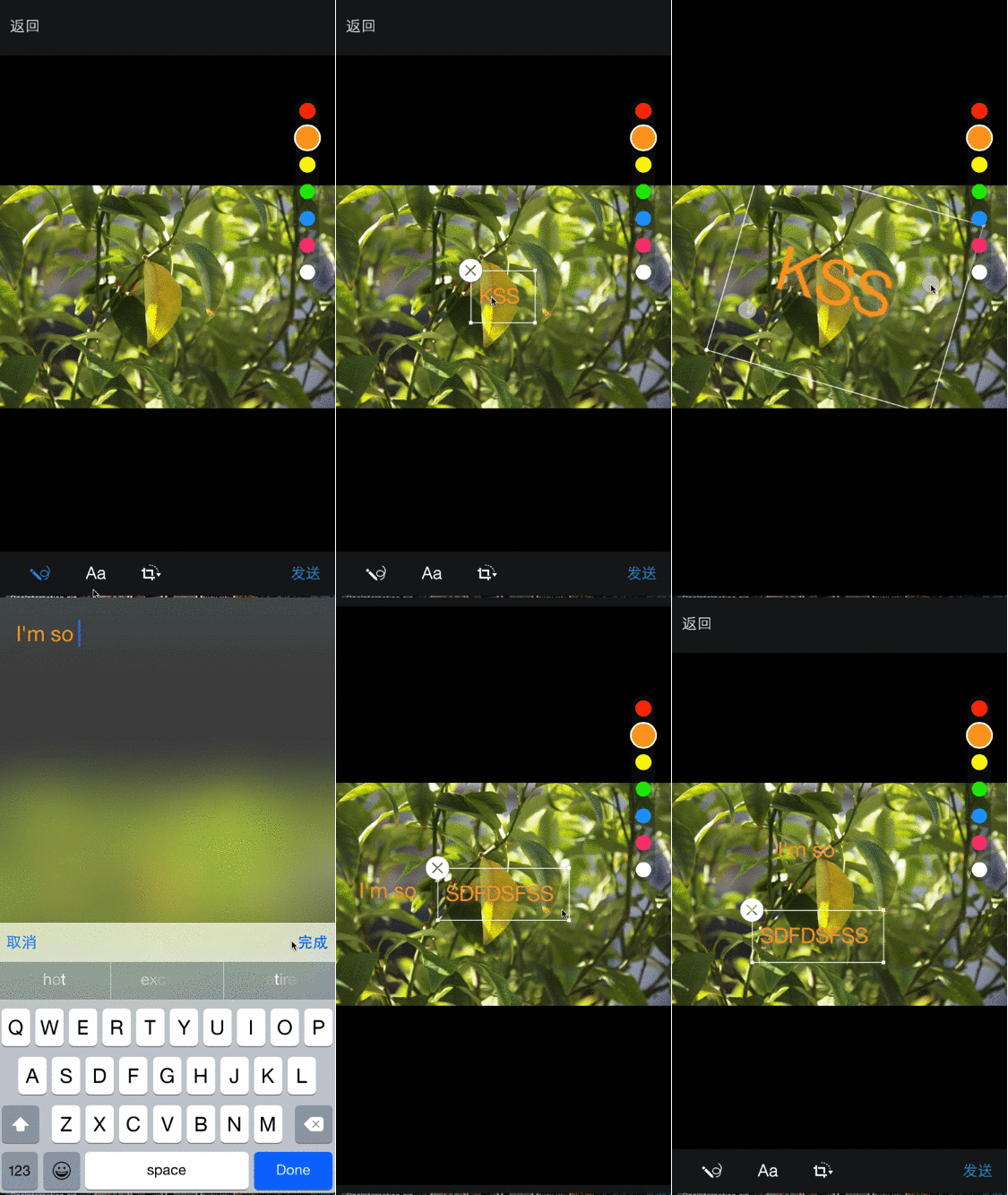
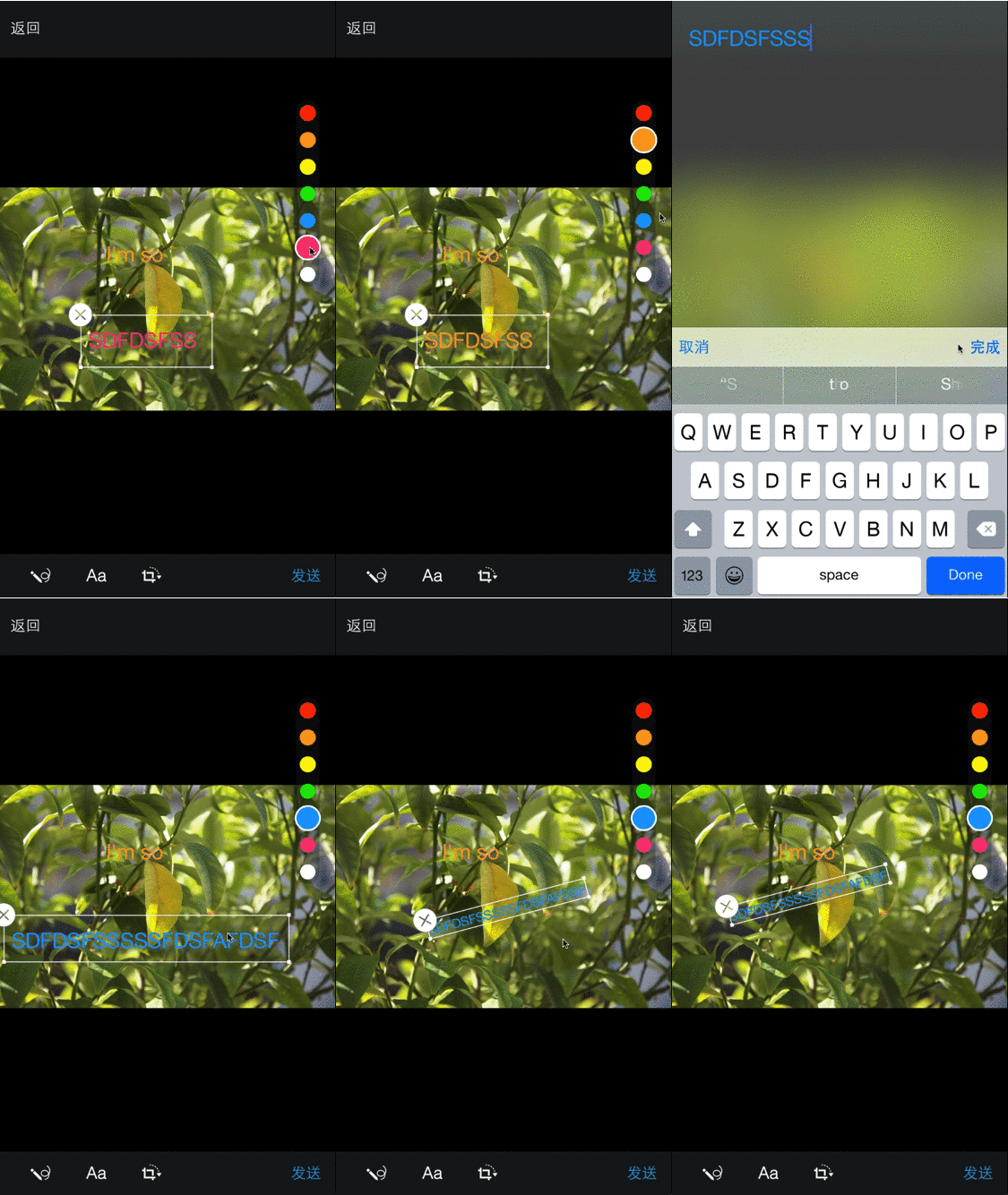
調起
WBGImageEditor *editor = [[WBGImageEditor alloc ] initWithImage: _imageView.image delegate: self ];
[ self presentViewController: editor animated: YES completion: nil ];
回調delegate
# pragma mark - WBGImageEditorDelegate
- ( void )imageEditor:(WBGImageEditor *)editor didFinishEdittingWithImage:(UIImage *)image {
self. imageView . image = image;
[editor.presentingViewController dismissViewControllerAnimated: YES completion: nil ];
}

- ( void )imageEditorDidCancel:(WBGImageEditor *)editor {

}
增加了圖片資源回調
# pragma mark - WBGImageEditorDataSource
- ( NSArray <WBGMoreKeyboardItem *> *)imageItemsEditor:(WBGImageEditor *)editor {
    return @[
             [WBGMoreKeyboardItem createByTitle: @" p1 " imagePath: @" p1 " image: [UIImage imageNamed: @" p1 " ]],
             [WBGMoreKeyboardItem createByTitle: @" p2 " imagePath: @" p2 " image: [UIImage imageNamed: @" p2 " ]]
             ];
} To run the example project, clone the repo, and run pod install from the Example directory first.
and this is the demo project
iOS7+
ZMJImageEditor is available through CocoaPods. To install it, simply add the following line to your Podfile:
pod "ZMJImageEditor" keshiim, [email protected]
ZMJImageEditor is available under the MIT license. See the LICENSE file for more info.






