ZMJImageEditor
0.3.0 release

맞춤, 낙서 및 글쓰기. 모든 종류의 회전이 잘 이루어지고, 버그, 환영 문제가 있고 다음은 여러 GIF이며, 국제적으로 국제적으로 국제화 할 수있는 지원 (절단, 낙서, 텍스트. 모든 종류의 회전이 완료됩니다. 버그가 있으면 무료로 발행하십시오. 다음은 국제화를 지원하는 기능을 소개하는 몇 가지 선물입니다).
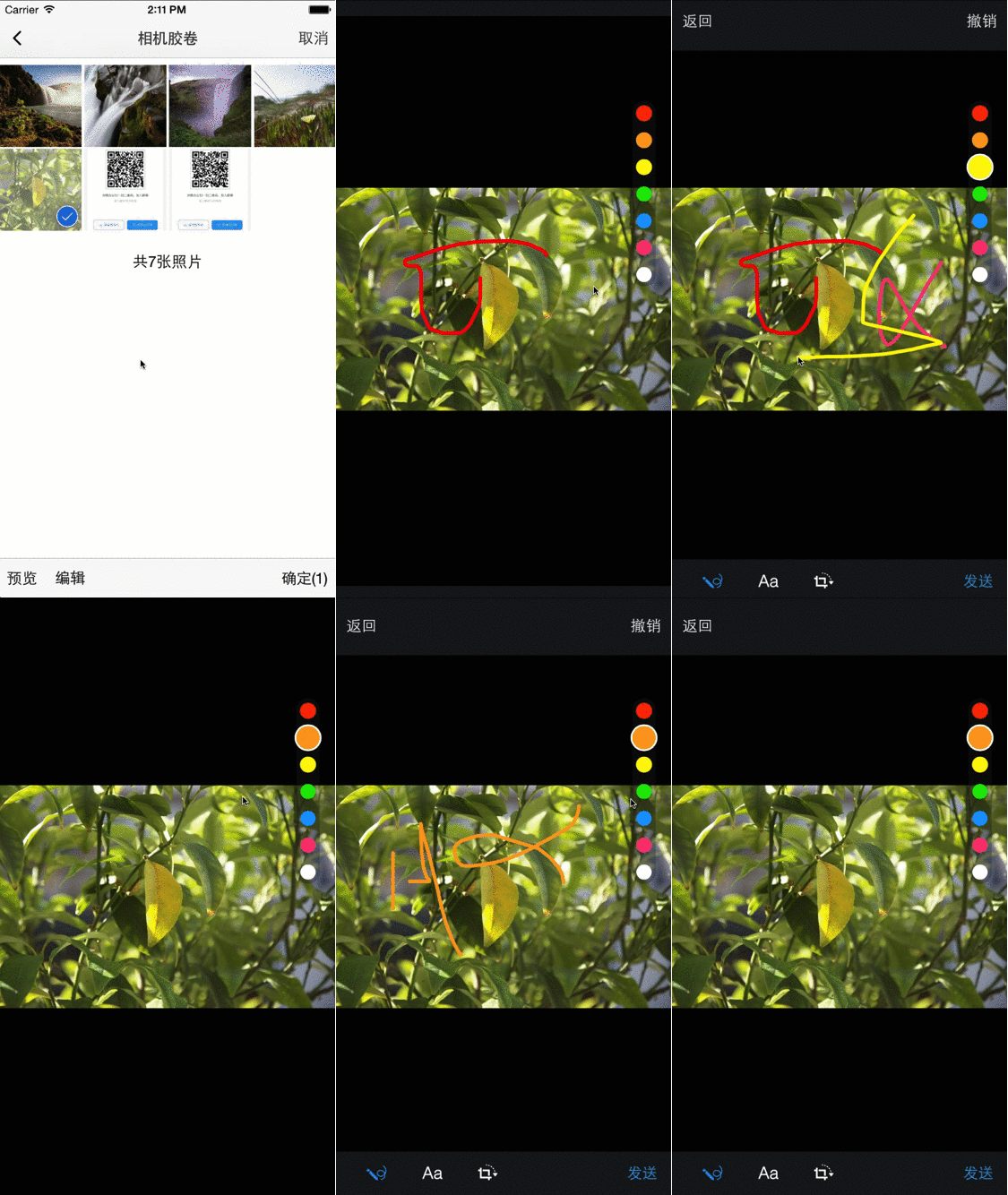
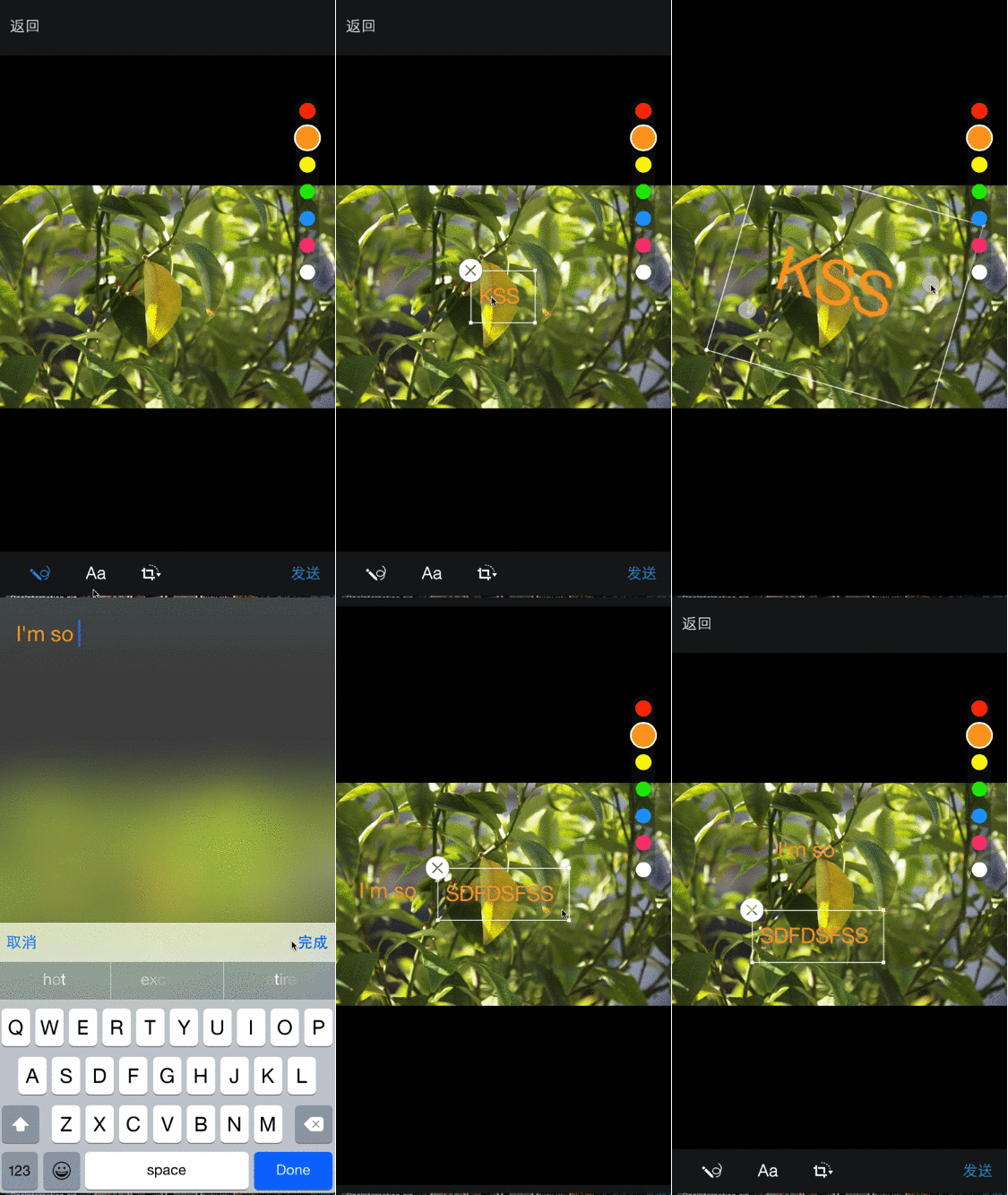
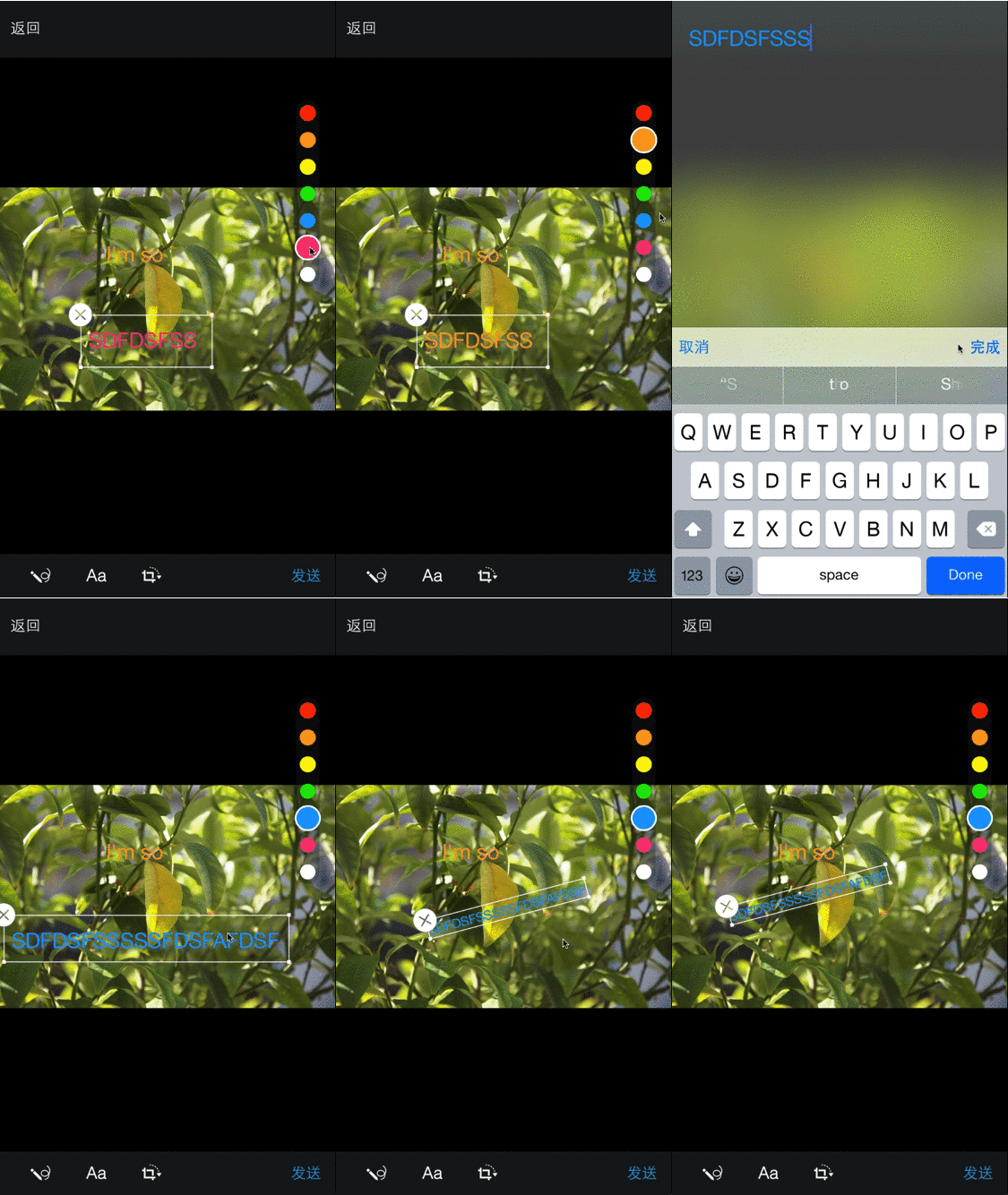
조정하다
WBGImageEditor *editor = [[WBGImageEditor alloc ] initWithImage: _imageView.image delegate: self ];
[ self presentViewController: editor animated: YES completion: nil ];
콜백 대표
# pragma mark - WBGImageEditorDelegate
- ( void )imageEditor:(WBGImageEditor *)editor didFinishEdittingWithImage:(UIImage *)image {
self. imageView . image = image;
[editor.presentingViewController dismissViewControllerAnimated: YES completion: nil ];
}

- ( void )imageEditorDidCancel:(WBGImageEditor *)editor {

}
이미지 리소스 콜백이 추가되었습니다
# pragma mark - WBGImageEditorDataSource
- ( NSArray <WBGMoreKeyboardItem *> *)imageItemsEditor:(WBGImageEditor *)editor {
    return @[
             [WBGMoreKeyboardItem createByTitle: @" p1 " imagePath: @" p1 " image: [UIImage imageNamed: @" p1 " ]],
             [WBGMoreKeyboardItem createByTitle: @" p2 " imagePath: @" p2 " image: [UIImage imageNamed: @" p2 " ]]
             ];
} 예제 프로젝트를 실행하려면 Repo를 복제하고 먼저 예제 디렉토리에서 pod install 실행하십시오.
그리고 이것은 데모 프로젝트입니다
iOS7+
ZmjimageEditor는 Cocoapods를 통해 사용할 수 있습니다. 설치하려면 Podfile에 다음 줄을 추가하십시오.
pod "ZMJImageEditor" keshiim, [email protected]
ZmjimageEditor는 MIT 라이센스로 제공됩니다. 자세한 내용은 라이센스 파일을 참조하십시오.






